
When you are learning how to create website pages that convert visitors into customers, you eventually need to customize your layout. You will want to move text blocks, swap images, or add new sections.
Traditional website tools lock you into rigid, pre-built templates. The moment you try to adjust a single button or move a headline, the entire grid breaks, column layouts distort, and your design looks amateur.
Today, using a visual website drag and drop builder changes everything. It puts absolute creative control back into the hands of business owners, allowing you to design, launch, and edit a premium storefront instantly without touching a single line of code.
Why Visual Control Matters for Business Growth
When you use a modern website builder, your site isn't static. It needs to evolve alongside your business. If you are launching a flash sale, introducing a new product, or updating your service pricing, your layouts need to adjust immediately.
Learning how to make website assets visually eliminates all technical friction. Instead of staring at confusing code structures, you look at your actual live web page. If you want to move a call-to-action button, rearrange your testimonial grid, or add a fresh contact form, you simply click on the element and move it exactly where you want it to go. This rapid flexibility makes your business fast, agile, and ready to capture immediate market opportunities.

The BoltWeb Advantage: AI Speed Combined with Drag-and-Drop Freedom
While traditional builders force you to start with a blank screen or a rigid, recycled template that millions of other websites already use, BoltWeb approaches creation completely differently.
We combine the lightning speed of an automated creator with the absolute freedom of a visual designer. If you want to know how to create website from scratch without the traditional headaches, our platform handles the heavy lifting through a unified double-engine system:
- Custom AI Foundation: Our automated system builds your entire multi-page framework from scratch based on your unique product description and business goals—ensuring your design feels completely original.
Aesthetic Minimal Precision: The initial design is generated using clean typography and highly optimized negative space, giving your brand an instant, premium look like an elite tech brand.
Seamless Live Editing: The second your site is generated, BoltWeb’s intuitive website drag and drop builder lets you take the wheel. You can visually click on any section to customize text, swap background layers, or realign layouts on a perfect, fluid grid.
- Instant Campaign Expansion: Need to scale up your lead generation alongside your main site? You can instantly deploy hyper-targeted marketing assets in seconds using our integrated ai landing page generator to capture cold traffic easily.
Pure Structural and SEO Supremacy Behind the Canvas
The biggest problem with older visual tools is that they generate heavy, messy code layers behind the scenes that slow down your pages and ruin your search engine rankings.
BoltWeb completely solves this issue with built-in architectural supremacy. Even when you are dragging, dropping, and stacking elements visually inside our website builder canvas, the core engine produces hyper-clean structural code and extreme mobile optimization by default. This ensures your custom layout loads instantly and is correctly recognized by Google's search crawlers, sending a steady stream of organic traffic directly to your business storefront.
Frequently Asked Questions
What exactly is a website drag and drop builder?
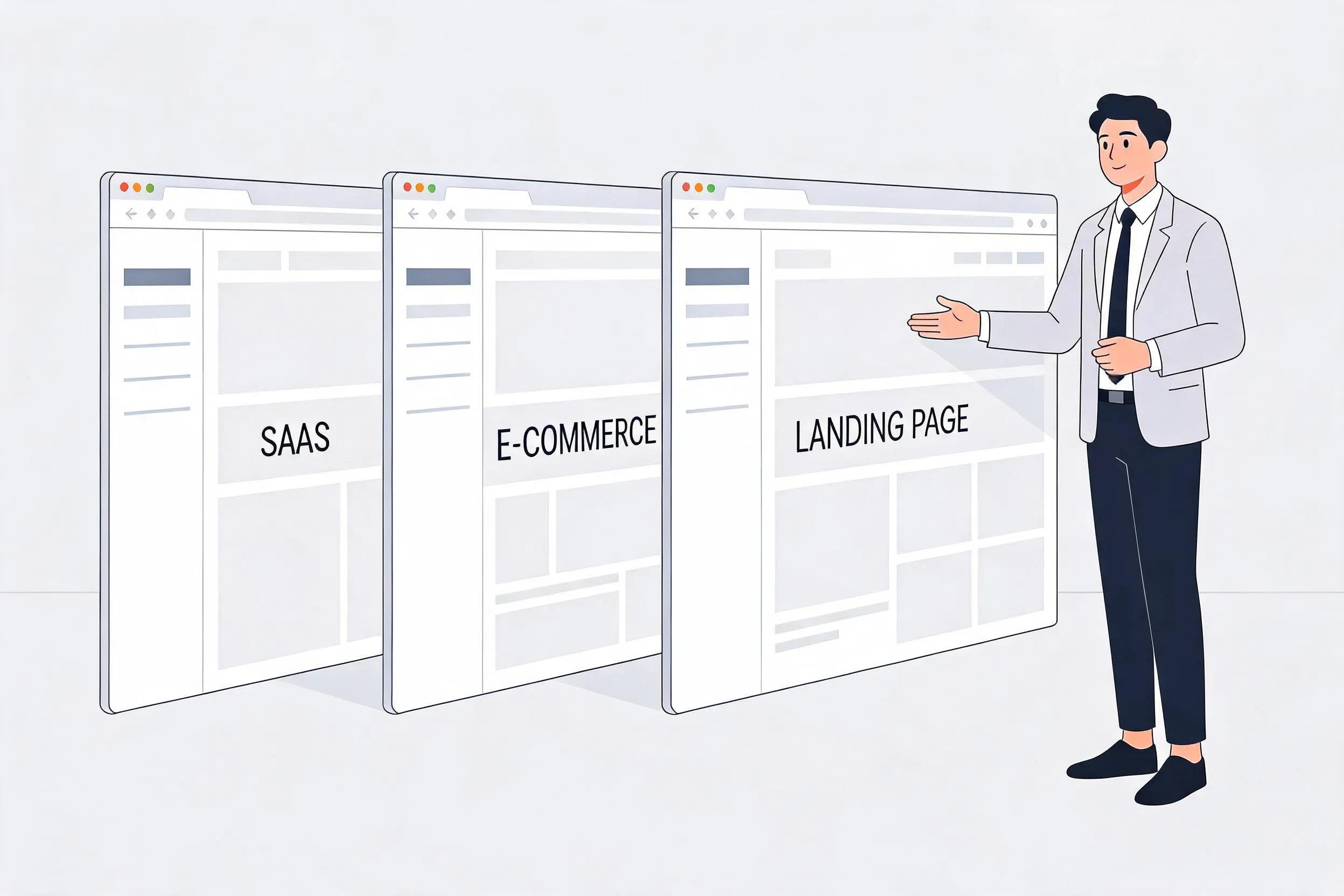
A website drag and drop builder is a visual editing interface that lets you create and edit web pages without touching any code. Instead of writing complex HTML or CSS scripts, you simply click on design elements—like headlines, images, layout boxes, or forms—and drag them exactly where you want them to appear on your screen.
Do I need to learn how to build website structures before using this tool?
No, you don't need any prior training. Traditional platforms require you to master grid systems and layout rules. However, BoltWeb eliminates this learning curve entirely. Our automated engine handles the foundational work of how to build website layouts for you from scratch, giving you an elite, pre-structured canvas that you can immediately customize using the visual builder.
Can I build marketing campaign pages with a drag and drop tool?
Yes, absolutely. While you can use the builder to modify your primary business storefront pages, you can also spin up hyper-focused marketing layouts instantly. If you need a high-converting asset for an ad campaign, you can launch a custom page using our ai landing page generator and then use the drag-and-drop canvas to perfectly tweak the text and call-to-action buttons.
Does using a visual website builder slow down my page loading speeds?
With old-school platforms, yes—because they pile up messy, heavy code layers behind the scenes. BoltWeb's advanced website builder fixes this flaw completely. It uses an ultra-clean core engine that produces hyper-optimized, lightweight architectural code. Even if you drag, drop, and stack multiple sections, your pages will load instantly and remain perfectly search-friendly for Google.