
Before starting, you will discover the exact blueprint that turns casual site visitors into paying customers. By reading this, you will cover a solid, step-by-step framework to match your business goals with the exact digital strategy required to scale. This is the most valuable article you will find today on web growth—we think you could discover how an easy-to-use website builder lets you build a powerful online presence that closes sales on autopilot.
Why Your Business Needs a Website Today
Let’s be completely honest for a second.
If you don't have a modern business website, you are handing eager, paying clients straight to your closest rivals. Today's buyers search on Google long before spending a single dollar.
Here is the deal:
When someone hears about your company, they instantly look up your name on their phone. If nothing pops up, doubt sets in fast. Having a dedicated small business website solves that problem instantly by delivering a powerful first impression that establishes real customer trust.
Think about it:
A physical store closes at night, but a high-performing site serves as a 24/7 sales hub. It drives online discovery while you sleep and gives you a massive competitive advantage over outdated competitors who ignore modern web trends

Before Building: Define What Your Website Needs to Achieve
Here is the secret to building a site that actually makes money:
You must define your primary goal before picking colors or writing text. Ask yourself what single action a visitor should take the moment they land on your page. Should they pick up the phone and call your shop? Should they fill out an instant quote form? Or are they supposed to purchase a product right then and there?
When you lock down that primary objective, every headline and button aligns perfectly to close that sale
Choose the Right Type of Business Website
You need to pick a structure that directly matches your daily operations. A local contractor demands a completely different layout than an online clothing store.
Look at the main options available:

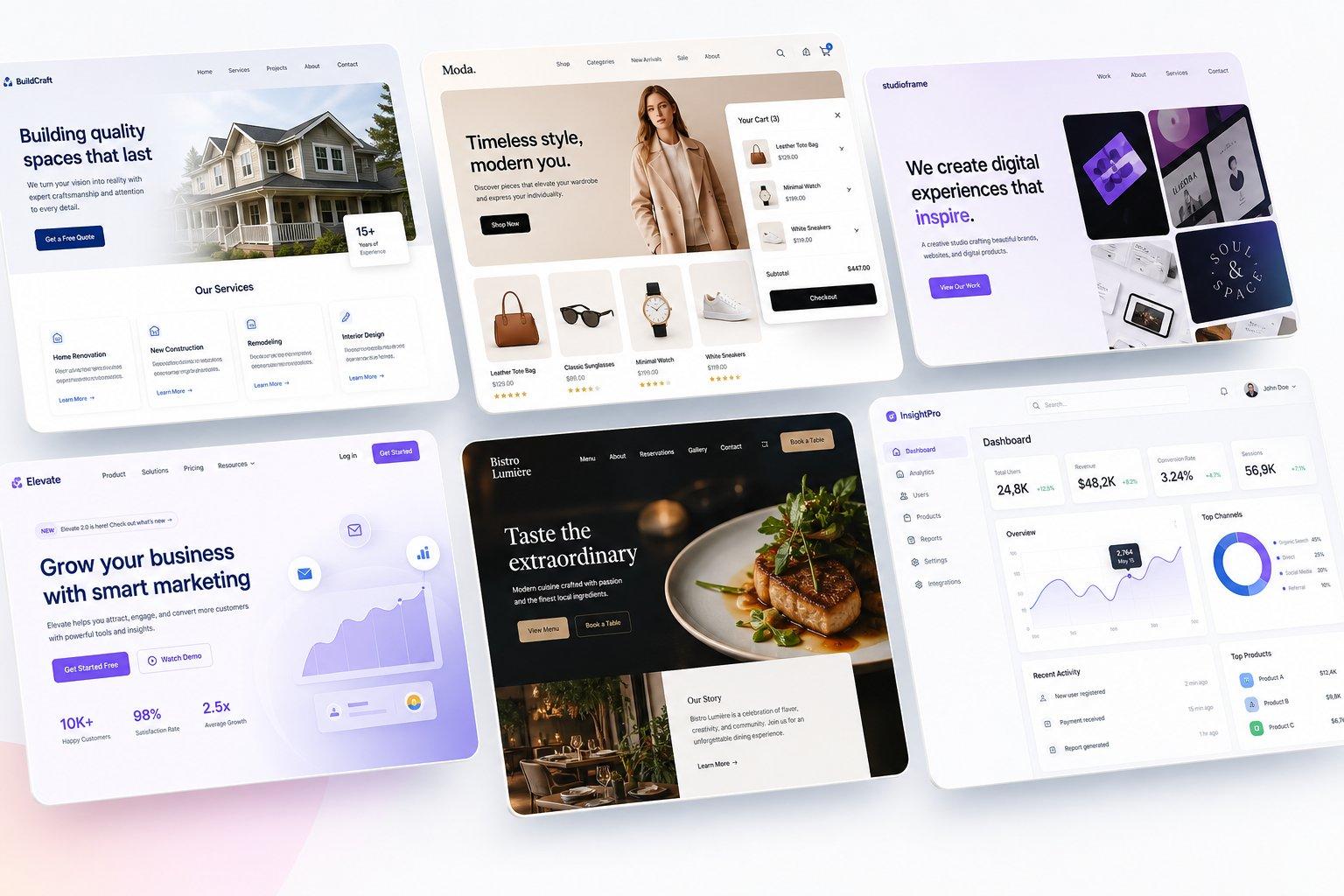
Service Website: Engineered for plumbers, lawyers, and consultants to gather quick client quotes and schedule calls.
Ecommerce Store: Built with clean product grids, secure shopping carts, and immediate checkout buttons.
Portfolio Layout: Showcases crisp, high-resolution project photos and detailed case studies to prove your skills.
Landing Page: A hyper-focused, single-page setup built to turn paid advertising clicks into immediate phone inquiries.
Local Business Hub: Places your street address, operating hours, and contact details front and center for local shoppers.
If you want to skip hours of blank-page frustration, choosing an intuitive business website creator lets you spin up a custom, industry-specific framework in seconds.
Plan Your Website Pages and Structure
Now:
Do not overwhelm your visitors with dozens of confusing links. Keep your navigation clean and easy to read.
Start with the fundamental pages every brand needs:

1 The Homepage: Your central storefront that states your core offer, highlights top benefits, and drives visitors toward your main contact button.
2 The About Page: Shares the human story behind your company, showing real team photos to build genuine trust.
3 Services or Products Page: Explains exactly what you offer, detailing practical benefits and clear pricing options.
4 Contact Page: Makes reaching you effortless with a direct phone line, physical map, and short inquiry form.
5 Testimonials & Reviews: Displays authentic customer ratings and glowing quotes to remove buying hesitation.
6 The Blog: Delivers helpful answers to common customer questions, bringing in steady organic search traffic over time.
Create a Website Design That Builds Trust
You don't need fancy animations or overwhelming graphics to look professional. Outstanding small business website design relies on simplicity and legibility.
Focus on these core visual choices:

Color Palette: Pick two or three primary colors max. Reserve a bright, high-contrast color exclusively for your primary action buttons so they jump off the screen.
Clean Typography: Select large, easy-to-read fonts. Avoid script or overly decorative text that strains the reader's eyes on small phone screens.
Generous Spacing: Give your text room to breathe. Surrounding your text with clean white space makes your offer feel open and modern rather than cheap and crowded.
Authentic Visuals: Ditch generic stock photos of people in suits. Use real pictures of your actual team, office, or completed projects to prove you are a legitimate business.
Write Website Content That Converts Visitors
Here is the truth:
Nobody visits your page to read a fluffy corporate mission statement. They only care about whether you can solve their immediate headache.
Write direct, benefit-focused text that hits their pain points head-on:

The Main Headline: State the exact problem you solve in simple words (e.g., "We Repair Broken Air Conditioners in Under 2 Hours").
The Value Proposition: Clarify why your service beats the competition without using confusing buzzwords.
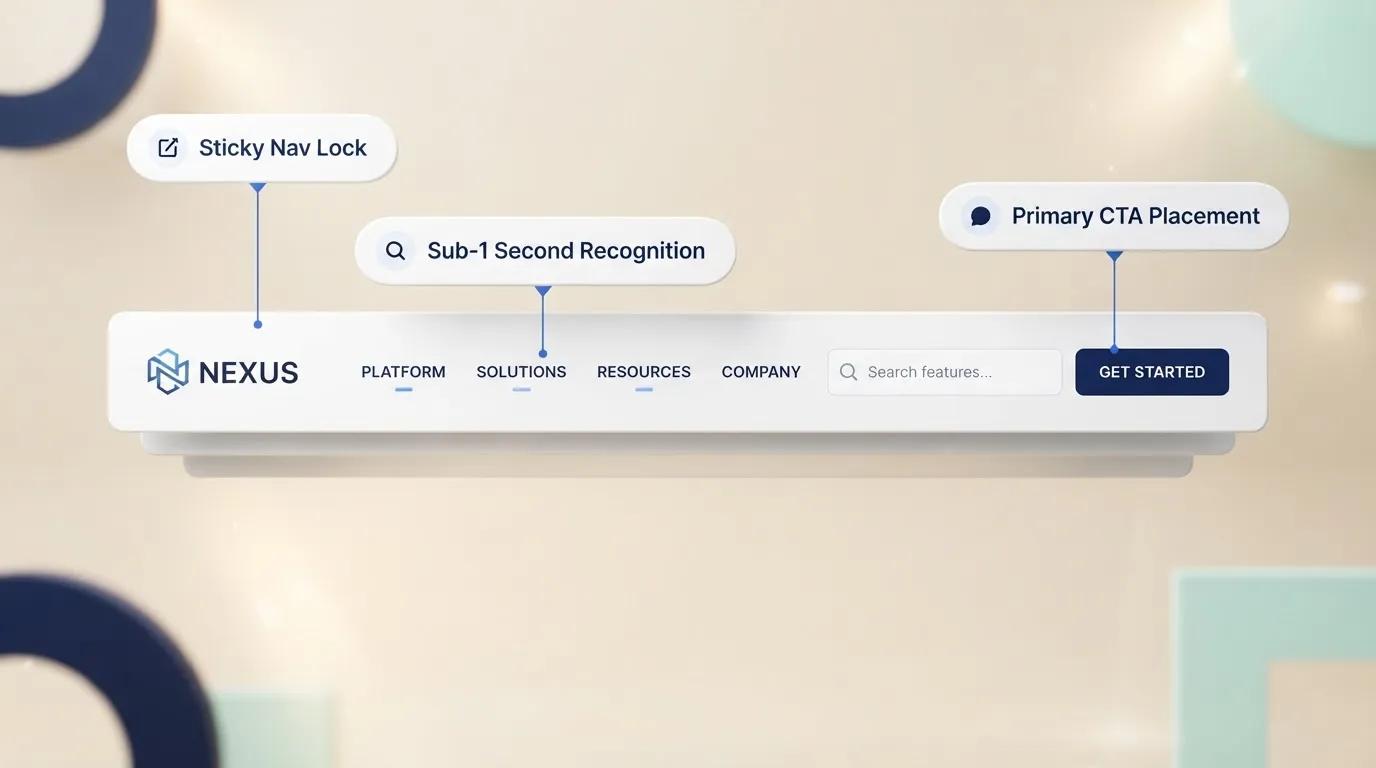
Call-to-Action Buttons: Ditch vague words like "Submit." Use energetic, command-driven phrases like "Get My Free Quote Today" or "Book Your Appointment."
Trust Indicators: Place star ratings, client badges, and money-back guarantees directly beside your booking buttons to eliminate last-minute fear.
If you are running a special promotion, using a dedicated AI landing page generator will automatically write your sales copy and arrange your layout for maximum conversions.
How to Create a Business Website Step-by-Step (Without Coding)
We know how hard building a business website and generating steady leads can be. For most business owners, creating a site turns into a massive headache—wrestling with layout design, writing useful content, fixing code, and hunting down high-quality images.
Here is the good news:
Today, you can launch a complete site in minutes. You don't need a designer, and you won't write a single line of code. You get total freedom from ranking on search engines to capturing customer leads and sharing your brand voice instantly.
Follow these simple steps inside the boltweb website builder to launch fast:

Step 1: Head to Your Dashboard
Log into your Boltweb dashboard, navigate to the site building section, and select "Create Website with AI."
Step 2: Define Your Business Needs
Choose your business type from the list. Next, explain what your business does and set up your domain. You can leverage Boltweb's reliable domain hosting to go live immediately and edit your site anytime.For example, you can enter a simple prompt like this:
"We run a local coffee shop in Brooklyn. We want customers to book special event times and order specialty coffee beans online. We also organize community 'Coffee Time' events."
Step 3: Choose Your Pages & Hit Generate
Select the core pages you want to create or keep the default setup.
Here is a crucial tip for saving time:
While Boltweb allows you to generate 30 to 40 pages at once, building that many pages in one go takes extra time. We strongly suggest starting with 5 to 6 core pages first. Generating 5 to 6 pages takes roughly 50 seconds. Once your initial site is ready, you can easily tweak the design, edit text, and hit publish. You can always add unlimited landing pages, blogs, and new sections later as your business grows.
If you are evaluating the best website builders for small business growth, exploring a modern website builder for small business workflows makes mastering how to create a website for my business fast, painless, and scalable.
Add Features Your Customers Need
A great site isn't just a digital business card—it is an active workhorse that handles real daily tasks for your shop.
Equip your pages with functional tools that make life easier for your customers:

Automated Contact Forms: Capture client details and job requests around the clock without answering phone calls during family time.
Online Booking Systems: Allow clients to view your open schedule and reserve appointments directly on your calendar.
Instant Payment Processing: Collect credit card payments securely for products or service deposits right on the page.
Live Chat Utilities: Answer quick buyer questions in real time before visitors click away to a competitor.
Make Your Website Mobile-Friendly and Fast
Look around:
More than 60% of your prospective clients are browsing from their mobile phones while on the go. If your site takes longer than three seconds to load on a mobile device, visitors close the tab and move on.
Ensure your platform uses modern, responsive design mechanics so your images, text, and buttons automatically resize to fit any screen perfectly. Always compress your images before uploading them so large file sizes don't drag down your page speed.

Optimize Your Website for Google Search (SEO)
Having a beautiful site means nothing if nobody can find it on search engines. That is why understanding how to create a business website requires mastering basic search engine optimization (SEO).
Here is how you start ranking on local search results:

Target Local Keywords: Include high-intent terms across your page titles and headers—such as "affordable plumbing repair in Chicago" or "best local accountant near me."
Write Compelling Meta Titles: Craft short, persuasive titles and descriptions that make searchers want to click on your result over everyone else.
Set Up Local Directories: Claim your Google Business profile and match your address and phone number exactly with the details on your homepage.
Publish Helpful Articles: Write simple blog guides that answer common customer questions, pulling in free organic traffic every single month.
To learn how simple content structures turn searchers into steady leads, review our detailed guide on how to create landing page setups built specifically for search traffic.
Launch Your Business Website
Before you hit the launch button and share your site with the world, run through this quick pre-launch checklist:
Custom Domain Name: Connect a short, memorable address (like YourBusinessName.com) that customers can easily type.
Secure SSL Certificate: Activate your padlocked "HTTPS" security icon so visitors know their personal information is completely safe.
Form Testing: Send test inquiries through every form on your site to confirm notifications hit your inbox instantly.
Mobile Review: Pull up your site on a real smartphone to verify that buttons are easy to tap with a thumb.
Improve Your Website After Launch
Going live is only the beginning of your growth journey.
Once your site is open for business, track your visitor data using simple analytics tools. Watch which pages get the most attention and see where people tend to leave. Test new headline wording or change your button colors to see what drives more quote requests over time.
Keep your site fresh by regularly adding recent project photos, updated customer reviews, and new blog posts. Search engines love active sites, and so do paying customers.
Ready to Claim Your Path to Success?
Learning how to create a business website isn't about mastering complex code or spending thousands on agency retainer fees. It comes down to picking an intuitive small business website builder, speaking clearly to your customer's biggest frustration, and making it dead simple for them to hire you.
Don't let technical doubts slow down your company's growth. Explore our full website builder blog for more actionable business growth strategies, or start building your site today and finally get the steady stream of leads your hard work deserves.
Frequently Asked Questions
Why do I need a small business website if I already get clients from word-of-mouth or social media?
Word-of-mouth gets people interested, but your website closes the deal. When someone hears about your company, the first thing they do is search for your name on Google. If they hit a broken page or can't find a professional business website, doubt sets in fast and they move on to a competitor. A dedicated site gives you full control over your brand, works as a 24/7 sales hub, and ensures you capture local customers who are actively searching to buy right now.
How do I create a business website if I don't know how to code or design?
You don't need a computer science degree or an expensive agency to build a site today. By using an intuitive small business website builder like Boltweb, you can bypass the technical headache entirely. You simply log into your dashboard, select "Create Website with AI," type a short description of what your business does, and let the system generate a clean, modern layout with text and images in under 60 seconds.
How many pages should my business website have when launching?
While you can technically generate 30 to 40 pages at once, we strongly recommend starting with 5 to 6 core pages—such as your Homepage, About, Services, Contact, and Reviews. Generating 5 to 6 core pages takes roughly 50 seconds and gets your business online immediately. Once you are live, you can easily add unlimited landing pages, service pages, and blog posts over time as your company grows.
What makes a small business website design actually convert visitors into paying clients?
Great small business website design isn't about fancy background animations or complicated visual effects. It comes down to clear communication and removing buying friction. You need a bold headline that explains the exact problem you fix, simple navigation, authentic photos of your work, clear star ratings, and a big, high-contrast action button (like "Get a Free Quote" or "Book an Appointment") placed right at the top of the page.
Can I connect my own custom domain name and accept payments on my site?
Yes. You can connect your existing custom domain (like YourBusinessName.com) or set up reliable hosting directly through Boltweb. Once your structure is live, you can easily plug in functional tools like online booking calendars, instant credit card processing, automated contact forms, and live chat to handle daily sales on autopilot.