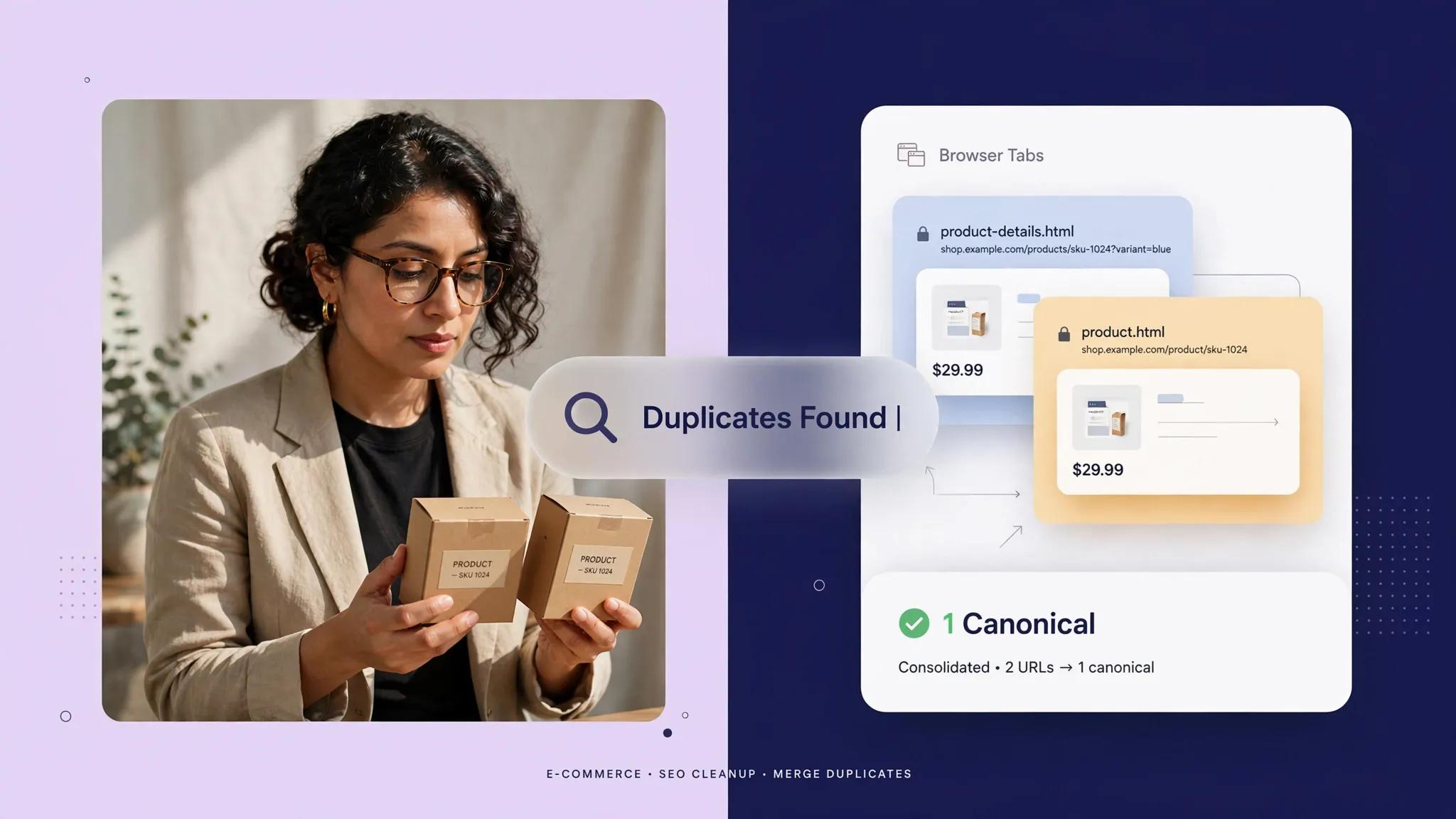


You open your site's performance reports on a Tuesday morning, look at your ranking pages, and realize something is off: Two nearly identical versions of your main service offer are competing against each other in Google, splitting your clicks right down the middle while a competitor quietly slides into the top spot.
Here is the plain truth: Having duplicate pages doesn't mean Google is slapping your domain with a manual penalty. What it actually does is confuse search engines about which URL deserves to rank, diluting your link equity, wasting your crawl budget, and burying your strongest page beneath your own lookalike URLs.
Learning how to find duplicate website pages clears that fog immediately. It consolidates your ranking power onto one authoritative URL so search engines know exactly where to send your buyers.
Hunting down lookalike URLs used to require exporting massive spreadsheets and comparing thousands of lines of code by hand. Modern digital architecture removes that friction completely. When you run your storefront on BoltWeb, finding duplicate pages is practically effortless. Inside your BoltWeb dashboard, the built-in AI Foundry scans your site structure automatically, detects overlapping URLs and competing content blocks, and highlights exact consolidation fixes in a single click. Instead of wrestling with messy server rules, you save hours of technical maintenance and put your energy right back into scaling your business.
Here is your complete operational blueprint to uncover duplicate URLs, fix canonical confusion, and concentrate your search authority where it drives revenue.
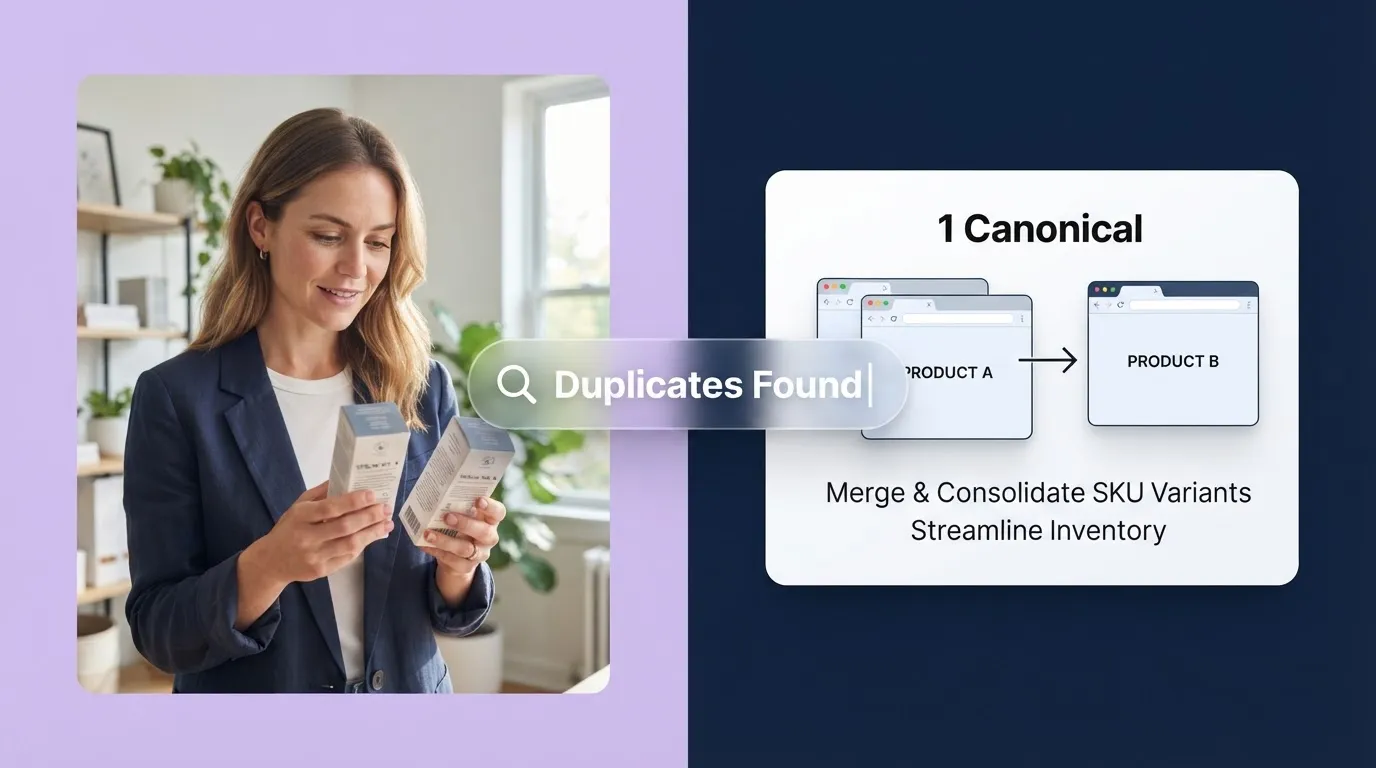
1. How to Find Duplicate Website Pages and Why They Matter for SEO
Let's clear up one of the biggest myths in search optimization right away: Duplicate content rarely triggers an outright Google penalty unless someone is maliciously scraping content from other sites. The real damage is silent self-sabotage. When two or three URLs on your domain display identical or heavily overlapping copy, Google has to guess which version belongs in the search results.
| Duplicate URLs | Substantially Similar Content |
|---|---|
| Different web addresses loading the exact same page (e.g., tracking parameters). | Separate pages that only swap a city name or minor word while keeping 90% of the exact same body copy. |
Instead of combining your backlinks and engagement signals into one powerhouse page, search engines split those signals across multiple addresses. Mastering how to find duplicate website pages protects your domain from internal competition, keeping lookalike URLs from weakening your website duplicate content authority (start with the 12-point readiness checklist that flags duplicate page conflicts early).
2. Find Duplicate URLs in Google Search Console
You do not need to guess how search crawlers interpret your pages when Google shows you its exact canonical decisions inside your search dashboard. Open the Page Indexing report inside Google Search Console and look closely at two specific exclusion statuses:
- Duplicate without user-selected canonical: Google found multiple identical URLs, saw no canonical tag telling it which one you prefer, and picked a primary version on its own.
- Duplicate, Google chose different canonical than user: You declared a preferred URL, but conflicting internal links or redirects convinced Google to ignore your choice and index a different address instead.
Paste any questionable link into the top URL Inspection bar to compare your User-declared canonical against the Google-selected canonical (explore official index troubleshooting inside the Google Search Console Page Indexing Report guide). Using these reports helps you diagnose Google Search Console duplicate pages and clean up duplicate URLs SEO issues fast (also see how to surface hidden indexing problems inside Search Console reports).
3. Use a Website Crawler to Find Duplicate Pages at Scale
Clicking through hundreds of live links one by one is an exhausting waste of your time. Running a structured scan with a technical crawler like Screaming Frog SEO Spider maps out every overlapping element across your entire site in minutes. Once your crawl finishes, filter your report across four high-signal columns:
- Page Titles & Meta Descriptions: Sort by Duplicate to spot separate URLs sharing identical search snippets.
- H1 Headings: Identify multiple pages using the exact same primary headline.
- Near-Duplicate Content: Adjust similarity thresholds to catch pages that share 85% or more of their body text.
- Canonical Directives: Spot missing, conflicting, or self-referencing canonical tags side by side.
Running a dedicated duplicate page checker and website crawler duplicate content scan makes it easy to find duplicate pages on website directories at scale (learn how to spot your strongest pages so you know which URL deserves to win).
4. Check Duplicate Page Content with a Duplicate Content Checker
Do not panic if two service pages share the same header menu, footer links, customer review widget, or legal disclaimer. Search engines easily recognize standard template boilerplate and ignore repeated site-wide navigation blocks. What matters is the unique main content area inside the body of your page.
| Harmless Shared Elements | Problematic Content Duplication |
|---|---|
| Navigation menus, footers, cookie banners, contact bars. | Identical service descriptions, copied product specs, or cloned city pages. |
When two URLs share identical core paragraphs, product descriptions, or value propositions without offering distinct information to the visitor, search engines struggle to justify indexing both. Using a duplicate content checker sharpens your duplicate content detection, separating true near-duplicate pages from normal site templates (also see how to write SEO-friendly website content that holds unique value on every URL).
5. Find Duplicate Pages Caused by URL Variations
Look closely at your browser address bar, because tiny formatting differences can generate dozens of separate URLs that all load the exact same page. To a human visitor, yourdomain.com/pricing and yourdomain.com/pricing/ look identical. To a search engine crawler, those are two completely separate web addresses competing for the same search queries. Watch out for these common URL variations:
- Protocol & Hostname Splits: http://, https://, www., and non-www versions resolving independently without a single forced redirect.
- Trailing Slashes & Letter Casing: /Service-Page and /service-page/ both returning live 200 OK status codes.
- Marketing & Tracking Parameters: Email tags, UTM strings (?utm_source=newsletter), and session IDs creating indexable duplicates of your core landing pages.
Running a duplicate URL checker helps you resolve URL variations SEO leaks and eliminate duplicate URLs website bloat (also see building an SEO-friendly website structure that prevents URL proliferation at the root).
Consolidate Your Search Authority with BoltWeb
Stop losing top Google rankings to competing URL variations, messy CMS filters, and conflicting canonical signals. Launch your storefront on BoltWeb, attach your custom domain, and let the built-in AI Foundry detect duplicate pages and automate clean canonical routing in a single click.
Get Started On Your Journey →6. Identify Duplicate Pages Created by Your CMS, Filters, and Website Navigation
Content management systems and e-commerce platforms love creating extra URLs behind your back. Every time a shopper clicks a color filter, sorts products by price, or browses blog tag archives, your platform can spin up a brand-new URL displaying the exact same items in a slightly different order. Audit your platform for these automatic duplicate generators:
- Faceted Navigation & Sorting Parameters: URLs ending in ?sort=price-asc or ?color=blue getting crawled and indexed by search bots.
- Tag & Author Archives: Thin archive pages that repeat full blog posts already published on your main blog feed.
- Pagination & Print Views: Legacy /print/ versions or paginated category pages competing with your main category landing page.
Isolating CMS duplicate pages stops duplicate category pages from flooding Google's index, taming faceted navigation SEO issues and duplicate product URLs before they drain your crawl budget.
7. Check Canonical Tags to Find the Preferred Version of a Duplicate Page
A canonical tag (rel="canonical") is a simple line of HTML code placed in your page header that points search engines straight to the master version of a page. Think of it as politely telling Google: "All of these variations belong together—send all ranking credit to this specific URL." Follow two core canonical habits:
- Use Self-Referencing Canonicals: Every primary, unique page on your site should include a canonical tag pointing to its own clean URL so tracking parameters never hijack it.
- Inspect Rendered HTML: View your live page source or check Google's URL Inspection tool to confirm your declared canonical matches what search bots actually see (review official rules in Google Search Central: Consolidate duplicate URLs).
Verifying your canonical URL setup with a canonical tag checker strengthens canonical tags SEO, aligning your site with the Google-selected canonical (learn how to verify Google's indexed version of each URL step by step).
8. Find Duplicate Pages with Missing, Incorrect, or Conflicting Canonical Tags
Remember this crucial rule: a canonical tag is a strong hint to Google, not an absolute command. If your site sends mixed signals, search engines will ignore your tag and choose their own preferred URL. Check for these four canonical errors:
- Canonicalizing to a Redirect or 404: Pointing a canonical tag toward an old URL that redirects elsewhere or returns a broken error (learn to find and resolve broken 404 pages that hijack your canonical signals).
- Canonical Chains: Page A points to Page B, while Page B points to Page C, forcing crawlers through extra hops (learn to untangle redirect chains that break canonical authority flow).
- Conflicting Internal Links: Declaring Page A as your canonical while every menu link and sitemap entry still points to Page B.
- Relative URL Typos: Writing href="/page" instead of the full https://yourdomain.com/page address.
Fixing a missing canonical tag or an incorrect canonical URL resolves stubborn canonicalization issues when you fix canonical tags cleanly (also see why your pages vanish from Google when canonical signals conflict).
9. Decide Whether to Use Canonical Tags, 301 Redirects, or Noindex
Choosing the wrong technical fix can accidentally erase your search traffic overnight. Match your solution to whether human visitors still need access to the duplicate URL:
| Duplicate Scenario | Visitor Needs Page Access? | Best Technical Solution |
|---|---|---|
| Old URL moved permanently | No — send straight to new page | 301 Permanent Redirect |
| Tracking URLs or product filters | Yes — shoppers use filters live | Canonical Tag to Master URL |
| Internal search results or staging | Yes — for internal navigation only | Meta Noindex Directive |
Never slap a noindex tag onto a duplicate page that holds valuable external backlinks, because Google will eventually stop crawling it and drop all link equity attached to that URL. Knowing how to fix duplicate content clarifies canonical vs 301 redirect decisions and prevents misusing noindex duplicate pages during a duplicate page SEO fix.
10. Find Duplicate Product, Category, and Location Pages Without Removing Valuable Content
Scaling a local service business across ten cities or listing fifty similar products does not require deleting your pages—it requires giving each page a genuine reason to exist. If your Dallas plumber page and your Fort Worth plumber page contain the exact same 600 words with only the city name swapped out, search engines treat them as thin doorway duplicates. Make every location or product page unmistakably distinct:
- Local Proof & Specifics: Include neighborhood landmarks, local client reviews, completed project photos, and area-specific pricing on each city page.
- Unique Product Details: Write original descriptions, sizing guides, and compatibility notes instead of pasting manufacturer boilerplate.
Refining duplicate product pages, duplicate category pages, and duplicate location pages eliminates thin content SEO risks while preserving pages that help buyers make confident decisions.
11. Fix Duplicate Website Pages Without Losing Rankings or Important URLs
Before deleting or redirecting any overlapping URL, check whether that page already earns organic traffic or holds external backlinks from other sites. Execute your cleanup in this safe order:
- Pick Your Winner: Select the URL with the strongest backlinks, cleanest slug, and highest historical organic clicks.
- Consolidate the Best Copy: Merge unique insights, FAQs, and customer proof from the weaker duplicate onto your winning page.
- Update Internal Links & Sitemaps: Point all navigation menus, body links, and XML sitemap entries directly to your winning URL (see our guide to internal linking strategy for small business SEO and how to build a sitemap that points crawlers at your master URLs).
- Deploy 301 Redirects: Forward retired duplicate URLs directly to the winning address so existing backlinks pass full authority.
Following a careful plan for how to fix duplicate content lets you fix duplicate website pages safely, delivering a permanent duplicate URL fix that strengthens duplicate content SEO.
12. Monitor Duplicate URLs and Prevent New Website Content Duplication
Cleaning up duplicate URLs once won't protect your site if your publishing habits or URL settings keep generating new variations every month. Lock in these simple preventative standards:
- Enforce One URL Format: Force lowercase letters, consistent trailing slashes, and https:// across every new page you publish.
- Run Post-Update Audits: Check Search Console's indexing exclusions and run a quick site crawl after launching new product lines or site redesigns (review traffic trends in Google Analytics Help and run a full website SEO audit checklist for small business).
Establishing a habit to monitor duplicate URLs helps prevent duplicate content, streamlines your website SEO audit, and keeps duplicate page monitoring effortless on BoltWeb.
Keep Your Storefront Clean, Fast, and Ranking on BoltWeb
Chasing down parameter URLs, untangling conflicting canonical tags, and auditing cloned pages shouldn't steal hours away from running your company. When you build on BoltWeb, your pages launch with clean canonical tags, unified protocol routing, and streamlined site architecture right out of the box—while AI Foundry keeps watch behind the scenes to flag overlapping URLs before they split your search rankings.
Deploy your next high-converting page on BoltWeb, connect your custom domain, and create a business website built to turn search visibility into lasting revenue.
Frequently Asked Questions: Find Duplicate Website Pages
1. I have several similar pages on my website, so how do I know whether Google actually sees them as duplicates?
Here is the plain truth: Having duplicate pages on your domain doesn't mean Google is slapping your website with an automatic manual penalty unless someone is maliciously scraping content from external sources. The real damage is silent self-sabotage. When two or three URLs on your domain display identical or heavily overlapping copy, search engines have to guess which version belongs in the search results, splitting your link equity and burying your strongest page beneath your own lookalike URLs. Learning how to find duplicate website pages clears that fog immediately, allowing you to consolidate your ranking power onto one authoritative URL so search engines know exactly where to send your buyers. When you build your digital storefront on BoltWeb, finding duplicate pages is practically effortless. As an all-in-one business website builder, BoltWeb features a built-in AI Foundry right inside your dashboard. Once enabled, AI Foundry automatically scans your site structure, detects overlapping URLs and competing content blocks, and highlights exact consolidation fixes in a single click—saving hours of technical maintenance so you can focus on scaling your business.
2. Can Google Search Console tell me which exact pages it considers duplicates on my domain?
You do not need to guess how search crawlers interpret your pages when Google shows you its exact canonical decisions inside your search management dashboard. Open your Page Indexing report inside Google Search Console and inspect exclusion statuses like Duplicate without user-selected canonical or Duplicate, Google chose different canonical than user. Pasting questionable links into the top URL Inspection bar lets you compare your declared canonical preference directly against Google's selected version (also see surfacing hidden Search Console problems and growth opportunities).
3. My website has hundreds of URLs, so do I really have to inspect every single page manually to spot duplicates?
Clicking through hundreds of live links one by one is an exhausting waste of your productive hours. Running a structured scan with a technical desktop crawler maps out every overlapping element across your entire site in minutes. Sorting crawl reports across page titles, meta descriptions, H1 headings, and near-duplicate text similarity scores turns a massive site inventory into a manageable list of duplicate candidates (learn which pages already drive your strongest results so you can pick the right canonical winner).
4. Two of my pages look similar, but how much content needs to match before I should investigate duplication?
Do not panic if two service pages share the same header menu, footer links, customer review widget, or legal disclaimer, because search engines easily recognize standard template boilerplate and ignore repeated site-wide navigation blocks. What matters is the unique main content area inside the body of your page. When two URLs share identical core paragraphs or product descriptions without offering distinct information to the visitor, search engines struggle to justify indexing both (also see writing SEO-friendly content that gives every URL its own distinct value).
5. Why does one single page on my website appear under several different URLs with tracking parameters?
Look closely at your browser address bar, because tiny formatting differences can generate dozens of separate URLs that all load the exact same page. To a human visitor, clean and parameter-driven addresses look identical, but search engine crawlers treat trailing slashes, letter casing variations, protocol splits (http versus https), and marketing tracking strings as completely separate web addresses competing for the same search queries (also see structuring your site so clean URLs are enforced at the architecture level).
6. I didn't create these lookalike pages manually—why is my website content management system generating so many similar URLs?
Content management systems and e-commerce platforms love creating extra URLs behind your back. Every time a shopper clicks a color filter, sorts products by price, or browses blog tag archives, your platform can spin up a brand-new URL displaying the exact same items in a slightly different order. Auditing your faceted navigation, sorting parameters, and archive pagination stops duplicate URLs from draining your crawl budget.
7. If several pages contain similar content, how do I tell Google which one should be treated as the main page?
A canonical tag is a simple line of HTML code placed in your page header that points search engines straight to the master version of a page. Think of it as politely telling search bots that all variations belong together and that all ranking credit should flow to one specific URL. Using self-referencing canonical tags on unique pages and checking your rendered HTML ensures Google respects your preferred routing (also see how to verify Google indexed the canonical URL you intended).
8. I have added canonical tags, but Google is still choosing a different URL—what am I missing?
Remember this crucial technical rule: a canonical tag is a strong hint to Google, not an absolute command. If your site sends mixed signals—such as pointing a canonical tag toward a redirected URL, creating canonical chains, or maintaining conflicting internal links where menu buttons point to non-canonical versions—search engines will ignore your tag and choose their own preferred URL (also see why conflicting canonical signals push your pages out of Google).
9. Should I redirect duplicate pages, add canonical tags, or simply stop Google from indexing them with noindex?
Choosing the wrong technical fix can accidentally erase your search traffic overnight. If an old URL moved permanently, deploy a 301 permanent redirect. If shoppers need live access to filtered product views or parameter URLs, apply canonical tags pointing to the master URL. Reserve noindex directives strictly for internal utility pages rather than treating them as a blanket fix for duplicate content (also see resolving redirect issues before they cascade into authority loss and cleaning up broken 404 pages that hijack your canonical routing).
10. How can I scale local service location pages or product catalogs without creating thin, repetitive content?
Scaling a local service business across ten cities or listing fifty similar products does not require deleting your pages—it requires giving each page a genuine reason to exist. If your city landing pages contain the exact same text with only the location name swapped out, search engines treat them as thin doorway duplicates. Including neighborhood landmarks, local client reviews, completed project photos, and area-specific pricing makes every page unmistakably distinct (also see the small business SEO readiness checklist that catches thin local pages early).
11. I found duplicate pages on my site, but how do I fix them without breaking existing search rankings or external links?
Before deleting or redirecting any overlapping URL, check whether that page already earns organic traffic or holds external backlinks. Pick your winning URL with the strongest backlinks and clean slug, consolidate unique insights onto that master page, update all internal navigation menus and XML sitemaps to point directly to the winner, and deploy 301 redirects from the retired duplicates (also see redesigning your internal linking strategy so authority flows to the master page and how to rebuild your sitemap so crawlers see only your canonical URLs).
12. How do I make sure the same duplicate pages don't keep appearing every month after I clean them up?
Cleaning up duplicate URLs once won't protect your site if your publishing habits or URL settings keep generating new variations over time. Lock in preventative standards by enforcing one clean URL format, monitoring search indexing exclusions monthly, and running a quick site crawl after launching new product lines or site updates to catch duplication early (also see the recurring website SEO audit checklist for small business).