
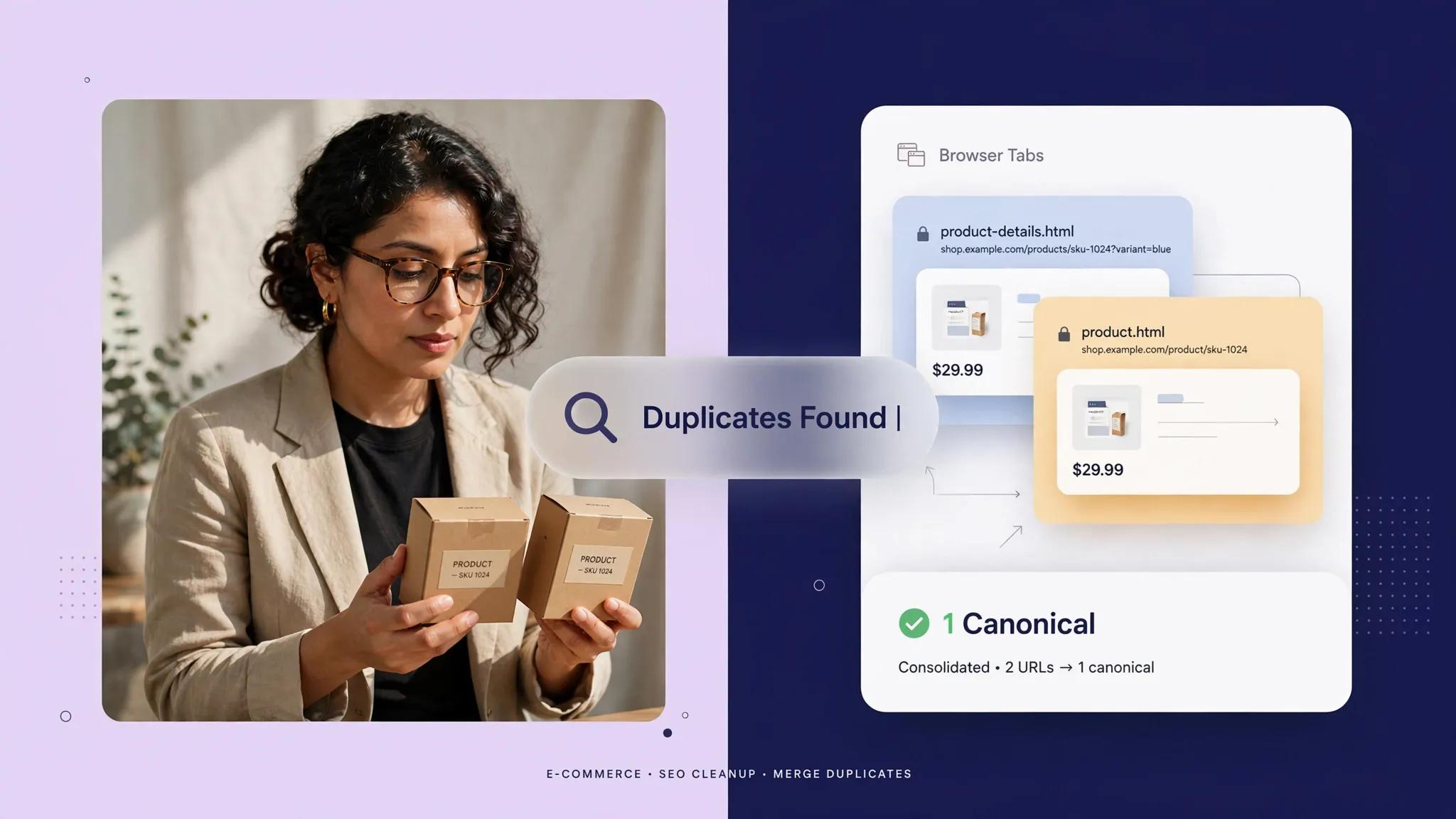

You run a search for your own company's services on Google, scan the results page, and notice something strange: Three different pages from your own website are showing up with the exact same blue headline. "Why are several pages on my website showing the exact same title in Google—and which one are my customers supposed to click?"
Here is the plain truth: Repeating the same HTML title across multiple URLs does not trigger an automatic Google penalty, but it silently drains your site's authority. When two or three pages share identical headlines, search engines struggle to figure out which page deserves to rank, splitting your click-through potential and making your search listings look repetitive to buyers.
Learning how to fix duplicate title tags gives every single URL a distinct purpose, sharpens your search snippets, and concentrates your authority where it converts visitors into paying clients.
Manually hunting down repeated titles and rewriting hundreds of pages one by one used to be a slow, tedious chore. Modern platform architecture removes that friction entirely. When you build your site with BoltWeb, fixing duplicate title tags becomes effortless. Instead of spending hours editing page metadata individually across your storefront, BoltWeb structures clean, unique title logic automatically as you create pages—helping you maintain stronger search authority and focus on growing your business.
Here is your practical field manual to uncovering repeated page titles, fixing template bugs, and writing distinct headlines that win the click.

1. What Are Duplicate Title Tags and Why Should You Fix Them?
Let's clear up a common myth before you touch a single line of metadata: Having duplicate title tags will not cause Google to ban your domain. What it does instead is create ambiguity. Your HTML <title> element is the primary signal search engines and human buyers use to understand what a specific page offers before clicking.
When five different pages share the exact same headline, searchers cannot tell which URL answers their specific question, and search engines struggle to decide which page is the strongest match for a query. Cleaning up duplicate page titles eliminates internal competition and resolves common SEO title tag issues that dilute your search visibility (start with the complete SEO audit checklist for small businesses).
2. How to Find Duplicate Title Tags Across Your Website
Opening dozens of browser tabs and inspecting source code manually is a guaranteed way to waste an entire afternoon. Follow this repeatable three-step discovery process instead:
Start by scanning your domain with a desktop crawler to extract every <title> element simultaneously, group identical matches together, and export the list into a spreadsheet. Separate exact duplicates (word-for-word identical titles) from near-duplicates (titles that only swap a single minor word) so you can prioritize true conflicts first. Using a reliable duplicate title tag checker makes it straightforward to find duplicate title tags and isolate duplicate page titles opportunities across your entire site (see how to identify your best performing website pages).
3. Use Google Search Console to Investigate Duplicate Page Titles
Look at it this way: Google Search Console does not include a dedicated "Duplicate Title Tags" report tab, so it cannot replace a full site crawler. However, it reveals something even more valuable—how Google actually displays your pages to real searchers.
Open the Performance report, click into a high-impression search query, and switch to the Pages tab to see if multiple URLs from your domain are trading impressions for the exact same term. You can also paste individual URLs into the URL Inspection bar to verify whether Google indexed your intended page or grouped it as a duplicate under a different canonical URL (explore official index troubleshooting in the Google Search Console Page Indexing Report documentation). Checking Google Search Console duplicate titles helps you identify duplicate page titles during a targeted SEO title audit (also see the Google Search Console guide for small businesses).
4. Find Duplicate Title Tags with an SEO Crawler
When your site grows past a few dozen pages, an automated website crawler like Screaming Frog SEO Spider gives you complete visibility in minutes. Enter your homepage URL, run the crawl, and click directly into the Page Titles tab. Use the filter dropdown to select Duplicate, which instantly groups every URL sharing identical title text. Before exporting your list, filter out non-indexable URLs (such as noindex pages, 301 redirects, and 404 errors) so you only spend energy fixing live, indexable pages. Running a website crawler as a duplicate title tag checker streamlines your duplicate title tag audit without manual guesswork (also see finding and fixing broken links on your website).
5. Identify the Pages That Actually Need Unique Title Tags
Here is a secret that saves hours of unnecessary edits: you do not need to rewrite every single duplicate flagged in a raw crawl report. Focus your energy where it drives actual search clicks and revenue:
| High Priority (Rewrite Now) | Low Priority (Consolidate or Ignore) |
|---|---|
| Core service pages, high-impression landing pages, top product & category URLs. | Paginated archive pages, print views, tracking URLs, and non-indexable staging or utility pages. |
If two URLs load the exact same content through tracking parameters, rewriting the title tag will not solve the problem—you need to consolidate the duplicate URLs instead (learn how to find duplicate website pages and consolidate URLs). Prioritizing unique SEO titles across commercial duplicate page titles helps you prioritize duplicate title tags that actually move your business forward.
6. Fix Duplicate Title Tags by Giving Each Page a Clear Purpose
Changing words mechanically—like swapping "Best" for "Top"—leaves your search listings just as confusing as before. Every indexable page on your website exists to help a visitor accomplish a specific task, and its title should reflect that exact job.
| Repeated Generic Titles | Distinct Purpose-Driven Titles |
|---|---|
| Page 1: Roof Repair Services | Page 1: Emergency Storm Roof Leak Repair |
| Page 2: Roof Repair Services | Page 2: Flat Commercial Roof Replacement |
Lead with the specific service, audience, or problem the page solves, followed by a clear benefit. Mastering how to fix duplicate title tags with unique title tags elevates your SEO title optimization and gives searchers an unmistakable reason to choose the right page (see more ways to write SEO title tags that give searchers a reason to click).
Launch Search-Ready Pages Without Metadata Headaches on BoltWeb
Build a Storefront Where Every Page Launches Clean, Fast, and Distinct. Stop wasting hours untangling hardcoded title templates, tracking down repeated metadata, and fixing structural SEO errors page by page. Build your site on BoltWeb, connect your custom domain, and deploy search-optimized pages built to attract qualified buyers and grow your business.
Get Started On Your Journey →7. Fix Duplicate Title Tags Caused by CMS Templates
If you manually update five page titles on Monday only to discover ten brand-new pages sharing identical titles on Friday, the culprit sits inside your website's template logic. Many content management systems rely on hardcoded title formulas or missing dynamic variables, causing every new post, tag archive, or service page to default to your homepage name or a blank boilerplate string. Inspect your platform's global SEO title template and ensure it dynamically pulls each page's unique H1 headline, category name, or product title automatically. Fixing CMS duplicate title tags through dynamic title tags prevents duplicate page tags headaches at the root (also see how to create an SEO-friendly website structure).
8. Resolve Duplicate Title Tags on Ecommerce and Category Pages
Online stores generate repeated titles faster than almost any other website type because similar products, size variations, and multi-page category collections often share base templates. Distinguish your store pages by matching the title structure to how shoppers search:
- Parent Product Pages: Include the brand, exact model name, and primary defining attribute (such as material or capacity).
- Product Variants: If color or size variants share the exact same product description, point their canonical tags to the main product URL rather than indexing ten near-identical pages.
- Collection & Category Pages: Specify the exact product type and shopper use case rather than repeating broad store names.
Refining ecommerce duplicate title tags sharpens product page title tags and category page SEO titles so shoppers land directly on the item they intend to buy (also see tracking website sales and revenue).

9. Handle Duplicate Titles Across Pagination, Filters, and URL Variations
Here is a critical distinction that trips up many site owners: When ?sort=price-low or /page/2/ shows the same title tag as your main category page, you are not looking at a copywriting problem—you are looking at URL proliferation. Changing the title text on a filtered URL will not stop it from competing with your main page.
Instead, use self-referencing canonical tags on paginated pages so each page in a series stands cleanly on its own, and apply canonical tags pointing back to the main category URL on sorting or tracking parameters (review official guidelines in Google Search Central: Consolidate duplicate URLs). Untangling duplicate URL title tags alongside pagination SEO, canonical tags, and URL parameter SEO stops unnecessary URLs from cluttering search results (also see fixing canonical URL errors and how to fix redirect chains for SEO).
10. Fix Missing, Generic, and Rewritten Title Tags Alongside Duplicates
While auditing your site for duplicate titles, keep an eye out for three closely related issues: pages with missing or empty title tags, pages using vague labels like "Home" or "Services", and titles that Google automatically rewrites in search results. Google frequently replaces HTML title elements when a title is stuffed with keywords, cut off for being overly long, or mismatched with the page's visible H1 heading (as explained in Google Search Central: Influencing title links in search results). Aligning your HTML <title> closely with your on-page H1 headline resolves missing title tags, eliminates generic title tags, reduces Google rewritten title tags, and clears up broader SEO title issues (learn how to write SEO meta descriptions that make people click).
11. Check Whether Your Duplicate Title Tag Fixes Worked
Publishing updated titles is only half the job—you need to verify that both your live code and Google's search index reflect the improvements. Run a fresh crawl of the updated URLs to confirm every <title> element renders uniquely without template overrides, then inspect your priority pages in Google Search Console to verify index status and request recrawling where appropriate. Give search engines two to three weeks to process your updates, and track click-through changes carefully while remembering that seasonal demand and competitor shifts also influence rankings (review performance metrics in Google Analytics Help). Completing this duplicate title tag audit lets you check title tag changes and monitor SEO titles with real evidence (also see the core metrics every small business should monitor).
12. Prevent Duplicate Title Tags from Returning
Keeping your title tags clean over the long term comes down to building a simple verification step into your publishing workflow before any new page goes live. Require every new service page, blog post, and product listing to pass a quick pre-publish check: confirm the URL slug is clean, verify the title states a specific customer benefit, ensure it differs from existing pages, and check that internal links point directly to the live address (see our guide to internal linking strategy for small business SEO and run a periodic website SEO audit checklist for small business). Following clear title tag best practices and an SEO title tag checklist helps prevent duplicate title tags permanently on BoltWeb.
Keep Every Page Distinct, Authoritative, and Ready to Convert on BoltWeb
Hunting through spreadsheets for repeated title tags, untangling broken CMS templates, and manually updating metadata across dozens of pages shouldn't slow down your company's momentum. When you build your website on BoltWeb, clean title hierarchy, responsive layouts, and streamlined URL structures come built-in from the very first page you publish—protecting your search authority without manual technical maintenance.
Deploy your next high-converting page on BoltWeb, connect your custom domain, and create a business website engineered to turn search visibility into steady customers.
Frequently Asked Questions: Fix Duplicate Title Tags
1. Why are several pages on my website showing the exact same headline in Google search results?
Here is the plain truth: Repeating the exact same HTML title tag across multiple web addresses doesn't trigger an automatic penalty from search engines, but it creates severe internal confusion. When two or three pages share identical headlines, search algorithms struggle to determine which URL deserves to rank, splitting your click-through potential and making your listings look repetitive to prospective buyers. Fixing duplicate title tags gives every indexable page a distinct purpose, sharpens your search snippets, and concentrates your search authority where it drives real revenue. When you build your online storefront on BoltWeb, fixing duplicate title tags becomes effortless. As an all-in-one business website builder, BoltWeb structures clean, unique title logic automatically as you create pages—helping you maintain stronger search authority and focus on growing your business without manual metadata updates.
2. How can I find every single page using the same title without opening hundreds of browser tabs manually?
Opening dozens of browser windows and inspecting source code by hand is a guaranteed way to waste an entire afternoon of productive work. Instead of guessing where repeated titles hide, scan your domain with an automated site crawler to extract every title element simultaneously, group identical matches together, and export the list into a clean spreadsheet. Separating exact word-for-word duplicates from near-duplicates allows you to prioritize true commercial conflicts first and clear out high-impact SEO issues efficiently (also see how to identify your best performing website pages).
3. Can Google Search Console show me a complete report of all duplicate page titles on my domain?
Google Search Console does not feature a dedicated duplicate title report tab, meaning it cannot replace a full technical site crawler. However, it reveals something even more valuable—how Google actually displays your pages to real searchers. By reviewing your performance reports and inspecting individual URLs, you can verify whether search bots indexed your intended page or grouped it as a duplicate under an alternate version (also see the Google Search Console guide for small businesses).
4. Which specialized tools can scan thousands of storefront pages and flag repeated title tags instantly?
When your business grows past a few dozen URLs, relying on manual checks becomes impossible, making an automated desktop crawler essential. Running a targeted site crawl groups every URL sharing identical title text while filtering out non-indexable utility pages like redirects and error screens. This produces an accurate, prioritized audit list so you can focus exclusively on live, revenue-generating pages that need optimization (also see finding and fixing broken links on your website).
5. Do I need to rewrite every single duplicate title tag flagged in my audit, even if the pages are very similar?
Here is a secret that saves hours of unnecessary edits: you do not need to rewrite every single duplicate flagged in a raw crawl report. Focus your copywriting energy where it drives actual search clicks and conversions, prioritizing core commercial service pages, high-impression landing pages, and top product categories while leaving paginated utility archives or temporary filter URLs alone (also see how to find duplicate website pages).
6. How do I write different, compelling titles when several of my service pages cover almost the exact same topic?
Changing words mechanically—like swapping one adjective for another—leaves your search listings just as confusing as before. Every indexable page on your site exists to help a buyer accomplish a specific task, and its title should reflect that exact job. Lead with the specific service, audience, or problem the page solves, followed by a clear benefit that makes your result stand out from competing listings (also see how to improve organic search click-through rate).
7. I fixed my page titles manually, but why do new pages keep getting generated with the exact same repeated titles?
If you manually update five page titles on Monday only to discover ten brand-new pages sharing identical titles on Friday, the issue stems from your platform's template logic. Many content management systems rely on hardcoded title formulas or missing dynamic variables, causing every new post or service page to default to a generic boilerplate string. Correcting the root template variables prevents duplicate title tags from recurring automatically (also see how to create an SEO-friendly website structure).
8. How can I manage duplicate titles across large ecommerce catalogs and category filter pages without breaking navigation?
Online stores generate repeated titles faster than almost any other website type because similar products, size variations, and multi-page category collections often share base templates. Distinguish your store pages by matching your title structure to shopper intent—including brand names and primary attributes on product pages while using clean canonical tags to consolidate near-identical product variants (also see fixing canonical URL errors).
9. Are duplicate titles caused by URL variations, or is my website generating unnecessary duplicate pages behind the scenes?
When filtered URLs or paginated lists show the exact same title tag as your main category page, you are looking at URL proliferation rather than a copywriting error. Changing the title text on a tracking parameter or sorting filter will not stop it from competing with your main page; you must deploy self-referencing canonical tags and clean redirection rules to consolidate those duplicate URLs properly (also see how to fix redirect chains for SEO).
10. Why is Google showing a completely different title in search results from the exact one I wrote in my HTML?
Google frequently replaces HTML title elements when a headline is stuffed with keywords, cut off for being overly long, or mismatched with the page's visible H1 headline. Aligning your HTML title closely with your on-page H1 headline and writing concise, benefit-driven copy ensures search engines respect your intended metadata and display a clean listing to buyers (also see how to write SEO meta descriptions that get clicks).
11. How can I confirm that Google and my website are actively using my corrected title tags after publishing?
Publishing updated titles is only half the job—you need to verify that both your live code and Google's search index reflect your improvements. Run a fresh crawl of your updated URLs to confirm every title renders uniquely without template overrides, then inspect your priority pages in Google Search Console to verify index status and track click-through performance over time (also see the core metrics every small business should monitor).
12. How do I stop duplicate title tags from appearing permanently every time we publish new pages?
Keeping your title tags clean over the long term comes down to building a simple verification step into your publishing workflow before any new page goes live. Require every new service page or product listing to pass a quick pre-publish check: confirm the URL slug is clean, verify the title states a specific customer benefit, and ensure it differs from existing pages to maintain flawless technical hygiene (also see internal linking strategy for small business SEO and the complete SEO audit checklist for small businesses).