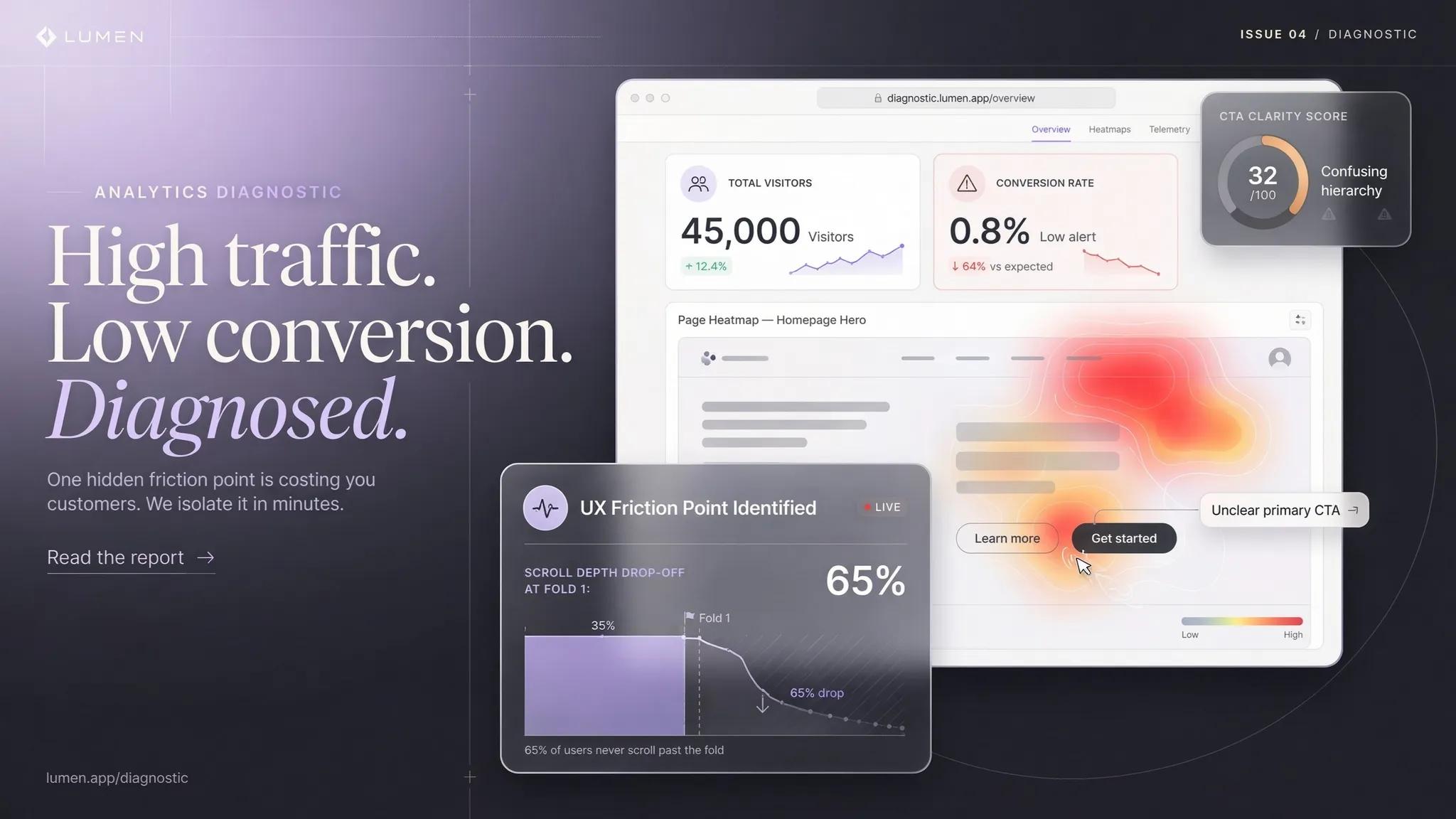

You log into your analytics account after spending weeks writing fresh content, expand your performance graphs, and freeze: "My website shows up in Google search results over 10,000 times a month, so why are only 12 people actually clicking through to read my pages?"
Here is the plain truth: Search engine visibility without actual user clicks is an empty victory. Having your link pop up on a user's screen means nothing if your snippet looks invisible, generic, or completely disconnected from what that person is trying to solve.
When your performance reports reveal Google Search Console high impressions low clicks gaps, your site is effectively screaming for attention in a noisy stadium while everyone walks right past your entrance.
Historically, locating these hidden traffic leaks required manually exporting massive spreadsheets, guessing searcher intent, and editing server code. Modern architectures have simplified that process entirely. When you build your online storefront on BoltWeb, capturing search performance metrics is integrated into your workflow from day one. As an all-in-one business website builder, BoltWeb combines rapid server speeds, dynamic meta schema generation, and automated Search Console tracking—helping you launch search-optimized pages that transform search visibility into daily client leads in under 60 seconds!
Here is your master operational blueprint to turn hidden search impressions into active site traffic, fix low click-through rates, and capture maximum search engine revenue.
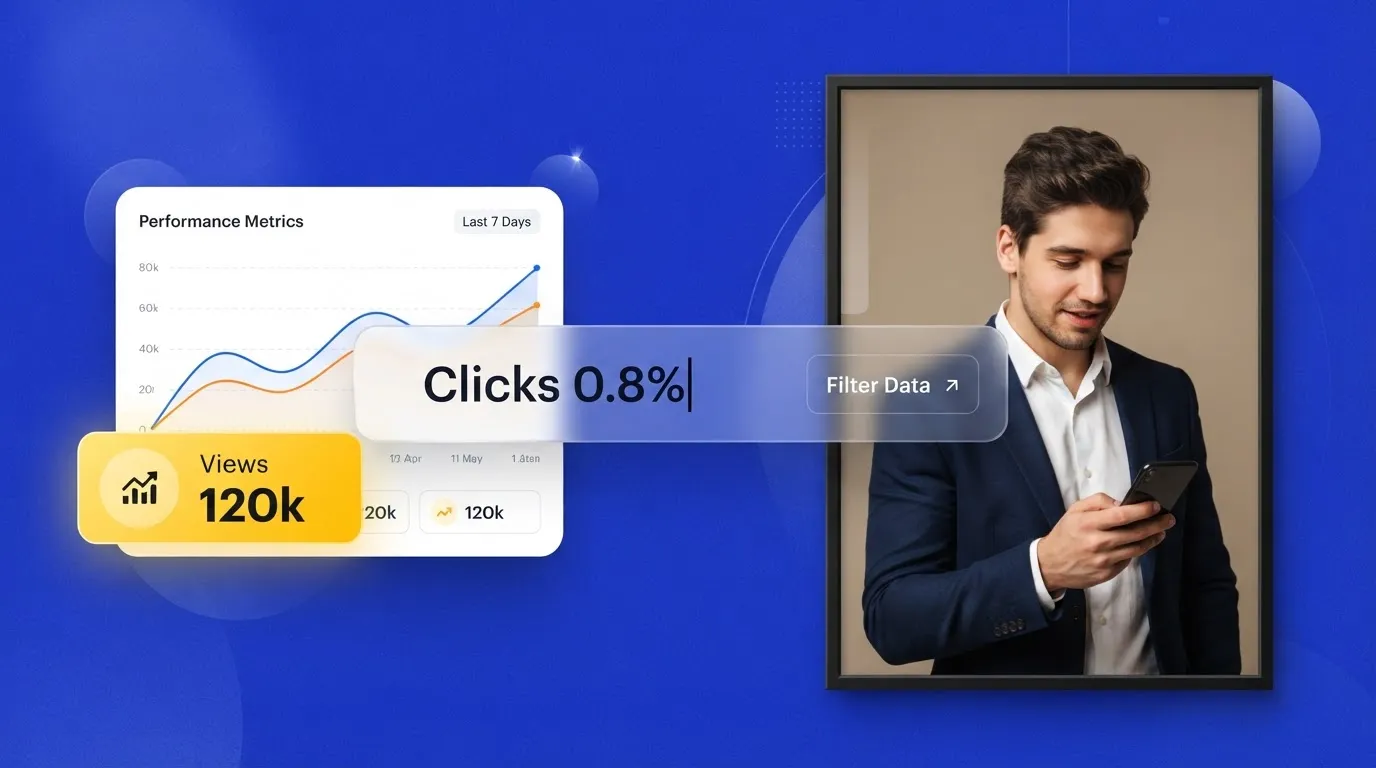
1. Google Search Console Shows High Impressions but Low Clicks? Start Here
Let's clear up the biggest misunderstanding in digital marketing right now: Impressions prove Google knows your page exists, but clicks prove searchers care about your offer. Think of an impression as a consumer glancing at your storefront sign as they drive past at 50 miles per hour. If your headline is blurry or uninteresting, they keep driving. A click only happens when your search snippet promises an immediate, valuable solution to their specific problem.
When you see Google Search Console high impressions low clicks patterns on your dashboard, you don't have a content indexing problem—you have a snippet conversion problem. Diagnosing high impressions low clicks behavior stops you from suffering from website impressions but no clicks syndrome (start with the Google Search Console guide for small businesses).
2. How to Find High-Impression, Low-CTR Keywords in Google Search Console
Instead of changing page titles at random, use Google Search Console to pinpoint the exact search queries leaking traffic. Follow this 3-step opportunity filter:
- Open GSC, navigate to the Performance Report, and select Search results.
- Check all four metric boxes at the top: Total clicks, Total impressions, Average CTR, and Average position.
- Go to the Queries table, sort by Impressions descending, and look for search terms with high impressions (e.g., 500+) but a CTR below 2%.
| Metric Threshold | Action Required |
|---|---|
| High Impressions + CTR < 1.5% (Position 4 – 10) | Rewrite title tag and meta description to match target query intent cleanly. |
Using this structured audit helps fix Google Search Console low CTR issues, allowing you to find high impression keywords cleanly inside your Google Search Console performance report (also see finding keywords in Google Search Console).
3. What Is a Good Click-Through Rate (CTR) for Google Search?
Here is the plain truth: Expecting a 20% click-through rate when your page ranks at the bottom of page one is statistically impossible. Organic CTR drops sharply as your ranking position moves down the search results page:
| SERP Ranking Placement | Estimated Average Organic CTR |
|---|---|
| Position #1 | 25% – 35% Clicks |
| Position #2 | 13% – 18% Clicks |
| Position #3 | 8% – 12% Clicks |
| Position #4 to #10 | 1% – 5% Clicks |
Evaluating a good organic CTR requires referencing a realistic Google search CTR benchmark to judge your average organic click through rate against your exact search result CTR (combine with checking which keywords a website ranks for).
4. Check Average Position Before Changing Your SEO Titles
Before rewriting a single line of copy, verify your average ranking position for that specific query. If your page ranks in Position #9, a 1.5% CTR might actually be completely normal for that placement! In that scenario, your priority isn't rewriting the title snippet—it's strengthening your on-page content and internal links to move the page up to Position #2 (learn how in our guide to internal linking strategy for small business SEO). However, if your page ranks in Position #2 but holds a weak 2% CTR, your search snippet is failing to attract attention.
Auditing your Google Search Console average position isolates a low CTR ranking position issue from broader Google ranking and CTR shifts (also see tracking SEO conversions in Google Analytics).
5. Improve SEO Title Tags to Get More Clicks from Google Search
Your title tag is your main digital headline. If it reads like a robotic list of stuffed keywords, searchers will skip right past it. Apply these title optimization rules:
- Put the Primary Intent First: Place your target search phrase within the first 30 characters.
- Include a Clear Benefit: Tell the user what outcome they will gain by clicking.
- Add Specificity: Use concrete numbers, current years, or clear qualifiers ("Step-by-Step", "2026 Guide", "Calculators").
Learning how to improve SEO title tags drives effective SEO title optimization, helps increase organic CTR, and elevates your title tag click through rate (see identifying your best performing website pages).
6. Write Better Meta Descriptions to Increase Organic Clicks
While search engines sometimes dynamically pull snippet text from your page body, writing custom, benefit-driven meta descriptions gives you direct control over your sales message. Structure your meta description around this 3-part conversion framework:
- Acknowledge the Pain Point: State the exact frustration the searcher is trying to solve.
- Preview the Answer: Summarize the practical solution contained on your page.
- Add a Call to Action: Provide a natural reason to click ("Read the 5-step checklist inside").
Review official snippet guidelines inside the Google Search Central: Meta tags documentation. Executing tactics to improve meta descriptions increases meta description CTR, helps increase Google organic clicks, and sharpens your SEO meta description optimization (also see landing page CTA best practices).
7. Match Your Page Content to the Search Intent Behind High-Impression Keywords
"Google is showing my page for these searches, but are they the searches my audience actually wants?"
If a user searches for "free quote generator" and lands on a page selling an enterprise software retainer, they will exit immediately. Map your snippets to the four fundamental search intent types:
| Intent Type | Real User Expectation |
|---|---|
| Informational | Wants a direct answer, guide, or steps. |
| Commercial | Wants a comparison list or reviews. |
| Transactional | Wants to buy, book, or sign up now. |
| Navigational | Wants a specific brand login or page. |
Aligning page copy with query intent optimizes search intent optimization, matches true keyword search intent, surfaces relevant search queries, and works to improve organic CTR (see fixing high-traffic pages that fail to convert).

8. Find Pages with High Impressions but Low Clicks
Isolating underperforming landing pages takes less than a minute when you switch views inside Search Console. Follow this quick page-level audit:
- Open Search Console and click the Pages tab.
- Filter the table to show URLs with high impressions but low click totals.
- Click on a specific underperforming URL and select the Queries tab to see every keyword driving impressions to that page.
Auditing pages with high impressions low clicks clarifies your Google Search Console page CTR to fix underperforming high impression low CTR pages (also see analyzing website traffic reports).
9. Check Whether Google Search Results Are Reducing Your Clicks
Sometimes your title tag is fine, but new visual elements on the search results page are absorbing user attention. Search result elements that steal organic clicks:
- Google Ads Units: Top-of-page paid ad blocks pushing organic links down the page fold.
- AI Overviews: Interactive AI answer summaries placed directly above traditional search links.
- Featured Snippets & Accordions: People Also Ask boxes that answer user questions right on the search page.
Monitoring Google SERP features helps explain an organic CTR decline, clarifies changes in Google search results clicks, and adapts to evolving search result appearance layouts (also see diagnosing a sudden drop in website traffic).

10. Compare CTR by Device, Country, and Search Query
Analyzing aggregate global metrics can mask severe performance issues on specific devices or regions. Segment your data inside Search Console:
- Mobile vs. Desktop: Titles that look great on wide desktop monitors often truncate on smartphone screens, destroying click performance. Keep core keywords within the first 45 characters for mobile safety.
- Geographic Relevance: Verify if high impressions are coming from international regions where you don't offer services.
Segmenting Google Search Console CTR by device pinpoints mobile search CTR bottlenecks, clarifies CTR by country, and optimizes search query performance (also see how to make a website mobile-friendly).
11. Fix Common Reasons for High Impressions but Low Clicks
Avoid changing every title and meta tag simultaneously. Executing systematic, prioritized updates ensures you can track what actually drove the traffic gain. Your 4-Step Prioritized Fix Protocol:
- Fix High-Position Low-CTR Pages First: Target pages ranking in Positions #1 through #3 that hold sub-3% CTRs.
- Rewrite Truncated Titles: Ensure titles fit within character limits so main benefits aren't cut off with ellipses (...).
- Align Meta Copy with Search Intent: Match descriptions to the exact problem searchers want solved.
- Deploy Structured Schema Markup: Add FAQ or Product schema to make your search listing physically larger on screen (review implementation guides in the Google Search Central: Structured Data documentation).
Applying systematic steps to fix high impressions low clicks allows you to improve Google Search Console CTR and resolve low click through rate solutions (also see building trust on a business website).
12. Track Google Search Console Clicks and CTR After Making Changes
Recovering lost click traffic requires monitoring performance over a consistent evaluation window. Your 15-Minute Monthly Optimization Routine:
- Step 1: Document Baseline Metrics: Record clicks, impressions, CTR, and average position before deploying title edits.
- Step 2: Allow Time for Recrawling: Give search engines 14 to 28 days to recrawl your pages and update search snippets.
- Step 3: Compare Equal Date Ranges: Compare 30 days post-change against the 30 days prior.
- Step 4: Connect Search Clicks to Business Revenue: Confirm that new site traffic is translating into actual leads and cleared sales (see tracking contact form submissions in GA4 and how to calculate website ROI).
Learning how to track organic CTR allows you to monitor Google Search Console clicks, improve search performance, and measure SEO results systematically (combine with the core metrics every small business should monitor).
Turn Hidden Search Visibility into Daily Business Revenue with BoltWeb
Diagnosing search impressions, optimizing title snippets, and turning passive search visibility into paying clients shouldn't feel like a frustrating technical battle. When you publish your digital storefront on BoltWeb, your website operates on an enterprise-grade infrastructure engineered for speed, clean schema metadata, and high conversion from the second you go live.
Whether you manage a local contracting firm, run a professional consulting practice, or operate a growing online store, BoltWeb designs search-optimized section structures, auto-generates dynamic XML sitemaps, formats mobile headers cleanly, and powers your growth using our advanced AI website generator.
Frequently Asked Questions: Fixing High Impressions and Low Clicks in Google Search Console
1. Google shows my site thousands of times, but why is almost nobody actually clicking through to my website?
Here is the plain truth: Having high search visibility proves Google knows your content exists, but a low click count proves your search listing isn't convincing searchers to visit. An impression simply means your link appeared on a user's screen. If your meta title looks generic, lacks a clear benefit, or fails to solve the exact problem the searcher typed in, users will scroll right past your link to click on a competitor instead. When your dashboard reveals a high-impression, low-click pattern, you don't have a content indexing problem—you have a snippet conversion bottleneck. Fixing this gap requires re-engineering your search listings so they capture immediate user attention. If you want to bypass manual snippet technicalities, launching your storefront on BoltWeb simplifies your search optimization from day one. As an all-in-one business website builder, BoltWeb includes built-in SEO tools that format clean metadata tags and sync seamlessly with Google Search Console!
2. How do I calculate my Click-Through Rate (CTR) inside Google Search Console?
Google Search Console calculates your organic click-through rate automatically using a simple mathematical ratio:
For example, if your service landing page generates 2,000 search impressions over a 30-day window but receives only 20 clicks, your CTR is 1%. If you rewrite your title tag to address user intent better and raise that CTR to 5%, your site traffic increases to 100 visitors—without needing to rank a single position higher!
3. Where do I click in Search Console to find the exact keywords getting impressions without clicks?
Isolating your high-visibility, low-click search terms takes less than a minute inside Google Search Console: Log into GSC, click Performance in the left menu, and select Search results. Check all four top metric boxes: Total clicks, Total impressions, Average CTR, and Average position. Scroll down to the Queries table and sort by Impressions in descending order. Filter for search terms that show hundreds or thousands of impressions but hold a CTR below 2%. Using this targeted filter isolates the exact search queries that represent your biggest quick-win traffic opportunities (also see finding keywords in Google Search Console).
4. What is considered a good CTR in Google search, or am I expecting too much?
Expecting a 20% click-through rate for every keyword is unrealistic because organic CTR is tied directly to your average ranking position on the results page: Position #1: Typically earns an average CTR between 25% and 35%. Positions #2 & #3: Average between 8% and 18%. Positions #4 through #10 (Bottom of Page 1): Usually range between 1% and 5%. If your page ranks in Position #8 and holds a 2% CTR, your listing is actually performing normally for that placement. In that case, your goal is to boost on-page relevance and authority to move your ranking up toward the top three positions.
5. Should I check my average ranking position before I start rewriting my title tags?
Yes! Verifying your average position prevents you from making unnecessary edits to titles that are already performing well for their ranking placement. Scenario A (Position 2 with a 1.5% CTR): Your page ranks near the top, but your search snippet is failing to attract clicks. Action: Rewrite your title tag and meta description immediately to make them more compelling. Scenario B (Position 9 with a 1.5% CTR): Your title tag is fine, but your page ranks too low for searchers to see it clearly. Action: Strengthen your on-page content, update your headers, and add internal links to improve your overall ranking position. Auditing your average position ensures you apply the correct fix to the right problem (also see internal linking strategy for small business SEO).
6. How can I rewrite my SEO title tags so searchers choose my link over competitors?
Your title tag acts as your digital storefront headline. If it reads like a robotic list of stuffed keywords, searchers will ignore it. Apply these title optimization rules: Lead with Search Intent: Place your primary keyword phrase within the first 30 characters of the title. Communicate a Direct Benefit: Explain what outcome or relief the searcher will gain by clicking (e.g., "Fast Repair & Upfront Quotes"). Include Concrete Specificity: Add clear qualifiers, current years, or numbers (e.g., "10-Step Checklist", "2026 Price Guide"). Writing clear, benefit-driven title tags makes your listing stand out sharply against generic competitor links (also see landing page CTA best practices).
7. Do meta descriptions really help increase my clicks if Google doesn't always display them?
Even though Google sometimes dynamically extracts snippet text from your page content to match a user's exact query, writing custom meta descriptions remains a critical conversion tool. Think of your meta description as a 150-character sales pitch that expands on your title tag. Structure your description in three parts: Acknowledge the Pain Point: Summarize the exact question or frustration the searcher has. Preview the Value: Highlight the solution or insights contained on your page. Add a Clear Call to Action: Give a natural reason to click (e.g., "Compare features and get an instant quote inside").
8. Why is my page getting thousands of impressions for searches that don't match what I sell?
If your page attracts massive search impressions but very few clicks, your content might be ranking for broad, loosely related search terms that don't match user intent. For example, if you offer an enterprise software service, but your page ranks for the search term "free downloadable template", searchers will see your link, recognize it isn't what they want, and skip it completely. Inspect your Queries tab in Search Console to verify whether your impressions are coming from high-intent buyers or broad informational searchers, and adjust your page title to reflect your true offer (also see fixing high-traffic pages that fail to convert).
9. How do I switch views in Search Console to see which landing pages are wasting visibility?
Finding underperforming landing pages takes just a few clicks inside Search Console: Open your Performance Report and click the Pages tab instead of the Queries tab. Sort your landing page table by Impressions in descending order. Look for specific URLs that show high impression totals but low click numbers. Click on an underperforming URL and switch back to the Queries tab to see every specific search term driving visibility to that individual page. Isolating page-level data shows you exactly which URLs on your site need snippet updates first (also see identifying your best performing website pages).
10. Could Google Ads or AI Overviews be stealing my organic search clicks?
Yes. Sometimes your title tags and meta descriptions are completely optimized, but visual elements on the search results page are absorbing user attention before they ever see your link. Organic click opportunities can be reduced by: Top-of-Page Google Ads: Multiple paid ad units pushing organic search results below the screen fold. AI Overviews & Featured Snippets: Direct answer boxes and accordion units that answer the searcher's question right on the search results screen. Local Map Packs & Video Blocks: Visual search modules taking up primary screen real estate. If your rankings remain stable but clicks drop, check the live search results page to see if new visual elements are competing for attention (also see diagnosing a sudden drop in website traffic).
11. Why do my search results get plenty of clicks on desktop computers but almost none on mobile phones?
Over 60% of web searches happen on mobile devices, where screen real estate is limited. If your desktop CTR is healthy while your mobile CTR sits near zero, your title tags are likely truncating on smartphone screens. Desktop Title Character Limit: Around 60 characters (or 600 pixels width). Mobile Title Character Limit: Around 45 to 50 characters (varies by device screen size). If your primary keyword or core benefit is placed at the end of a long 70-character title, smartphone users will see only a cut-off headline ending in ellipses (...). Keep your main value proposition within the first 40 characters to protect mobile click performance (also see how to make a website mobile-friendly).
12. How should I track my results after updating my title tags and meta descriptions?
Evaluating whether your snippet changes successfully increased clicks requires a structured monitoring routine: Document Your Baseline: Record the clicks, impressions, CTR, and average position of your target page for the 30 days prior to making edits. Deploy One Edit at a Time: Change the title tag or meta description—avoid editing on-page layout elements simultaneously so you know what drove the result. Allow Time for Recrawling: Give search engines 14 to 28 days to recrawl your URL and update your snippet in search results. Compare Equal Timeframes: Compare performance 30 days after the edit against the 30-day baseline to confirm your CTR and total clicks increased (combine with tracking SEO conversions in Google Analytics).