Selecting the ideal digital platform for your storefront is one of the most consequential commercial choices you will make as a founder or operator. With dozens of software options shouting for your attention, it is easy to get paralyzed by choice. You wonder: Will this platform handle my custom domain routing? Can I easily update my sales pages without touching code? Will my storefront load fast enough to rank on Google and convert paid traffic?
Here is the plain truth: The best website platform is never the one with the biggest ad budget or the most decorative templates. It is the one that strips away technical friction, lowers your operating costs, and allows you to launch a conversion-ready, search-optimized storefront in minutes.
When you launch your online presence with BoltWeb, evaluating software becomes completely stress-free. As a future-ready business website builder, BoltWeb combines automated layout generation, built-in lead forms, custom domain routing, and native SEO controls into one powerful interface—delivering a lead-ready storefront in under 60 seconds!
Here is your master operational guide on how to choose the right website builder for your business, evaluate software features, and avoid costly platform migrations down the road.
The Master Platform Comparison Matrix
| Evaluation Dimension | Traditional Legacy Builder | Modern AI Website Builder |
|---|---|---|
| Setup Time | Days or weeks of manual editing | Under 60 seconds via prompt |
| Technical Skill | Steep learning curve / code plugins | 100% No-Code visual editor |
| Built-in Features | Requires paid third-party add-ons | Native forms, SSL, and domain routing |
| SEO Capabilities | Fragmented plugin configurations | Built-in metadata, sitemaps, and SSL |
| Total Operating Cost | Unpredictable plugin subscriptions | Flat, transparent pricing model |
1. How to Choose the Right Website Builder for Your Business
Let's address the confusion right upfront: You don't need to spend weeks reading technical software reviews or hiring expensive consultants just to select a software engine. Choosing the right website builder for business operations comes down to matching four core criteria:
- Primary Commercial Objective: Does the platform specialize in lead capture, local service pages, or e-commerce checkouts?
- Ease of Maintenance: Can you edit copy, swap images, and publish new offers without developer assistance?
- Total Cost of Ownership: Are hosting, domain security, and core features included without hidden fees?
- Organic Search Infrastructure: Does the platform provide native controls to help you rank on search engines?
Mastering how to choose the right website builder for your business gives you total administrative control over your digital storefront.
2. Define What Your Business Website Needs to Accomplish
Before testing templates or signing up for software plans, define the exact job your website must perform. Identify your primary operational goal:
- Lead Generation Storefronts: Designed to capture quote requests, phone calls, and email inquiries using an easy website builder.
- Service Booking Hubs: Engineered to allow clients to schedule appointments directly using a website builder with booking calendar.
- E-Commerce Digital Shops: Focused on presenting physical or digital products using a website builder for online store operations.
Defining clear business website requirements and establishing targeted business website goals narrows your search to the top website builder for small business options.
3. Choose a Website Builder That Matches Your Technical Skills
If updating a headline or adding a new testimonial requires editing HTML code or hiring a freelancer, your software is slowing down your company's growth. Look for these non-negotiable usability features:
- Visual Drag-and-Drop Editing: Click directly on text, images, or buttons to make real-time updates.
- Instant Mobile Previews: Toggle between desktop and mobile screen layouts with a single click.
- One-Click Publishing: Push updates live globally without managing complex FTP servers.
Selecting a website builder for beginners or an intuitive no-code website builder ensures you can manage your digital storefront effortlessly.
4. Check That the Builder Supports Your Industry and Business Model
Different industries require distinct feature sets. A local plumbing company needs prominent phone call CTAs and quote forms, while a design agency requires high-resolution portfolio galleries. Match platform capabilities to your operating model:
- Local Service Providers: Choose a versatile website builder for service business setups that features automated lead notifications.
- Product Retailers: Select an integrated website builder for online store management that includes native payment gateways.
- Digital Creators: Deploy a flexible business website builder capable of hosting media assets and lead magnets.
Aligning platform capabilities with your operating model guarantees your storefront supports your daily business operations.
5. Test Templates, Design Freedom, and Mobile Editing
A generic, rigid template makes your company look unpolished and untrustworthy. Your chosen software must offer complete visual design freedom while maintaining structural alignment. Evaluate design flexibility:
Choosing a highly customizable website builder stocked with professional website templates guarantees you launch a mobile-friendly website builder storefront that reflects your brand.
6. Compare Built-In Features With Paid Add-Ons and Integrations
Some legacy platforms advertise low monthly prices, only to force you into buying dozens of third-party plugins just to get basic forms, analytics, or security certificates. Check for these built-in website builder features before committing:
- Interactive Lead Capture: Deploy a website builder with contact forms directly connected to your inbox.
- Appointment Scheduling: Utilize a website builder with booking engines to automate client calls.
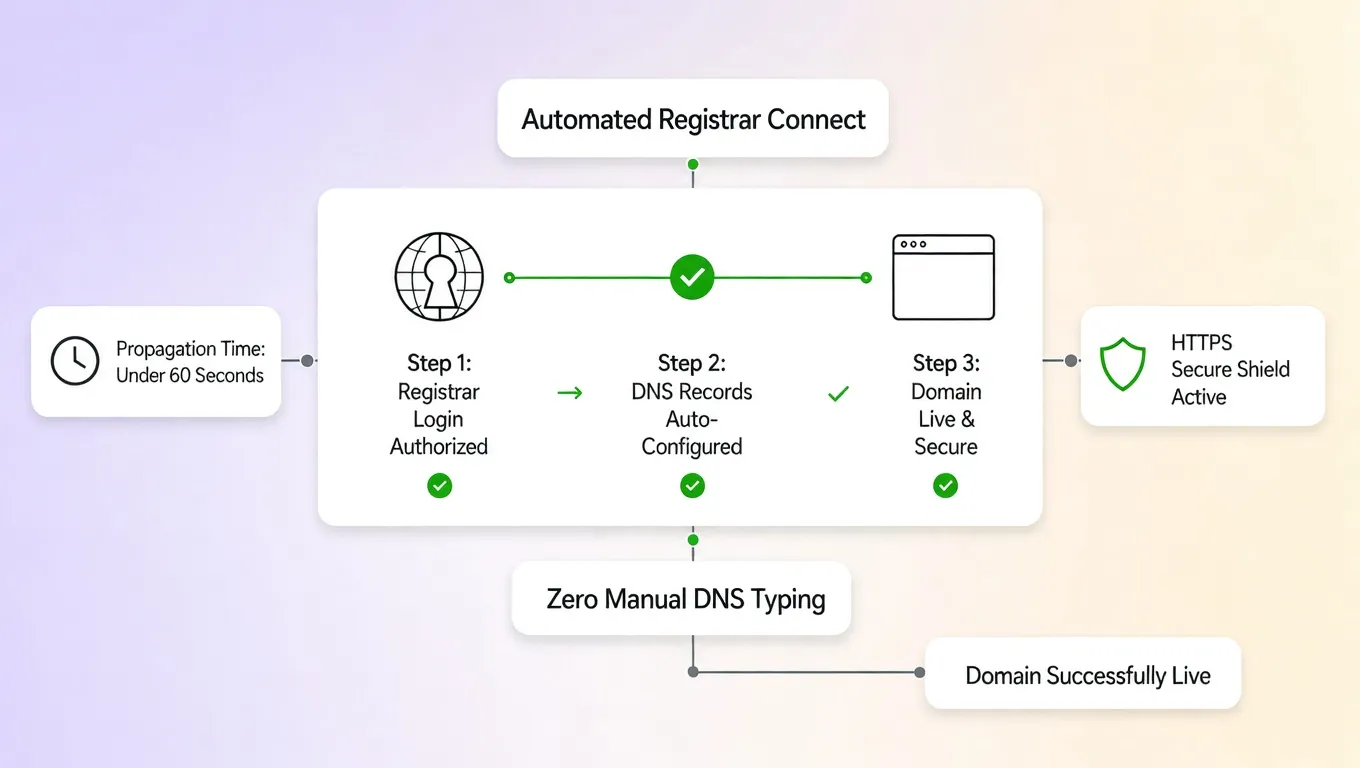
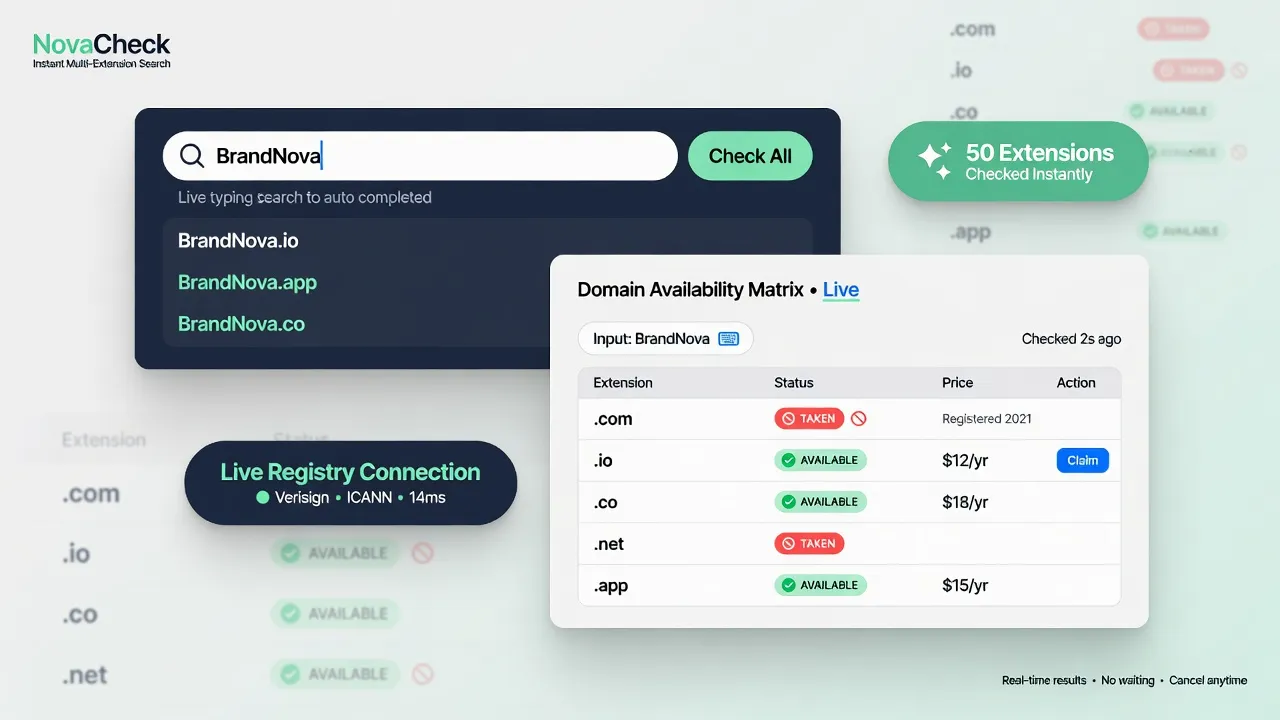
- Custom Domain Routing: Connect custom domains and subdomains effortlessly on BoltWeb.
Prioritizing native features over paid plugins keeps your operating budget predictable year after year.
7. Make Sure the Website Builder Has the SEO Controls You Need
A beautiful storefront is useless if prospective buyers cannot find it on Google. Your software platform must provide robust, built-in search engine controls. Verify these essential website builder SEO capabilities:
- Editable Meta Descriptions & Titles: Custom fields for every page URL.
- Automated XML Sitemaps: Auto-generated index files for search crawlers.
- Custom Clean URL Slugs: Ability to edit paths (/services/plumbing) for keyword optimization.
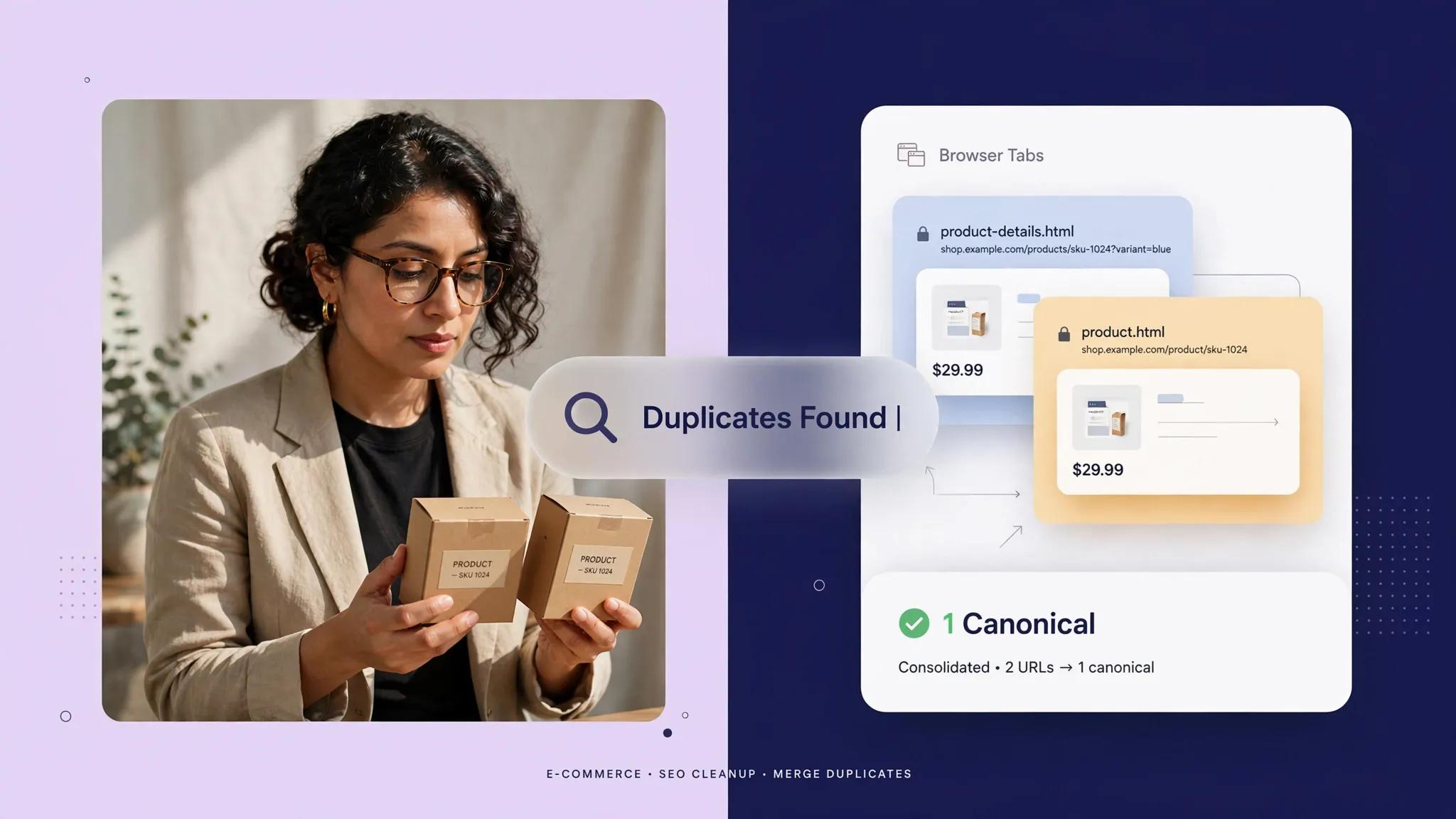
- Canonical Tag Controls: Built-in canonical tags to prevent duplicate content penalties.
Selecting an SEO-friendly website builder gives you a powerful website builder for Google ranking performance (explore strategy in how to do SEO for a new website).
8. Calculate the Full Cost Before Choosing a Website Builder Plan
Avoid getting trapped by promotional introductory pricing that inflates upon renewal. Calculate your true annual operating expense:
Total Annual Cost = Annual Platform Subscription + Domain Renewal + Add-On Fees
| Expense Component | Expected Annual Range |
|---|---|
| Core Platform Hosting | $120 to $300 / year |
| Custom Domain Name | $10 to $20 / year |
| Security (SSL Certificate) | $0 (Should ALWAYS be included free) |
Reviewing overall website builder pricing models helps you choose an affordable website builder for small business growth while keeping total website builder cost metrics fully transparent.
9. Check Website Speed, Security, Hosting, and Customer Support
Your platform host must guarantee high uptime, fast server response times, and bulletproof HTTPS security. Demands for enterprise reliability:
- Automated SSL Certificates: Provision HTTPS encryption across all pages automatically.
- Global CDN Distribution: Serve assets rapidly to visitors worldwide.
- Responsive Technical Support: Accessible support channels to resolve issues quickly.
Relying on a reliable website builder or a secure website builder backed by managed website hosting and builder infrastructure keeps your site operational 24/7.
10. Find Out How Easily You Can Grow or Move Your Website Later
Your business will grow over time, and your platform choice should scale alongside your ambitions without forcing a complete rebuild. Key scalability factors to evaluate:
- Unrestricted Page Creation: Add new landing pages, blog posts, and service pages as your offer expands.
- Seamless Custom Domain Migration: Retain complete ownership of your custom address assets (see how in how to change your domain name without losing SEO).
Choosing a scalable website builder simplifies future website builder migration workflows and protects your website builder data export options.
11. Test Your Top Website Builders Before Committing
Don't rely solely on marketing claims. Take advantage of free trials to test your top candidates with actual tasks. Run this simple 3-step trial audit:
- Build a Sample Hero Section: Test how quickly you can customize headlines, sub-headings, and call-to-action buttons.
- Preview Mobile Layouts: Verify how the page automatically adapts to smartphone screens.
- Submit a Test Form: Confirm that lead notifications land directly in your inbox.
Taking time to compare website builders using a website builder free trial allows you to test website builder options with real-world scenarios.
12. Use a Practical Checklist to Choose Your Final Website Builder
Use this final scoring checklist to select your official digital platform with complete confidence:
Score your options to find the best website builder for my business, understand how to choose a website builder efficiently, and run a complete website builder comparison.
Launch Your Storefront with BoltWeb Today
Building a professional, high-converting digital storefront no longer requires weeks of technical struggle or expensive developer retainers. When you choose BoltWeb as your official platform, you skip complex server setups and fragmented plugins completely.
As an all-in-one website builder, BoltWeb translates your vision into a structured layout, writes persuasive copy, configures custom domain routing, and deploys a secure storefront in under 60 seconds!
Build Your Conversion Storefront Today: Skip technical hassles, complex software setups, and expensive design agencies. Build on BoltWeb, connect your custom domain, and create a business website using our advanced domain and website builder in under 60 seconds!
12 High-Converting FAQs: How to Choose the Right Website Builder for Your Business
1. How to choose the right website builder for your business when there are dozens of platforms?
Here's the plain truth: Selecting the ideal platform isn't about picking the option with the biggest advertising budget or the most decorative templates. It comes down to matching a platform to your core commercial goals, budget, technical comfort, and long-term scaling needs. Instead of getting bogged down comparing endless software features, focus on the primary job your site must perform—whether that is capturing phone calls, selling physical inventory, or booking appointments. When you build your digital storefront on BoltWeb, evaluating software becomes effortless. As a future-ready business website builder, BoltWeb combines automated visual generation, built-in lead forms, custom domain routing, and native SEO controls to deploy a lead-ready storefront in under 60 seconds!
2. What essential features should I look for in a website builder for small business operations?
Before testing templates or signing up for subscriptions, define the exact tasks your digital presence must handle every day. Focus on these core operational capabilities:
- Lead Capture & Contact Forms: Instant form notifications sent directly to your email inbox.
- Appointment Scheduling: Integrated calendars that allow clients to book consultations without back-and-forth emails.
- E-Commerce Infrastructure: Secure payment gateways, product catalogs, and automated checkout flows.
Aligning your business website requirements with a specialized website builder for small business guarantees your storefront supports your daily business operations.
3. Which website builder for beginners allows me to build and update my site without coding?
If updating a phone number, changing product prices, or publishing a new service page requires writing HTML or hiring an expensive developer, your website software is slowing down your growth. Look for these non-negotiable usability features:
- Visual Drag-and-Drop Editing: Click directly on headlines, text, or images to edit them visually in real time.
- Instant Responsive Previews: Toggle between desktop, tablet, and mobile views to confirm visual layout quality.
- One-Click Publishing: Push updates live instantly without managing complex web server connections.
Selecting an easy website builder or an intuitive no-code website builder gives you complete operational freedom over your digital storefront.
4. How do I pick a website builder tailored to my specific industry and business model?
Different industries demand completely different website workflows. A local contractor needs visible quote forms and phone CTAs, while a retail brand requires inventory tracking and credit card checkout processing. Match platform capabilities to your business model:
- Service Providers: Deploy a website builder for service business setup with integrated lead notifications.
- Online Retailers: Choose an integrated website builder for online store management system with secure payment processing.
- Consultants & Creators: Use a flexible business website builder to host digital assets, video libraries, and lead magnets.
5. How do I evaluate website builder templates and mobile-friendly design controls?
A rigid, uninspiring template makes your business look outdated and untrustworthy. Your chosen platform must deliver complete visual design freedom while maintaining structural alignment across devices. Evaluate visual customization tools: Theme Styling Controls: Change brand colors, typography pairings, and element spacing across your entire site simultaneously. Responsive Mobile Formatting: Ensure text automatically wraps and buttons remain thumb-friendly on smartphone screens. Choosing a customizable website builder stocked with professional website templates guarantees you launch a mobile-friendly website builder storefront that builds instant customer trust.
6. Are built-in website builder features better than third-party plugins and paid add-ons?
Beware of legacy website builders that advertise low initial prices but force you to buy dozens of third-party plugins just to get basic forms, analytics, or security certificates. Prioritize native website builder features: Native Contact Forms: Use a website builder with contact forms that sends inquiries straight to your inbox without extra plugin costs. Built-In Scheduling: Choose a website builder with booking engines to automate client appointments directly on your calendar. Custom Domain Routing: Connect custom domains and subdomains effortlessly inside BoltWeb.
7. What built-in SEO tools does a website builder need to help my business rank on Google?
A beautiful website is useless if prospective buyers cannot find it on search engines. Your software platform must provide native, built-in search engine optimization controls. Verify these essential website builder SEO controls: Custom Metadata: Editable fields for meta titles and meta descriptions on every page. Automated XML Sitemaps: Auto-generated index files that help search engine crawlers discover new pages. Clean URL Slugs: Customizable URL paths (/services/plumbing) for exact keyword targeting. SSL Security: Built-in HTTPS encryption that protects user privacy and supports Google rankings. Selecting an SEO-friendly website builder gives you a powerful website builder for Google ranking engine (see full ranking strategies in how to do SEO for a new website).
8. How do I calculate the real website builder cost before committing to a plan?
Don't fall for introductory promo pricing that doubles or triples when your annual subscription renews. Calculate your total operating expenditure using this simple formula:
Total Annual Expense = Annual Platform Subscription + Domain Renewal Rate + Add-On Fees
Check whether hosting, security certificates, and transaction fees are included in the base rate. Reviewing website builder pricing models helps you select an affordable website builder for small business growth while keeping total website builder cost parameters transparent.
9. Who manages security, hosting performance, and uptime for my website builder?
With traditional self-hosted websites, you are responsible for fixing server errors, updating security patches, and renewing SSL certificates manually. Hosted platform advantages:
- Automated SSL Provisioning: HTTPS security certificates issue automatically across all pages.
- Global CDN Rendering: Web page assets load rapidly for visitors worldwide.
- Managed Hosting Backups: Automated backups prevent data loss if you make a visual editing error.
Relying on a reliable website builder or a secure website builder backed by managed website hosting and builder infrastructure keeps your site running 24/7.
10. How easily can I scale or migrate my website if my business outgrows the builder?
Your business will grow over time, and your website platform should scale alongside your revenue goals without forcing a painful rebuild. Key scaling factors to check: Unrestricted Page Creation: Freedom to add new landing pages, portfolio blocks, and blog posts as your business expands. Custom Domain Ownership: Retain full administrative ownership of your domain assets so you can redirect traffic easily (learn domain migration protocols in how to change your domain name without losing SEO). Choosing a scalable website builder simplifies future website builder migration tasks and preserves your website builder data export options.
11. How do I test a website builder free trial before committing long term?
Don't rely solely on marketing promises. Use free trial periods to build a real sample page and test day-to-day editing workflows. Run this 3-step evaluation trial:
- Build a Hero Section: Customize headlines, sub-headings, and call-to-action buttons to test interface speed.
- Review Mobile Adjustments: Confirm how elements rearrange on mobile screens.
- Submit Test Inquiries: Send a test form submission to confirm email lead alerts arrive promptly.
Taking time to compare website builders using a website builder free trial allows you to test website builder options with real-world scenarios.
12. What checklist should I use to choose the best website builder for my business?
Use this final decision checklist to select your official website engine with total confidence: No-Code Visual Editor: Can you make copy and design updates without technical help? Native Lead Tools: Are contact forms, booking calendars, or checkout gateways built in? Built-in SEO Infrastructure: Are meta titles, descriptions, and automated sitemaps included? Transparent Renewal Rates: Are hosting, SSL certificates, and updates covered under one predictable fee? Global Uptime & Speed: Does the host provide instant global asset rendering and HTTPS security? Scoring your candidates helps you uncover the best website builder for my business, understand how to choose a website builder efficiently, and run a complete website builder comparison on BoltWeb!