

There is nothing quite as nerve-wracking as typing your web address into a browser bar and hitting a dead error screen. Whether your domain expires in two days or expired two hours ago, every minute your address sits inactive threatens your digital traffic, business email routing, and hard-earned search rankings.
Here is the good news: Renewing a domain name before or immediately after expiration is a straightforward process when you follow a structured operational sequence.
When you manage your web address on BoltWeb, domain maintenance remains totally stress-free. As an all-in-one business website builder, BoltWeb tracks your renewal schedules, maintains secure auto-renewal protocols, writes search-optimized sales copy, and keeps your storefront live without expensive agency retainer fees.
Here is your step-by-step master operational guide on how to renew a domain name safely, recover expired assets, and eliminate future domain downtime forever.
The Master Domain Renewal Protocol Matrix
| Lifecycle Stage | Site & Email Status | Cost Level | Immediate Action Required |
|---|---|---|---|
| Active (Pre-Expiration) | Fully Operational | Standard Renewal Rate | Renew now for 1–5 years |
| Grace Period (Day 1–30) | Down / Off-line | Standard Renewal Rate | Log into dashboard & execute immediate payment |
| Redemption Period (Day 31–60) | Down / Held by Registry | Renewal Fee + $80–$250 Penalty | Contact registrar support to execute redemption recovery |
| Pending Deletion (Day 60+) | Permanent Loss Risk | Public Market Price | Re-register immediately upon public release |
1. How to Renew a Domain Name Before It Expires
If your web address is rapidly approaching its expiration date, stop worrying and take immediate action. Here is the plain truth: You do not need to rewrite your site code, reconfigure your server host, or hire an expensive web developer just to process a routine registration extension.
Follow this rapid 5-step checklist to renew a domain name:
- Log directly into your official domain registrar account dashboard.
- Navigate to your active Domains management list.
- Locate your target domain name and select Renew or Extend Registration.
- Select your preferred multi-year extension term (1 to 10 years).
- Enter a valid payment method, complete checkout, and confirm your updated expiration date.
Executing a timely domain renewal keeps your digital storefront active, guarantees uninterrupted client inquiries, and protects your brand authority. Learning how to renew a domain name quickly ensures your business never suffers preventable downtime.
2. Find Out Where Your Domain Is Registered
It happens all the time: you bought your domain three years ago during a late-night launch sprint, and now you have no idea which provider holds your registration. You can locate your official provider in minutes:
- Search Payment Receipts: Open your business email inbox and search keywords like "Domain Invoice", "Registration Confirmation", or "WHOIS".
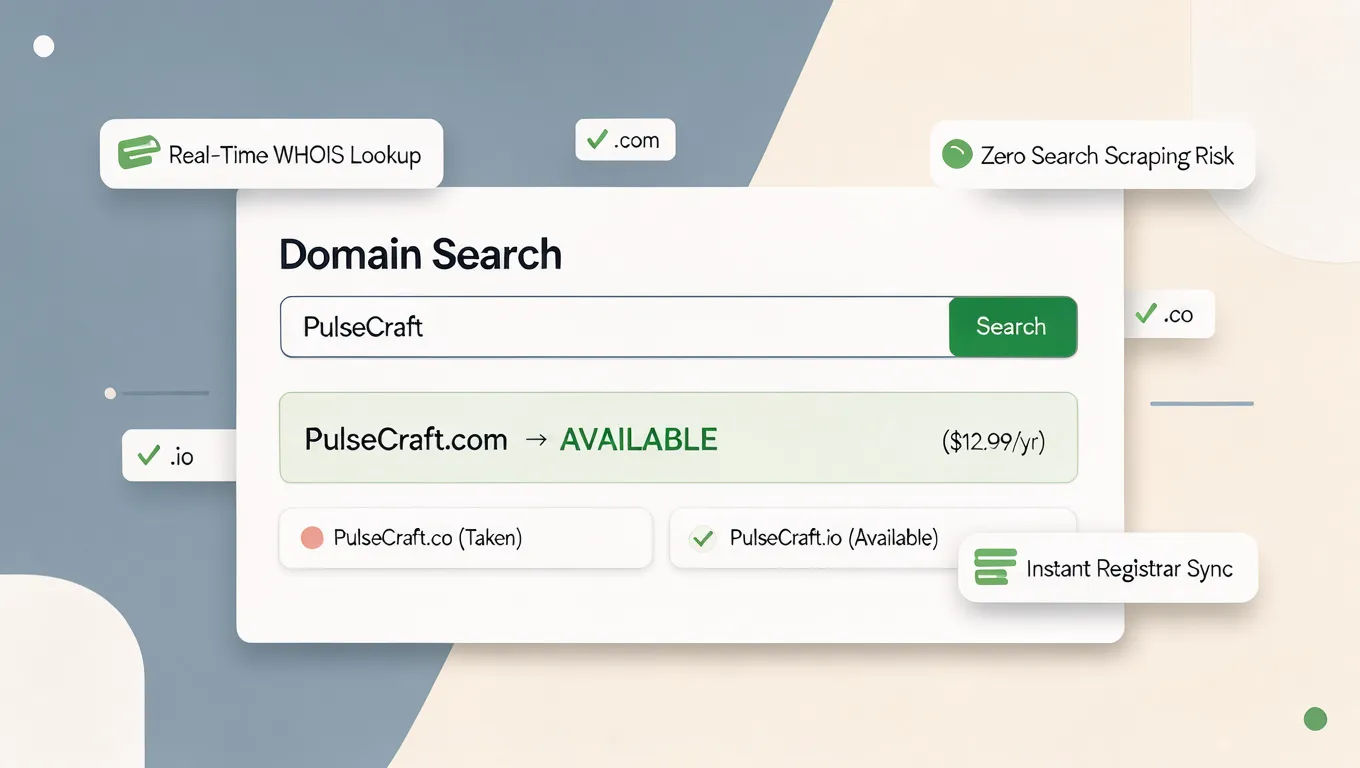
- Run an ICANN WHOIS Lookup: Use a global domain lookup tool to reveal the official registrar listed on your public record.
Taking time to find domain registrar details solves your biggest initial roadblock. Once you determine where is my domain registered, perform a quick domain registrar lookup so you can log into your dashboard and secure your web address.
3. Check Your Domain's Expiration Date and Renewal Status
Before initiating a payment, verify your domain's exact operational status inside your manager panel. What to look for on your dashboard status screen:
- Active Status: The domain is fully operational, with a clear future expiration date.
- Pending Auto-Renew: The registrar is scheduled to attempt payment within 24 to 48 hours.
- Expired / Grace Period: The domain has passed its expiration date, site traffic is paused, but standard recovery remains open.
Checking your official domain expiration date eliminates guesswork. Running a quick audit to check domain renewal status tells you exactly when does my domain expire, helping you take action before site traffic breaks.
4. Renew Your Domain Through Your Registrar's Dashboard
Once logged into your provider, navigating the checkout process requires just a few clicks. Follow these practical steps to renew domain through registrar portals:
- Open your Domain Manager tab and select the specific web address.
- Click the prominent Renew Now or Add Years button.
- Choose your desired renewal duration (extending for 2 to 5 years locks in current pricing).
- Confirm your billing address and submit your credit card or PayPal payment.
- Verify that your account dashboard reflects an updated expiration date.
Following this structured domain renewal process allows you to renew a registered domain smoothly without administrative friction.
5. Choose Between Manual Renewal and Auto-Renewal
"Should I let the registrar renew my domain automatically?"
Relying on manual renewals is a dangerous game for busy business owners. If an expiration email lands in your spam folder while you are traveling, your site can go offline without warning. Compare your operational renewal options:
Enabling domain auto renewal is the single best protective habit you can adopt. Setting your account to enable auto-renew domain functionality ensures automatic domain renewal executes behind the scenes year after year.
6. Understand Domain Renewal Costs Before You Pay
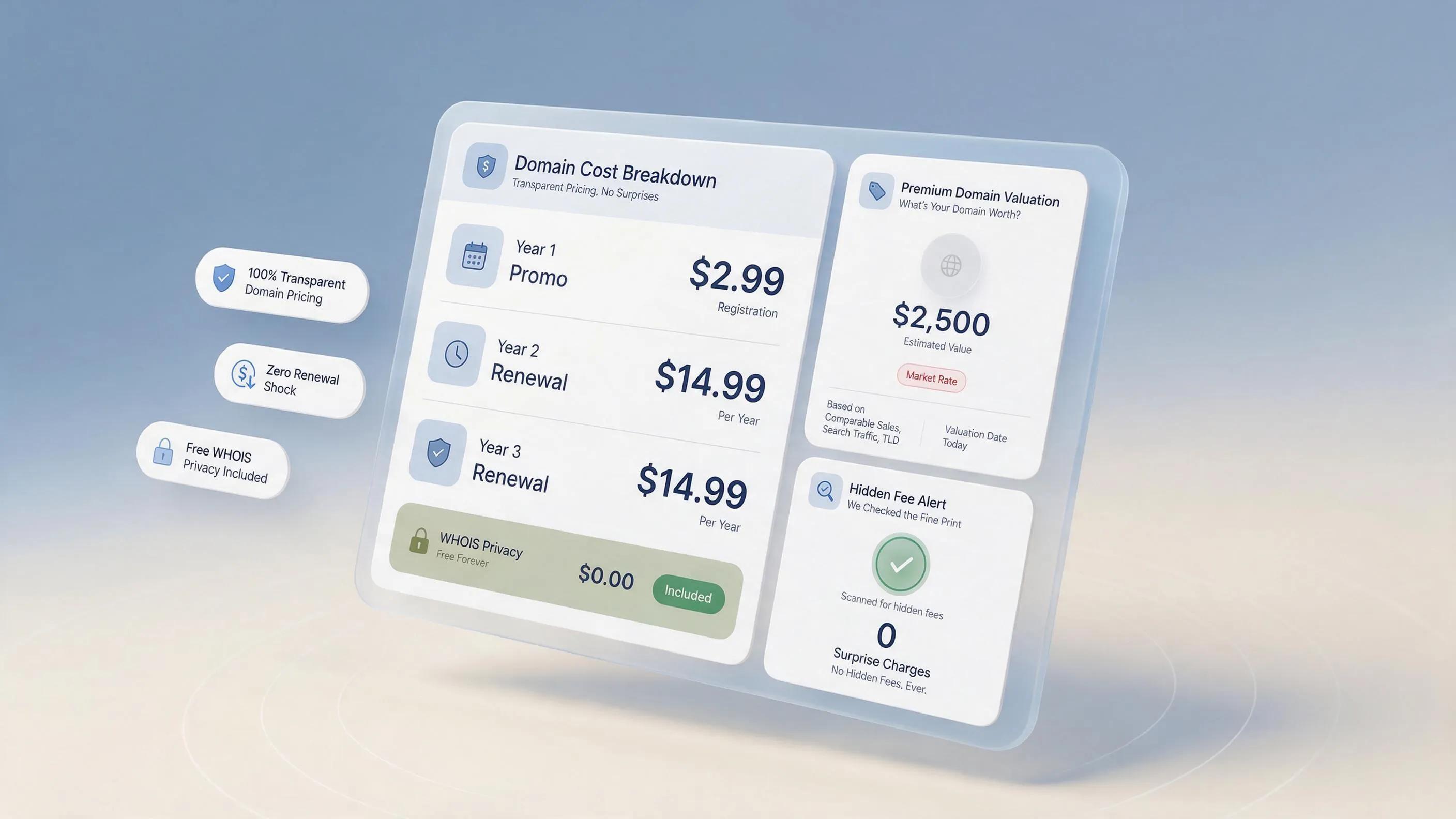
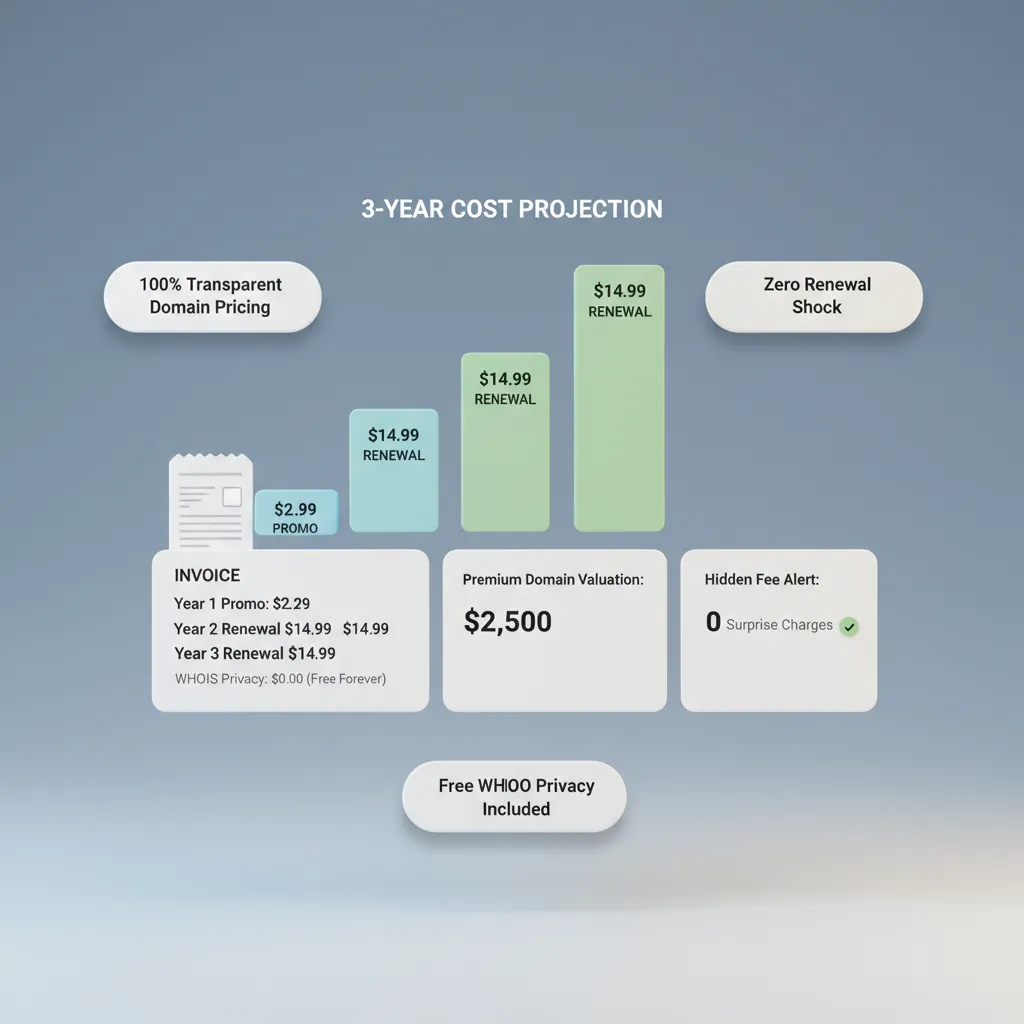
Many business owners feel blind-sided when their second-year domain bill arrives at $20 after securing a $0.99 promo deal during launch. Why full retail pricing applies at renewal:
- Expiration of Promotional Rates: Deep introductory discounts apply strictly to year one.
- Registry Wholesale Increases: Central registries (like Verisign for .com) periodically raise baseline wholesale prices.
- Premium Extension Surcharges: Specialized top-level domains (.ai, .io) carry naturally higher annual base costs.
Total Renewal Charge = Base Domain Renewal Rate + Add-On Fees + Local Taxes
Reviewing your baseline domain renewal cost upfront prevents billing surprises. Inspecting full domain name renewal price schedules allows you to calculate how much to renew a domain before hitting checkout.
7. What Happens If You Forget to Renew Your Domain?
If your expiration date passes without payment, your registrar doesn't instantly delete your address and sell it to a competitor. Instead, the domain enters a strict expiration lifecycle:
- Day 1 to 30 (Grace Period): Your site goes offline, business emails stop arriving, but you can still process a standard-cost renewal inside your account.
- Day 31 to 60 (Redemption Period): The registry holds the domain in lockdown. You can still recover it, but you must pay a heavy redemption penalty fee ($80 to $250+).
- Day 60+ (Pending Delete / Auction): The domain is released to public auctions or deleted, allowing domain squatters to snap it up permanently.
Understanding what happens when a domain expires highlights the danger of leaving an expired domain unresolved. Acting quickly during domain expiration windows prevents irreversible loss.
8. How to Renew an Expired Domain Name
Here's the deal: If your domain expired within the last 30 days, do not panic. Your web address is almost certainly sitting in the standard grace period window waiting for payment. How to execute an emergency recovery:
- Log into your registrar dashboard immediately.
- Check your expired domain folder or main domain list.
- If the domain is in the grace period, click Renew and pay the standard fee.
- If the domain has entered the redemption phase, contact registrar support to pay the mandatory registry redemption recovery fee.
Learning how to renew an expired domain saves your digital storefront from complete destruction. Executing an expired domain renewal allows you to recover expired domain assets before public deletion occurs.
9. Fix Domain Renewal Failures and Payment Problems
"My card was declined, or the renewal payment went through but the domain still looks expired."
Few things cause more anxiety than a failed payment notification when your web address is sitting offline. Troubleshoot payment errors using this diagnostic sequence:
- Card Expired / Declined: Update your billing card details on file and manually trigger the payment retry button.
- Pending Bank Holds: Check whether your bank flagged the automated international registry transaction as a fraud check.
- Propagation Delay: If your payment went through but your site still displays an error, clear your browser cache and wait 1 to 2 hours for local DNS servers to update.
Resolving a domain renewal failed notification rapidly prevents permanent service suspension. Fixing domain renewal payment failed errors eliminates stubborn domain renewal issues before DNS routing drops.
10. Renew Your Domain Without Disrupting Your Website or Email
A common fear among business owners is that processing a domain renewal will trigger technical downtime across active storefronts or Google Workspace inboxes. Here is the truth regarding site continuity: As long as you renew your domain before it hits its expiration date, your web address extension happens completely seamlessly behind the scenes.
Processing your payment early prevents domain renewal website downtime risks. Protecting your domain renewal email infrastructure allows you to renew domain without downtime interruptions.
11. Can You Renew a Domain for Multiple Years or Transfer It First?
If you are unhappy with your current registrar's high renewal fees or poor customer support, you don't have to stay locked in forever. Compare your strategic options:
- Multi-Year Extensions: Extending your registration for 3 to 10 years locks in current wholesale rates and protects your business against future inflation price hikes.
- Domain Transfer: Moving your domain to a transparent builder platform like BoltWeb often adds a free one-year extension to your current expiration date during the transfer process!
Deciding to renew domain for multiple years guarantees long-term stability. Understanding your overall domain renewal period helps you decide whether to renew or transfer domain assets to lower recurring expenses.
12. Prevent Your Domain From Expiring Again
The best way to handle domain expiration stress is to build a bulletproof system that prevents expiration from ever happening again. Adopt these four habit-forming safeguards:
- Enable Automatic Renewal: Keep auto-renew toggled ON across all core brand domains.
- Add a Secondary Credit Card: Save a backup payment method inside your registrar billing panel so expired credit cards never cause a failed transaction.
- Keep Contact Emails Current: Ensure your account email is an address you check daily (never an old personal email you rarely open).
- Set Annual Calendar Reminders: Create an annual calendar alert 30 days prior to expiration to review your domain status.
Following these operational safeguards allows you to prevent domain expiration completely, set up reliable domain renewal reminder alerts, and keep domain active assets protected year after year.
Protect Your Business Storefront on BoltWeb Today: Skip complex server setups, high renewal fees, and sudden site downtime. Manage your domain on BoltWeb, connect custom domain routing, build responsive landing pages, and create a business website using our advanced domain and website builder in under 60 seconds!
12 High-Converting FAQs: How to Renew a Domain Name
1. How do I renew a domain name before it expires so my website stays online?
Here's the plain truth: Renewing a web address isn't complicated, but leaving it to the last minute puts your entire online presence at risk. You don't need to rebuild your site or hire an IT specialist to keep your domain active. When you manage your address inside BoltWeb, keeping your website live is seamless. As an all-in-one business website builder, BoltWeb tracks your registration schedules, provides transparent renewal pricing, and keeps your storefront running without technical delays.
2. How can I find out where my domain name is registered if I forgot my provider?
It happens all the time—you registered an address months or years ago and no longer remember which registrar holds the account. Here is how you track it down in minutes:
- Search Payment Receipts: Search your email inbox for keywords like "Domain Registration", "Renewal Notice", or "WHOIS".
- Run a WHOIS Lookup: Use a public domain lookup tool to reveal the official registrar listed on your public registration record.
Taking a moment to find domain registrar details answers the question where is my domain registered so you can complete a domain registrar lookup and log into your account dashboard.
3. How do I check my domain's expiration date and renewal status?
Before making a payment, you need to know whether your address is active, pending auto-renew, or sitting in a grace period. What to look for on your dashboard:
- Active Status: Displays a future expiration date with uninterrupted routing.
- Expired Status: Indicates your registration has passed its term and requires immediate payment to restore site traffic.
Checking your domain expiration date helps you check domain renewal status so you know exactly when does my domain expire before traffic drops.
4. What are the exact steps to renew a domain through my registrar's dashboard?
Extending your address registration requires just a few straightforward steps inside your manager portal. Follow this simple execution process:
- Log into your registrar account and open your domain list.
- Select the web address you want to extend.
- Click Renew Now, choose your renewal term (1 to 10 years), and confirm checkout.
Following this path allows you to renew domain through registrar dashboards, master the domain renewal process, and renew a registered domain without headaches.
5. Should I choose manual domain renewal or enable auto-renewal for my business?
Relying on manual renewal reminders is risky. If an expiration email gets filtered to spam while you are away, your storefront can go offline without warning. Compare your options:
- Manual Renewal: Requires keeping track of annual dates and logging in manually before the deadline.
- Auto-Renewal: Automatically processes renewal charges before expiration, ensuring zero downtime.
Enabling domain auto renewal or setting your account to enable auto-renew domain guarantees automatic domain renewal executes reliably year after year.
6. Why is my domain renewal price higher than my first-year registration cost?
Many business owners are surprised when their second-year invoice arrives higher than their initial promotional rate. Why renewal prices differ from year one: Promotional Rates — Introductory deals apply strictly to the first 12 months. Wholesale Registry Fees — Central registries set baseline annual fees for top-level extensions (.com, .ai, .co). Reviewing your expected domain renewal cost upfront clarifies the baseline domain name renewal price so you know how much to renew a domain before checkout.
7. What actually happens when a domain name expires without payment?
If your renewal date passes without payment, your web address doesn't disappear into thin air immediately. Instead, it enters a structured grace period lifecycle: Grace Period (Days 1–30): Site traffic pauses and email stops, but standard-cost renewal remains available inside your dashboard. Redemption Period (Days 30–60): The domain is locked by the registry, requiring a higher redemption fee to restore. Understanding what happens when a domain expires helps you recover an expired domain before domain expiration leads to permanent loss.
8. How do I renew an expired domain name if it passed its expiration date?
If your address expired within the last 30 days, there is no need to panic—it is almost certainly resting in the standard grace period window. How to recover your address quickly: Log into your registrar account and navigate to your expired domain list. Select the domain and complete the standard renewal payment. If it has passed into the redemption phase, contact provider support to process a redemption claim. Knowing how to renew an expired domain allows you to execute an expired domain renewal and recover expired domain assets safely.
9. How do I fix domain renewal failures and payment problems?
Seeing a payment failed alert on an expiring web address can be stressful, but fixing it takes only a few diagnostic checks. Check these common issues: Declined Card: Update your credit card on file and trigger a manual payment retry. DNS Cache Delay: If payment cleared but the site still looks down, clear your local browser cache and allow time for global DNS propagation. Resolving a domain renewal failed notification fixes domain renewal payment failed issues and eliminates domain renewal issues fast.
10. Will renewing my domain name cause downtime for my website or business email?
A common worry is that renewing an active address will briefly take your website or Google Workspace inbox offline. Here is the truth: As long as you process your renewal before the address reaches its expiration date, the extension happens seamlessly in the background with zero disruption. Preventing domain renewal website downtime protects your domain renewal email setup so you renew domain without downtime interruptions.
11. Can I renew a domain name for multiple years or transfer it to another provider?
You aren't restricted to one-year renewals, nor are you forced to stay with an expensive registrar. Consider these options: Multi-Year Renewal: Renewing for 2 to 5 years locks in current rates and guards against future registry price increases. Domain Transfer: Moving your domain to a flexible platform like BoltWeb often includes a one-year renewal extension during the transfer. Choosing to renew domain for multiple years extends your domain renewal period and helps you decide whether to renew or transfer domain assets.
12. What are the best ways to prevent my domain name from expiring in the future?
Building a bulletproof domain maintenance strategy keeps your web address safe year after year without constant monitoring. Adopt these essential habits: Toggle auto-renewal ON for all primary brand addresses. Keep a valid backup payment card saved in your account billing panel. Set an annual calendar reminder 30 days ahead of expiration. Following these practices helps you prevent domain expiration, receive timely domain renewal reminder notifications, and keep domain active status permanently on BoltWeb!