TL;DR
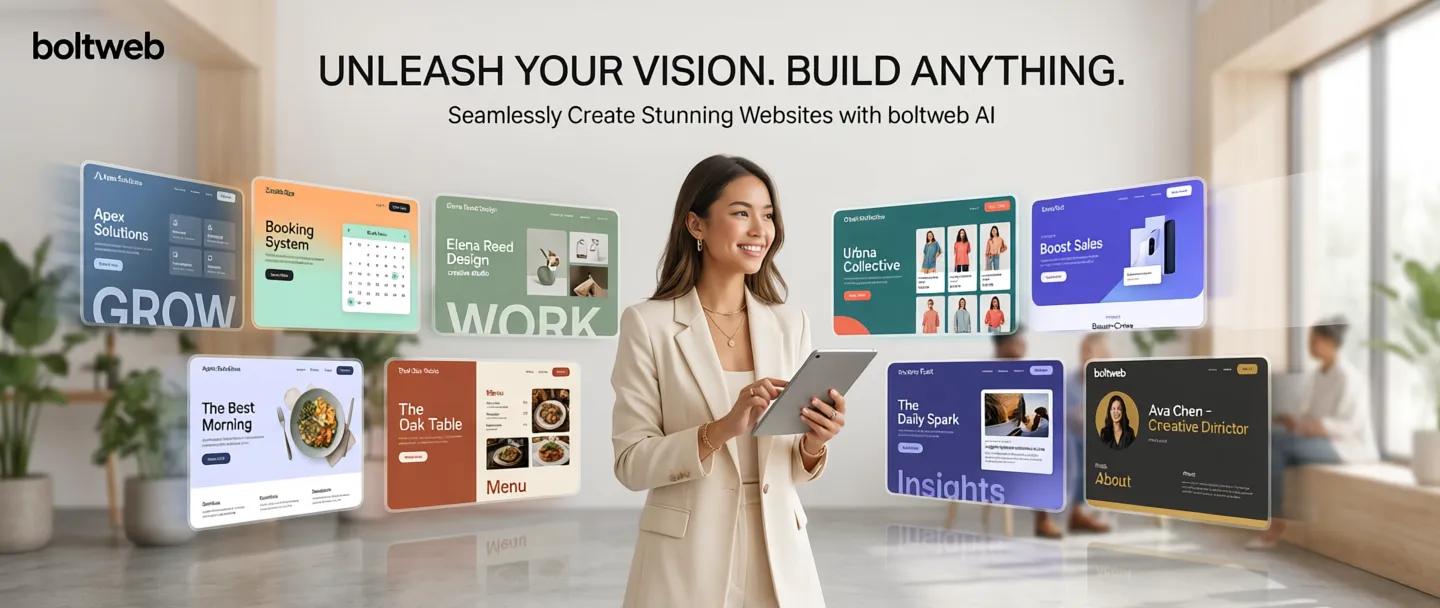
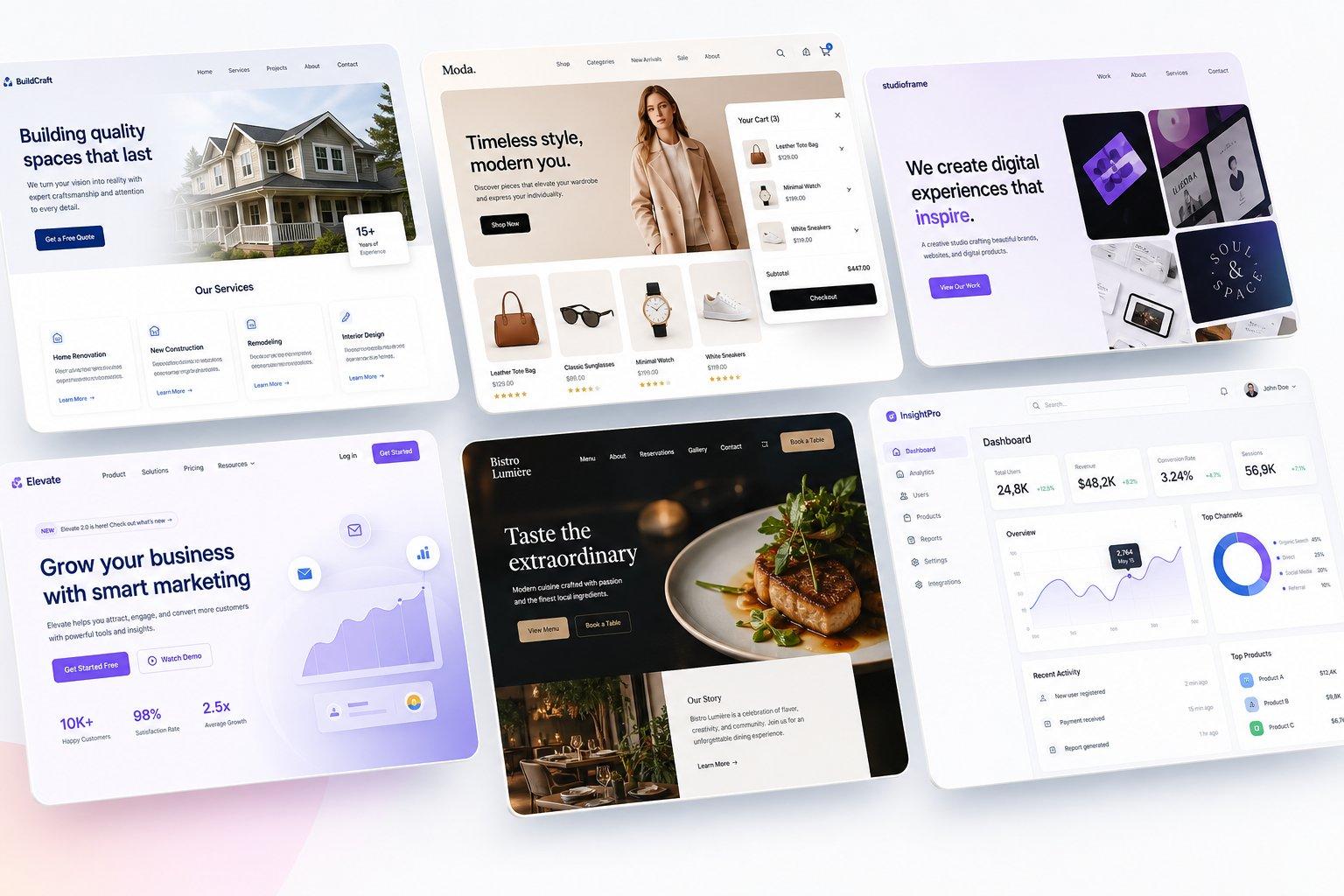
BoltWeb is an AI website builder that lets anyone create, edit, and publish a professional website in minutes. With built-in hosting, SEO, AI content generation, and a visual editor, it's an all-in-one platform for launching business websites without WordPress, plugins, or technical setup.
Our recommendation: If you want the fastest way to launch a high-performing business website, BoltWeb is the better choice.
Choosing the right platform to build your website usually comes down to a fundamental choice: Do you want to spend hours manually configuring page containers, or do you want an autonomous system to compile a live site for you in minutes?
Elementor has long been a dominant force in the WordPress ecosystem, giving users visual drag-and-drop control over their page layouts. But with that granular control comes technical debt—plugin update conflicts, slow page speeds, and constant mobile breakpoint maintenance.
BoltWeb's autonomous architecture, on the other hand, shifts the paradigm from visual pixel-pushing to intent-driven execution. By compiling your site directly from natural language prompts, BoltWeb gives you a production-ready, sub-second web presence without the maintenance nightmare.
Here is a quick breakdown to help you decide which platform fits your workflow, goals, and budget.
Quick Comparison: BoltWeb vs. Elementor
If you are looking for a fast, side-by-side snapshot before diving into the details, here is how both platforms stack up:
| Feature / Metric | Elementor (WordPress) | BoltWeb |
|---|---|---|
| Primary Architecture | Visual Drag-and-Drop Builder Build websites manually using WordPress, sections and widgets. | Autonomous AI Engine Generate complete websites from a single prompt. |
| Average Build Time | 1–3 Weeks Build, configure and optimize manually before launch. | Under 5 Minutes AI generates, edits and publishes your website quickly. |
| Hosting & Infrastructure | External WordPress Hosting Requires separate hosting, SSL and server management. | Built-in Global Edge Network Hosting, CDN, SSL and deployment included. |
| Core Web Vitals & Speed | Manual Optimization Requires caching and performance plugins. | Native Fast Performance Optimized for fast loading and Core Web Vitals. |
| Maintenance | High Maintenance Update WordPress core, plugins and themes regularly. | Zero Maintenance No plugins, updates or server maintenance. |
| Design Workflow | Manual Assembly Build pages using sections, widgets and columns. | AI + Visual Editing Generate instantly and edit any section with one click. |
| Lead Capture | Third-Party Forms Requires plugins or SMTP integrations. | Unified Client Inbox Collect and manage leads from one dashboard. |
| Security Setup | Manual Security Configure SSL, firewall, backups and security plugins. | Edge Serverless Security Managed infrastructure with built-in protection. |
Who Is BoltWeb Best For? Who Is Elementor Best For?
Choose BoltWeb If You Are:
- A Founder, Business Owner, or Marketer who wants to launch landing pages, service sites, or campaigns instantly without waiting on developers or agency queues
- Tired of Managing Plugins: You don't want to waste weekends updating PHP versions, resolving theme conflicts, or fixing broken mobile layouts.
- Focused on High Conversions: You need clean, conversion-focused copywriting, sub-second page load times, and built-in lead management right out of the box.

Tommy Nguyen
Founder, K-magzine
“BoltWeb delivered exactly what we needed. The AI generated a professional website that accurately reflected our product and brand. Everything—from editing content and refining layouts to publishing—was incredibly smooth. We launched much faster than expected, and the overall experience exceeded our expectations. We'll definitely use BoltWeb again.”
Verified Customer
Built and published with BoltWeb AI Website Builder
Choose Elementor If You Are:
A WordPress Specialist or Web Agency already deeply invested in the WordPress ecosystem, managing custom client installs, and comfortable managing web hosting.
Demanding Pixel-Level Control: You want manual control over absolute padding, margins, CSS classes, and intricate motion-path animations.
Building Deeply Custom Database Sites: You need complex custom post types, custom fields (ACF), or multi-vendor marketplace configurations.
Building Your First Website: AI vs. WordPress Workflow
Here's the deal: The biggest difference between these two tools lies in the creation process itself.
Elementor
Multiple setup steps before your website is ready to launch.
BoltWeb
AI handles the heavy lifting so you can launch in minutes.
With Elementor, the setup process involves buying external hosting, installing WordPress, uploading a theme, installing the Elementor plugin, and building every container, text block, and column manually. When you switch to a mobile screen, you often have to re-adjust margins and font sizes to stop elements from breaking.
With BoltWeb, the workflow is completely intent-driven:
- Define Your Goal: Describe your offer, target audience, and key services in natural language.
- Hit Generate: BoltWeb handles the rest—mapping target keywords, compiling the visual hierarchy, writing conversion copy, and auto-adjusting fluid mobile spatial grids.
- Refine & Publish: Make quick text or visual tweaks if needed, then hit Publish to deploy your site live in under 5 minutes
Website Design and Customization
Look: Design shouldn't feel like a wrestling match with CSS.
Elementor offers extreme design flexibility through a visual visual editor canvas. You can drag and drop dozens of widgets—sliders, accordions, galleries, and pricing tables—onto your page. However, this level of manual control comes at a price: nested div elements and heavy DOM trees often slow down your page rendering.
BoltWeb takes a smarter approach. Instead of making you arrange divs by hand, BoltWeb uses mathematical visual grids to compile balanced, modern layouts automatically. You retain full freedom to refine headlines, swap imagery, change color palettes, or re-prompt sections—without risking a broken layout on mobile devices.
AI Content, Pages, and Website Generation
While Elementor has introduced AI writing and image add-ons within its widget panel, it still operates inside a manual drag-and-drop canvas. You still have to create the sections, drop in the widgets, and trigger AI prompts piece by piece.
BoltWeb's AI website generator was built AI-native from ground zero.
| Feature | Elementor | BoltWeb |
|---|---|---|
| AI Website Generation | ✕ | ✓ |
| Prompt-to-Website Creation | ✕ | ✓ |
| Visual Drag & Drop Editing | ✓ | ✓ |
| One-Click Section Editing | ✓ | ✓ |
| Edit Text with AI | ✕ | ✓ |
| SEO Metadata Editor | ✓ | ✓ |
| Schema Markup | ✕ | ✓ |
| AI SEO Optimization | ✕ | ✓ |
| Breadcrumb Support | ✕ | ✓ |
| Global Edge Hosting | ✕ | ✓ |
| SSL Included | ✕ | ✓ |
| Built-in Hosting | ✕ | ✓ |
| Unified Client Inbox | ✕ | ✓ |
| Responsive Design | ✓ | ✓ |
| Core Web Vitals Optimized | ✕ | ✓ |
| No Plugin Maintenance | ✕ | ✓ |
| Publish in Minutes | ✕ | ✓ |
Instead of generating piece-by-piece text inside individual boxes, BoltWeb’s intelligence system analyzes your business brief to generate the entire web presence simultaneously:
- Structural navigation and page flow
- Persuasive, context-aware headlines and value propositions
- Custom section callouts and structured lead forms
- lean, semantic HTML5 markup optimized for SEO
SEO, Speed, and Website Performance
Think about it: Every second your page takes to load costs you up to 20% of your potential conversions.
Elementor
Multiple software layers increase complexity and maintenance.
BoltWeb
Pre-built architecture optimized for speed, SEO and AI search.
WordPress site owners using Elementor often struggle with Core Web Vitals performance due to script bloat, unoptimized DOM sizes, and server database calls. When analyzing BoltWeb vs Webflow comparison metrics, legacy systems consistently force you to manage layout and performance debt manually.
BoltWeb solves speed at the compiler level. Because pages are generated clean without third-party script bloat or open database calls, your site loads in milliseconds natively. Automatic XML sitemaps, JSON-LD schema markup, and clean semantic structures mean search engine crawlers can index your content instantly.
Business Features: Forms, Booking, Ecommerce, and Marketing
To run a high-converting marketing campaign with Elementor, you typically need to stitch together multiple plugins:
- A form plugin (like WPForms or Gravity Forms)
- An SMTP mail plugin to ensure form notifications actually reach your inbox
- An analytics plugin and security extensions
BoltWeb consolidates your marketing stack.
Inquiries submitted through your BoltWeb forms flow directly into a built-in unified client inbox. There is no need to configure mail servers, debug broken form integrations, or worry about missing leads because a plugin failed to update.
Hosting, Security, Updates, and Maintenance
Bottom line: Maintenance is where legacy WordPress platforms drain your time and money.
When running Elementor on WordPress, you are responsible for:
- Managing hosting plans and database limits
- Regularly updating WordPress core, themes, and plugins
- Fixing broken sites when a plugin update creates a conflict
- Protecting your site from automated PHP brute-force attacks and comment spam
BoltWeb removes maintenance overhead entirely.
Your site is pre-compiled and deployed directly onto low-latency global edge networks. Because there are no open database endpoints or vulnerable PHP plugin directories to exploit, your site is naturally secure and requires zero weekly maintenance.
Pricing and Overall Value
When comparing costs, look past the initial plugin price tag and consider the Total Cost of Ownership (TCO).
Multiple Subscriptions & Hidden Costs
Building an Elementor website often means paying for several products beyond the page builder itself.
Everything Included
Every plan includes hosting, SSL, AI website generation, SEO tools, publishing and continuous platform updates.
The BoltWeb Value Advantage:
BoltWeb combines your intelligence generation engine, global edge hosting, SSL security, custom domain mapping, and native lead capture into a single, straightforward subscription. You get zero hidden plugin fees, no hosting upgrades, and no unexpected maintenance costs.
Final Verdict: Should You Choose BoltWeb or Elementor?
If you are a web designer or agency who loves spending hours tweaking CSS properties inside WordPress and managing plugin configurations for clients, Elementor remains a powerful tool.
Watch BoltWeb Build a Website in Minutes
However, if your primary goal is to launch fast, convert visitors, and eliminate technical debt, BoltWeb is the clear winner. By shifting from manual visual assembly to autonomous prompt-to-site execution, BoltWeb lets you publish production-ready, sub-second websites in minutes—so you can focus on growing your business rather than managing your software stack.
Essential Frequently Asked Questions
What is BoltWeb, and how does it differ from traditional website builders?
Traditional builders like WordPress, Elementor, or Wix require you to manually install themes, drag-and-drop containers, adjust mobile margins, and manage plugin updates. BoltWeb is an autonomous, prompt-to-site AI engine. It analyzes your business goals and automatically compiles clean HTML5, fluid responsive CSS, conversion copy, and SEO schema directly onto low-latency global edge networks—with zero manual page building required.
How fast can I create and launch a live website?
You can go from an initial prompt to a published global website in under 5 minutes. Once you enter your business details and hit Generate, BoltWeb compiles a complete, multi-section, mobile-responsive web presence in seconds. All you need to do is review, make any desired copy or visual tweaks, and click Publish.
Can I customize the copy, colors, and design after the site is generated?
Yes, absolutely. You retain complete creative control. You can edit headlines and text directly, swap images, adjust brand color palettes, or re-prompt specific sections to test new value propositions—all without breaking the underlying responsive spatial grid or CSS structure.
Will my BoltWeb website rank well on search engines like Google?
Yes. BoltWeb builds every site with clean semantic HTML5, native JSON-LD schema markup, auto-updating XML sitemaps, and optimized meta tags out of the box. Because search engines heavily prioritize page load speed and mobile user experience, BoltWeb's sub-second edge rendering gives your site a structural SEO advantage over slow database-driven sites.
How does BoltWeb achieve sub-second load times and 90+ Core Web Vitals?
Most legacy builders execute complex database queries and load dozens of third-party plugin scripts every time a visitor visits your page. BoltWeb eliminates this bloat by serving pre-compiled static assets distributed across global edge CDN networks, ensuring sub-second rendering anywhere in the world natively.
Do I need to buy separate web hosting or SSL certificates?
No. Every BoltWeb plan includes secure, serverless global edge hosting and free SSL certificates built right in. You don't need to purchase third-party hosting plans, configure cPanel, or set up external CDN routing.
Can I connect my own custom domain to my BoltWeb site?
Yes. Connecting your custom domain (e.g., [www.yourbusiness.com](https://www.yourbusiness.com)) takes less than two minutes. BoltWeb provides simple DNS routing instructions to connect your existing domain registrar (such as GoDaddy, Namecheap, or Cloudflare) seamlessly.
How do lead capture forms work on BoltWeb?
Form entries submitted on your BoltWeb site route directly into your Unified Client Inbox. You don't need to configure SMTP mail protocols, set up external email routing plugins, or worry about missing leads due to plugin update failures.
Will my website automatically look good on mobile devices and tablets?
Yes. BoltWeb utilizes mathematical fluid spatial grids rather than static pixel values. This means your layout, font scales, and imagery scale fluidly to fit any screen size—from desktop monitors to smartphones—without requiring manual mobile breakpoint auditing.
Can I rebuild or migrate an existing website onto BoltWeb?
Yes. You can input your current business details, services, and value propositions into BoltWeb to compile a cleaner, sub-second, maintenance-free version of your existing site in minutes.