You have a business idea, a service to sell, or a brand to launch. You know you need a website.
So, you open your laptop, type a search query, and instantly get hit with a wall of technical jargon: DNS records, server stacks, CMS integration, responsive breakpoints, and SSL protocols.

Here is the truth:
You do not need to understand complex tech jargon just to get your business online.
When you strip away the noise, setting up a site comes down to a few basic pieces. Gather them in the right order, and the whole process becomes straightforward.
Here is your straightforward checklist of everything you need to build a website, launch fast, and turn random visitors into paying customers.
Decide What Your Website Is For
Before you buy a domain or pick a template, you must answer one question:
What specific job is this website supposed to do for your business?
Every high-performing website has a single primary goal. If you try to make your site do everything at once, your visitors will end up doing nothing at all.
What is your core objective?
- Collect Leads: Get local clients to call you or fill out an inquiry form.
- Sell Products: Display items, accept payments, and process customer orders.
- Build Trust & Authority: Showcase your portfolio, list past client work, and share updates.
- Book Appointments: Let clients select time slots directly on your calendar.
Here is the secret:
Pick one main goal. When you know your primary objective, every choice you make afterward becomes easy.
Choose a Domain Name for Your Website
Your domain name is your permanent address on the web (for example, yourbusiness.com). It is how customers find you and how they remember you.
Keep it simple so people can type it without making mistakes:
[ Short & Memorable ] ──► [ Match Your Brand ] ──► [ Stick to .com ]
Follow these three rules when picking your web address:
- Keep it easy to spell: Avoid double letters, hyphens, or numbers that confuse people over the phone.
- Make it memorable: Use your exact business name or combine your main service with your city.
- Stick to common extensions: Choose .com whenever possible—it carries natural trust and remains the default extension people type automatically.
Choose How You Want to Build Your Website
You have three pathways to get your site online. Your choice comes down to two resources: Time vs. Capital.
CHOOSING YOUR PATH
[ DIY Coding ]
High tech skill
Months of work
[ Hire Agency ]
High cost
Weeks of waiting
[ No-Code Builder ]
Fast launch
Minutes to build
| Path | Upfront Cost | Time to Launch | Technical Skill Needed |
|---|---|---|---|
| Manual Coding | Low | 2 to 6 Months | High (HTML, CSS, JS, Database Management) |
| Hiring an Agency | High | 1 to 3 Months | None (You manage the team) |
| No-Code Site Creator | Low | Under 10 Minutes | None (Visual setup) |
If you want to validate your offer fast without losing weeks to setup, choosing a simple no-code platform is the smartest choice for small business owners.
Prepare the Content Your Website Will Need
The fastest way to stall a site launch is trying to design pages while typing copy out of your head.
Here is what happens:
You sit down to build a page, get stuck on what to write for the headline, and abandon the project halfway through.
Gather your exact text and images in advance using the exact words, problems, and questions your real customers ask:
- ☐ Core Headlines: Clear statements explaining what problem you solve and who you serve.
- ☐ Service & Product Descriptions: Simple breakdowns of what you sell, what is included, and how much it costs.
- ☐ High-Quality Photos: Real photos of your work, team, headshots, or crisp product shots.
- ☐ Social Proof: Testimonials, customer review quotes, before-and-after photos, and star ratings.
- ☐ Contact Details: Your primary business email, phone number, operating hours, and physical address.
Plan the Pages You Actually Need
A common mistake beginners make is adding too many empty pages.

Reducing options to eliminate mental effort proves that fewer pages lead to more sales. When you give visitors too many places to click, they get overwhelmed and leave.
Most small business websites only need four core pages:
[ HOMEPAGE ]
[ Services Page ]
[ About Us Page ]
[ Contact Page ]
- Homepage: Hooks your visitor in the first 5 seconds, explains your value proposition, and points them to your main offer.
- Services / Products Page: Lists your exact packages, prices, features, and client benefits.
- About Page: Shares your backstory, builds human connection, and proves your credibility.
- Contact Page: A clean form, your phone number, and clear directions on what step to take next.
Choose a Layout That Feels Trustworthy
Visitors evaluate your website in under five seconds. If your layout looks messy or hard to read, they will instantly hit the back button.
To keep visitors hooked down the page, organize your visuals using simple alignment and scanning rules:
- High Contrast: Use dark text on light backgrounds so your copy is easy to read without eye strain.
- One Accent Color: Choose one main color for your brand and reserve a bright, high-contrast accent color strictly for action buttons.
- Ample White Space: Give text blocks room to breathe. Group related items together so your reader's eye moves naturally down the screen.
Make Sure Your Website Works on Phones
Over 60% of all web traffic comes from mobile devices.
Think about your own habits:
When you look up a local service or click an ad, you are almost always using your phone. If your site displays broken images or text that runs off the screen on a smartphone, you lose customers instantly.

Your layout must automatically adjust to fit any screen size—from desktop monitors down to mobile displays—without requiring visitors to pinch, zoom, or scroll horizontally.
Set Up Hosting and Get Your Website Online
Every website needs two hidden engine parts to stay visible to the public:
- Web Hosting: The digital server space where your site files, text, and images live. Without hosting, nobody can view your website over the internet.
- SSL Certificate: The security system that puts the padlock icon next to your URL in the browser bar. It encrypts visitor data and ensures search engines mark your site as secure.
Many modern site tools include hosting and SSL certificates in one package, eliminating the need to connect separate servers manually.
Add the Features Your Visitors Actually Need
Do not clutter your site with features you do not need. Focus strictly on tools that make taking action easy for your reader:
- Contact Forms: Simple input fields so prospects can send inquiries directly to your email inbox.
- Click-to-Call Buttons: Mobile buttons that let tap-to-dial your phone number instantly.
- Clickable Maps: Clear map pins showing your physical location for local clients.
- Payment Processing: Simple checkout buttons to accept credit card payments securely.
Test Your Website Before You Publish It
Before sending real visitors to your site, run through a simple quality check:
- ☐ Test Every Button: Click every button on your desktop and phone to make sure links go to the right place.
- ☐ Submit a Test Form: Fill out your own contact form to confirm messages arrive in your inbox.
- ☐ Check Mobile Layout: Open your site on a phone to verify headlines fit cleanly without cut-offs.
- ☐ Proofread Your Copy: Read headlines out loud to catch typos and fix broken text alignment.
Build Your Website Without Starting From Scratch
You don't need to learn code before you can build a website.
If you already have your business idea, content, images, and pages planned, a website builder can handle much of the work of putting those pieces together.
That is where BoltWeb fits in.
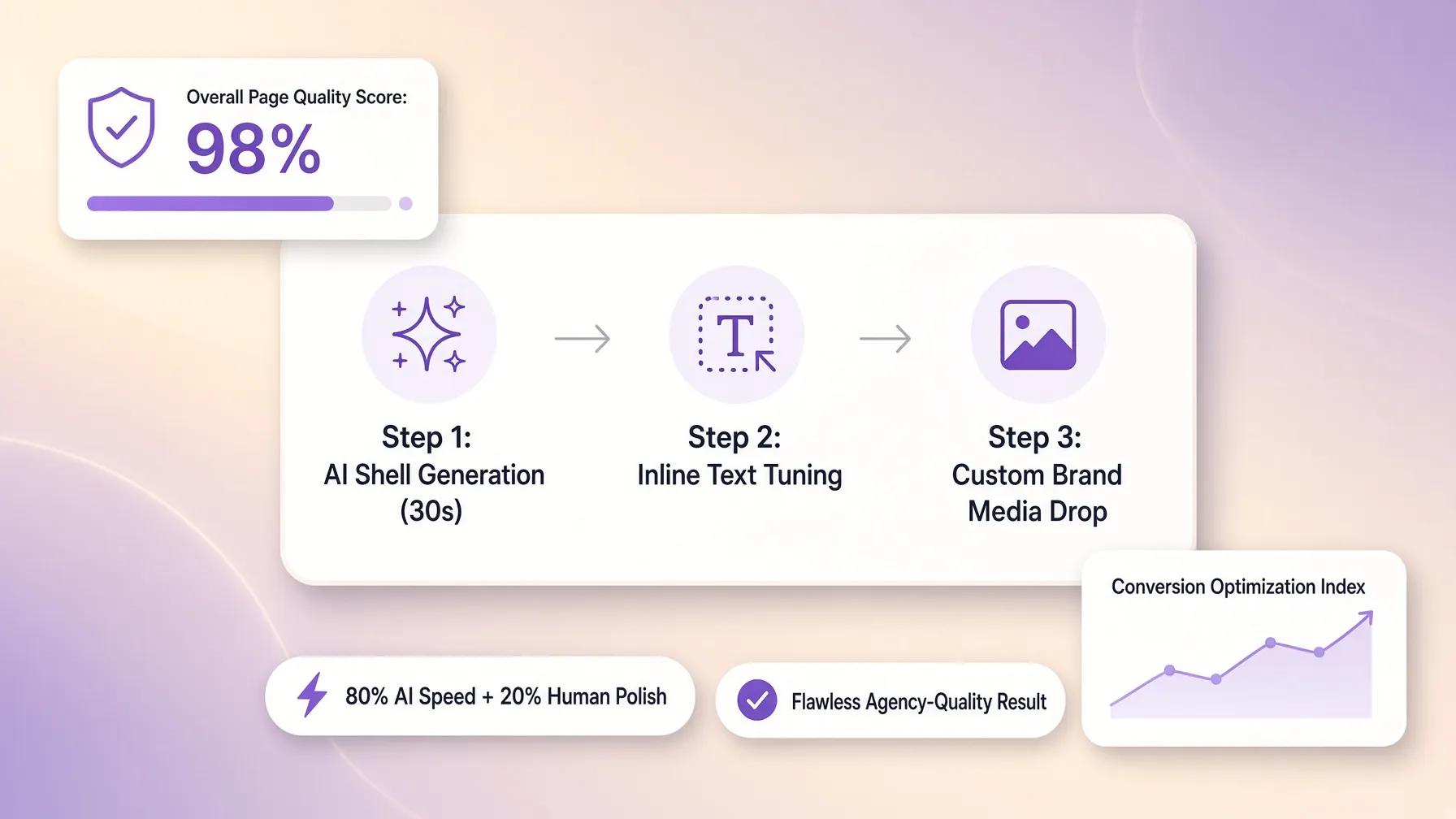
Instead of forcing you to spend days tweaking misaligned drag-and-drop elements or setting up technical settings, BoltWeb takes your content and turns it into a structured, responsive site in under five minutes.
Here is why it works so fast:
- Instant Page Assembly: Turn your raw headlines, photos, and service lists into a finished site without touching a line of code.
- Built-in Search Optimization: Every page comes with clean code structures and fast page speeds so search engines can read and index your content easily.
- Automatic Mobile Responsiveness: Your site automatically re-stacks for mobile screens, giving phone users an easy, tap-friendly experience.
- Zero Technical Overhead: Web hosting and security setups are handled behind the scenes so you can focus entirely on running your business.
Ready to Build? Launch Your Website Today
Stop getting stuck in tech setup or spending thousands of dollars on agency fees.
Take your business offer, gather your basic assets, and put your plan into action. Try BoltWeb's AI website creator to launch a high-converting site today.
Frequently Asked Questions About Building Your Website
What are the absolute minimum requirements to launch a website?
You only need three basic elements to launch a website: a domain name (your web address), web hosting (server space to store your pages), and your core content (your headlines, images, and contact information).
Do I need to learn how to code or design before building a site?
No. You do not need to learn HTML, CSS, or complex programming. Modern site builders and automated platforms handle the layout assembly, responsive formatting, and code structure behind the scenes, allowing you to focus entirely on your content and business offer.
How do I choose the best domain name for my business?
Keep your domain short, easy to spell, and directly connected to your brand name or main service. Avoid hyphens, numbers, or unusual spellings that confuse people. Sticking to a standard .com extension builds instant trust and remains the default address visitors type automatically. If you need ideas, check out this business launch guide.
How many pages should my website have when I first launch?
Fewer pages often produce better conversion rates. Most small business websites only need four essential pages at launch: a Homepage (to hook visitors), a Services/Products Page (to state your offer and pricing), an About Page (to build trust), and a Contact Page (to capture leads).
Why is mobile responsiveness so important for my site?
Over 60% of web traffic comes from smartphones. If your website does not automatically resize to fit phone screens properly, text becomes unreadable and buttons become unclickable, causing potential clients to leave your site immediately.
What is web hosting, and why do I need to pay for it?
Web hosting is the digital server space where your website files, text blocks, and photos are stored. Hosting ensures your site stays accessible online 24/7. Many modern website builders include secure hosting directly in their monthly subscription plans.
How do I make sure my website ranks on search engines?
Search engine optimization starts with a clean, fast-loading site structure and clear content. Organize your pages logically, write headlines that match what your customers search for, and ensure your site loads fast on mobile devices so search crawlers can index your pages accurately. Using an AI site generator can help structure this automatically.
What assets should I gather before starting to build my site?
Gather these assets in advance to avoid launch bottlenecks:
- Your written headlines and service descriptions.
- High-resolution visual assets (logos, headshots, or product photos).
- Customer testimonials and reviews.
- Core contact details (email, phone number, address, operating hours).
How long does it take to build a website from scratch?
Hiring a custom agency can take anywhere from 1 to 3 months. Building a manual site yourself can take weeks of tweaking. However, using an automated platform like BoltWeb allows you to plug in your prepared plan and launch a complete site in under five minutes.
How does BoltWeb help me build my site without technical friction?
BoltWeb turns your raw content, page plan, and offer details into a polished, responsive website instantly. It automatically handles code optimization, mobile screen re-stacking, search engine tagging, and server hosting, saving you thousands of dollars in traditional development fees and hours of manual setup.