
Finding the perfect domain name for your company should feel like a major victory. However, typing your favorite brand idea into a browser only to hit a dead 404 screen or a "Domain Taken" notice can stall your launch momentum instantly. Before giving up on your dream brand, you need a systematic method to check domain availability, uncover premium marketplace listings, and discover high-impact alternatives.
Checking domain availability manually across fragmented, ad-heavy registrars often leads to hidden renewal price spikes and confusing DNS management panels. Modern platforms eliminate that friction entirely. When you search for your web address using BoltWeb, you gain access to an intelligent, privacy-focused domain registry experience.
Using BoltWeb, you can instantly search for search-optimized, brandable domain names, secure your target web address, manage your DNS settings effortlessly, and publish fresh media updates, blogs, and product launches live to the world in under 60 seconds!
Here is your complete guide on how to check if a domain name is available and secure your digital storefront safely, quickly, and with total confidence.
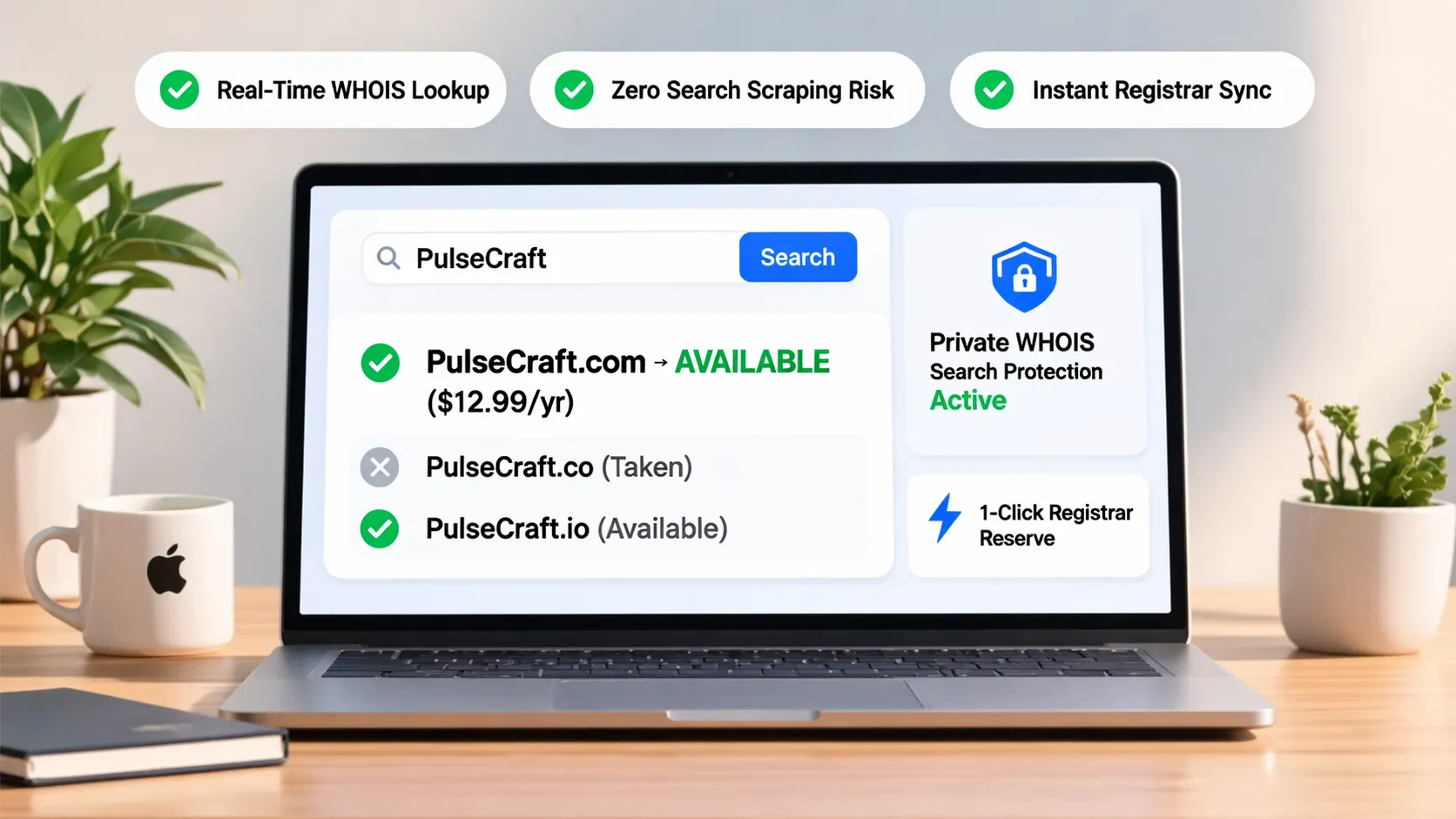
The Master Domain Search Protocol
| Search Stage | Primary Verification Goal | Critical Action |
|---|---|---|
| 1. Direct Availability | Confirm live registration status | Run exact-match domain queries across .com, .co, and .ai. |
| 2. Ownership Audit | Determine who owns taken names | Perform a WHOIS lookup to see if the domain is listed for aftermarket sale. |
| 3. Trademark Screening | Prevent legal brand conflicts | Search USPTO records to ensure your candidate name is legally clear. |
| 4. Instant Activation | Secure address and DNS routing | Register via BoltWeb and link your site via a simple two-line DNS setup. |
1. How to Check If a Domain Name Is Available Before You Commit to It
Before printing business cards or ordering branded merch, you must verify whether your desired domain name is truly available. Here's the deal:
Assuming a domain is taken simply because a website doesn't load when you type it into a browser is a mistake. Millions of registered domains sit parked, unbuilt, or held by domain investors waiting for a buyer.
Learning how to check if a domain name is available using an accredited domain tool gives you definitive data before you spend time building a brand around an address you cannot buy. Use a clean tool to check domain availability instantly.
2. Search for Your Exact Domain Name Using a Domain Availability Checker
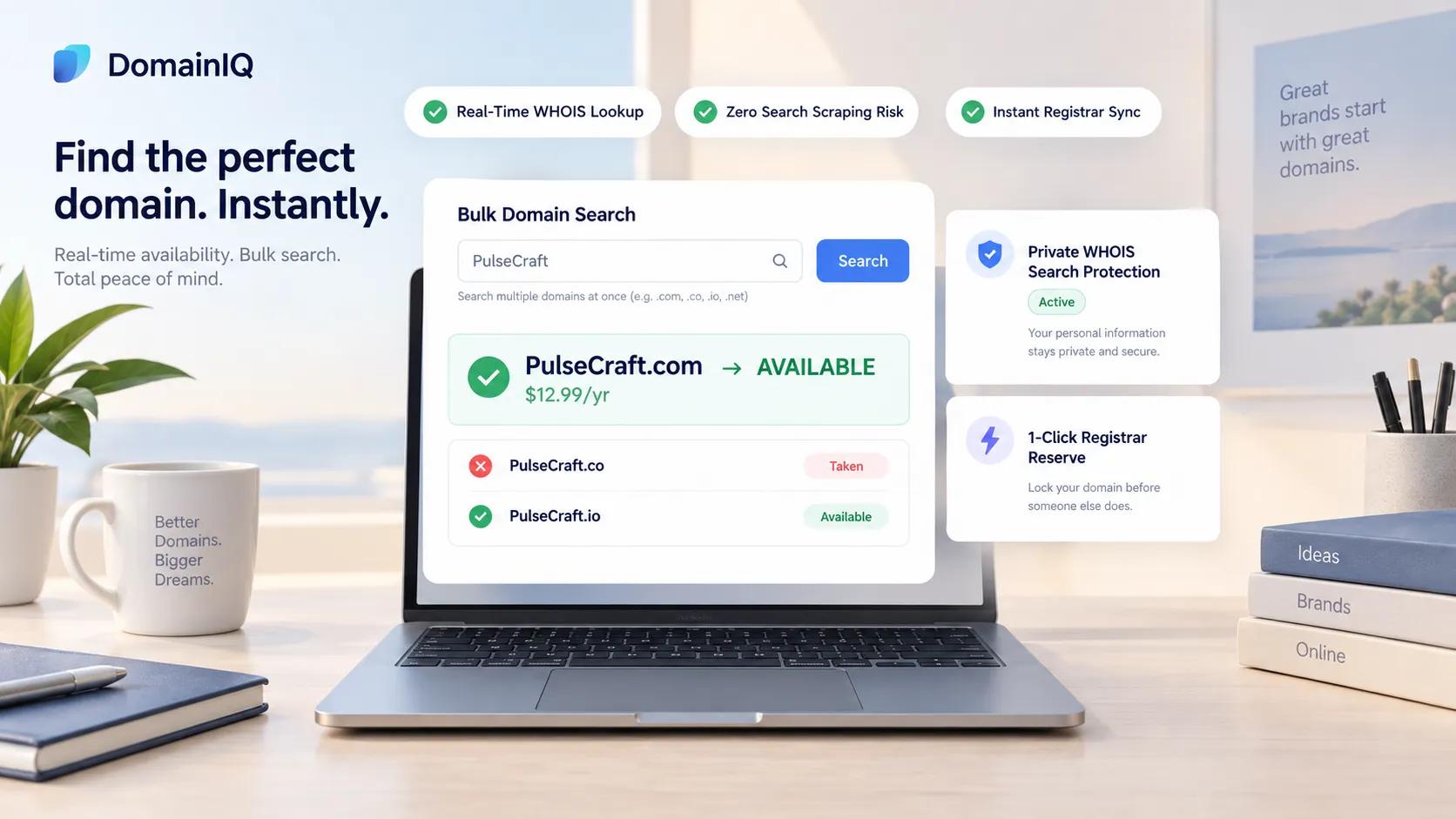
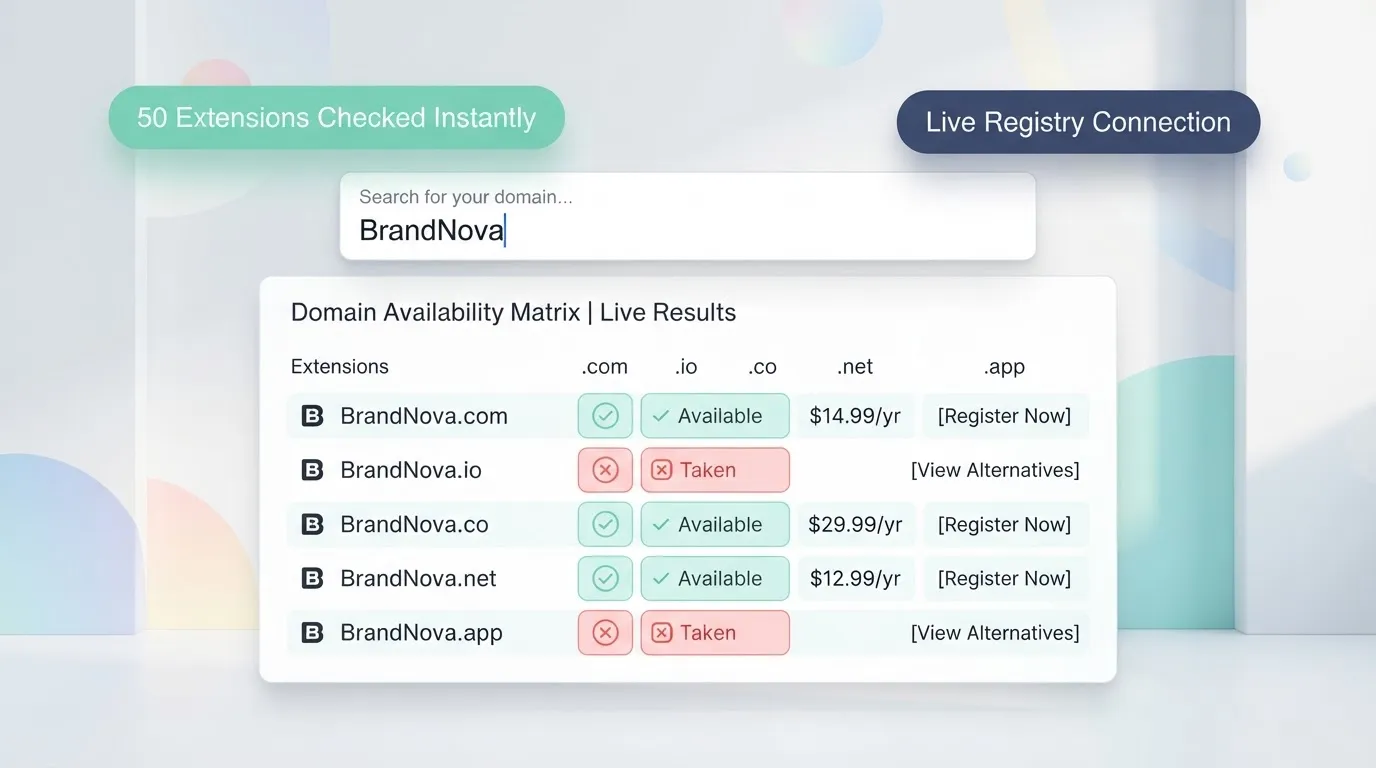
To run a rapid availability audit, use a reliable domain availability checker that queries global domain registries in real time. How to perform a clean domain search:
- Enter your exact target brand name (e.g., PlumbCraft).
- Review top-level domain extensions (.com, .co, .io, .ai).
- Check instant pricing, promotional rates, and annual renewal terms.
Using a fast domain name checker during your initial domain search saves hours of manual searching and keeps your branding momentum moving forward.
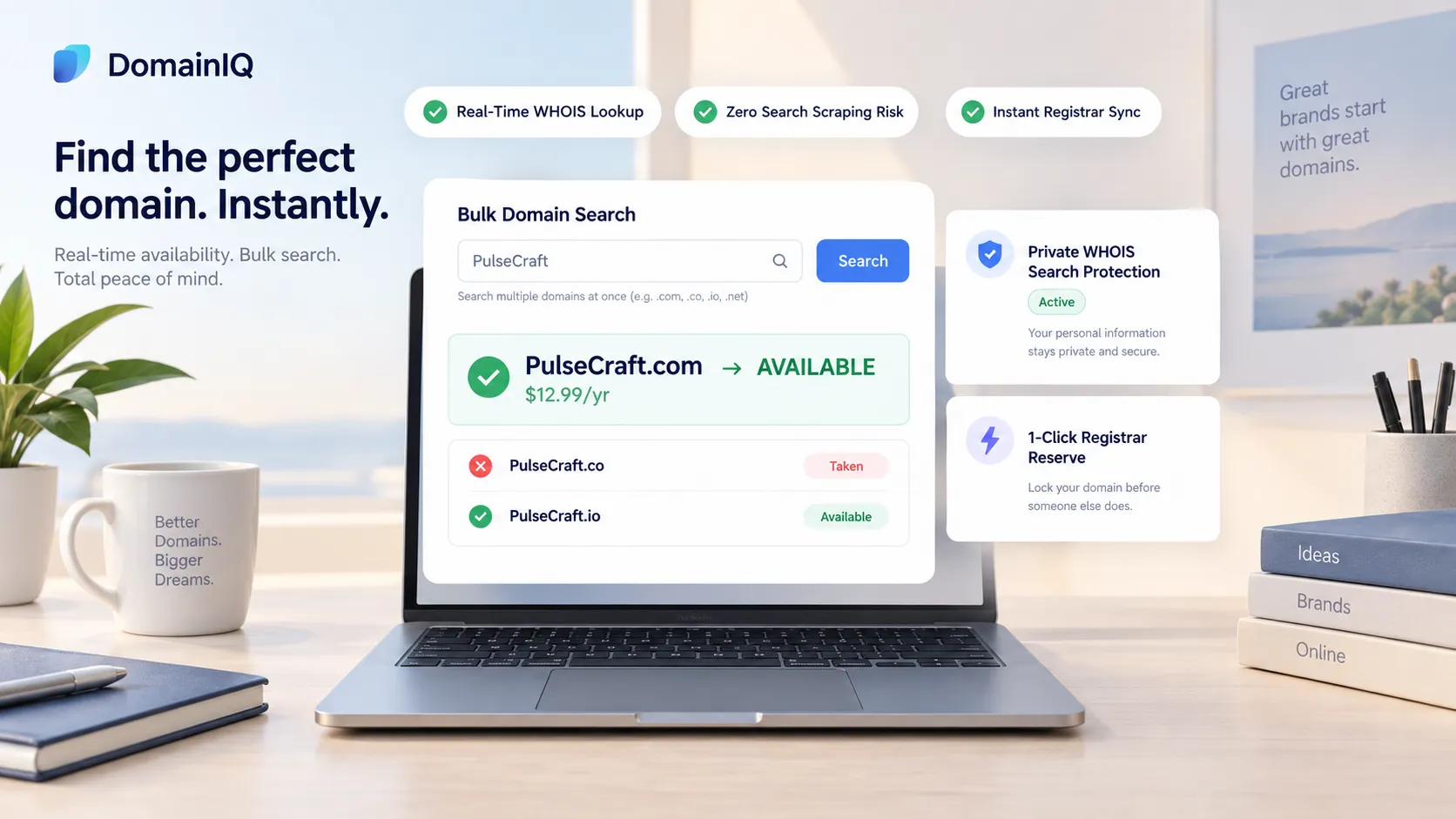
3. Check the Extension You Want Instead of Assuming the Name Is Taken
Discovering that your target name is taken on .com can be disappointing, but it doesn't mean your brand strategy is ruined. To run a proper check domain name availability audit, evaluate modern extension alternatives:
- The .com Gold Standard: Check .com domain availability first for maximum baseline trust and universal brand recall.
- Modern High-Authority Extensions: Inspect domain extension availability across modern extensions like .co, .io, or .ai—which are widely adopted by tech platforms, modern agencies, and SaaS brands.
Separating your brand name from a single extension allows you to secure a clean, memorable web address.
4. Understand What It Means When a Domain Is Taken, Reserved, or Unavailable
When a search tool flags an address as "Unavailable," the domain usually falls into one of three distinct categories:
Identifying why a domain name already taken status appears prevents wasted effort pursuing an unavailable domain name or a reserved domain name that cannot be acquired.
5. Find Out Whether an Unavailable Domain Is Registered or Listed for Sale
If your ideal domain name is registered but displays a blank page, the owner may be open to selling it on the secondary domain market. How to investigate domain ownership:
- Run a Domain Lookup: Perform an official WHOIS domain lookup to view the registrar and domain status.
- Inspect Marketplace Listings: Check whether the address is listed on domain marketplaces with a "Buy It Now" price or an inquiry form.
Determining who owns a domain name allows you to see if a domain name for sale can be acquired within your startup budget.
6. Compare Alternative Domain Names Without Losing Your Original Idea
If your target domain is taken and not for sale, generate smart variations that preserve your original brand identity. Follow these proven criteria for alternative domain names:
- Add Intent-Driven Verbs: Prefix your name with action words (e.g., GetPlumbCraft.com or TryVeltrix.com).
- Add Brand Anchor Words: Suffix your name with trade descriptors (e.g., PlumbCraftApp.com or VeltrixLabs.com).
- Avoid Awkward Misspellings: Never swap letters or add hyphens just to make an address work.
Exploring clean domain name ideas gives you strong domain name taken alternatives without sacrificing brand authority.
7. Check for Trademark Conflicts Before Registering an Available Domain
Just because a domain name is open for registration does not automatically mean it is legally safe to use. Run a pre-purchase legal clearance check:
- USPTO Database Audit: Search official trademark databases to ensure your mark isn't claimed in your business class.
- Social Handle Check: Confirm matching handles exist across primary social media channels.
- State Registry Search: Check local Secretary of State registers for business name availability.
Running a thorough check domain name trademark audit eliminates legal exposure and resolves domain name legal issues before launch.
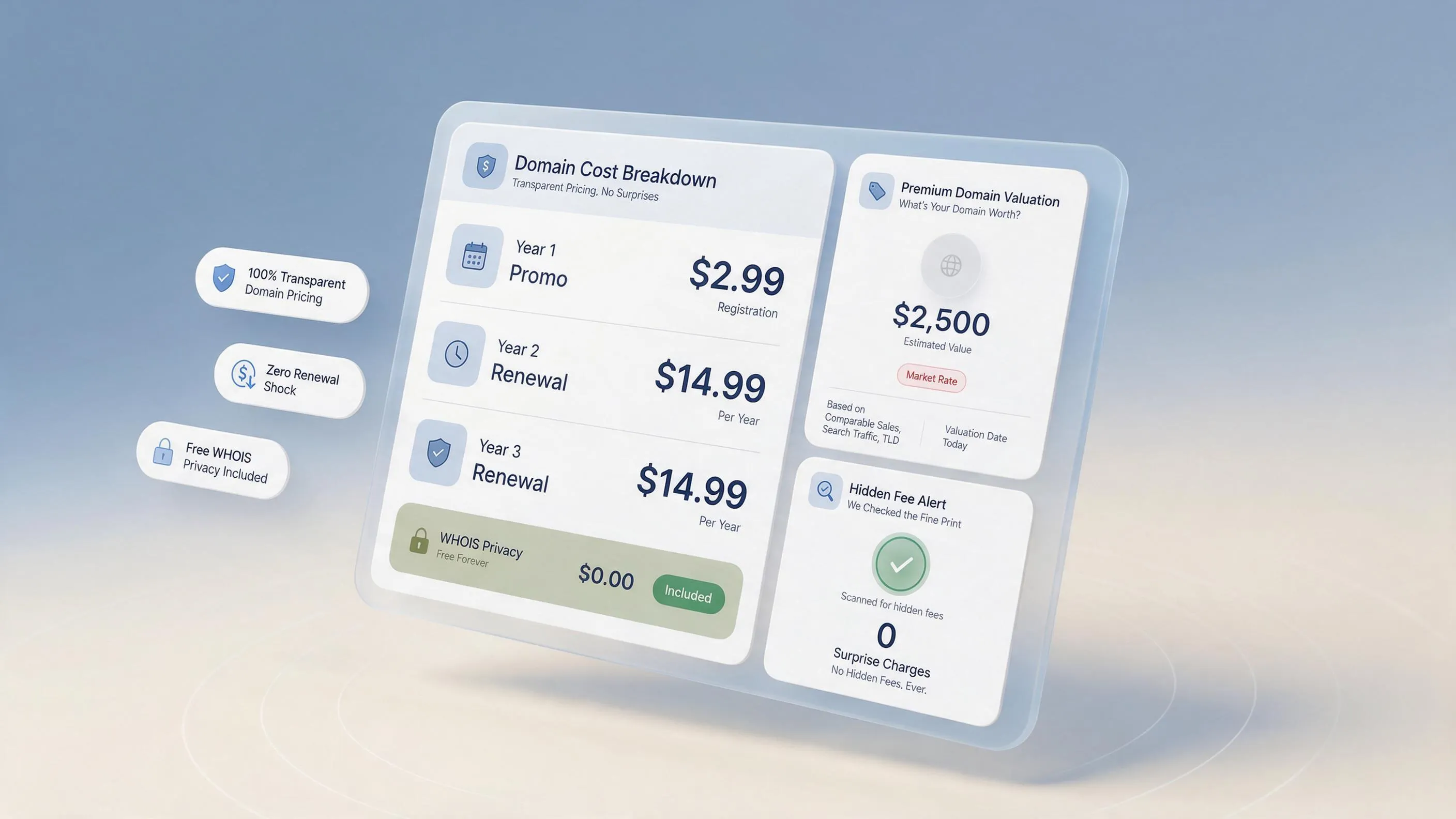
8. Compare Registration Prices and Renewal Costs Before Buying
"Why does the same domain cost different amounts at different providers?"
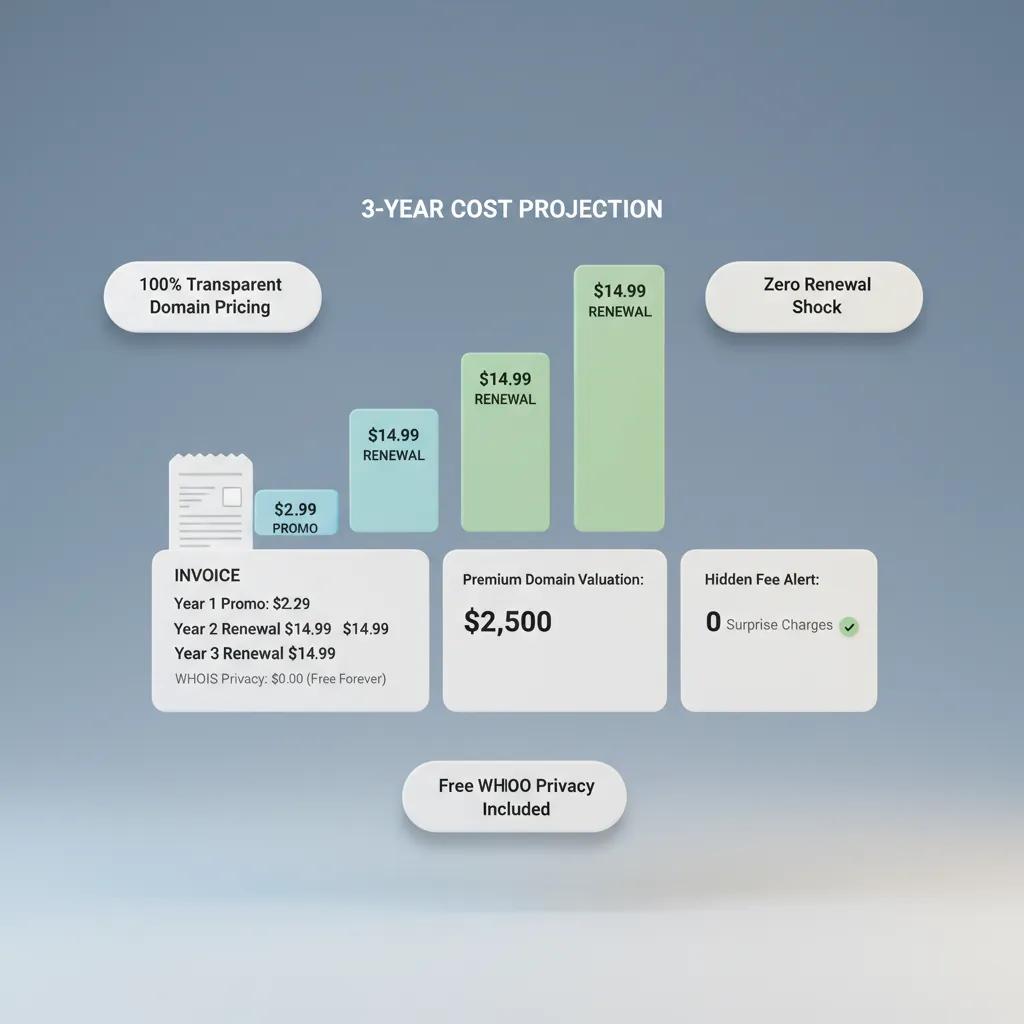
Beware of low introductory registration rates that conceal steep renewal price jumps in year two. Calculate your true total expenditure when reviewing buy available domain options:
Total 2-Year Expense = First-Year Promotional Rate + Year 2 Renewal Rate
Evaluating total domain registration cost disclosures protects your operating budget, ensuring the baseline domain name price remains predictable over the long haul.
9. Check Whether Your Domain Can Be Registered Under Its Specific Extension
Some specialized extensions carry strict eligibility guidelines or local presence requirements. Verify registration rules before attempting checkout:
- Country-Code Guidelines: Inspect country-code domain availability rules to ensure you meet local address or tax ID requirements.
- Restricted Suffixes: Verify credentials for restricted domain extensions or specialized domain registration requirements.
Reviewing eligibility requirements early prevents administrative holds during checkout.
10. Verify the Registration Details Before You Complete the Purchase
Before clicking the final payment button, run through a quick pre-checkout verification check. Confirm these critical purchase details:
Taking a moment to register a domain name correctly makes your domain registration smooth when you buy a domain name.
11. Secure Related Domain Variations That Matter to Your Brand
Once you secure your primary address, decide whether securing secondary extensions is necessary to protect your brand equity. Consider defensive registrations for:
- Primary Alternatives: Securing the .co or .net version if you operate on a .com.
- Common Typos: Registering common misspellings if your name is frequently spoken over the phone.
Managing multiple domain extensions helps protect a domain name and strengthens your overall domain name brand protection strategy.
12. Connect Your New Domain to Your Website and Get Ready to Launch
Owning an available domain name is only the first step—connecting it to a high-converting storefront is what converts web traffic into active phone calls and sales. Deploying your site on BoltWeb delivers an effortless domain and website builder experience.
As an advanced business website builder, BoltWeb automatically writes search-optimized sales copy, builds responsive section layouts, configures local schema tags, and links your custom domain via a simple two-line DNS update.
Find Your Domain and Launch Today: Don't let confusing technical setups or domain squatters hold your business back. Connect domain to website hosting on BoltWeb, complete your custom domain setup, and publish your search-optimized storefront live to the world in under 60 seconds!
High-Converting FAQs: How to Check If a Domain Name Is Available
1. How to check if a domain name is available for my new business without getting trapped by hidden fees?
Here's the plain truth: Checking domain availability isn't just about typing a name into a search bar—it's about verifying exact-match extensions, discovering high-value alternatives, and securing your web address before competitors snap it up. If you guess whether a name is open based on broken web pages, you risk building a brand around an address you cannot legally own. When you run a search using BoltWeb, you gain instant access to real-time registry data. As an all-in-one business website builder, BoltWeb allows you to check domain availability, secure your target web address, manage DNS settings effortlessly, and publish a lead-ready storefront in under 60 seconds.
2. Where can I find a fast, reliable domain availability checker that won't sell my search data?
When you want to test brand ideas, using a clunky or ad-heavy search tool can be frustrating and slow down your launch momentum. Apply the Job-to-Be-Done (JTBD) criteria to choose the right tool:
- Real-Time Registry Query: Connects directly to central domain registries for instant, accurate availability data.
- Transparent Pricing: Displays upfront first-year registration rates alongside clear annual renewal fees.
Using a clean domain availability checker or an intuitive domain name checker streamlines your initial domain search and protects your brand ideas.
3. What should I do if my target name is taken on .com during my check domain name availability audit?
Discovering that your ideal name is owned on .com can feel like a setback, but it doesn't mean your entire branding strategy is ruined. How to evaluate modern extension alternatives:
- Check Primary Extensions: Verify .com domain availability first for maximum baseline trust and global recall.
- Explore High-Authority Alternatives: Test domain extension availability across modern suffixes like .co, .io, or .ai—which are widely used by tech platforms, agencies, and modern startups.
Running a thorough check domain name availability search ensures you secure a clean, memorable address.
4. What is the difference between a domain name already taken, reserved, or unavailable?
When a search tool flags a web address as "Unavailable," the name usually falls into one of three distinct administrative statuses:
- Domain name already taken: Actively registered by an individual, business, or domain investor.
- Unavailable domain name: Subject to registry holds, pending transfers, or trademark disputes.
- Reserved domain name: Held directly by top-level registries for government use, policy restrictions, or premium marketplace releases.
Understanding these distinctions prevents wasted effort trying to register addresses that are off-limits to the public.
5. How do I perform a WHOIS domain lookup to see if a taken domain is listed for sale?
If your ideal web address displays a blank or parked page, the current owner may be open to selling it on the secondary market. Follow these direct investigation steps:
- Perform a Domain Lookup: Run an official WHOIS domain lookup to check the registrar, creation date, and contact status.
- Inspect Marketplace Landers: Type the address into a browser to see if a "Make Offer" or "Buy It Now" lander appears.
Discovering who owns a domain name helps you determine whether a domain name for sale can be acquired within your budget.
6. What are the best alternative domain names if my preferred name is completely unavailable?
If your first-choice web address is taken and not for sale, you can generate smart variations that keep your core brand identity intact. Follow these practical naming frameworks:
- Add Action-Oriented Verbs: Insert strong prefixes before your brand name (GetPlumbCraft.com, TryVeltrix.com).
- Add Industry Descriptors: Append structural anchors after your name (VeltrixApp.com, PlumbCraftLabs.com).
Exploring smart alternative domain names generates high-impact domain name ideas when looking for domain name taken alternatives.
7. How do I check for trademark conflicts before registering an available domain?
Just because a domain name is open for registration does not automatically mean it is legally safe to use for your business. Run a comprehensive pre-purchase clearance check:
- USPTO Database Search: Inspect official federal registries to confirm your mark isn't claimed in your business class.
- Social Media Handle Check: Confirm matching handles exist across primary social channels.
- State Filings Search: Verify local registers to check overall business name availability.
Executing a thorough check domain name trademark audit protects your business from costly domain name legal issues.
8. How do I compare upfront domain registration cost against long-term renewal prices?
Beware of deep introductory discounts that conceal steep renewal price jumps in year two. Calculate your complete financial commitment before checkout:
2-Year Domain Cost = First-Year Promotional Price + Year 2 Renewal Rate
Evaluating the total domain registration cost alongside the base domain name price protects your operating budget when preparing to buy available domain assets.
9. What specific domain registration requirements apply to country-code extensions?
Certain specialized top-level domains carry strict eligibility rules or local residency requirements before registration is approved. Check for administrative rules prior to purchase:
- Country-Code Rules: Verify country-code domain availability guidelines to ensure you meet local address or business tax ID requirements.
- Restricted Suffixes: Confirm official credentials for restricted domain extensions.
Clearing specialized domain registration requirements prevents administrative holds during checkout.
10. What details should I verify before I register a domain name at checkout?
Before hitting the final payment button, run through a quick pre-checkout verification protocol to prevent costly registration errors. Confirm these purchase details:
- Spelling Accuracy: Double-check every letter to prevent typos in your web address.
- WHOIS Privacy Protection: Ensure free privacy protection is active to keep your personal contact details safe from spammers.
- Auto-Renewal Settings: Enable automatic renewals so your web address never accidentally expires.
Verifying these settings allows you to register a domain name smoothly, complete your domain registration, and buy a domain name with complete peace of mind.
11. Should I register multiple domain extensions to protect my brand?
Once you secure your primary web address, decide whether securing secondary extensions is necessary to protect your brand equity. Consider defensive domain protection for:
- Primary Suffix Variations: Securing the .co or .net version if your main site operates on .com.
- Phonetic Misspellings: Securing common spelling variations if your name is frequently spoken over phone calls or podcasts.
Managing multiple domain extensions helps protect a domain name and strengthens overall domain name brand protection.
12. How do I connect domain to website hosting and launch my new storefront?
Finding and registering an available domain name is step one—connecting it to a high-converting storefront is what turns web traffic into active client inquiries and sales. Deploying your site on BoltWeb delivers an effortless domain and website builder experience.
As an advanced business website builder, BoltWeb automatically writes search-optimized sales copy, builds responsive section layouts, configures local schema tags, and links your custom address via a simple two-line DNS setup. Complete your custom domain setup, connect domain to website hosting on BoltWeb, and publish your search-optimized storefront live to the world in under 60 seconds!