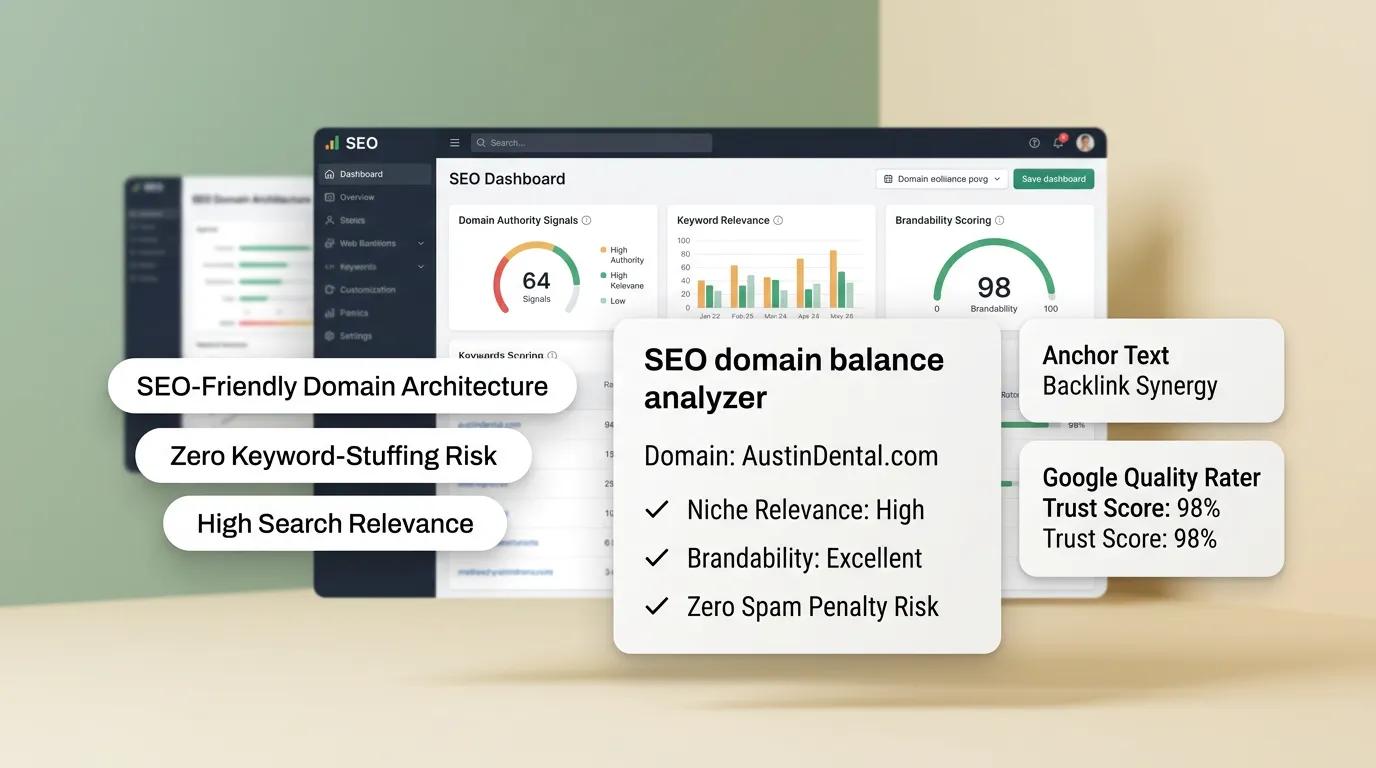

Finding an SEO-friendly domain name that balances search visibility with real brand power is a critical milestone for any business. Too many founders fall into one of two traps: they either choose a cold, generic keyword string that sounds like a spam site, or they pick an overly clever abstract name that gives Google zero context about what they actually offer.
What does an "SEO-friendly domain name" really mean in practice? Simply put, an SEO-friendly domain maps directly to high-volume, real-world buyer search intent. If you analyze keyword metrics on tools like Ahrefs or Semrush, you will notice certain terms—like restaurant, plumbing, web design, or cloud software—generate massive monthly search volumes. When you align your web address with these intent-driven keywords, you give your website an immediate organic advantage. Every time prospects search for those core services on Google, a search-optimized domain acts as an organic magnet—reducing your reliance on paid ads while drawing qualified traffic directly into your conversion pipeline.
Finding the perfect domain requires strategic keyword research mapped to your exact offer. Once you secure your target address, deploying your storefront with an intelligent platform like BoltWeb completes the puzzle. As an all-in-one business website builder, BoltWeb configures local schema tags, writes high-converting sales copy, and deploys a search-optimized storefront in under 60 seconds.
Here is your complete guide on how to choose an SEO-friendly domain name that builds long-term brand authority and dominates search results.
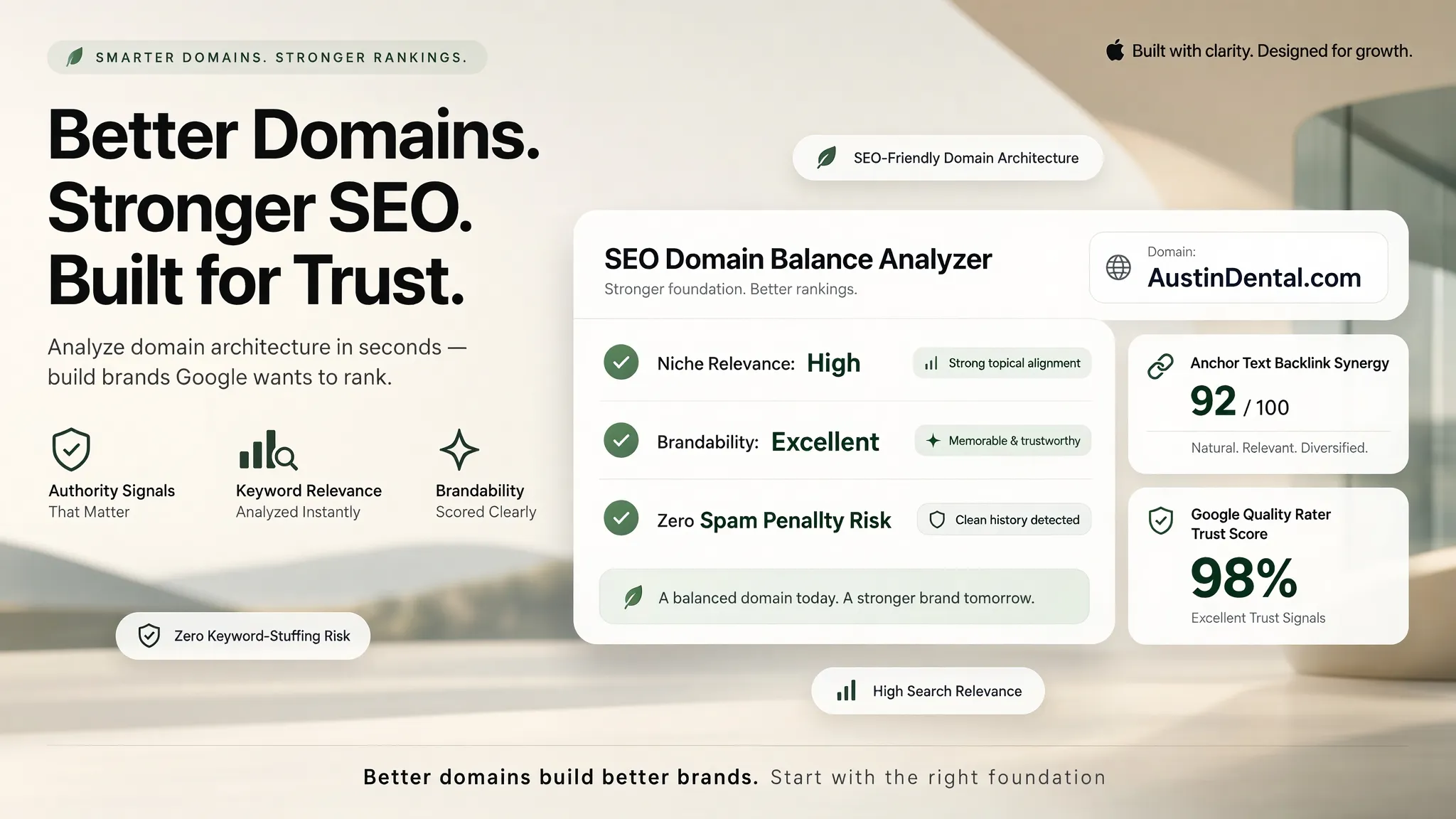
The Strategic SEO Domain Framework
| Naming Dimension | High-Performing SEO Domain | High-Risk / Weak Domain |
|---|---|---|
| Search Intent Mapping | Aligns with high-volume industry terms | Completely disconnected from audience search habits |
| Phonetic Clarity | Easy to spell, speak out loud, and recall | Uses hyphens, numbers, or confusing letter swaps |
| Brand Equity | Sounds professional, authoritative, and trustworthy | Sounds like a cheap, generic keyword-stuffed spam site |
| Market Elasticity | Supports new service additions & regional growth | Hyper-constrained to a single narrow product line |
1. How to Choose an SEO-Friendly Domain Name Without Sacrificing Your Brand
Choosing a web address shouldn't mean sacrificing brand identity for search visibility. The goal is to find the sweet spot between clear search intent and brand memorability:
Securing an SEO-friendly domain name gives search engine crawlers instant context about your industry while presenting a polished, authoritative image to human visitors.
2. Choose a Domain Name That Clearly Reflects Your Business or Website
When a user sees your link in search engine results pages (SERPs), your domain name is often the first element they read. Ensure your address offers instant cognitive clarity:
- Industry Association: Incorporating core trade terms clarifies what you do before a user even clicks your link.
- Trust Signals: A good domain name for SEO reassures high-intent buyers that they have landed on a legitimate, professional business.
Selecting an intuitive SEO domain name boosts your organic click-through rates (CTR) by clearly matching what users are searching for online.
3. Should You Include Your Target Keyword in Your Domain Name?
While Google no longer gives massive ranking boosts to exact-match keyword domains (ExactMatchKeyword.com), including a relevant root keyword still provides significant advantages. How keywords in domain name choices impact your overall strategy:
- Immediate Topic Relevance: Helps search engine bots categorize your site's core topic from day one.
- Anchor Text Momentum: When other websites link to you using your brand name, your link text naturally includes your primary keyword.
Integrating primary terms into a domain name SEO strategy provides a strong baseline without making your brand sound unnatural.
4. Choose a Brandable Domain That Customers Can Remember and Spell
If a prospective client hears your domain during a podcast, radio ad, or casual conversation, can they type it into their browser without asking how to spell it? Evaluate candidate names against strict recall standards:
- Spelling Simplicity: Choose a brandable domain name that avoids double letters, silent vowels, or unusual spelling variations.
- High Recall Value: A memorable domain name stays top-of-mind, turning one-time visitors into repeat clients.
Developing an SEO-friendly business name ensures your direct traffic grows alongside your organic search rankings.
5. Keep Your Domain Short Enough to Type and Share Easily
Long, complex web addresses increase the likelihood of user typos and reduce word-of-mouth referrals. Streamline your web address length:
Selecting a short domain name creates an easy-to-remember domain name that prospective buyers can effortlessly share across mobile devices. Apply these practical domain naming tips to maximize brand impact.
6. Avoid Hyphens, Numbers, and Spellings That Create Confusion
When business owners discover their first-choice domain is registered, the temptation to insert dashes or numbers is strong. Here is why you should avoid these high-friction choices:
- Hyphens in Domain Names: Addresses like Plumb-Craft.com sound cheap, create verbal confusion over the phone, and constantly leak traffic to your competitors.
- Numbers in Domain Names: Swapping words for digits creates spelling ambiguity ("Is that 4 or four?").
Avoiding these common domain name mistakes protects your brand equity and prevents lost search traffic.
7. Choose a Domain Extension That Fits Your Audience and Market
While modern extensions exist today, user trust remain deeply linked to established suffixes. Compare your extension options across target markets:
- The Global Standard: Securing a .com suffix remains the best domain extension for SEO and general audience trust.
- Modern Alternatives: Suffixes like .co, .io, or .ai work well for tech platforms comparing .com vs .co options.
- Geo-Targeted TLDs: A country-specific domain (like .uk or .ca) signals strong local relevance to domestic search engines.
8. Make Sure Your Domain Can Support Future Content and Business Growth
A domain like DallasTileCleaner.com works well when starting in a single neighborhood. But what happens when you expand to three new cities or add hardwood floor restoration to your services? Ensure your domain supports long-term expansion:
- Avoid Local Traps: Skip narrow city names unless you plan to remain hyper-local permanently.
- Avoid Product Locks: Pick a scalable domain name over a narrow niche domain name.
Choosing a flexible domain name for business growth ensures your website can scale without requiring an expensive rebrand later.
9. Check Domain Availability and Potential Brand Conflicts Before Buying
Investing time and money into a web address—only to receive a legal cease-and-desist letter—is a nightmare scenario. Run thorough clearance checks before registering:
- USPTO Database Check: Inspect official trademark registries to ensure your mark isn't claimed in your industry.
- Domain History Audit: Use web archives to ensure the domain was never used for spam or shady link schemes.
- Social Handle Check: Confirm matching handles are available across major platforms.
Running an official check domain name trademark audit during your domain name search protects your investment when verifying domain name availability.
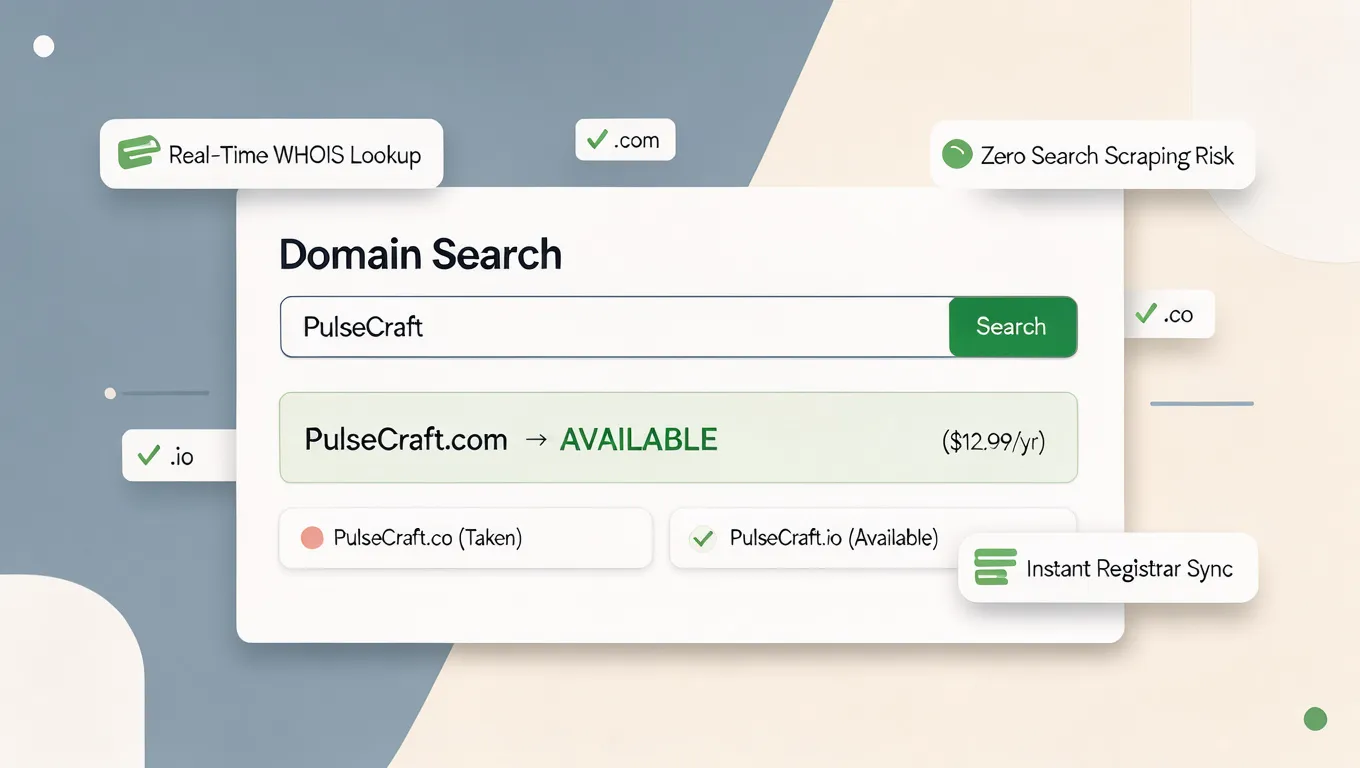
10. Understand How Your Domain Fits Into Your Website's SEO Structure
A strong domain provides a solid foundation, but ranking on page one of search results requires a comprehensive on-page strategy. Connect your domain to an effective on-page SEO framework:
- Clean Subpage URLs: Create readable, keyword-rich subpaths (like /services/roof-repair).
- Structured Technical Data: Use local schema markup so search engines understand your address, service area, and customer reviews.
- Sub-2-Second Loading Speed: Ensure your host delivers rapid page loads across mobile viewports.
Understanding how domain name and SEO interact with an SEO-friendly website URL structure ensures your site ranks high on Google (see setup steps in how to do SEO for a new website).
11. Choose One Preferred Domain Version and Keep It Consistent
Configuring both www and non-www variations of your address incorrectly can lead to duplicate content issues and split search authority. Set up a consistent URL structure:
Resolving www vs non-www SEO settings and configuring proper domain redirects SEO guarantees search engines consolidate all ranking power onto your single preferred domain.
12. Secure Your Domain and Build a Website That Can Earn Search Visibility
Owning an SEO-friendly domain is step one—deploying a high-converting storefront behind it is what converts search traffic into active phone calls, quote requests, and paying clients. Deploying your site on BoltWeb delivers the ultimate domain and website builder experience.
As an advanced business website builder, BoltWeb automatically writes search-optimized sales copy, builds responsive layouts, configures local schema tags, and connects your domain with an effortless two-line DNS update.
Secure Your SEO Domain and Launch Today: Don't let confusing technical setups hold your business back. Register an SEO-friendly domain, build an SEO-friendly website on BoltWeb, and start capturing qualified search leads in under 60 seconds!
10 High-Converting FAQs: How to Choose an SEO-Friendly Domain Name
1. How do I choose an SEO-friendly domain name that actually helps me rank on Google?
Here's the plain truth: An SEO-friendly web address isn't about stuffing random search terms together—it is about aligning your brand with high-volume, real-world buyer search intent while maintaining an authoritative name that people can trust. If your domain sounds like a cheap, generic keyword string, potential clients will skip past your link in search results. When you build your digital presence with BoltWeb, you bridge the gap between technical search optimization and high conversions. As an all-in-one business website builder, BoltWeb configures local schema tags, writes high-converting sales copy, and deploys a search-optimized storefront in under 60 seconds.
2. Does putting target keywords in my domain name still help my organic search rankings?
While search engines no longer give massive ranking boosts to exact-match keyword strings (ExactMatchKeyword.com), including a relevant root keyword still provides significant competitive advantages. How strategic keyword integration works:
- Immediate Topic Relevance: Helps search engine crawlers categorize your core industry from day one.
- Natural Anchor Text: When partner sites link to you using your brand name, your link text naturally includes core industry search terms.
Understanding how keywords in domain name selections impact your long-term domain name SEO helps you build strong organic authority without resorting to an unnatural exact-match domain.
3. How do I balance choosing an SEO domain name with building a memorable brand?
Founders often worry that choosing a domain for search engines will result in a cold, forgettable business name. Apply the Job-to-Be-Done (JTBD) framework to balance search clarity with brand authority:
- High Cognitive Fluency: Select a good domain name for SEO that clearly communicates your industry while remaining easy to speak out loud.
- Brand Authority: Avoid spammy hyphens or awkward word combinations so your business domain name looks established and credible in search results.
Choosing a balanced SEO domain name captures high-intent organic traffic while establishing a lasting brand presence.
4. What makes a domain name brandable and easy for customers to remember?
If a prospective client hears your web address on a podcast or phone call, can they type it into their mobile browser hours later without making a spelling mistake? Evaluate your candidate against strict recall standards:
- Spelling Simplicity: Pick a brandable domain name that avoids double letters, silent vowels, or unusual spelling swaps.
- High Recall Value: A memorable domain name turns one-time search visitors into repeat direct traffic.
Securing an SEO-friendly business name ensures your direct web traffic grows alongside your organic search engine rankings.
5. Why is a short domain name better for user experience and search traffic?
Long, multi-word web addresses significantly increase the risk of user typos, leading to lost client leads and broken referral traffic. Why character length matters for conversions:
- Frictionless Typing: A short domain name fits cleanly on social profiles, business cards, and mobile screens.
- Word-of-Mouth Protection: An easy-to-remember domain name ensures clients recommend your site without stumbling over complex URLs.
Applying these field-tested domain naming tips prevents lost traffic and keeps your lead pipeline moving smoothly.
6. Why are hyphens and numbers dangerous mistakes when choosing an SEO-friendly domain?
When a business owner discovers their first-choice web address is registered, the urge to insert dashes or numbers is strong. Here is why you should avoid these high-friction choices:
- Hyphens in Domain Names: Addresses like Plumb-Craft.com sound cheap over the phone, create verbal confusion, and leak traffic straight to your competitors.
- Numbers in Domain Names: Swapping words for digits causes spelling ambiguity ("Is that 4 or four?").
Avoiding common domain name mistakes protects your brand authority and ensures you don't lose qualified search leads.
7. What is the best domain extension for SEO rankings on Google?
A common myth claims that choosing a .com extension gives you an automatic, unfair ranking advantage on Google over all other suffixes. Here is the technical reality regarding top-level domain extensions:
- Generic TLDs (.com, .co, .io, .ai): Google treats generic extensions identically for organic search indexing. A .co or .ai site can rank just as high as a .com site.
- Country-Specific Domains: A country-specific domain (like .uk or .ca) acts as a strong local signal, prioritizing your site in domestic search results.
Evaluating the best domain extension for SEO across .com vs .co options allows you to make an informed choice based on target market intent.
8. How do I ensure my domain name supports future business growth and new services?
A domain like AustinCarpetCleaner.com works well when you start in a single city, but what happens when you expand to three new towns or offer hardwood floor restoration? Ensure your domain supports long-term expansion:
- Avoid Narrow City Tags: Skip local geographic limits unless you intend to stay hyper-local permanently.
- Avoid Niche Product Locks: Choose a scalable domain name over a restrictive niche domain name.
Selecting a flexible domain name for business growth ensures your company can scale without requiring an expensive, disruptive rebrand later.
9. How do I check domain availability and legal trademarks before buying?
Investing time and capital into a new web address—only to receive a legal cease-and-desist letter—is a nightmare scenario. Run thorough clearance checks before registering:
- USPTO Database Audit: Search official trademark registries to confirm your mark isn't claimed in your business class.
- Domain History Search: Inspect historical archives to confirm the domain was never used for shady link schemes.
- Registry Verification: Check live domain name availability across primary registrars.
Executing an official check domain name trademark audit during your domain name search protects your investment from costly legal disputes.
10. How do I set up my domain canonicalization and launch an SEO-friendly website?
Configuring both www and non-www versions of your address incorrectly can lead to duplicate content issues and split your search authority. Follow these technical launch steps:
- Set Your Preferred Domain: Choose one primary URL format (e.g., https://yourbusiness.com) and configure 301 redirects for secondary variations to master www vs non-www SEO (preferred domain / domain redirects SEO).
- Build an On-Page SEO Structure: Connect your domain to a host that delivers clean subpath URLs, fast loading speeds, and local schema markup (domain name and SEO / SEO-friendly website URL / website SEO structure).
- Publish on BoltWeb: Register an SEO-friendly domain, build an SEO-friendly website on BoltWeb using our advanced domain and website builder, and launch your lead-ready storefront in under 60 seconds!