A new website can exist online for weeks without drawing organic search traffic. Hitting publish does not mean search engines automatically begin ranking your pages at the top of search results.
Here’s the deal: learning how to do SEO for a new website requires setting up technical foundations, targeting real search demand, and establishing site credibility. By executing clean new website SEO fundamentals from the beginning, you can ensure your domain gets indexed quickly and begins attracting qualified visitors. Applying a systematic new website SEO checklist prepares your pages for long-term growth and steady website SEO results.

Make Sure Google Can Find and Crawl Your Website
If search engine bots cannot access or navigate your URL structure, your content remains invisible regardless of how well it is written.
Think about it: addressing technical SEO barriers immediately after going live makes or breaks your launch.
- Remove Noindex Tags: Check page code to confirm you aren't blocking search crawlers with accidental
<meta name="robots" content="noindex">directives. - Inspect Robots.txt: Ensure your robots.txt file permits search bots to index critical assets, pages, and stylesheet folders.
- Verify Site Accessibility: Test your live domain without login walls or broken redirects preventing website crawling.
Allowing unobstructed Google crawl access is the mandatory first step when learning how to SEO a new website.

Submit Your Sitemap to Google Search Console
Search engines rely on automated site maps to discover new URLs, understand site architecture, and track recent content updates.
Want to know a secret? Generating an XML sitemap containing all indexable pages and submitting the URL directly into Google Search Console speeds up indexing massively. This direct connection alerts crawlers to inspect your pages immediately rather than waiting for external links to lead them there. Configuring your console profile early provides crucial diagnostic data regarding indexing errors and crawl performance for your SEO for new website strategy.

Choose Keywords Your Customers Actually Search For
Optimizing for internal corporate jargon or broad, hyper-competitive terms usually results in zero visibility for a brand-new domain.
Here is why: conducting keyword research around specific phrases your ideal clients type into search bars connects you with active demand. Uncover commercial SEO keywords with clear search intent—such as transactional or local search terms. Matching your content to exact customer needs ensures your keyword targeting attracts active buyers rather than casual browsers. Discover how to align keyword research with page copy.

Give Every Important Page One Clear Search Intent
Attempting to target dozens of unrelated topics on a single page confuses search engines and weakens your relevance score.
Let me explain: assigning a single primary target keyword to every core URL through precise keyword mapping builds immediate topical authority. Structure your SEO content so that the primary heading, subheadings, and body text satisfy the exact intent behind that query. Dedicated on-page SEO focus helps search engines categorize your site and rewards each page with higher relevance scores.

Write SEO Titles and Meta Descriptions People Want to Click
Appearing in search results is only half the battle. If your search snippet looks generic or unappealing, users will click competing links instead.
Custom page snippets help you stand out in search engine results pages (SERPs):
| Element | Optimization Best Practice | Target Length |
|---|---|---|
| SEO Title | Include the primary keyword naturally near the front alongside a core benefit. | Under 60 Characters |
| Meta Description | Write compelling summary copy ending with a clear action prompt. | Under 155 Characters |
A sharp SEO title paired with an inviting meta description increases click-through rates, sending positive engagement signals back to search algorithms.

Create Useful Content That Deserves to Rank
Thin, low-value pages filled with stuffed keywords cannot rank against established competitors. Search engines prioritize comprehensive, accurate answers.
Look at it this way: developing helpful value-driven content strategy that answers customer questions directly is your ultimate leverage. Address specific pain points, provide clear step-by-step instructions, and organize information with clean subheadings and tables. Focusing on value ensures your SEO content earns top rankings over time.

Build Internal Links Between Related Pages
Orphaned pages without incoming links are difficult for search bots to index and hard for users to navigate.
Now for the best part: establishing clear internal linking pathways connects related blog posts, service pages, and core offerings seamlessly. Use descriptive anchor text that tells crawlers what the destination page is about. Strategic internal links improve your overall SEO structure, distribute authority across your domain, and simplify website navigation.

Make Your New Website Fast and Mobile-Friendly
Page load speed and mobile usability directly impact both search rankings and user conversions.
Optimizing technical performance across all devices reduces bounce rates:
- Compress Image Assets: Convert large image files into modern WebP formats to increase page speed.
- Implement Responsive Layouts: Verify that text, buttons, and forms adapt seamlessly to mobile viewports for clean mobile SEO.
- Pass Core Web Vitals: Minimize heavy scripts and render-blocking assets to ensure rapid loading on mobile networks.
A fast, mobile-friendly website keeps visitors engaged and prevents high bounce rates. Read our guide on how to optimize layout performance.

Build Trust With Links, Mentions, and Real Business Information
New domains lack historical authority. Search engines look for external verification and off-page trust signals to confirm your credibility.
Simply put: building initial SEO authority requires clean off-page trust signals.
- Acquire Quality Backlinks: Earn mentions from local business directories, industry associations, and partner sites.
- Verify Local Details: Ensure your business name, physical address, and phone number (NAP) remain identical across directories for local visibility.
- Gather Reviews: Encourage satisfied clients to leave feedback on Google and relevant review portals.
Consistent off-page signals strengthen your overall website credibility and accelerate keyword ranking improvements.

Track Your SEO Progress and Fix What Isn't Working
Optimizing without monitoring metrics makes it impossible to know which changes generate traffic and which need refinement.
Here is the truth: setting up continuous SEO tracking using Google Search Console and site analytics removes all the guesswork. Monitor total search impressions, click-through rates, indexed URL counts, and average keyword positions weekly. Regularly reviewing your SEO analytics allows you to spot indexing issues early and refine low-performing pages. Learn how to analyze search intent data to get more inquiries.

Do SEO for Your New Website Easily With BoltWeb
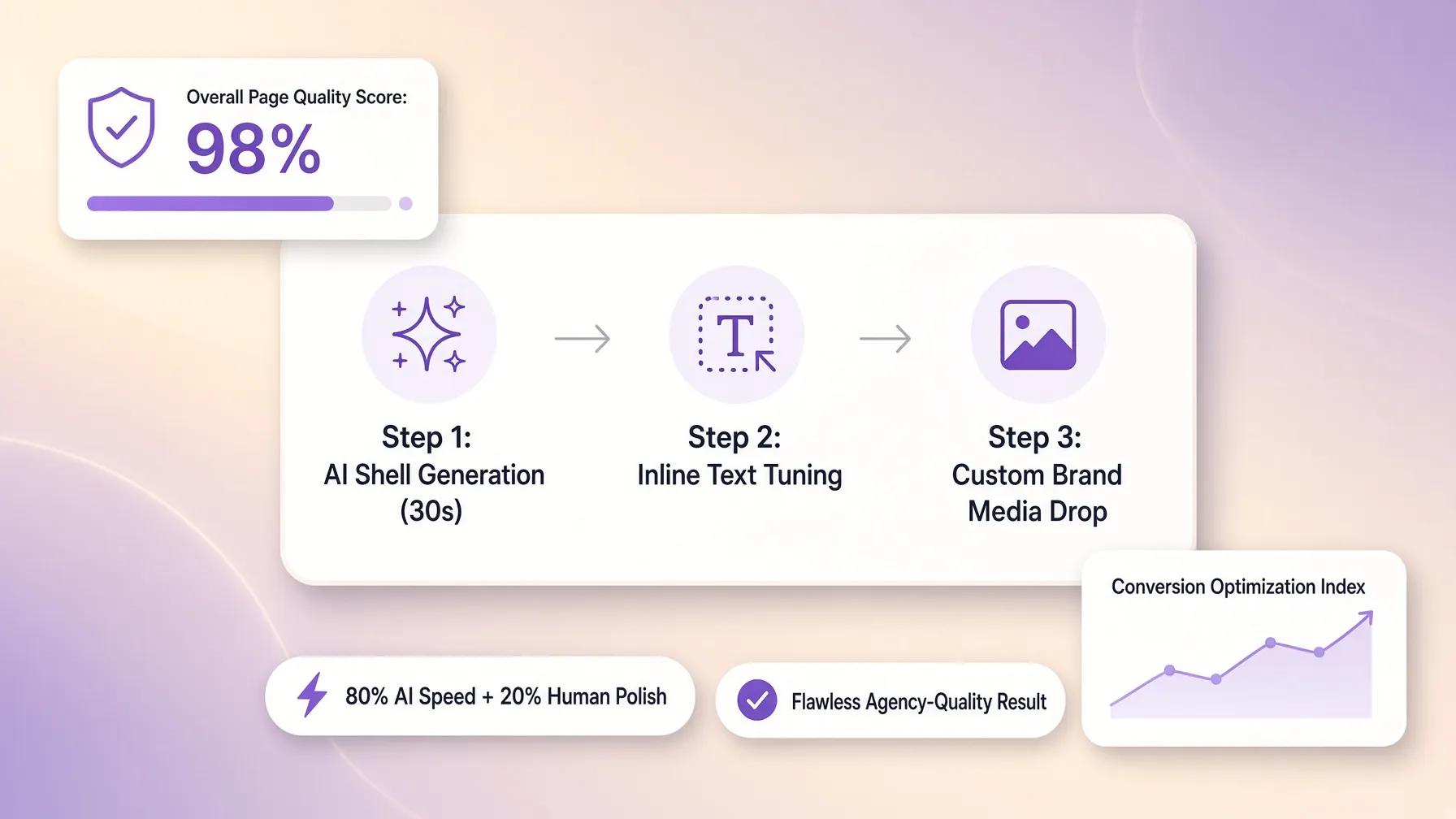
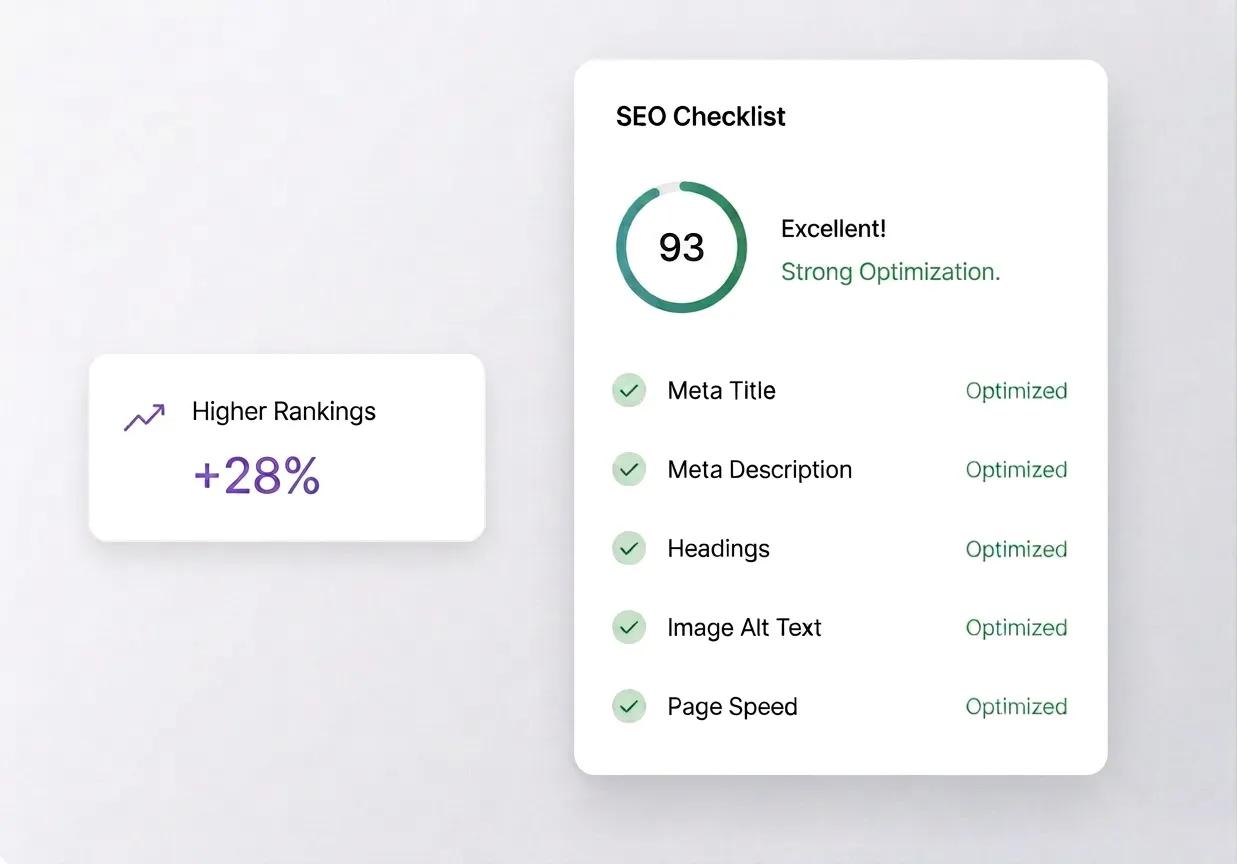
Learning how to optimize a new website used to require configuring complex plugins, manually building schema markup, and editing technical files. Today, specialized tools like BoltWeb build core search optimization directly into your website's foundation from day one.
Steps to Execute SEO for a New Website With BoltWeb:
1. Describe Your Business & Target Audience
Enter a plain-language description of your business, state your ideal audience, and specify your target domain (e.g., www.yoursite.com).
2. Generate Your SEO-Optimized Platform
Click generate to automatically build a site with high-grade on-page structure, clean HTML, fast asset rendering, and local/global search configurations pre-installed.
3. Customize Meta Tags & Schema
Open the visual drag-and-drop editor to fine-tune custom meta titles, meta descriptions, image alt tags, JSON-LD schema, and structured content blocks.
4. Publish Your Live Site
Attach your custom domain directly or publish automatically to make your site search-ready instantly.
5. Connect Analytics & Automate
Navigate to Dashboard → Site Analytics, link your Google Search Console account, and toggle on Automate. BoltWeb's autopilot features continuously analyze performance, target high-converting search keywords, and refine site structure so your pages rank faster and attract more customers.
Stop wrestling with technical setup. Build a search-ready presence using an advanced SEO website builder or automated AI builder on BoltWeb and start getting discovered today.

Frequently Asked Questions: How to Do SEO for a New Website
How long does SEO take to start bringing traffic to a brand-new website?
For a brand-new domain with zero search history, noticeable organic traffic usually takes between 3 to 6 months. Search engines need time to crawl, index, and evaluate your site's quality and trustworthiness against established competitors before awarding top rankings.
What is the very first SEO task I should do after launching a new site?
Set up Google Search Console and submit your XML sitemap. This direct connection informs Google that your site exists, allows crawlers to discover all your pages immediately, and helps you track indexing status and technical errors from day one.
Can I do SEO for a new website myself, or do I need to hire an agency?
You can handle fundamental SEO yourself. Mastering basic on-page SEO—like targeting low-competition keywords, writing clear titles, creating helpful content, and ensuring fast page load speeds—covers 80% of what a new site needs to start ranking.
How do I choose the right keywords for a new website with no authority?
Target long-tail, low-competition keywords with clear commercial intent (e.g., "custom car wrap service in Austin" instead of just "car wraps"). Broad keywords are dominated by old, high-authority sites, whereas long-tail terms let you rank quickly for active buyers.
Should I target multiple keywords on a single page or build dedicated pages?
Assign one primary target keyword (and a few closely related variations) to each core page. Creating dedicated pages around specific search intents builds clear topical relevance, making it much easier for search algorithms to understand what your page is about.
How do I make sure Google doesn't ignore my new pages?
Ensure your site is technically accessible. Verify that your pages do not contain accidental noindex tags, that your robots.txt file permits crawling, and that every new page is connected to your site structure through internal links from existing pages.
Do I need backlinks to rank a new website on Google?
While quality backlinks significantly boost search authority, you can rank for low-competition, highly specific keywords with strong on-page SEO alone. Early on, focus on getting listed in local directories, claiming social profiles, and building internal links across your own pages.
What is the difference between on-page SEO and technical SEO for a new site?
On-page SEO focuses on user-facing content—keywords, meta titles, headings, and copy quality. Technical SEO focuses on how search engines access and read your site—site speed, mobile responsiveness, SSL security, XML sitemaps, and clean URL structures.
Why is my new page appearing in Google search results, but nobody is clicking it?
Your meta title or meta description is likely unappealing or fails to match user expectations. Rewrite your search snippet to include your primary keyword naturally while highlighting a clear, compelling benefit or call-to-action that earns the click.
How many blog posts or pages should a new website have to rank well?
Quality matters far more than volume. A new site with 5 to 10 deeply researched, highly relevant pages that thoroughly answer customer questions will outrank a site with 50 thin, generic, keyword-stuffed articles.
How does mobile performance affect my new website's search rankings?
Google uses mobile-first indexing, meaning it evaluates the mobile version of your site to determine rankings. If your site loads slowly or displays awkwardly on smartphones, your search rankings across all devices will suffer.
What is the easiest way to handle technical SEO for a new site without coding?
Building your site on an automated builder like BoltWeb handles core technical SEO automatically. It auto-generates clean code, fast page rendering, structured JSON-LD schema, and automated sitemaps, letting you manage meta tags and connect Google Search Console directly from a simple dashboard.