Publishing a new website does not guarantee that search engine crawlers will automatically discover, crawl, and display your pages in search results immediately. The first critical step after launch is ensuring Google processes your site so your pages can be properly indexed and rendered visible to searchers.
Here’s the truth: learning how to get a new website indexed by Google requires eliminating technical blockers, giving search engines a clear site structure, and submitting direct crawling requests. Following a clear step-by-step framework helps you master how to index a new website and accelerate Google indexing for your new domain.

Make Sure Google Can Access Your Website
If search engine bots encounter technical barriers when attempting to access your server, your pages remain invisible.
Prioritize these fundamental access checks:
- DNS & Hosting Verification: Ensure your domain resolves correctly without server timeout errors or SSL certificate misconfigurations.
- Remove Staging Passwords: Deactivate temporary staging logins or access restriction screens that prevent public crawlers from loading page assets.
- Check HTTP Status Codes: Confirm your live URLs return a clean 200 OK status code rather than redirect loops (301/302) or server errors (500).
Ensuring smooth website crawling is the prerequisite step to get website indexed status.

Check Your Robots.txt and Noindex Settings
A single misconfigured setting can block Google from reading your content entirely.
Inspect your site's source code and robots.txt file immediately:
- Eliminate Noindex Tags: Check that your page
<head>section does not contain a noindex directive, which explicitly instructs search engines to skip your URL. - Review Robots.txt Rules: Verify your robots.txt file does not contain
Disallow: /lines blocking main content directories.
Fixing these accidental settings solves the most common reason behind a website not indexed by Google.
Add Your Website to Google Search Console
Connecting your website directly to Google Search Console gives you direct visibility into how search crawlers process your site.
Think of it this way: setting up Google Search Console by verifying domain ownership (via DNS TXT record or HTML tag) acts as your control panel. It shows exact indexing statuses, crawl errors, and security alerts. Establishing this direct connection is fundamental to managing Google Search Console indexing effectively.

Submit Your XML Sitemap
An XML sitemap acts as a clear roadmap that lists all essential, indexable URLs on your domain.
| Sitemap Requirement | Best Practice |
|---|---|
| Location | Standardized at yourdomain.com/sitemap.xml |
| Content | Includes only canonical, 200 OK status URLs (exclude noindex or redirected pages) |
| Submission | Add the sitemap URL directly into Search Console under Indexing → Sitemaps |
Submitting a clean XML sitemap allows search engines to map your content hierarchy and discover new URLs faster.
Request Indexing for Your Most Important Pages
Rather than waiting passively for search bots to find your new site, you can request indexing directly.
Here is the best part: you can navigate to Google Search Console, paste your primary URL into the URL Inspection Tool at the top bar, and click Request Indexing. This places your URL into a priority queue for crawling, making it one of the most direct ways to request indexing Google provides for launch pages.
Create Useful Pages Google Has a Reason to Index
Google does not index every URL it discovers. Thin, duplicate, or low-value content is routinely excluded from the Google index.
Ensure your pages deliver genuine value:
- Provide Original Copy: Avoid thin, repetitive, or auto-generated boilerplate text.
- Match User Need: Give visitors complete, helpful answers to their questions.
- Structure Information Clearly: Use descriptive headings, readable paragraphs, and clear image alt tags.
Publishing original, useful content ensures search engines view your pages as worth indexing. Read our guide on writing SEO friendly website content to ensure high quality.

Connect Your Pages With Internal Links
Crawlers navigate from page to page by following links. Orphaned pages with zero incoming links are extremely difficult for search engine bots to discover.
Establish a clear internal linking structure:
- Link from your homepage to core service or category pages.
- Connect related blog posts and articles using descriptive anchor text.
- Ensure primary navigation menus and footers link to important landing pages.
A strong internal network guides bots across your entire site naturally. Learn more about creating an SEO friendly website structure.

Get Other Websites to Discover and Mention Your Site
External links and brand mentions act as digital discovery pathways for search engine crawlers.
Build early authority and discovery paths:
- Claim Local & Industry Profiles: Create verified profiles on Google Business Profile, LinkedIn, and trusted industry directories.
- Perform Direct Outreach: Share launch announcements with partner websites, industry blogs, and local news outlets.
- Leverage Social Channels: Share new URLs across active social media profiles to trigger external visits.
Earning genuine backlinks helps search engines discover your domain through external paths. Check out our guide on getting more website traffic to expand your reach.

Fix Common Reasons a New Website Isn't Getting Indexed
If days pass without your pages showing up, diagnose the root cause inside Search Console.
Common blockers to check:
- Discovered - Currently Not Indexed: Google found the URL but chose not to crawl it yet due to site quality or crawl queue limits.
- Crawled - Currently Not Indexed: Google evaluated the page but determined the content quality needs improvement before inclusion.
- Canonical Issues: A conflicting canonical tag points search engines to a different URL as the primary version.
Identifying the exact issue stops you from asking why Google isn't indexing my website and lets you deploy targeted fixes.
Check Your Indexing Progress in Google Search Console
“How do I know whether Google actually indexed my pages?”
Avoid relying on basic site:yourdomain.com searches alone, as search results can take time to update across data centers.
Use the Pages report in Search Console to track exact index coverage. Monitor the ratio of Indexed versus Not Indexed URLs over time. Review excluded URLs regularly to fix errors, submit updates, and verify indexing progress systematically.

Get Your Website Indexed Fast and Easily With BoltWeb
Learning how to submit a website to Google manually often involves wrestling with complex plugins, manual XML formatting, and technical configuration steps.
When you build on BoltWeb, native SEO architecture is built directly into the platform. For deeper insights, you can explore our guide on How to Do SEO for a New Website, which details core optimization principles that maximize search visibility.
Steps to Auto-Index Your Site With BoltWeb:
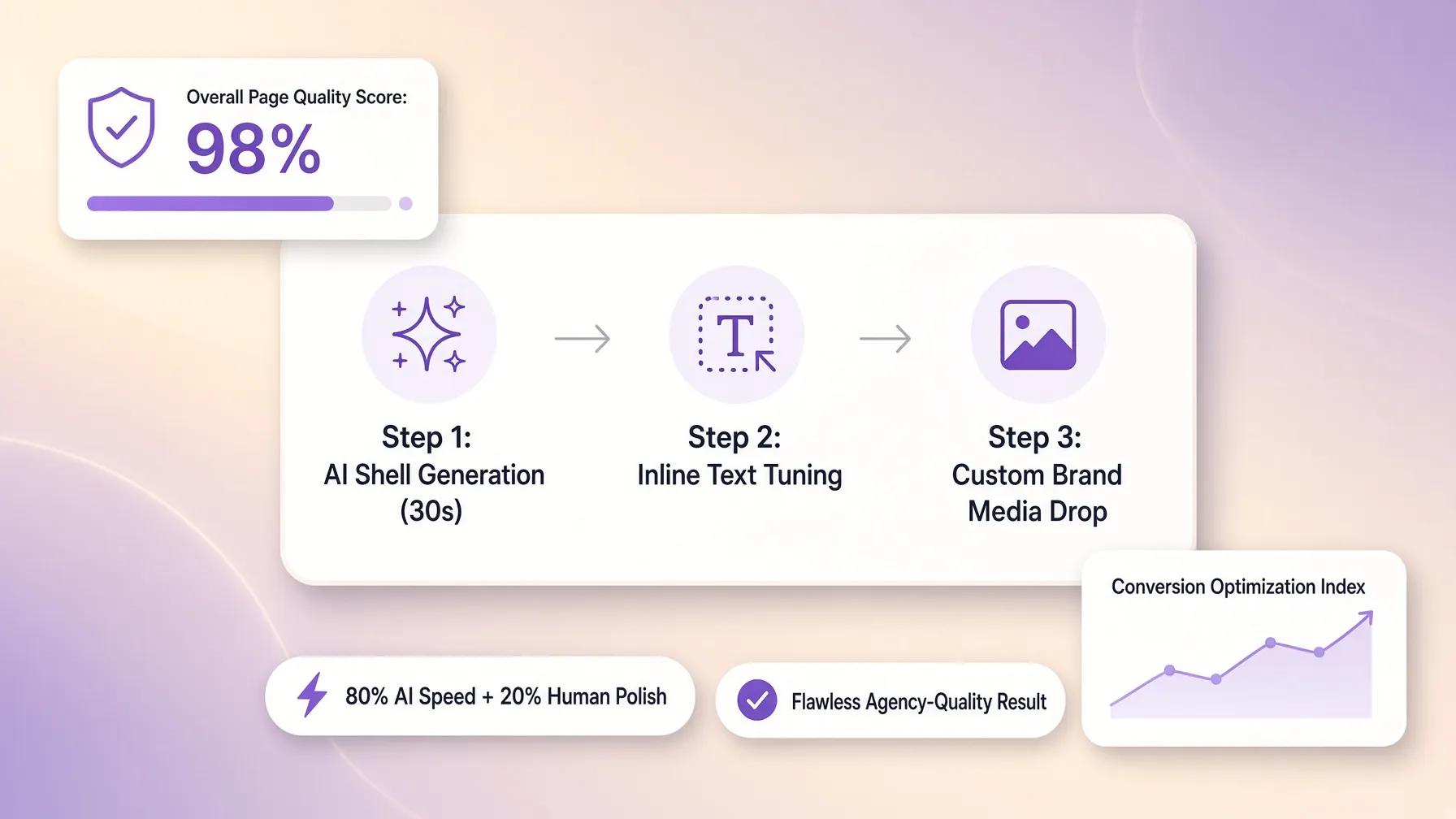
1. Build Your SEO-Ready Site
Describe your business, set your target audience, and select your core pages. BoltWeb automatically constructs clean, search-optimized code structures, fast page rendering, and XML site architecture out of the box.
2. Publish With Confidence
Click publish. BoltWeb instantly structures clean metadata, canonical tags, and mobile-ready layouts that crawlers love.
3. Connect Search Console in 1 Click
Navigate to your BoltWeb Dashboard, find the Google Analytics & Search Console integration on the right side, and click Connect.
4. Enable Auto-Indexing
Once connected, enable the automated engine. Every time you publish a new page, blog post, or update on BoltWeb, the platform communicates directly with search engines to trigger auto-indexing automatically.
Stop waiting for search engines to find you passively. Build your site on BoltWeb's AI website builder, connect Search Console, and get your pages indexed and ranking faster today!

Frequently Asked Questions: How to Get a New Website Indexed by Google
How long does it take for Google to index a new website?
Indexing typically takes anywhere from a few hours to a couple of weeks for a brand-new domain. Submitting your XML sitemap directly through Google Search Console significantly speeds up this process compared to waiting for crawlers to discover your site naturally.
What is the fastest way to get a new web page indexed by Google?
Use the URL Inspection Tool inside Google Search Console. Paste your new page URL into the top search bar, wait for the status check to complete, and click Request Indexing to place your page directly into Google's priority crawl queue.
What is the difference between crawling and indexing?
Crawling is the process where Google's automated bots (Googlebot) discover and scan your pages to download their code and content. Indexing happens after crawling, where Google analyzes that content, determines its quality, and stores it in its massive database so it can appear in search results.
Why is my site showing "Discovered - currently not indexed" in Google Search Console?
This status means Google knows your URL exists, but has not crawled or processed it yet. This usually happens with new domains that have low crawl priority, or when Google's servers prioritize crawling higher-authority sites first.
What does "Crawled - currently not indexed" mean?
This means Google's bots successfully visited and read your page, but decided not to add it to search results. Common causes include thin or duplicate content, poor page structure, lack of unique value, or canonical tag conflicts.
How can I check if a specific page on my website is indexed?
Perform a search on Google using the site: operator followed by your exact URL (e.g., site:yourdomain.com/page-url). Alternatively, check the URL Inspection Tool in Google Search Console to see its exact status in real time.
Could an accidental setting be keeping my website out of Google?
Yes. The two most common technical culprits are a <meta name="robots" content="noindex"> tag hidden in your site's code, or a rule inside your robots.txt file (like Disallow: /) that explicitly blocks search crawlers from entering your domain.
Do I need backlinks to get my new website indexed?
No, backlinks are not mandatory for initial indexing if you submit your sitemap directly to Search Console. However, receiving external links from established, indexed websites helps Googlebot discover your site faster through natural web navigation.
Why is Google only indexing my homepage and ignoring other pages?
Google may not see clear pathways to your inner pages. Ensure your homepage links to your core pages through a clear navigation menu, and verify that your internal links do not use nofollow tags or broken URL structures.
How often does Google crawl and re-index a new website?
New websites with low authority are crawled less frequently—sometimes only once every few days or weeks. As you publish original content consistently and gain domain trust, Googlebot visits your site much more frequently.
Will changing my content trigger Google to re-index my page automatically?
Yes, but it isn't instantaneous. Google eventually detects updates during its regular crawl cycles, but you can accelerate re-indexing by re-submitting the modified URL via the Search Console URL Inspection Tool.
How does BoltWeb simplify Google indexing for new websites?
Building your site on BoltWeb eliminates complex manual setup. BoltWeb generates clean, index-ready HTML and automated XML sitemaps out of the box, and allows you to connect Search Console with 1-click to trigger automated indexing whenever you publish or update content.