
Launching a digital presence for your company used to be a frustrating, high-friction endeavor. You either spent months learning complex programming languages or paid thousands of dollars to web development agencies just to get a basic, multi-page site online.
Here is the plain truth: Artificial intelligence and modern visual platforms have completely transformed that reality. Today, non-technical founders, small business owners, and creators can transform a simple text description into a fully functional, mobile-responsive website in minutes—without writing a single line of code.
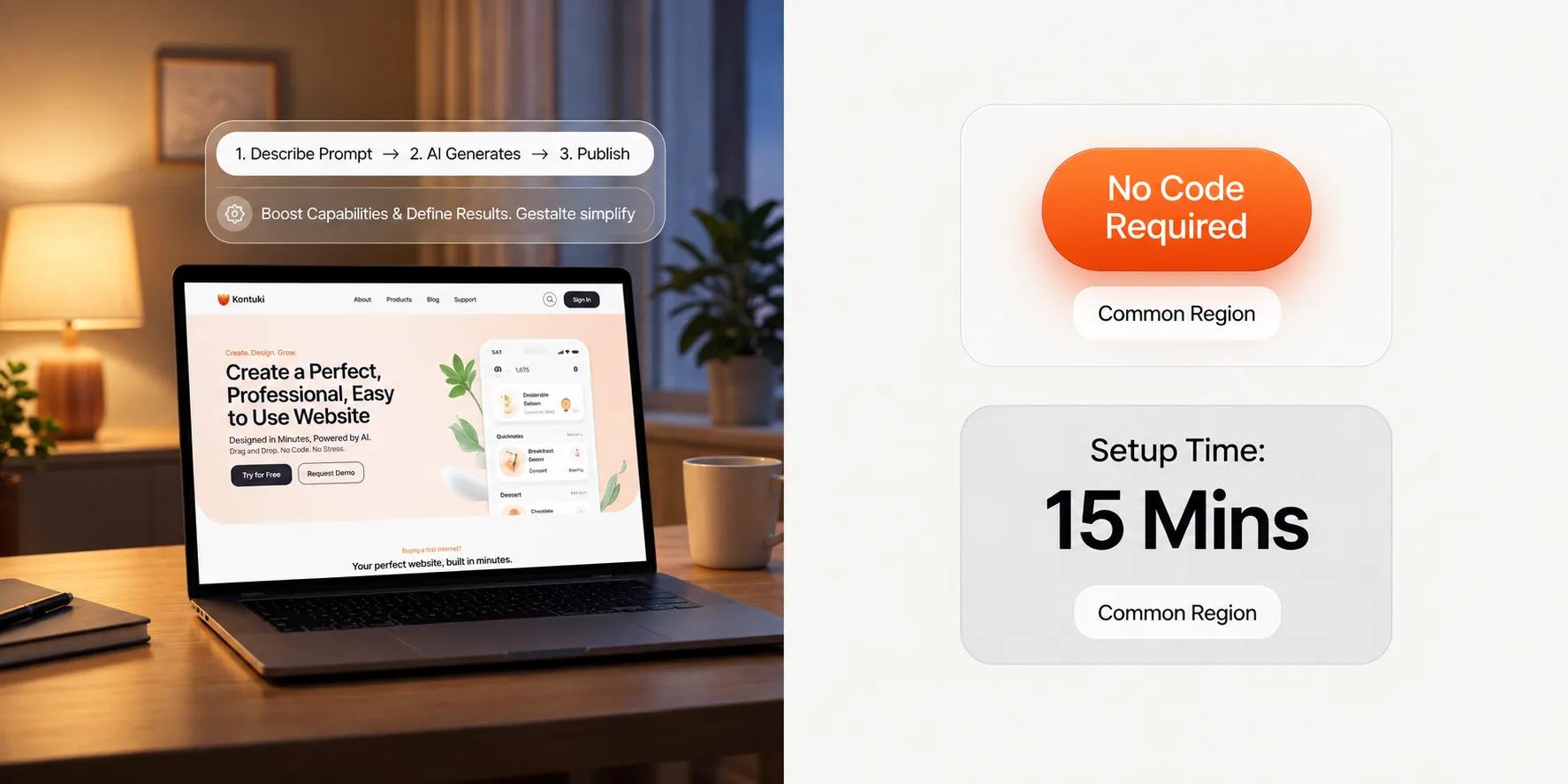
When you build your online presence with BoltWeb, going from concept to live deployment is instant. As a future-ready business website builder, BoltWeb translates plain-English prompts into structured page layouts, search-optimized sales copy, and conversion-focused sections in under 60 seconds!
Here is your master operational guide on can AI build a website without coding, what these platforms generate, and how to launch a professional site for your business.
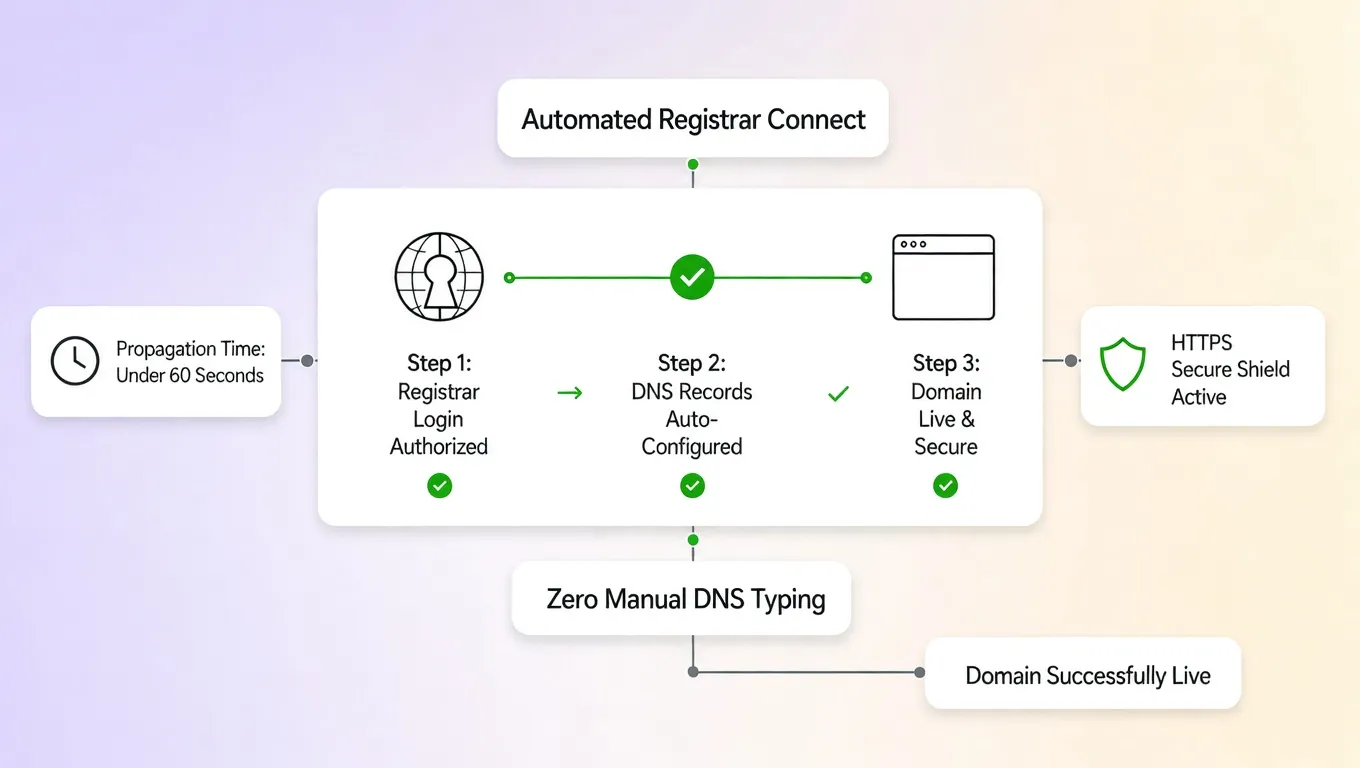
The Master AI No-Code Development Matrix
| Development Axis | Traditional Code Approach | AI No-Code Builder Approach |
|---|---|---|
| Setup Timeframe | 4 to 12 Weeks | Under 60 Seconds |
| Technical Skill Needed | HTML, CSS, JavaScript, Backend DB | Plain English Text Prompts |
| Initial Cost | $2,000 – $10,000+ Agency Fees | Low Monthly / Subscription Base |
| Content Creation | Manual Copywriting & Asset Sourcing | Built-in Automated Drafting |
| Maintenance & SSL | Manual Server Administration | Automated Hosting & HTTPS Security |
1. Can AI Build a Website Without Coding?
Let's address the most urgent question right upfront: Yes, absolutely. Modern artificial intelligence platforms can generate complete, live websites from text prompts without requiring manual programming. However, understanding what actually happens during generation keeps your expectations realistic:
| Graphic Design Mockup | Live AI Website Output |
|---|---|
| Static visual image file | Functional HTML/CSS code structure |
| Non-interactive buttons | Active navigation links & live forms |
| Requires developer to build | Instantly published to global web servers |
Asking can AI build a website without coding reveals that choosing an AI website builder without coding yields fully functional digital storefronts ready for public traffic.
2. What Can an AI Website Builder Create From a Simple Description?
When you type a prompt like "Build a luxury home remodeling website with a project portfolio and quote request form," intelligent engines parse your text to construct a complete site structure. Here is what automated generation creates in seconds:
- Tailored Page Architecture: Generates home, services, about, and contact pages matched to your industry.
- Contextual Copy Drafting: Writes benefit-focused headlines, feature descriptions, and calls to action.
- Industry Visual Selection: Curates relevant background imagery, color palettes, and readable typography.
Learning how to create a website with AI using an AI website generator from prompt inputs allows you to build website with text prompt speed.
3. Which Types of Websites Can You Build Without Writing Code?
No-code AI platforms excel across a massive range of real-world commercial applications. Explore ideal no-code use cases:
- Local Service Providers: Electricians, plumbers, attorneys, and consultants needing lead generation forms.
- Creative Portfolios: Designers, photographers, and architects showcasing visual project galleries.
- E-Commerce Brands: Digital storefronts displaying physical products, digital downloads, and checkout flows.
Selecting a versatile no-code website builder like an AI website builder for small business operations or an AI website builder for ecommerce stores ensures your site meets exact operational demands.
4. How to Build a Website With AI Without Coding
Launching your website follows a simple, logical sequence from prompt to public deployment. Follow this 5-step execution path:
- Enter Your Business Prompt: Type a clear description of your services, target audience, and primary brand goal.
- Review Generated Draft: Inspect the automated site structure, visual styling, and initial copy draft.
- Customize Visual Elements: Refine text, adjust colors, swap images, and reorder page sections.
- Connect Business Features: Add contact forms, appointment schedulers, and custom domain routing.
- Publish Storefront: Click publish to launch your site live to global web traffic.
Mastering how to build a website with AI makes learning to create a website without coding a fast, stress-free AI website creation journey.
5. Customize the Website Without Editing Code
An AI-generated draft is never a locked, unchangeable template. You maintain total creative control over every design detail. Visual editing tools simplify modifications:
- Drag-and-Drop Reordering: Move hero sections, testimonial grids, and feature blocks with a mouse click.
- Global Style Switches: Change color schemes and typography pairings instantly across every page.
- Inline Text Updates: Click directly on text blocks to edit copy, update headlines, and refine offers.
Learning to customize website without coding inside a visual website editor delivers true no-code website design flexibility.
6. Can AI Write Your Website Content and Create the Design?
Generative AI produces impressive initial layouts and persuasive copy drafts, saving you hours of starting from a blank page. How to get the highest quality out of automated drafts:
Combining automated AI website design tools, an AI website content generator, and AI-generated website frameworks with quick human review produces polished, authentic results.
7. Add Contact Forms, Bookings, Payments, and Other Business Features
A stunning design is useless if prospective buyers cannot interact with your business. Adding operational features turns a static brochure into an active lead engine. Essential business tools to integrate:
- Lead Capture Forms: Collect client inquiries, quote requests, and email newsletter signups.
- Appointment Scheduling: Allow clients to book consultations directly on your calendar.
- Payment Gateways: Accept credit card transactions for products, deposits, or digital services.
Deploying a no-code website with contact form tools, a website builder with booking calendars, or a website builder with payments equips your business to collect revenue smoothly.
8. Can a Website Built With AI Rank on Google?
A common misconception is that search engines penalize websites built using artificial intelligence or no-code tools. Here is the truth: Google's ranking algorithms do NOT care whether your site was built by a human developer writing raw code or generated by AI tools. Search engines care about content quality, relevance, mobile responsiveness, and page loading speed.
SEO Ranking Equity = Content Relevance + Technical Performance + Backlink Authority
Focusing on solid AI website builder SEO factors answers whether can AI websites rank on Google, ensuring you deploy an SEO-friendly AI website on BoltWeb (learn more in how to do SEO for a new website).
9. Check Mobile Design, Accessibility, Security, and Performance Before Launch
Before driving ad traffic or sharing your new link across social channels, run a thorough pre-launch reliability audit. Run through this essential pre-launch checklist:
Testing on a responsive AI website builder, running website performance testing, and reviewing a website accessibility checklist catches errors before clients ever see them.
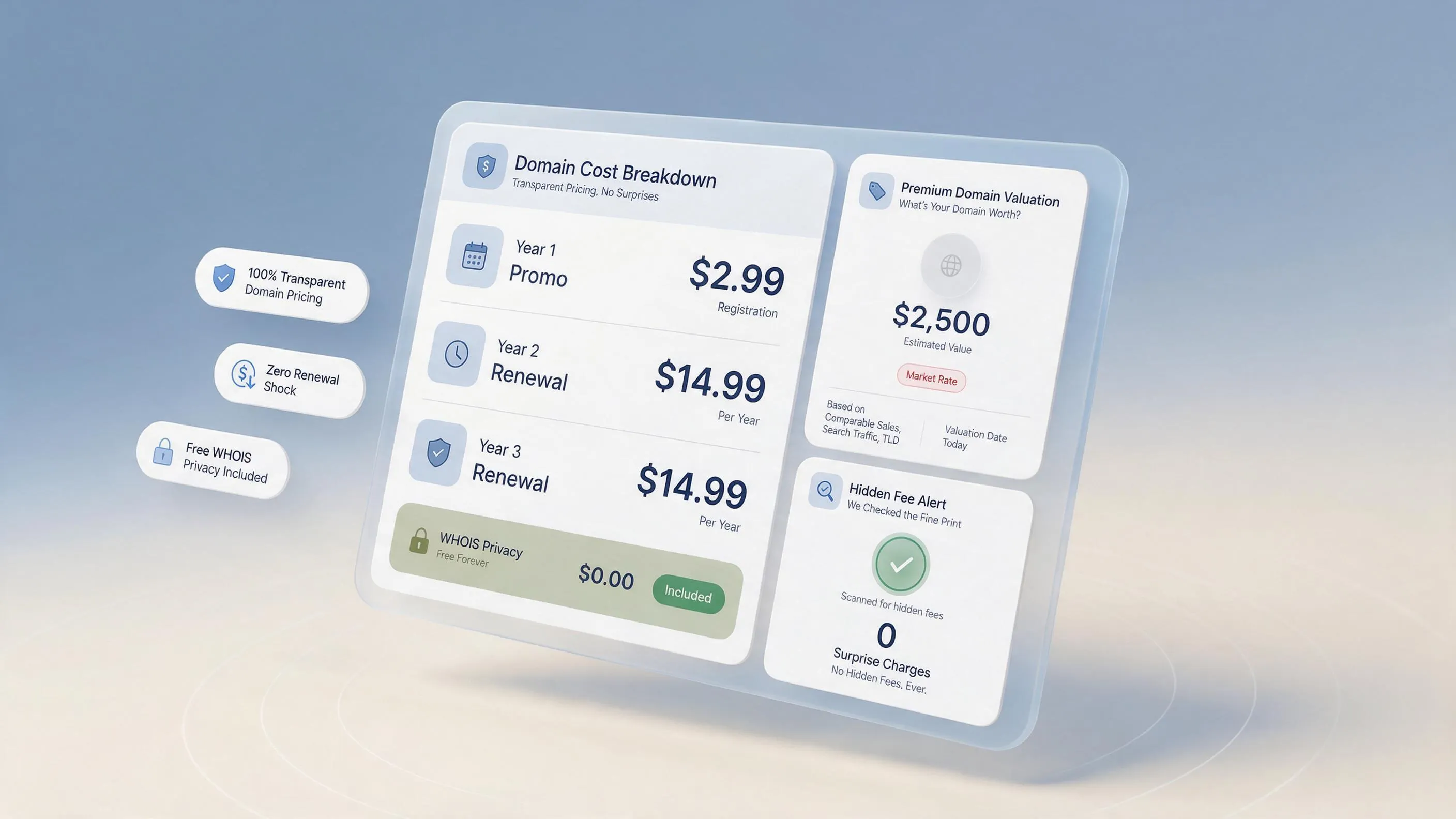
10. How Much Does It Cost to Build a Website With AI Without Coding?
Building a website without code offers massive financial savings compared to traditional development agencies. However, understanding the complete expense breakdown prevents billing surprises. Evaluate your total budget components:
Reviewing overall AI website builder cost parameters, exploring free AI website builder tiers, and calculating the true build a website without coding cost keeps your recurring expenses predictable.
11. What AI Website Builders Cannot Do Reliably on Their Own
While modern no-code platforms handle 95% of standard business website requirements, recognizing their technical boundaries prevents frustration. When custom development or specialist help may still be required:
- Highly Complex Logic: Building custom enterprise databases, proprietary financial algorithms, or complex social networks.
- Niche Third-Party Systems: Connecting to legacy internal inventory software lacking standard APIs.
- Factual Verification: Checking that legal disclosures, specific regulations, and pricing numbers match your exact business terms.
Understanding AI website builder limitations, evaluating AI website development without coding parameters, and recognizing no-code website limitations helps you pick the right tool for your project scope.
12. Decide Whether an AI Website Builder Is Right for Your Business
Run your project through this simple decision framework to select the right development path:
Selecting the best AI website builder for business requires weighing AI website builder vs web developer costs, empowering you to pick a reliable website builder without coding solution.
Operational Summary: Launching Your Site Code-Free
Building a professional, high-converting digital storefront no longer requires weeks of technical struggle, complex code repositories, or expensive developer fees. Modern visual engines have stripped away those old barriers completely.
By combining plain-English AI prompt generation with intuitive visual editing, you can design layouts, write search-optimized content, connect custom domain routing, and go live in minutes. When you are ready to take your business idea live, leveraging an intelligent builder like BoltWeb allows you to create a business website using an advanced domain and website builder in under 60 seconds!
12 High-Converting FAQs: Can AI Build a Website Without Coding?
1. Can AI build a website without coding and give me a fully functional business site?
Here's the plain truth: Yes, modern artificial intelligence can transform a simple text description into a fully functional, mobile-responsive website in seconds—without requiring you to write a single line of code. Unlike static graphic design mockups or image prototypes, an AI-powered visual engine writes active code, structures intuitive navigation, generates tailored sales copy, and prepares live database forms behind the scenes. When you build your digital presence on BoltWeb, going from a blank screen to a live storefront is instant. As an all-in-one business website builder, BoltWeb translates plain-English prompts into structured page layouts, search-optimized copy, and conversion-ready forms in under 60 seconds!
2. What can an AI website generator create from a simple text prompt?
When you describe your business in plain English—such as "Build a luxury interior design studio website with a project portfolio and quote form"—the system parses your intent to construct a complete digital storefront. Here is what automated generation delivers instantly:
- Complete Page Architecture: Automatically structures home, services, about, and contact pages matched to your industry.
- Contextual Copy & Headlines: Generates benefit-driven copy, hero headlines, and conversion-focused CTAs.
- Curated Visual Layouts: Selects color palettes, readable typography, and relevant background imagery.
Learning how to create a website with AI using an AI website generator from prompt inputs allows you to build website with text prompt speed.
3. Which website types can I build using an AI website builder for small business operations?
No-code AI website creation tools excel across a wide spectrum of commercial applications and business models:
- Local Service Businesses: Electricians, legal practices, contractors, and consultants requiring lead forms.
- Creative Visual Portfolios: Designers, photographers, and architects showcasing image galleries.
- E-Commerce Shops: Digital storefronts displaying physical items, digital downloads, and checkout flows.
Selecting a versatile no-code website builder like an AI website builder for small business operations or an AI website builder for ecommerce stores ensures your site meets exact commercial demands.
4. What are the exact steps on how to build a website with AI without coding?
Launching your website follows a simple, logical sequence from initial prompt to global deployment. Follow this 5-step execution path:
- Submit Your Business Prompt: Type a description of your offer, target clients, and primary goal.
- Review Generated Layouts: Inspect the automated structure, visual styling, and initial copy draft.
- Customize Visual Elements: Refine headlines, adjust colors, swap imagery, and reorder sections visually.
- Attach Business Features: Add contact forms, booking calendars, and custom domain routing.
- Publish Storefront: Click publish to launch your storefront live to global traffic.
Mastering how to build a website with AI makes learning to create a website without coding a fast, stress-free AI website creation experience.
5. Can I customize the website without editing code after the initial generation?
An AI-generated draft is never a rigid, locked template. You maintain total creative control over every design choice. Visual editing tools simplify routine updates: Drag-and-Drop Reordering: Move hero blocks, testimonial grids, and service sections with a click. Global Style Switches: Change brand color palettes and font pairings across every page simultaneously. Direct Visual Copy Edits: Click on text blocks to refine headlines, update pricing, and adjust offers. Learning to customize website without coding inside a visual website editor delivers true no-code website design flexibility.
6. Will the AI website design and AI-generated copy be good enough for my business?
Generative artificial intelligence produces polished layouts and high-converting copy drafts, eliminating the intimidation of starting from a blank page. To maximize overall brand impact: Let automated tools draft core headlines, feature breakdowns, and benefit lists in seconds. Spend two minutes adding client reviews, exact pricing packages, and personal brand touches. Combining automated AI website design tools, an AI website content generator, and AI-generated website frameworks with quick human review produces professional, authentic results.
7. Can I add contact forms, booking tools, and payment gateways without writing code?
A beautiful website is useless if prospective buyers cannot interact with your business. Adding operational features turns a static layout into an active lead engine. Essential business tools to connect natively: Interactive Contact Forms: Capture client inquiries, quote requests, and phone leads. Appointment Schedulers: Allow visitors to book consultations directly on your calendar. Payment Gateways: Accept credit cards for products, deposits, or digital services. Deploying a no-code website with contact form tools, a website builder with booking calendars, or a website builder with payments equips your business to collect revenue smoothly.
8. Can a website built with AI rank on Google search results?
A common misconception is that search engines penalize websites created using artificial intelligence or visual no-code tools. Here is the truth: Google's ranking algorithms evaluate content quality, keyword relevance, page speed, mobile responsiveness, and user experience—not whether code was written by hand or generated by software. Focusing on solid AI website builder SEO factors answers whether can AI websites rank on Google, ensuring you deploy an SEO-friendly AI website on BoltWeb.
9. What should I test on a responsive AI website builder before going public?
Before driving ad traffic or sharing your website link across social channels, run a thorough pre-launch reliability audit. Run through this fast pre-launch checklist:
- Mobile Responsiveness Check: Confirm text wraps properly and buttons are easy to tap on mobile screens.
- Form Submission Test: Submit a test lead to verify notifications arrive in your inbox.
- HTTPS Security Padlock: Confirm your SSL certificate is active and displaying the secure padlock icon.
Testing on a responsive AI website builder, running website performance testing, and reviewing a website accessibility checklist catches errors before clients see them.
10. How much does the total AI website builder cost compared to hiring a developer?
Building a website without code delivers massive financial savings compared to traditional development agency rates ($3,000–$10,000+). Evaluate your total budget components: Platform Subscription: Predictable monthly or annual access covering hosting and software updates. Custom Domain Renewal: Standard annual domain renewal fees ($10 to $20/year). Business Email: Optional custom mailbox setup ($3 to $6/month). Reviewing overall AI website builder cost parameters, exploring free AI website builder tiers, and calculating the true build a website without coding cost keeps your recurring expenses predictable.
11. What are the main AI website builder limitations I should know about?
While modern visual no-code platforms handle 95% of standard business website requirements, recognizing their technical boundaries prevents frustration. When custom development may still be required: Proprietary Software Workflows: Building complex enterprise SaaS platforms, financial algorithms, or custom social networks. Legacy Integrations: Connecting to obscure internal databases lacking standard APIs. Understanding AI website builder limitations, evaluating AI website development without coding parameters, and recognizing no-code website limitations helps you pick the right tool for your project scope.
12. Should my business use an AI website builder vs web developer for our launch?
Run your project through this simple decision framework: Use an AI Builder: If you need to launch fast (under 1 day), have an upfront budget under $3,000, want to edit content independently, and need a standard business site, landing page, or online store. Hire a Developer: If you possess a $5,000+ budget and need to build custom software, complex database architectures, or proprietary web applications. Selecting the best AI website builder for business requires weighing AI website builder vs web developer costs, empowering you to pick a reliable website builder without coding solution on BoltWeb!