When entrepreneurs and local business owners decide to establish their online presence, they almost always confront a fundamental budget decision: free vs paid website builder plans.
At first glance, a free tier seems like an irresistible deal. Why spend monthly operating capital when you can put a digital storefront online for zero dollars out of pocket?
Here’s the reality:
Free plans are engineered as promotional teasers. They often burden your site with platform ads, lock your business behind generic subdomains, block direct payment processing, and suppress your visibility on search engines.
Understanding what changes when you upgrade ensures you invest your capital wisely, build undeniable credibility, and capture high-value customer leads from day one.
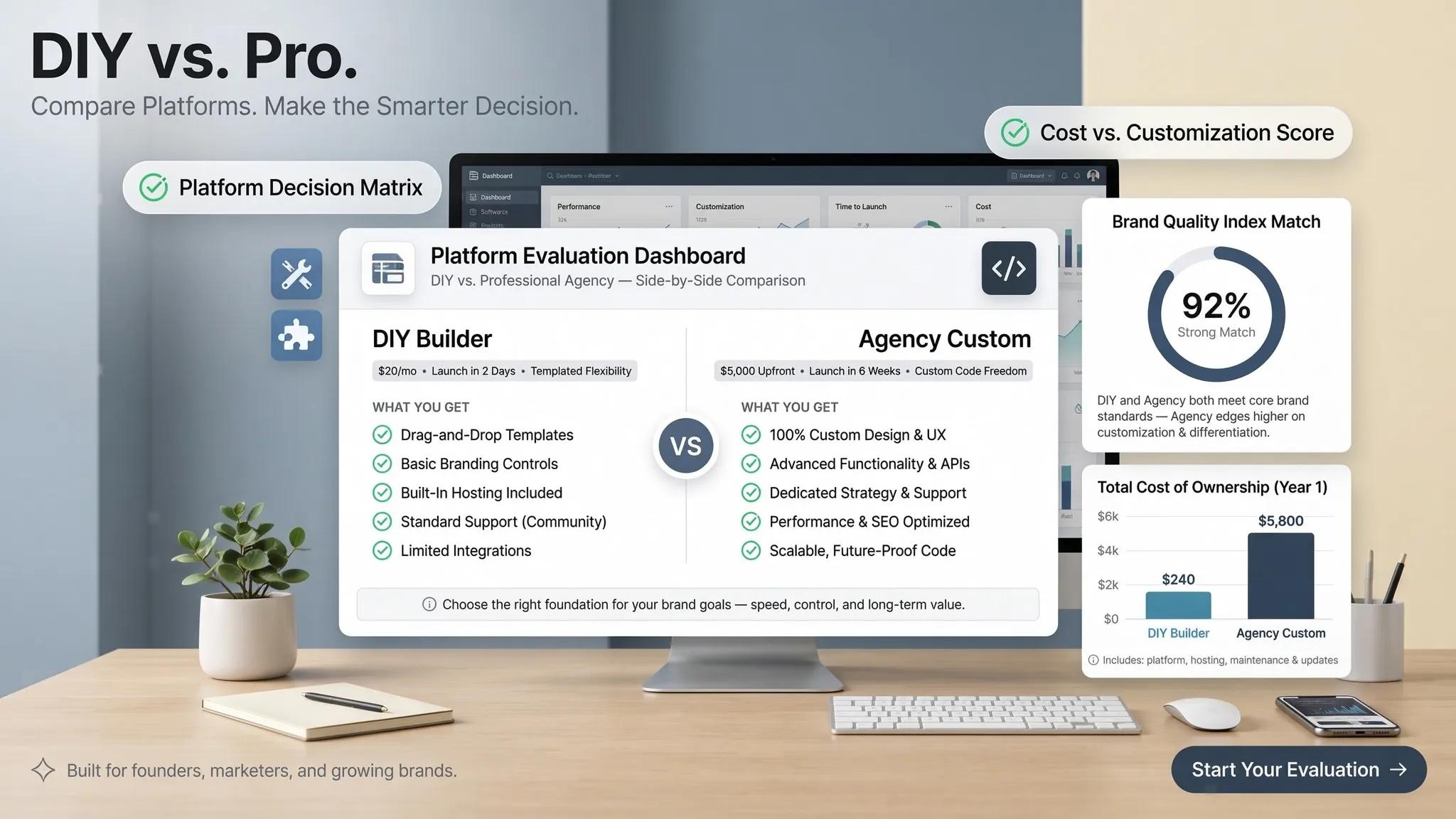
Here is the complete head-to-head breakdown to help you decide whether to start free or invest in a professional plan.
Free vs Paid Website Builder: At a Glance
Before exploring the details, review this side-by-side comparison matrix to see how free and paid tiers typically stack up across essential business factors:
| Feature | Typical Free Plan | Typical Paid Business Plan |
|---|---|---|
| Initial Subscription | $0 per month | Predictable monthly or annual subscription |
| Website Address | Platform-branded subdomain (e.g., yourname.builder.com) | Custom domain connection (e.g., yourbusiness.com) |
| Builder Branding | Platform ads displayed prominently on your pages | Completely removable for a clean, professional look |
| Design Tools | Core layout tools and basic templates | Advanced customization, custom CSS, and full design control |
| Storage & Bandwidth | Strictly capped (often 500MB storage or lower) | Generous or unmetered storage and bandwidth allocations |
| SEO Capabilities | Basic title tags; advanced schema or indexing suppressed | Comprehensive SEO tools, custom meta tags, and clean sitemaps |
| Contact & Lead Forms | Basic forms with strict submission limits | Unlimited submissions, file uploads, and instant alerts |
| Bookings & Payments | Usually restricted, blocked, or heavily taxed with fees | Integrated checkout portals, live calendars, and low gateway fees |
| Customer Support | Community forums or delayed email support | Priority live chat, phone support, and dedicated assistance |
| Long-Term Growth | Capped by platform restrictions and low storage | Fully scalable infrastructure built for business growth |
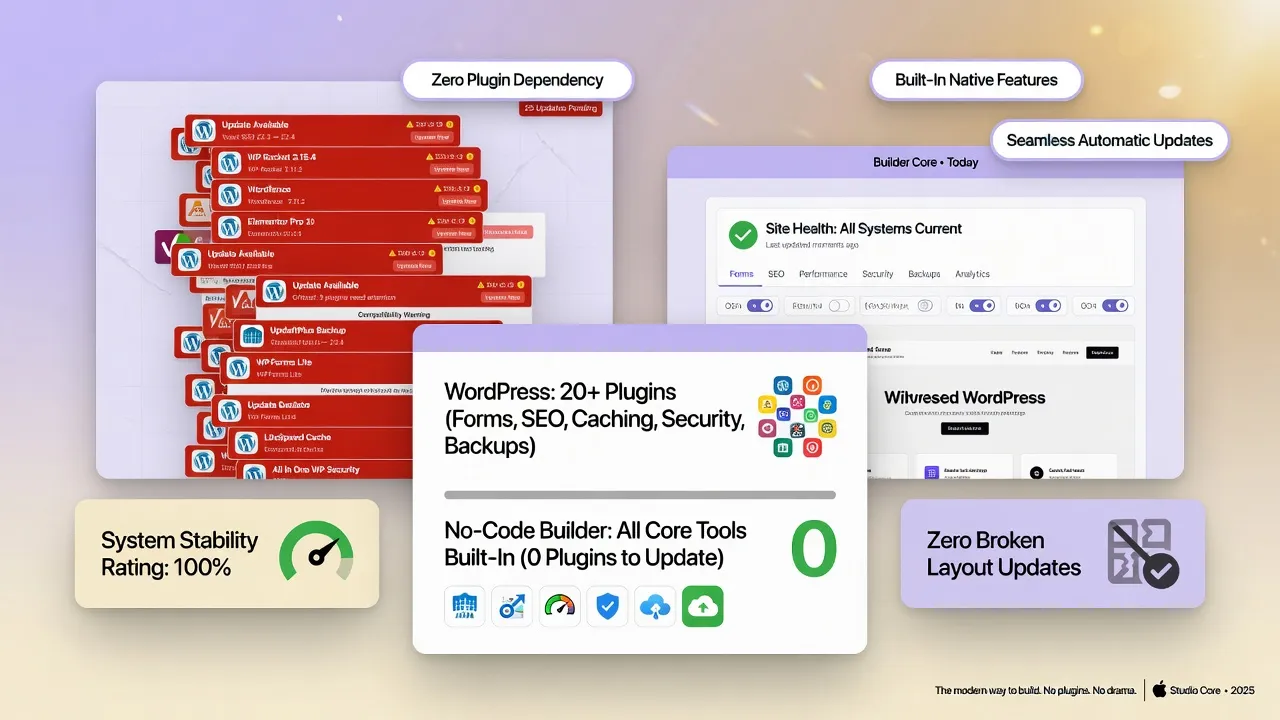
1. Free vs Paid Website Builder: What Changes When You Upgrade?
Upgrading from a free plan isn't just about unlocking extra features—it’s about removing the operational handicaps that stop visitors from trusting your business.
Here’s the deal:
When evaluating a free vs paid website builder, a free plan acts as a sandbox. It lets you test layout tools and preview how your content looks on screen. However, key conversion drivers remain locked behind paywalls.
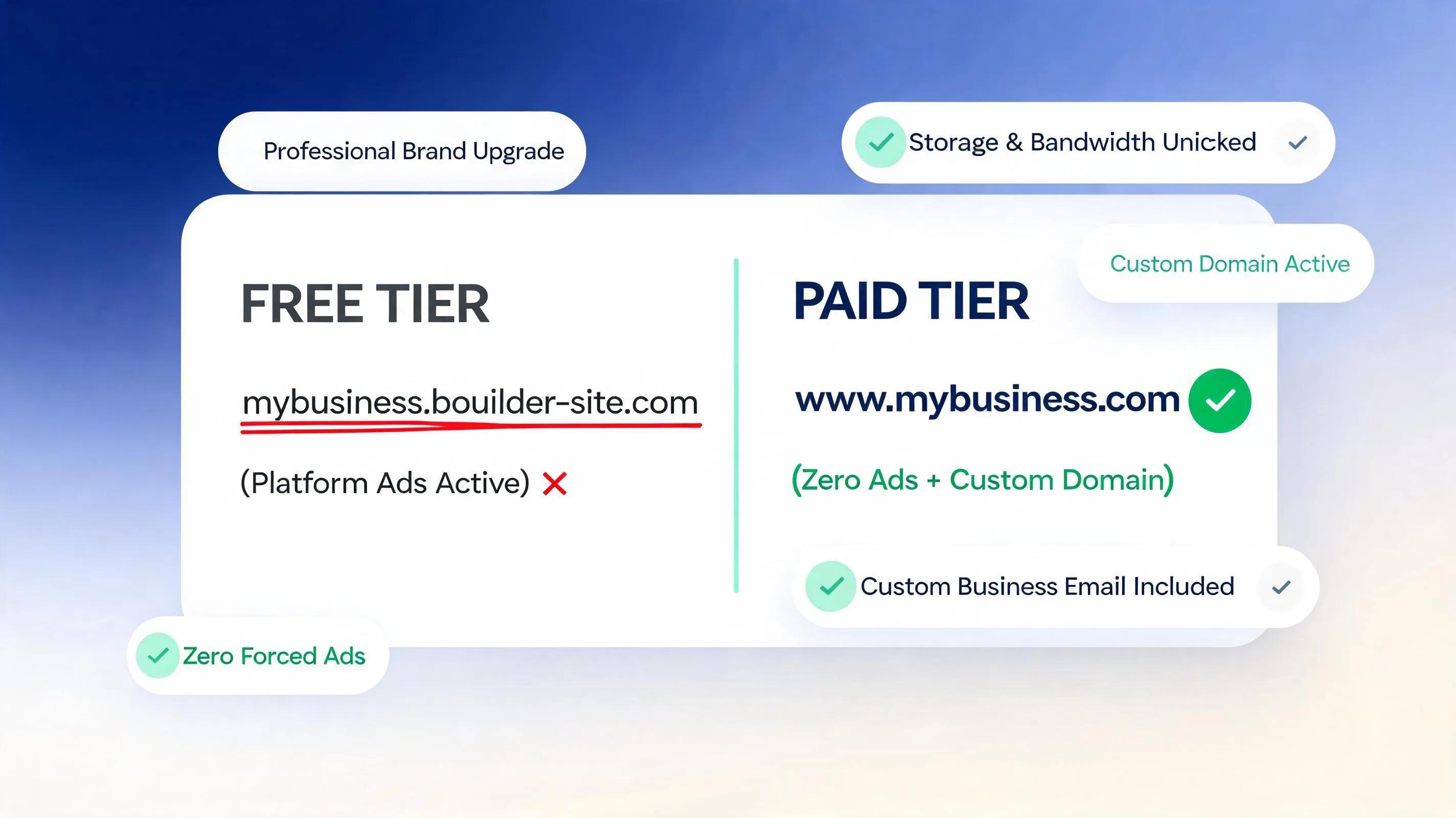
When you buy a website builder plan, you eliminate platform advertisements, connect a custom domain name, activate automated SEO tools, and unlock interactive lead intake features that turn casual browsers into paying clients.
2. What Can You Build and Publish With a Free Website Builder?
Are free website platforms completely useless? Not necessarily.
A free website creator can serve a purpose when you need a sandbox environment to test a business idea, assemble a personal portfolio, or present a temporary event schedule.
You can successfully publish simple web pages using a free plan to:
- Draft Page Concepts: Experiment with headlines, visual layouts, and color palettes before committing capital.
- Build Personal Portfolios: Share creative samples, resumes, or student projects where professional branding isn't required.
- Launch Temporary Event Hubs: Display schedules and directions for non-profit gatherings or casual family events.
However, the moment your goal shifts from sharing casual information to acquiring paying clients, the structural restrictions of a free website builder quickly become a bottleneck.
3. Which Free-Plan Limits Will Affect Your Website Most?
Understanding the hidden operational trade-offs of free plans protects your business from embarrassing launch failures.
Think about this:
When you publish on a free plan, platform providers enforce severe constraints designed to nudge you toward an upgrade:
- Forced Third-Party Advertising: Free platforms display prominent banner ads on your site—often promoting your direct industry competitors right above your contact details.
- Severely Restricted Storage Capping: Ultra-low storage limits prevent you from uploading high-resolution job site photos, video overviews, or extensive service galleries.
- Suppressed Lead Forms: Intake forms on free plans often limit you to 10 or 20 submissions per month before shutting down automatically.
- 1. Platform Ad Placement ➔ Competitor banners displayed on your site
- 2. Capped Form Intake ➔ Quote forms lock up after a few submissions
- 3. Severe Storage Capping ➔ Low file limits block job site image grids
Discovering these disadvantages of free website builders after launch costs you valuable time and lost customer inquiries.
4. Do You Need a Custom Domain, or Is a Free Website Address Enough?
Your web address is your digital storefront address.
Ask yourself: Would you trust an auto repair shop, roofing contractor, or medical practice operating under yourbusiness.freebuilder.com?
A website builder with custom domain connectivity is essential for establishing commercial authority. Using a branded domain signals to clients—and search engine algorithms—that your business is legitimate, secure, and established.

5. How Much Does a Paid Website Builder Really Cost Over a Year?
Evaluating paid website builder cost parameters requires looking beyond headline monthly promo rates to calculate the complete annual bill.
A transparent financial breakdown includes:
When you invest in an affordable website builder for small business like BoltWeb, hosting, security, lead forms, and local SEO tools are bundled into a single predictable tier.
Avoiding fragmented add-on fees protects your operating margins while providing a complete digital sales engine.

6. Can You Rank on Google With a Free Website Builder?
Can a site published on a free plan rank at the top of local search engine results?
In real-world competitive markets, the short answer is almost never.
While search engine algorithms index public web pages regardless of price, free plans impose major technical penalties:
- Subdomain Authority Deficits: Search engines treat free subdomains as secondary pages on the parent platform, making it nearly impossible to build independent domain authority.
- Locked Technical SEO Metadata: Free plans often block custom meta titles, schema markup, open-graph tags, and XML sitemap editing.
- Slower Page Speeds: Free sites are frequently assigned to congested, low-priority server pools that load slowly on mobile networks.
- • Shared Platform Subdomain
- • Locked Schema & Meta Tags
- • Deprioritized Server Pools
- • Dedicated Custom Domain
- • Custom Local Meta Tags
- • Edge CDN Performance
Upgrading to an SEO-friendly website builder gives you complete control over your technical search signals, helping you capture high-intent local queries.
7. Can a Free Website Builder Accept Bookings, Enquiries, and Payments?
A professional website must function as a 24/7 sales engine that captures leads and processes transactions automatically.
Evaluating functional capabilities reveals stark operational divides:
- Free Plan Friction: Free tiers systematically disable online payment gateways, block live calendar booking integrations, and cap contact form entries.
- Paid Plan Performance: Using a website builder with booking and payment features, prospective clients can select service slots, submit intake details, upload job photos, and pay deposits directly from their phone.
Choosing an all-in-one platform like an AI website builder for business ensures your site processes customer inquiries around the clock without manual intervention.
8. When Is a Free Website Builder the Better Choice?
While commercial enterprises require paid infrastructure, a free tier remains the right choice under specific conditions.
A free plan is appropriate when you are:
- Launching a temporary student project or personal creative showcase.
- Testing basic visual concepts before committing capital.
- Building a private family portal that doesn't require search visibility or custom branding.
For personal projects where revenue generation isn't a factor, starting with a free platform works well.
9. When Is Paying for a Website Builder Worth It?
The moment you intend to exchange services for money, upgrading to a commercial plan becomes a high-return investment.
- [ ] You need a custom domain name to establish commercial trust.
- [ ] You want to remove competitor advertisements from your pages.
- [ ] You need to capture unlimited quote forms & smartphone photos.
- [ ] You want to rank on Google for local service searches.
When your business relies on local inquiries, paying for an affordable business website builder like BoltWeb delivers immediate returns by converting casual site traffic into paying clients.
10. Is It Better to Start Free and Upgrade Later?
Many business owners ask: "Why not start on a free plan and upgrade once I get customers?"
Here is the hidden trap:
Building a business on a free subdomain forces you to publish an unbranded web address on your business cards, social profiles, and vehicle wraps. When you eventually upgrade to a custom domain, you lose existing link equity, confuse early clients, and have to re-verify local search listings.
Starting directly with an easy-to-use AI website builder on a paid business tier ensures your brand equity, search authority, and marketing materials are aligned right from the start.
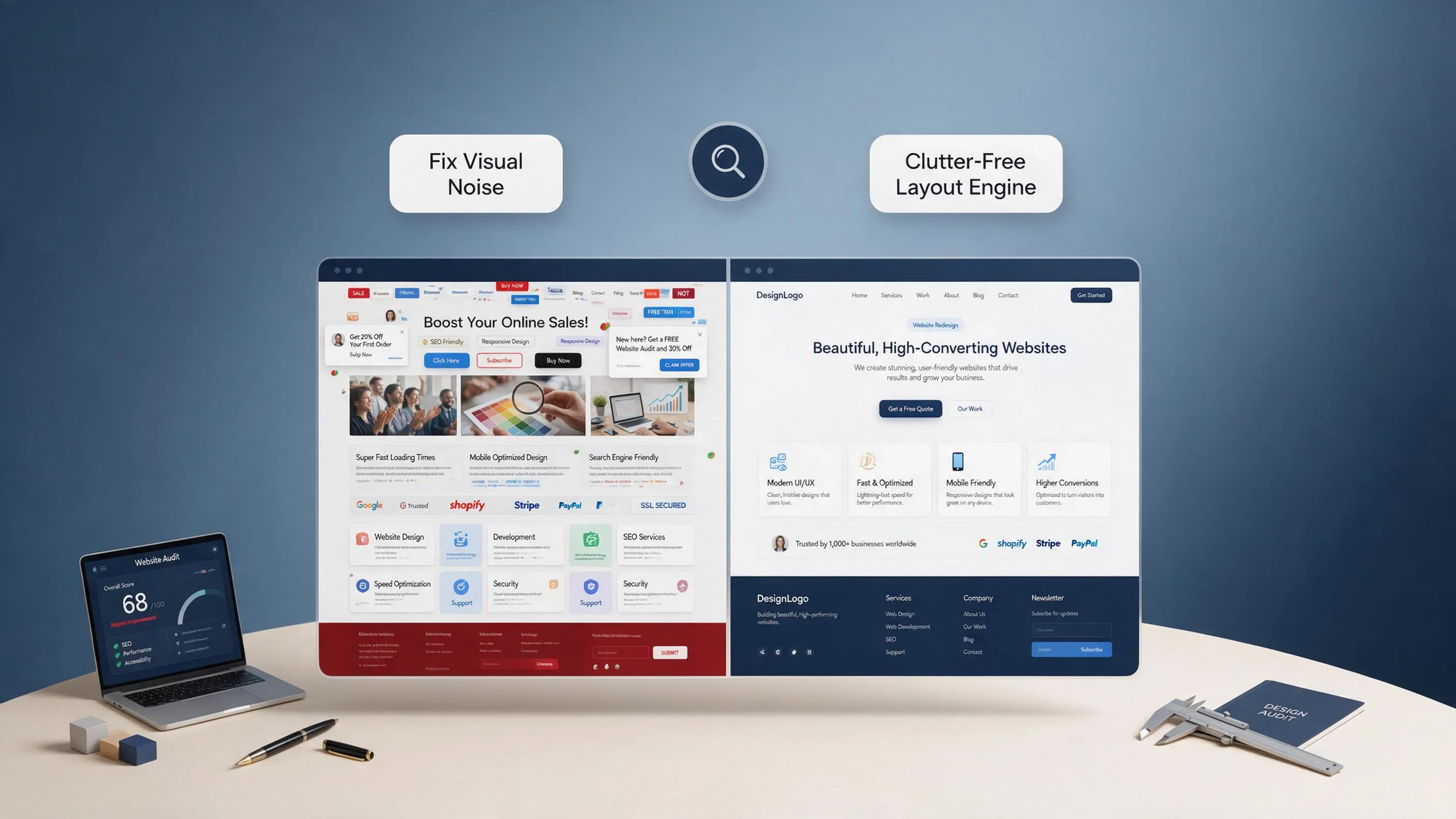
11. How to Choose the Cheapest Website Builder That Meets Your Needs
Finding the best value website builder isn't about choosing the absolute lowest price tag—it's about maximizing your feature-to-cost ratio.
Follow this selection strategy:
- Identify Core Non-Negotiables: Mandate custom domain connections, ad-free layouts, mobile responsiveness, and unlimited form submissions.
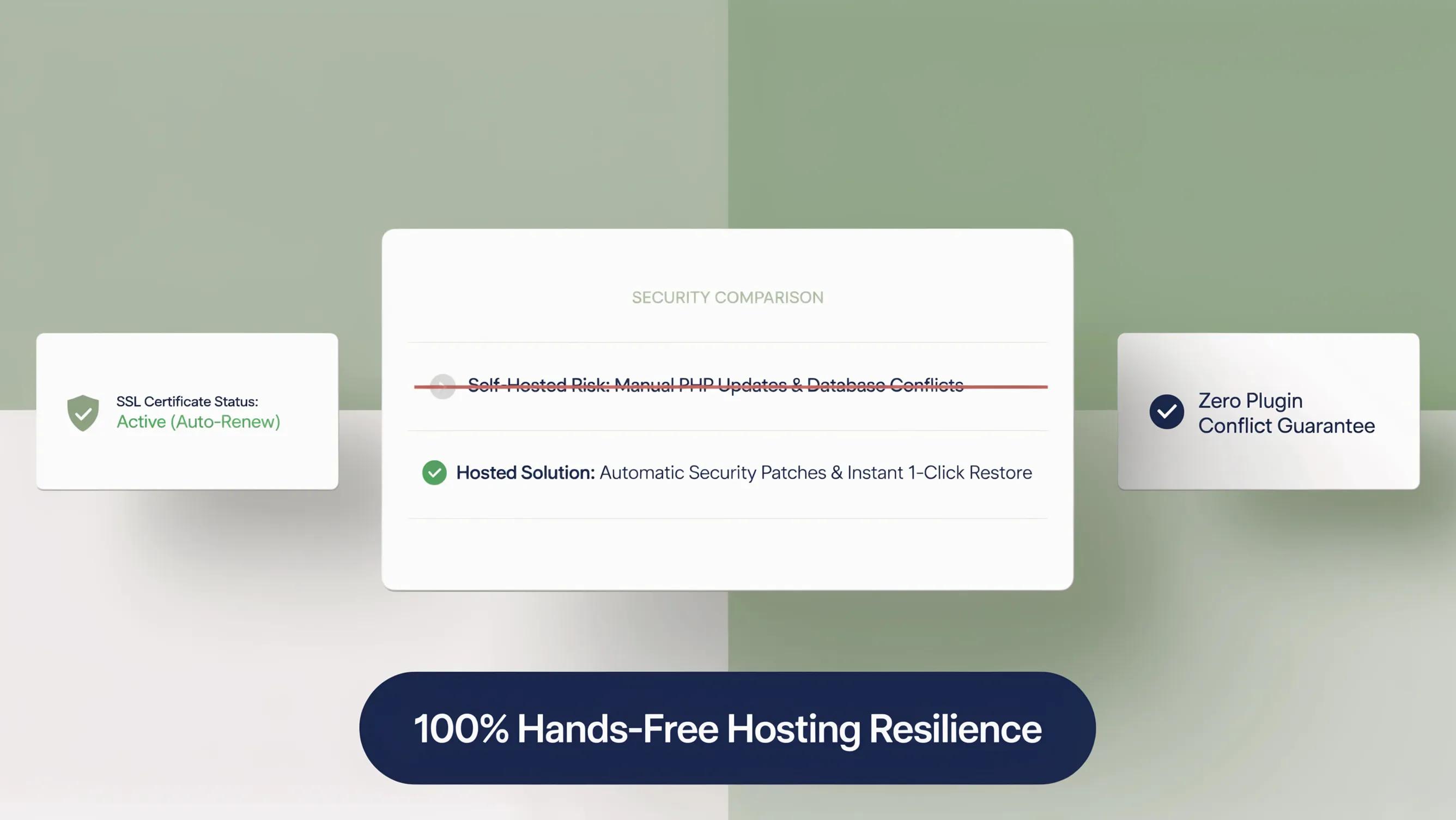
- Avoid Unnecessary Add-on Costs: Select platforms that include cloud hosting, SSL encryption, and local SEO tools in their core plan rather than charging extra for basic features.
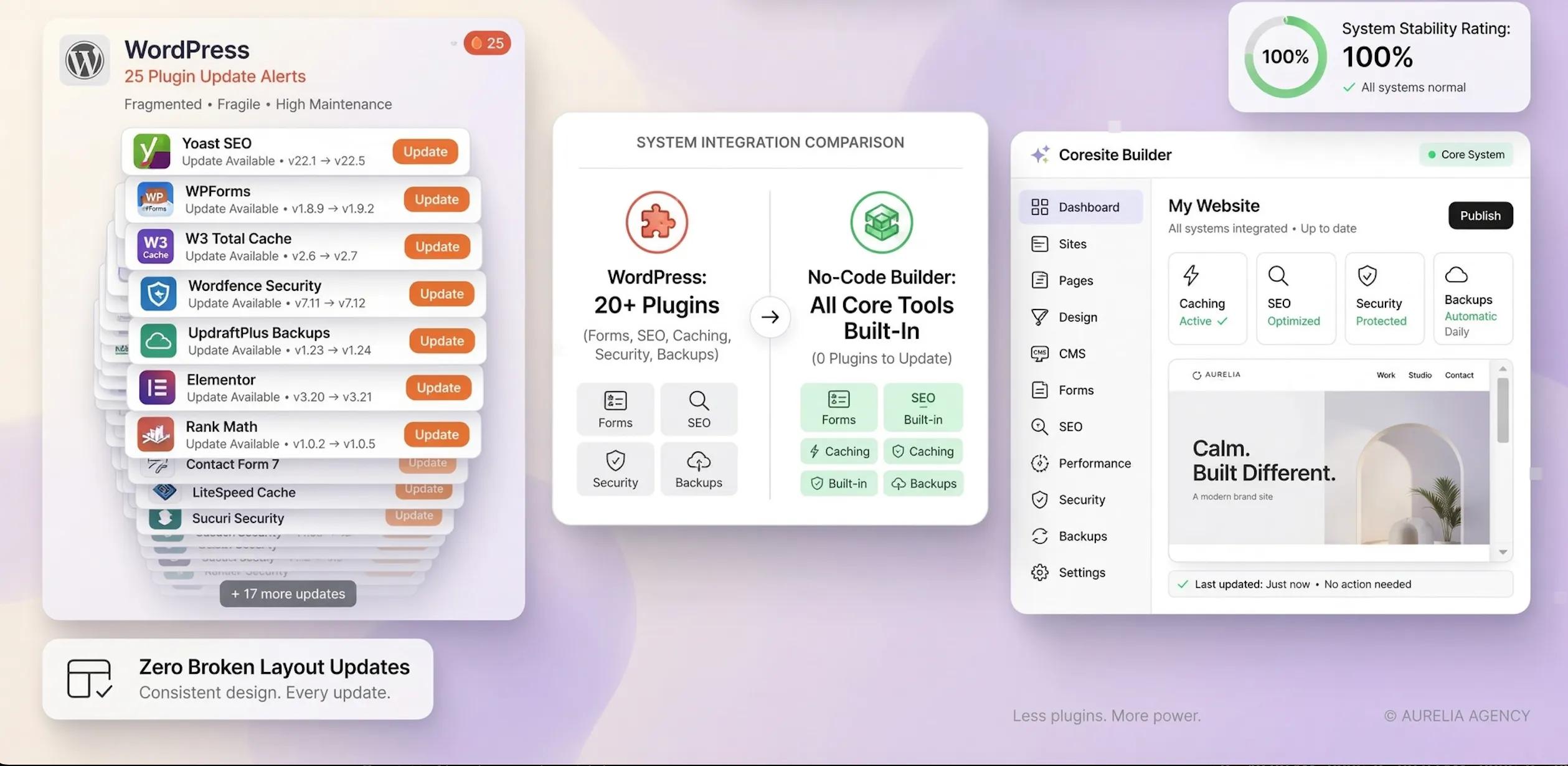
- Prioritize Automated Generation: Platforms that generate complete layouts, custom copy, and local SEO architecture automatically save you hundreds of hours in manual web design work.
Evaluating platforms on total value allows you to secure enterprise-grade performance at an entry-level price point.
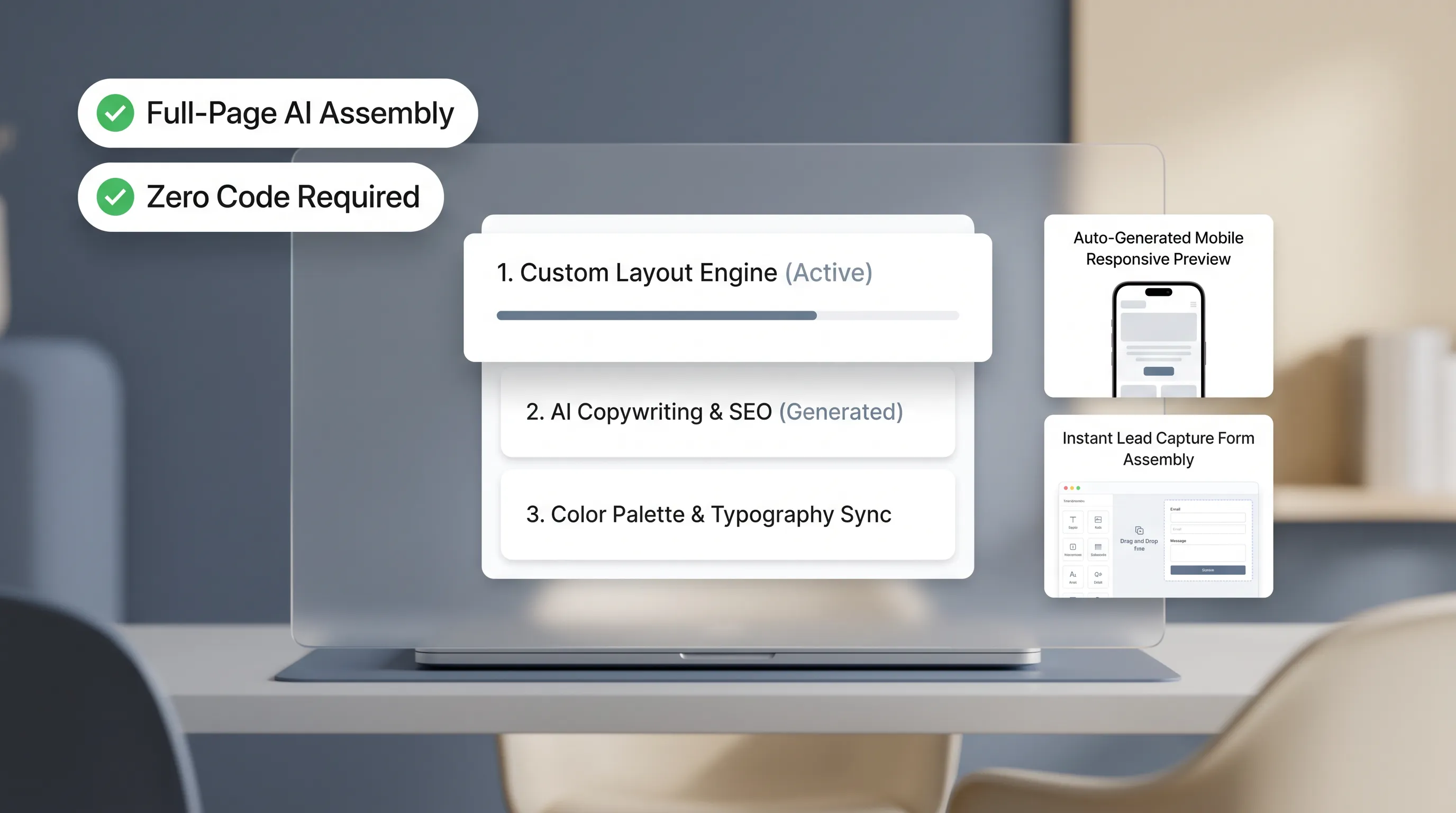
12. Use This Checklist Before Choosing a Free or Paid Plan
Run through this final decision matrix to select the plan tier that aligns with your operational goals:
- [ ] I am building an official business site to acquire local clients.
- [ ] I need a custom web domain name to establish immediate trust.
- [ ] I require ad-free pages with custom lead intake forms.
- [ ] I want my site optimized to rank on Google search results.
Result: If you checked two or more boxes above, investing in a professional platform like BoltWeb is the fastest, most effective choice for your business.
To review official web guidelines, explore technical standards at the W3C Web Accessibility Initiative, review search indexing documentation via Google Search Central, or analyze digital privacy frameworks on the Federal Trade Commission (FTC). Additional guidance on mobile user experience can be explored at the Nielsen Norman Group.
Stop losing prospective clients to competitor ads and unbranded subdomains. Upgrade your website builder plan with BoltWeb today to deploy a high-converting storefront that drives real local sales.
Free vs Paid Website Builder: FAQs for Business Owners
1. What is the real difference between a free website builder and a paid plan?
Here’s the hard truth:
A free tier is designed as an interactive sandbox—it lets you test visual tools and preview layout concepts, but it locks key conversion features behind a paywall. Free plans burden your site with platform ads, force you to use an unbranded subdomain, cap your file storage, and restrict lead intake forms. Upgrading to a paid plan on BoltWeb removes competitor ads, connects a custom web domain, activates local search engine optimization, and unlocks direct booking tools that turn casual site visitors into paying clients.
2. Can I build a real website on a free plan without paying a single dollar?
Yes, you can publish a basic web page on a free plan, but you must accept major commercial trade-offs.
Free tiers work well when you need to assemble a personal resume, test a casual side-project concept, or build a temporary event schedule where professional branding isn't required. However, the moment your goal shifts to acquiring high-ticket clients, building search engine authority, or taking online payments, the structural limits of a free plan quickly become a bottleneck for your business growth.
3. Will my customers trust my business if my website uses a free subdomain address?
Think about how local clients evaluate businesses online:
When a prospective customer sees a web address like yourbusiness.freebuilder.com, it instantly signals an unverified, early-stage operation. Connecting a custom domain name (like yourbusiness.com) is essential for building immediate commercial trust. A custom web address tells both visitors and search engine crawlers that your business is established, legitimate, and secure.
4. Can a free website builder rank on Google search results for local keywords?
In competitive local markets, ranking a free-plan website at the top of search results is nearly impossible.
While search crawlers can index public web pages regardless of price, free plans impose heavy ranking handicaps:
- Subdomain Authority Penalties: Search engines treat free subdomains as secondary pages on the parent host platform rather than an independent business entity.
- Locked SEO Metadata: Free tiers frequently block custom local schema markup, structured meta titles, and open-graph tags.
- Deprioritized Load Speeds: Free sites sit on congested server pools that load slowly on mobile data networks.
Upgrading to an SEO-friendly paid tier gives you complete control over your technical search signals.
5. How do platform advertisements on free plans hurt my business revenue?
Free website tools aren't charity—providers monetize free users by placing prominent banner ads directly across published pages.
The major risk? These automated ad networks often display banners promoting your direct local competitors right above your contact form or phone number. Paying for a commercial plan strips away all third-party advertising, ensuring your prospective leads stay focused entirely on your services.
6. Can a free website builder accept customer inquiries, bookings, and credit card payments?
Free plans systematically disable essential sales tools to protect their business model.
On a free tier, quote intake forms are severely capped (often locking up after 10 or 20 monthly submissions), and payment processing gateways are blocked entirely. Investing in a paid business plan unlocks integrated checkout portals, live calendar scheduling tools, and unlimited lead forms—allowing your digital storefront to capture inquiries and process deposits 24/7.
7. How much storage and bandwidth do I actually get on a free website plan?
Free plans typically enforce strict storage caps—often limiting your media library to 500MB or less.
This tiny allocation prevents you from uploading high-resolution job site photography, detailed project portfolios, or video walkthroughs of your work. Upgrading to a commercial business plan provides generous, unmetered storage and edge CDN distribution, ensuring your visual portfolio loads rapidly across all mobile devices.
8. What is the true annual cost of a paid website builder versus a free plan?
Calculating the true cost of a website requires looking beyond headline promo rates to evaluate your total operating return.
While a free plan costs $0 upfront, it costs you thousands in lost client calls, suppressed search visibility, and lost buyer trust. A paid business plan bundles cloud hosting, custom domain connections, SSL security certificates, unlimited lead forms, and local SEO tools into one flat, predictable monthly fee—delivering a high-converting digital storefront that pays for itself with a single closed job.
9. When does it make sense to start on a free plan and upgrade later?
Starting on a free plan makes sense if you are in the early drafting stage and want to experiment with visual layouts, review text ideas, or refine your service list before taking your business public.
However, avoid staying on a free subdomain once you launch offline marketing materials. Printing a free subdomain address on business cards, branded vehicles, or social profiles hurts early brand equity and forces you to rebuild search engine authority when you eventually connect a custom domain.