
When business owners type vague instructions into standard AI web tools, they often walk away disappointed. Missing target audience data, vague value propositions, and absent service boundaries force the software to fill in the blanks with generic filler copy, bland imagery, and weak calls to action.
Generating a high-converting, search-optimized website requires treating the prompt like a comprehensive creative brief.
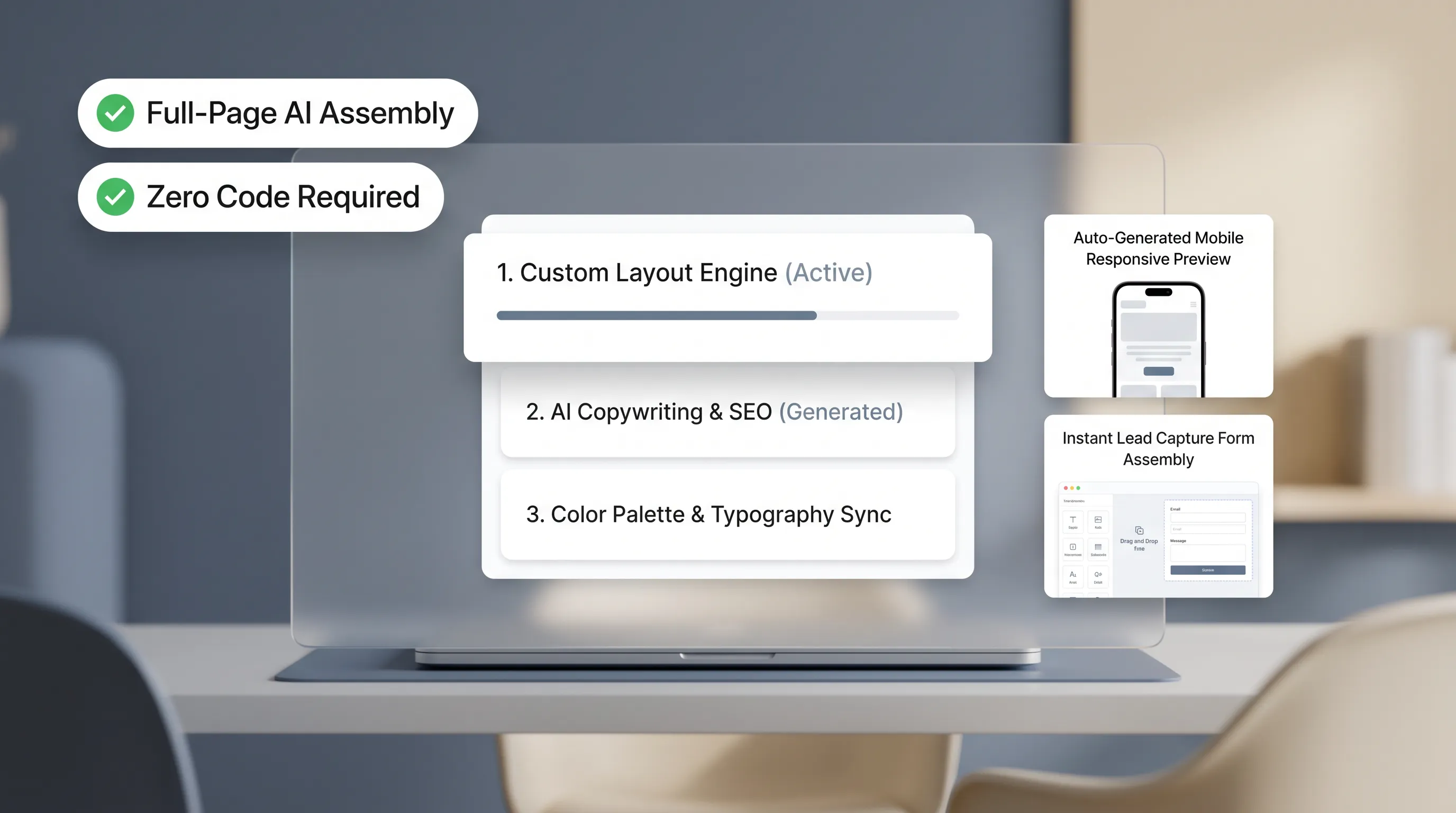
By providing exact operational context, visual preferences, conversion goals, and local search parameters up front, platforms like BoltWeb can generate production-ready websites equipped with built-in search engine optimization, responsive rendering, and persuasive, client-focused copy. Here is how to structure your master brief to achieve exceptional results on the first draft.
1. Why Some AI Website Prompts Produce Generic Websites
Most business owners start by typing a simple sentence like "Build a website for my plumbing company."
Then, the problem unfolds:
Without specific details, the AI fills in the blanks using average patterns learned from thousands of general sites. The result is a page packed with corporate fluff like "We offer top-quality service" and "Customer satisfaction is our priority."
When you omit target customer profiles, explicit service lists, and conversion goals, the AI defaults to generic templates. To generate a site that ranks well and converts visitors, you must supply concrete business facts.
2. Start With the Website You Need, Not the Design You Want
It is easy to focus on brand colors, font pairings, and visual flourishes right out of the gate.
Here's the reality:
A visually stunning website that fails to guide visitors toward booking an appointment or requesting a quote is just an expensive digital decoration.
Define functional priorities before touching visual style:
- Website Type: Is this a high-intent local service landing page, a multi-page commercial portal, or an e-commerce storefront?
- Target Audience: Who is the primary visitor (e.g., distressed homeowners with urgent roof leaks or property managers seeking commercial contracts)?
- Primary Action: What single step must the visitor take within 10 seconds of landing (e.g., tap to call, schedule an inspection, or request an online quote)?
Establishing operational goals before visual styling ensures your layout drives real business revenue.
3. Use This Simple Formula to Structure Your Prompt
Trying to write a long prompt from scratch without a structure often leads to missed details.
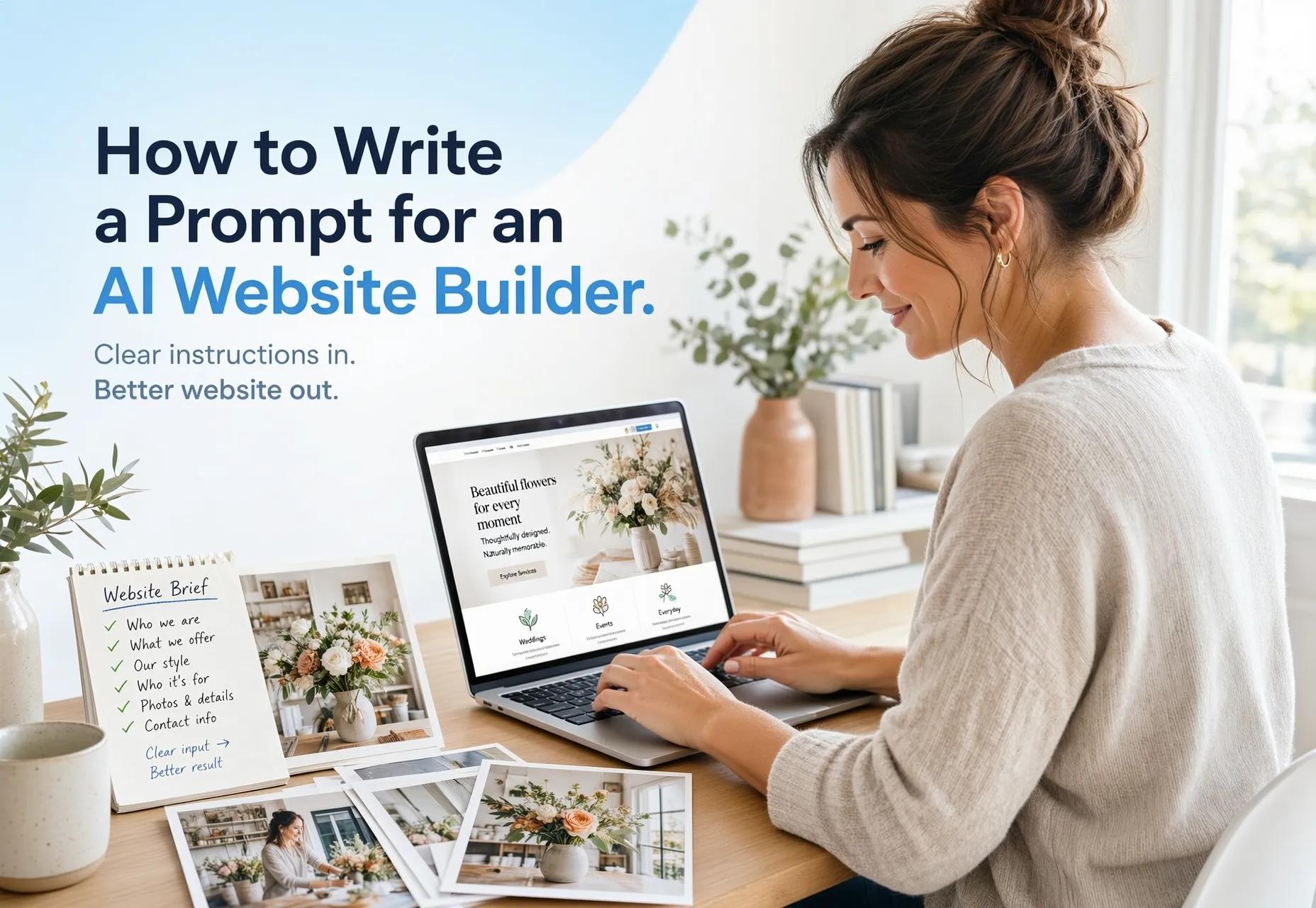
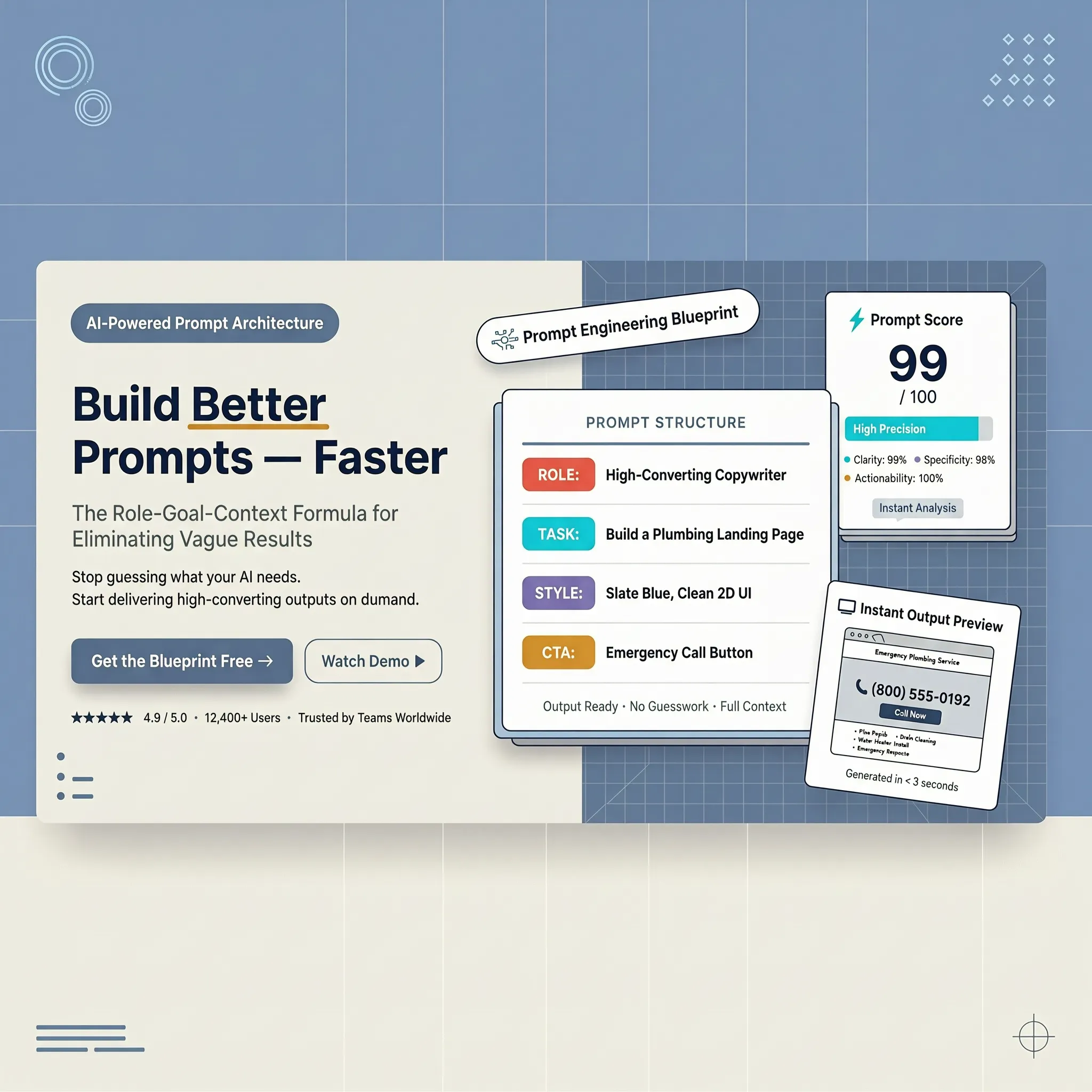
Use this systematic formula to organize your master brief:
- Business Profile: Name, exact services, location, license data
- Conversion Path: Primary CTA (call, book, form), secondary goals
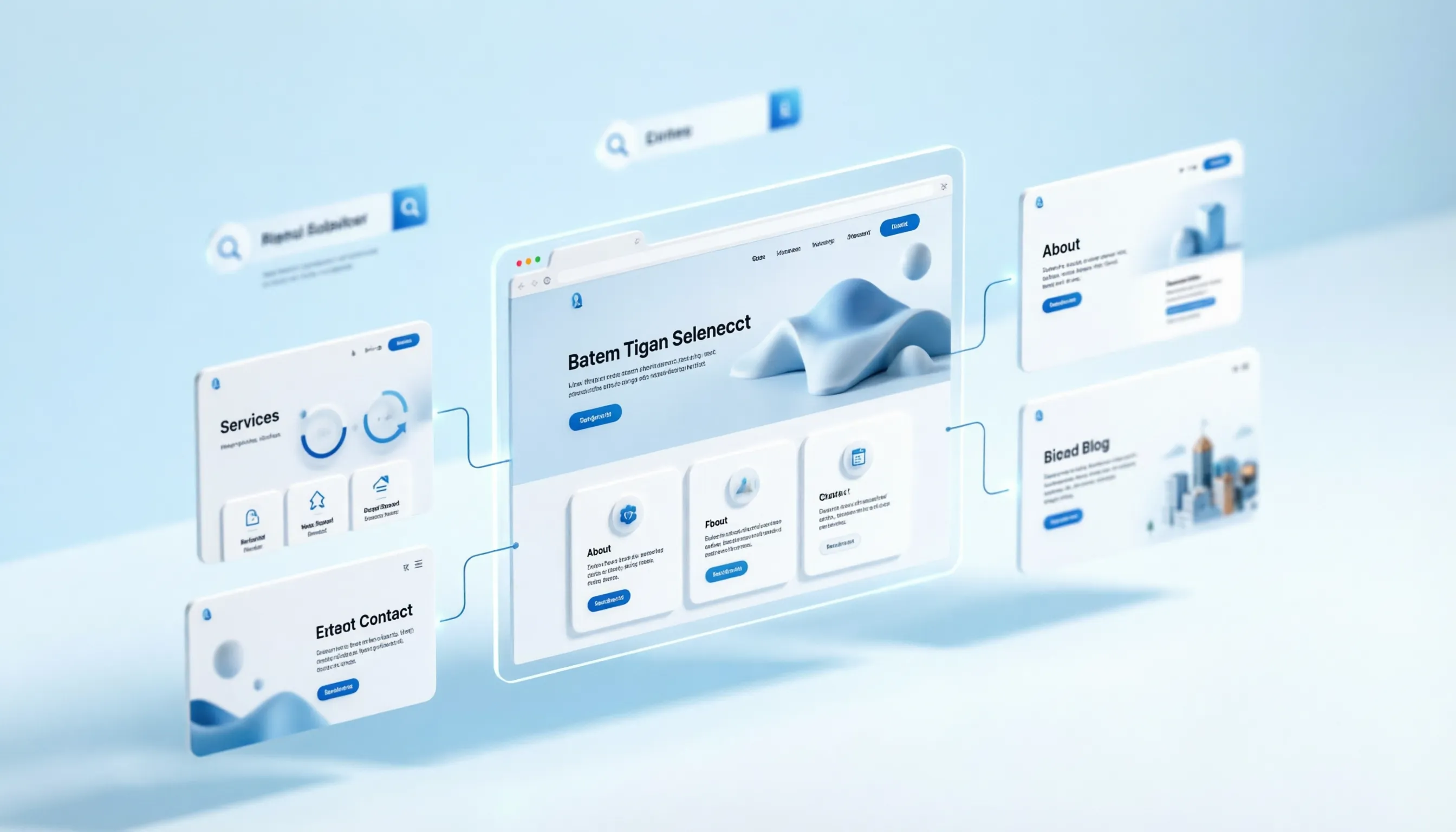
- Site Map: Core pages, section structure, information flow
- Design Tone: Hex codes, typography style, layout density
- Guardrails: Strict prohibitions (no invented pricing/reviews)
Using a structured framework simplifies prompt creation, giving the AI the exact parameters needed to build an authoritative digital storefront in a single pass.
4. Describe Your Business With Details AI Can Actually Use
When you feed an AI vague descriptions, you receive vague sales copy in return.
To build deep local authority, provide precise, verifiable operational facts:
- Specific Offerings: Replace "full-service remodeling" with "kitchen cabinet refinishing, granite countertop installation, and custom tile backsplashes."
- Geographic Coverage: Detail specific cities, suburbs, zip codes, and regional landmarks within your operational radius.
- Concrete Differentiators: Highlight real guarantees like "24-hour emergency dispatch windows," "10-year workmanship warranties," or "licensed and bonded technicians."
Providing specific operational details allows the AI to craft sharp, authoritative copy that builds instant trust with local clients.
5. Tell AI Who the Website Is For and What They Need
Your website copy should act as a mirror, reflecting the exact worries, needs, and desires of your prospective clients.
Describe your audience's immediate situation:
- Urgent Problem Solvers: Homeowners searching for emergency roof repair or brake repair near me who need fast phone contact and immediate reassurance.
- High-Ticket Buyers: Commercial clients looking for long-term contract partners who demand licensing badges, compliance credentials, and insurance details.
- Anxious Decision-Makers: Clients worried about property damage or hidden fees who require step-by-step workflow breakdowns and transparent estimate guides.
Aligning your brief with authentic customer needs ensures your site speaks directly to your target market.
6. Explain the Pages and Sections You Want Built
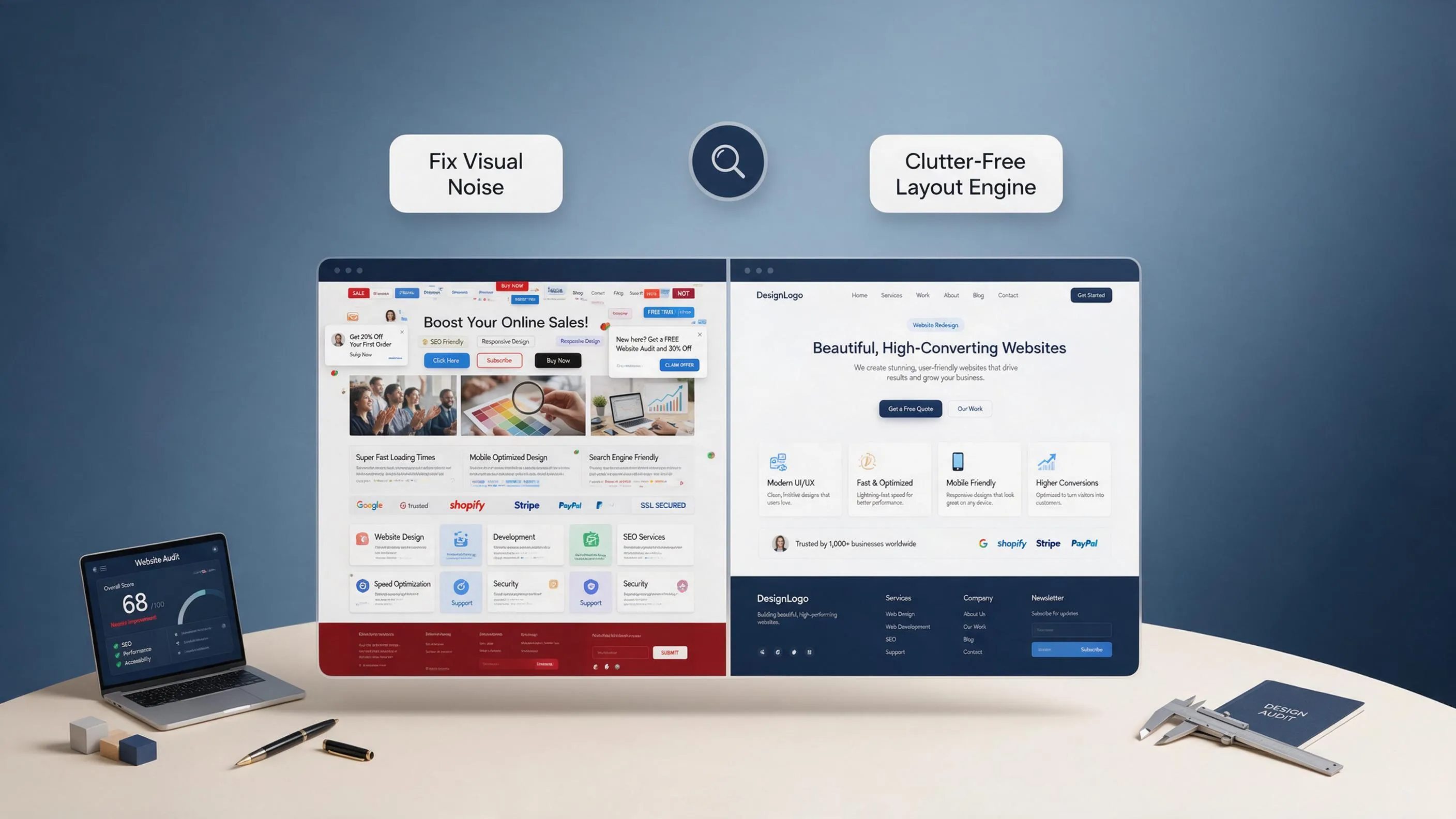
Cramming your company story, emergency contact numbers, full service catalogs, and before-and-after project galleries onto a single, cluttered page creates overwhelming noise for visitors.
Define a clean site structure upfront:
- • Hero Header + Primary CTA
- • Trust Signals & Reviews
- • Service Overview Cards
- • Specialized Service Pages
- • Detailed Scope & Pricing
- • Service-Specific Quote Form
Specifying page roles in your brief establishes an intuitive information hierarchy, making navigation effortless for both human visitors and search engine crawlers.
7. Describe the Visual Style in Concrete Terms
Vague design terms like "make it modern and sleek" leave too much open to interpretation. "Modern" means vastly different things across different industries.
Define your visual directions using exact parameters:
- Color Hex Codes: Specify exact brand values (e.g., Primary Navy #0F172A, Accent Amber #F59E0B, Background Ice White #F8FAFC).
- Layout Density: Indicate whether you want generous whitespace and large typography or a dense, data-rich dashboard feel.
- Elements to Exclude: Explicitly forbid unwanted design patterns like auto-playing videos, heavy drop shadows, or cluttered multi-column text blocks.
Providing clear visual guidelines turns subjective preferences into actionable design choices.
8. Give AI Real Content Instead of Asking It to Guess
Using generic stock photos of smiling models in crisp hardhats damages buyer trust. Local clients recognize stock media instantly.
Feed real brand assets directly into your prompt:
- Real Field Photography: Upload high-resolution photos of your actual team working on job sites, completed installations, or branded service trucks.
- Verified Social Proof: Supply authentic customer feedback from your Google Business Profile listing or local client reviews.
- Credentials & Licensing: Include state contractor license numbers, trade association badges, and active insurance verification.
Grounding your site in real material establishes immediate authenticity and transforms casual browsers into paying clients.

9. Specify What Visitors Must Be Able to Do
A visual design is useless if interactive elements fail when a customer tries to book an appointment or send a payment.
Specify functional requirements clearly in your master brief:
- Lead Capture Forms: Short forms requesting property address, service type, target date, and optional photo uploads.
- Interactive Booking Systems: Embedded scheduling tools that allow visitors to reserve open service slots.
- Direct Communication: Sticky, tap-to-call phone buttons designed specifically for mobile touchscreens.
- • Mobile Header ➔ Sticky tap-to-call link with office operating hours
- • Interactive Form ➔ Short lead intake form with image attachment option
- • Location Map ➔ Embedded coverage boundary showing active service zip codes
Defining your functional needs ensures your site handles real-world business transactions seamlessly.

10. Compare a Weak Prompt With a Strong One
Seeing how additional context transforms a generated website makes the value of a structured brief obvious.
Weak Prompt Example
"Build a modern website for my local auto repair shop in Chicago."
Result: Generates generic copy about "quality service," stock photos of generic engine parts, no local search optimization, and a basic contact form with no vehicle intake fields.
Strong Master Brief Example
"Build a high-converting website for Precision Auto Care, a certified garage in Lincoln Park, Chicago, IL. Core services: brake repair, engine diagnostics, and car AC service. Target audience: busy urban professionals needing fast local turnaround. Primary CTA: 'Schedule Service Online' button linked to an intake form collecting vehicle year, make, model, and symptom description. Design tone: clean industrial layout using Charcoal #1E293B and Racing Yellow #EAB308. Include an FAQ section addressing diagnostic fees and loaner car availability. Exclude generic stock images and unverified flat-rate pricing claims."
Result: Generates a tailored digital storefront featuring precise local copy, functional intake forms, clear trust signals, and clean local SEO parameters.
11. Use This Copy-and-Paste AI Website Builder Prompt
Copy and adapt this master template directly into your web builder of choice:
• Core Industry: [e.g., Roofing, Auto Repair, Pest Control, Landscaping]
• Physical Location & Coverage: [Cities, Zip Codes, Neighborhoods Served]
• Key Differentiators: [e.g., 24/7 Emergency Service, 10-Year Warranty, License #]
• Secondary Goal: [e.g., View Before-and-After Portfolio, Read Customer Reviews]
• Page 2-4: Dedicated Service Pages for [Service 1], [Service 2], [Service 3]
• Page 5: About Us & Local Credentials
• Typography Tone: [e.g., Bold Modern, Clean Professional, High-Contrast]
• Mobile UI: Sticky tap-to-call header button and thumb-friendly form inputs
• Do NOT use generic stock photography; use uploaded project images or realistic placeholders.
• Ensure all forms prompt for necessary project intake details (location, timing, photos).
12. Write Follow-Up Prompts to Improve the First Draft
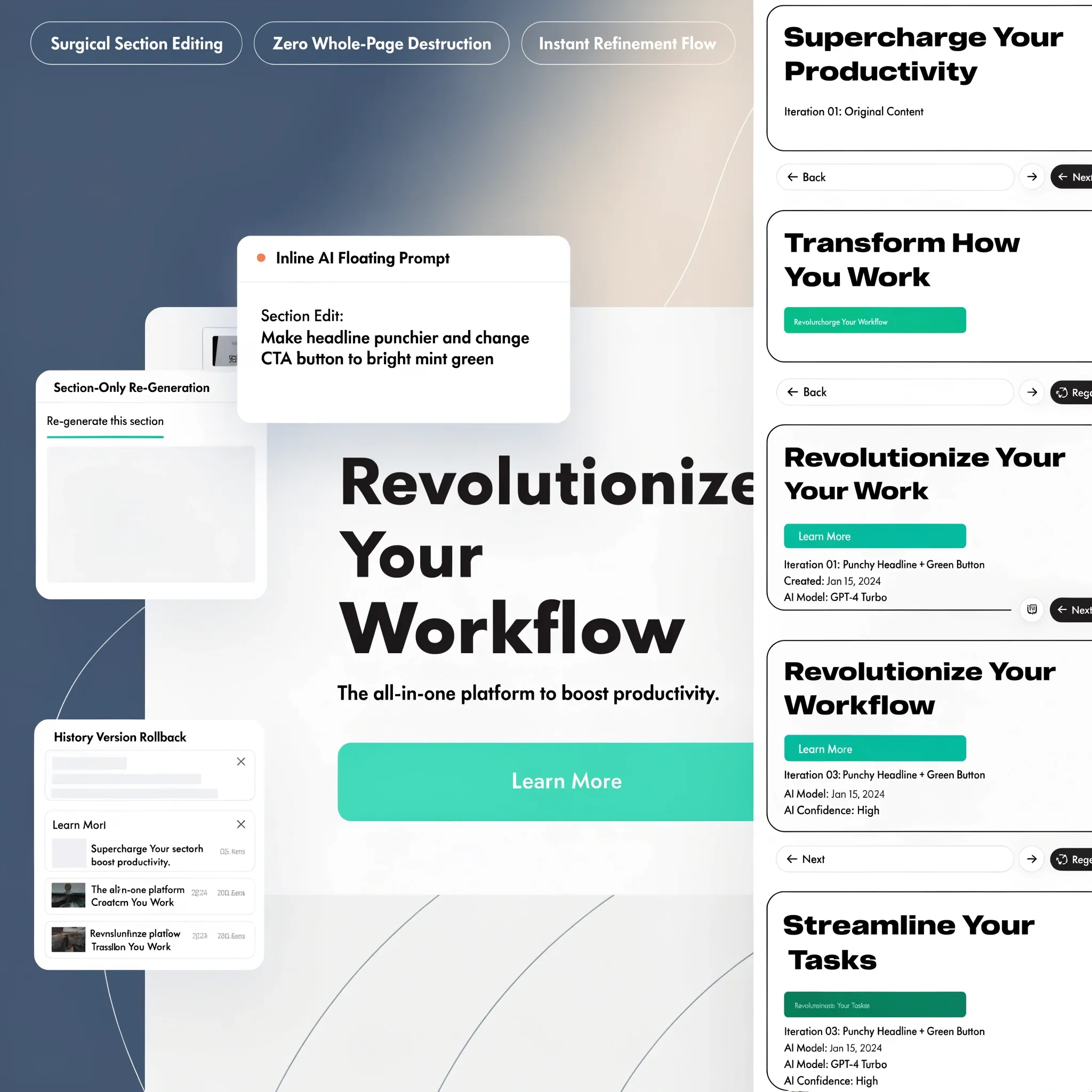
The initial output provides a solid baseline. Refining your draft using targeted follow-up prompts polishes it into a high-converting asset.
Follow a focused revision process:
- Identify the Specific Issue: Avoid vague requests like "make it look better." Point directly to the element needing adjustment.
- State the Desired Change Clearly: For example, "Rewrite the hero section headline to focus on emergency 45-minute dispatch times instead of general quality."
- Protect What Works: Explicitly state what should remain untouched (e.g., "Keep the current color palette and form layout intact while updating the text.")
Iterating with specific follow-up instructions lets you refine your initial draft quickly, turning your site into an optimized sales engine.
13. Check the Website Before You Publish It
Before launching your custom web domain and driving traffic to your new site, complete a thorough quality check.
Verify your launch checklist:
- [ ] Factual Accuracy: Are phone numbers, business addresses, licensing numbers, and service hours 100% correct?
- [ ] Interactive Testing: Submit test inquiries through all forms and verify that tap-to-call links dial the correct phone line on mobile devices.
- [ ] Mobile Performance: Confirm fast page load speeds and smooth navigation on mobile data networks.
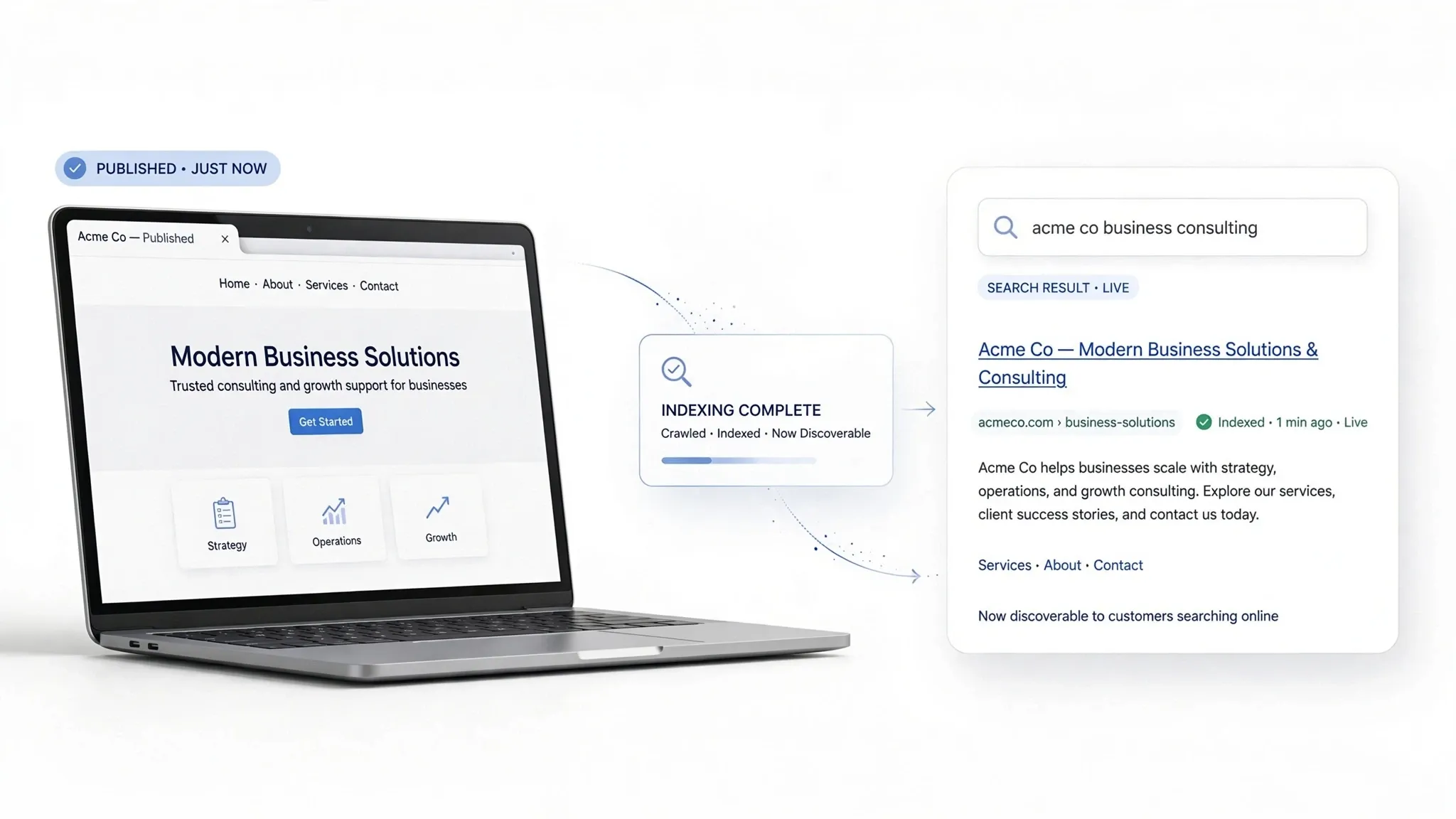
- [ ] Local Search Setup: Ensure custom page titles, meta descriptions, and location tags align with your target service zones.
To further review Web Content Accessibility Guidelines and technical web standards, check out the official W3C Web Accessibility Initiative. You can also learn more about structured data implementation via Schema.org, inspect site performance guidelines through web.dev, or review digital privacy frameworks on the Federal Trade Commission (FTC). Additional guidance on mobile user experience can be explored at the Nielsen Norman Group.
Completing a thorough audit before publishing ensures your website delivers a seamless user experience, driving organic search rankings and local inquiries from day one.
How to Write a Prompt for an AI Website Builder: 12 FAQs
1. What is an AI website prompt, and why does my first attempt look like a generic template?
Here’s the deal:
An AI website prompt is a set of text instructions that tells an AI generator how to structure, write, design, and configure your site. When you type in a short, vague prompt like "build a website for my plumbing business," the builder has no context about your location, specialties, or brand identity. As a result, the software fills in the blanks with mathematical averages pulled from thousands of general sites—leaving you with bland stock images and generic corporate fluff. Giving the builder explicit facts about your services, locations, and lead targets eliminates guesswork and delivers a custom draft on your first try.
2. What essential details should I include in a master prompt for an AI website builder?
Think of your prompt as a complete digital brief rather than a casual question.
To get a production-ready website on your first pass, organize your master prompt into five core building blocks:
- Business Profile: Official business name, phone number, physical address or service radius, active license numbers, and core offerings.
- Conversion Target: The primary action visitors must take (e.g., immediate tap-to-call mobile phone inquiries, structured quote requests, or direct online bookings).
- Page Architecture: Explicit sitemap structure (e.g., Homepage, Dedicated Service Hubs, About Us, Contact).
- Brand Styling: Exact brand hex codes, visual tone (High-Contrast Industrial or Clean Minimalist), and real image references.
- Factual Guardrails: Strict rules forbidding invented flat-rate pricing, manufactured reviews, or unverified trade claims.
3. How do I tell an AI website builder what my business does so the copy sounds authentic?
Generic prompts produce generic sales copy that sounds like it was written by a corporate lawyer.
To generate sharp, benefit-driven headlines that resonate with real customers, provide specific operational facts in your prompt. Instead of saying "We offer quality auto repair," write: "Apex Precision Auto provides engine diagnostics, brake overhauls, and AC repairs for domestic and import vehicles in Austin, TX, backed by a 24-month parts-and-labor warranty." Feeding precise operational scope into BoltWeb equips the AI engine to write authoritative copy that answers your clients' exact questions instantly.
4. How can I specify my target audience in my prompt so the site speaks to real customers?
Your website copy should act as a mirror, reflecting the exact worries, needs, and priorities of your prospective clients.
In your prompt, describe your target client's immediate situation and pain points:
- Urgent Problem Solvers: Homeowners searching for emergency roof leak repair who need sticky phone buttons and fast 24/7 dispatch reassurance.
- High-Ticket Buyers: Commercial clients looking for long-term maintenance contracts who require license numbers, insurance badges, and compliance credentials.
- Anxious Decision-Makers: Property owners worried about hidden fees who require step-by-step workflow guides and clear diagnostic fee breakdowns.
5. How do I prompt the AI to build a specific page structure instead of crammed single-page sites?
Cramming your company story, emergency contact numbers, full price lists, and project photo galleries onto one long, cluttered homepage creates overwhelming cognitive noise for visitors.
Outline a clean, multi-page blueprint directly in your prompt text:
- • Page 1: Homepage (Hero Header + Primary CTA, Trust Badges, Services)
- • Page 2: Service Hub 1 (Detailed Scope, Pricing Guide, Quote Form)
- • Page 3: Service Hub 2 (Specialized Repairs, Warranty Details)
- • Page 4: About & Credentials (Team Background, License Verification)
- • Page 5: Contact & Booking Hub (Tap-to-Call Link, Map, Hours, Form)
6. How do I describe my preferred design style in a prompt without using vague words like "modern"?
Vague design directives like "make it look nice and modern" leave far too much open to interpretation—what seems modern to a designer might look cluttered to a busy customer.
Translate subjective preferences into actionable directives in your prompt:
- Color Palette: Specify exact brand hex codes (e.g., Primary Navy #0F172A, Accent Amber #F59E0B, Background Ice White #F8FAFC).
- Visual Tone: Request explicit themes like High-Contrast Trade, Minimalist Studio, or Bold Medical Modern.
- Explicit Exclusions: List items to forbid—such as no auto-playing videos, no heavy drop shadows, and no multi-column text walls.
7. Should I supply real photos and reviews in my prompt, or let the AI generate them?
Unsplash stock photos of smiling models in crisp hardhats carry zero authenticity—and local property owners spot fake stock photography in a heartbeat.
Always supply or reference real visual assets in your prompt brief. Instruct the AI builder to integrate your high-resolution PNG logos, real Google Business Profile customer reviews, active state contractor license badges, and real job site photos into clean portfolio grids. Incorporating real evidence transforms a basic layout into an undeniable showcase of local authority.
8. How do I prompt an AI website builder to set up interactive forms, bookings, or payments?
A visually stunning design is completely useless if interactive elements fail when a customer attempts to schedule an appointment or send a payment.
Define your functional requirements clearly within your prompt:
- Lead Capture: Request short intake forms asking for property address, service need, target date, and optional smartphone photo uploads.
- Direct Communication: Specify sticky tap-to-call phone buttons fixed to top mobile headers.
- Interactive Integrations: State whether you need an AI website builder with booking flow for calendar scheduling or an AI website builder with payments integration for service deposit processing.
9. How do I write a prompt that optimizes my AI-generated website for local SEO?
Search engines don't rank websites based on fancy graphics; they rank them based on clear geographic signals, structured metadata, and proper heading hierarchy.
Incorporate real local search parameters directly into your prompt brief: specify your primary city name, target suburbs, zip codes, and core service keywords (e.g., roof leak repair in Dallas, TX or brake repair shop near me). An advanced engine automatically weaves these local search signals into H1/H2 tags, descriptive page titles, meta descriptions, and clean schema markup behind the scenes.
10. How do I set guardrails in my prompt so the AI doesn't invent fake prices or credentials?
The biggest risk with unconstrained AI generators is hallucination—creating fictional package rates, fake warranties, or unverified trade certifications.
Set strict factual guardrails at the end of your master prompt:
- "Do NOT invent flat-rate pricing or package rates; state 'Contact us for a custom quote' instead."
- "Use ONLY provided customer reviews and Google Business Profile quotes."
- "Do NOT list unverified trade association credentials or state license numbers not explicitly provided."
Enforcing these boundaries protects your business reputation while keeping every subpage 100% accurate.
11. Can I get a copy-and-paste prompt template I can adapt for my business?
Yes. Copy and adapt this comprehensive master prompt template directly into your AI builder:
• Core Industry & Services: [e.g., Roofing, Auto Repair, Pest Control, Painting]
• Service Territory: [Primary City, Suburbs, County, Zip Codes]
• Active Credentials: [License #, Insurance Status, Workmanship Warranty]
• Secondary Target: [e.g., Online Calendar Booking, View Project Gallery]
• Service Pages: Dedicated Subpages for [Service 1], [Service 2], and [Service 3]
• About & Contact: Team Credentials, License Verification, Interactive Map, Intake Form
• Typography & Tone: Bold, high-contrast, clean layout spacing
• Mobile UI: Sticky tap-to-call header link and short 3-field forms
• Do NOT use generic stock photography; use real field images or clean placeholders.
• Ensure all form inputs request location, service timing, and photo attachments.
12. How do I write follow-up prompts to tweak my website draft without ruining good sections?
The biggest mistake business owners make during revisions is asking for a complete redesign or trying to fix ten things at once.
Follow a focused, three-step revision method when writing follow-up prompts:
- Identify the Specific Element: Point directly to the exact section needing adjustment (e.g., "The hero section headline is too vague").
- State the Requested Change Clearly: Provide the exact text replacement or layout tweak desired.
- Establish Preservation Boundaries: Explicitly lock high-performing sections (e.g., "Keep the current color palette, navigation header, and contact form layout completely untouched while updating the headline copy").
Using structured follow-up instructions with BoltWeb allows you to refine your site draft quickly, turning your initial layout into an optimized sales engine.