When contractors, shop owners, and local business founders first turn to standard AI site generators, they usually hit a massive wall of frustration. Most generic tools spit out uninspired, cookie-cutter layouts filled with predictable fluff, completely missing the authentic voice of your business. If you give an AI vague inputs, you get a generic website that fails to engage visitors or capture leads.
That is precisely why BoltWeb operates on a totally different level.
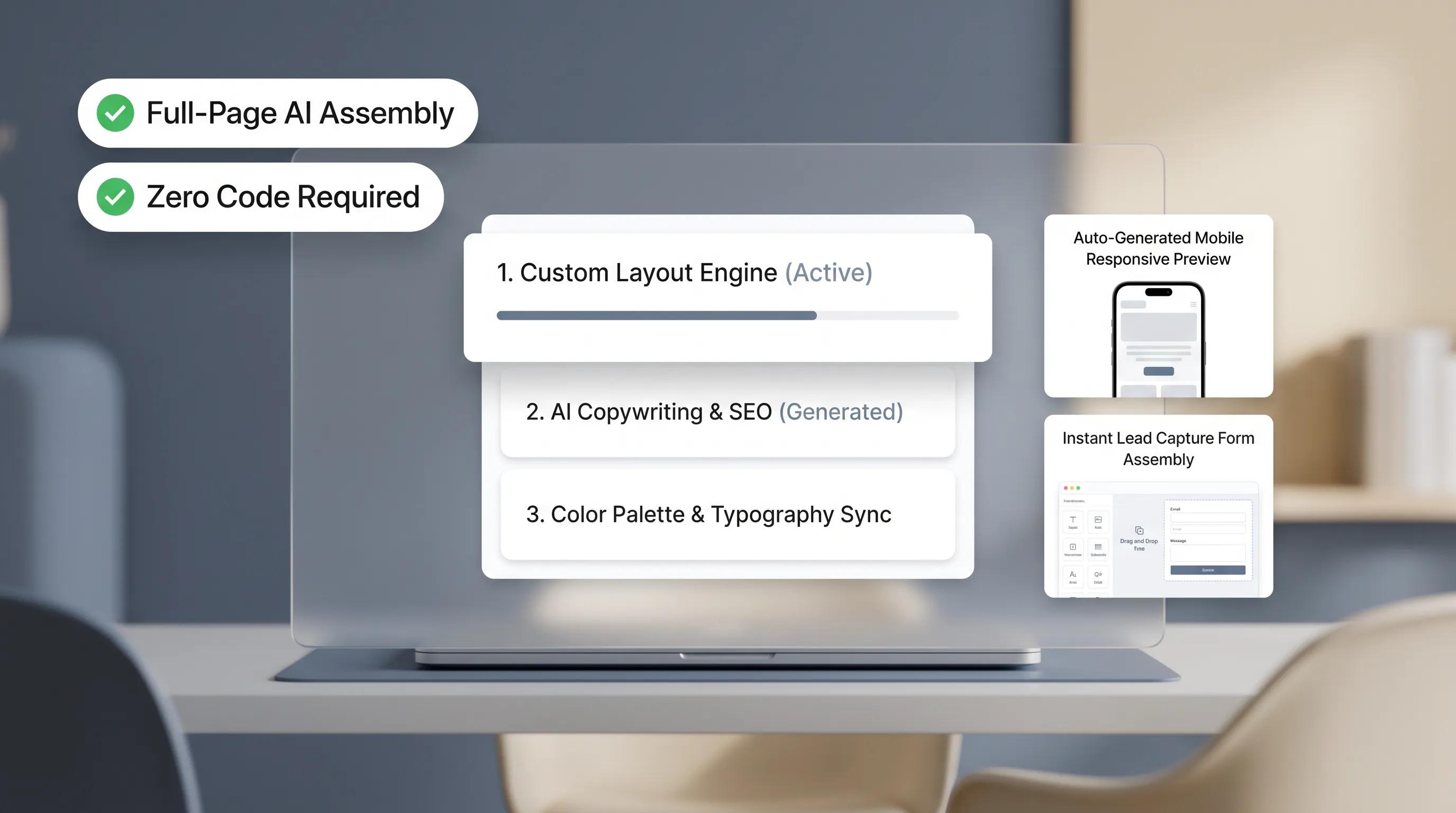
Instead of generating bland, repeated structures, BoltWeb utilizes advanced built-in intelligence that analyzes industry-specific data, user search behavior, and high-converting UX patterns before crafting a single line of code. It acts as a full-suite digital agency—structuring clean local SEO, organizing friction-free navigation, and writing hyper-persuasive copy tailored to your exact business model.
Whether you operate a fitness center needing an AI website builder for a gym, a dining venue requiring an AI website builder for a restaurant, or a beauty studio looking for an AI website builder for a salon, providing a structured brief ensures your final site ranks high on search engines and converts casual visits into paying clients.
Here is the step-by-step checklist to prepare before generating your digital storefront.
1. Gather These Essentials Before You Build Your Website
Starting a digital project without proper preparation leads to endless revisions, broken workflows, and generic output.
Here’s the deal:
AI tools can only work with the clarity of the inputs you provide. If you jump in without a plan, you end up with placeholder text, missing contact links, and confused site visitors.
Gather these fundamental elements before running your first prompt:
- • Core Business Info ➔ Official Name, Phone, Email & Physical Address
- • Target Audience ➔ Primary Customer Profile & Service Territory
- • Key Conversion Goal ➔ Direct Calls, Form Submissions, or Bookings
- • Service Breakdown ➔ Specific Offerings, Scope & Pricing Structure
- • Brand Evidence ➔ Real Job Photos, Logo Files & Customer Reviews
Using a structured AI website builder checklist streamlines the entire build process. Having your core business data organized upfront ensures that BoltWeb builds a fully functional, high-converting digital storefront right from the initial draft.
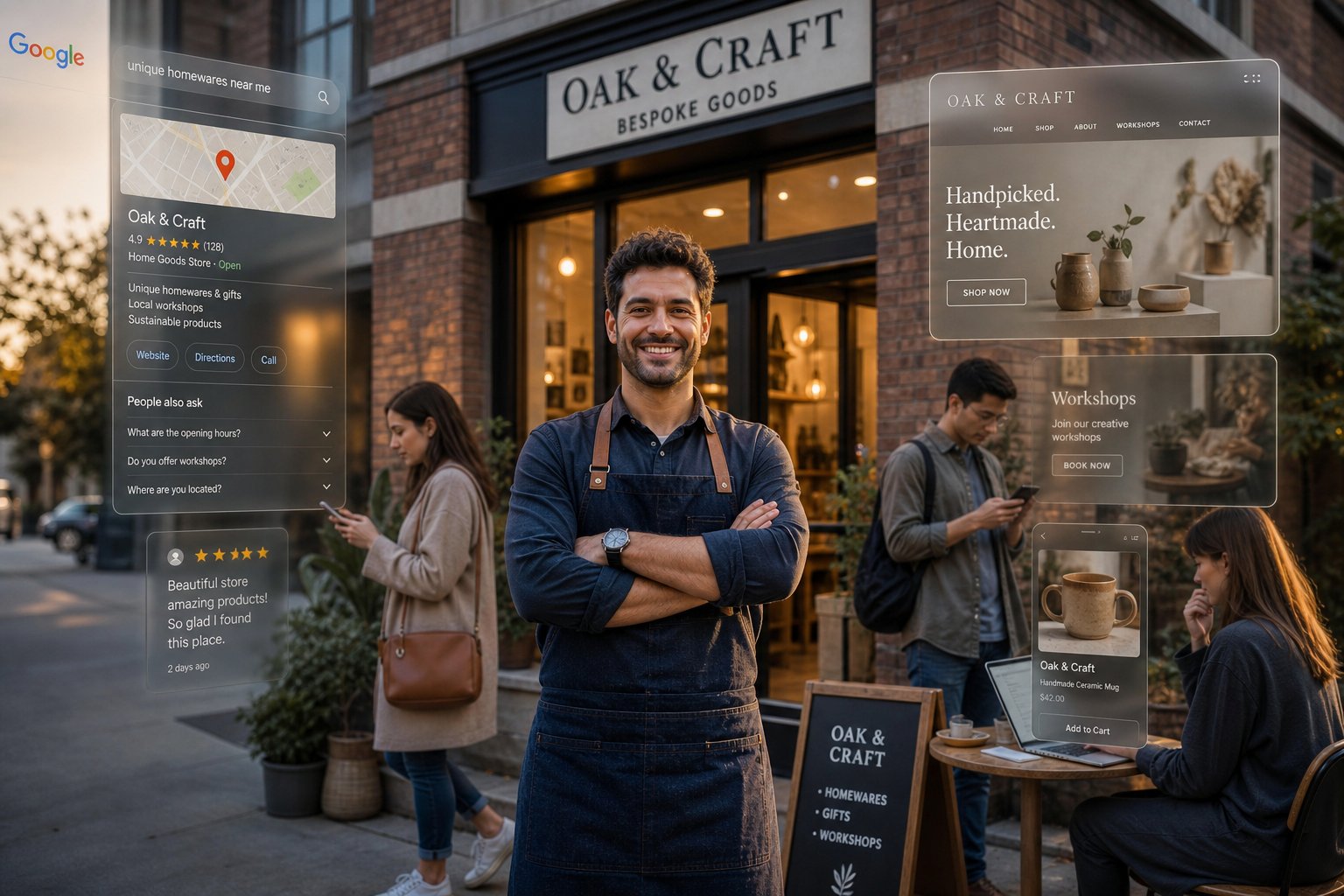
2. Explain What Your Business Does and Who It Helps
Vague prompts like "make a website for my repair shop" produce generic, robotic copy that sounds like every competitor in town.
To stand out, your prompt needs real substance and local specificity.
Use this simple, high-converting positioning formula when inputting your AI website builder business description:
For instance, instead of saying "We fix cars," write: "Precision Auto Care provides expert engine diagnostics and brake repairs for domestic and import vehicles in Austin, Texas, backed by a 24-month parts-and-labor warranty."
Feeding explicit, high-value facts into an AI website prompt allows the platform to generate precise copy that mirrors real customer expectations and builds immediate trust.
3. Tell AI What You Want Visitors to Do
A website without a clear conversion goal is just a digital brochure that bleeds marketing dollars.
Think about this:
When a customer lands on your page, what is the single most important action you want them to take within 10 seconds?
Define your primary conversion objective clearly when using an AI website builder for business:
- Immediate Phone Calls: Essential for emergency plumbing, towing, or roof leak repairs.
- Online Appointment Booking: Crucial for salons, medical clinics, and auto garages.
- Quote Request Forms: Ideal for high-ticket remodeling, moving, and hardscaping contracts.
- Direct Purchases: Mandatory for digital products, physical retail, or service retainers.
Establishing clear priorities using proven AI website prompt examples ensures your primary call-to-action button takes prime real estate on every screen, guiding visitors smoothly toward booking.

4. List Your Services, Products, and Key Offers
When an AI builder lacks real product details, it fills pages with fluff words like "world-class solutions" or "unmatched quality." Customers spot generic text instantly and bounce.
Supply exact operational facts in your AI website content prompt:
- Service Names & Scope: Clearly list specific categories (e.g., Cabinet Refinishing, Exterior Pressure Washing, Termite Exclusion).
- Service Radius & Locations: Detail exact zip codes, cities, or sub-regions your crew services.
- Differentiating Warranties: Highlight concrete policies like 10-year workmanship guarantees or same-day emergency response windows.
- • Primary Offering ➔ Full Roof Replacements (Architectural Shingle)
- • Secondary Service ➔ Emergency Leak Repairs & Flashing Patches
- • Target Territory ➔ Greater Columbus Metro Area & Surrounding Zip Code
- • Value Differentiator ➔ Free Drone Inspections & Lifetime Warranty
Providing specific operational details to an AI website builder for small business equips the system to write accurate, highly persuasive content that answers your clients' exact questions.
5. Decide Which Pages You Need and What Belongs on Each
Cramming your company story, emergency phone numbers, full price lists, and photo galleries onto a single, cluttered homepage creates overwhelming noise for the reader.
Lower cognitive friction by organizing your site into logical, dedicated pages using a clear AI website structure prompt:
- Homepage: A bold value statement, primary trust badges, core service overviews, and high-contrast call-to-action buttons.
- Dedicated Service Pages: Individual pages for distinct offerings (e.g., Brake Service, Engine Repair, Transmission Work).
- About / Crew Profile: Verifiable team credentials, licensing numbers, trade certifications, and company history.
- Contact & Booking Hub: Embedded inquiry forms, interactive map pins, operating hours, and tap-to-call links.
Structuring your blueprint with a clean AI website builder prompt template creates intuitive navigation paths, making it effortless for search engine crawlers and local customers to find what they need.
6. Bring Your Own Photos, Logo, Reviews, and Business Content
Unsplash stock images of smiling models in crisp hardhats carry zero authenticity. Local property owners spot fake stock photography in a heartbeat, and it instantly weakens buyer trust.
Incorporate authentic visual evidence into your AI website builder content:
- Real Project Galleries: High-resolution photos showing your crew on active job sites, finished installations, or before-and-after transformations.
- Brand Assets: High-resolution vector logos, official color schemes, and custom typography files.
- Verified Social Proof: Authentic reviews imported directly from your Google Business Profile listing or local customer testimonials.
- • Real Field Photos
- • Verified Feedback
- • Official Credentials
Using real assets inside an AI website design prompt transforms your digital presence into an authentic, highly persuasive showcase that converts casual browsers into loyal clients.

7. Describe the Website Style You Want in Concrete Terms
Vague design directives like "make it look nice and modern" leave far too much room for misinterpretation.
What does "modern" actually mean for your specific industry?
Be specific with your visual preferences in your AI website design prompts:
- Color Palettes: Specify exact hex codes or mood descriptions (e.g., Deep Navy Blue #0A192F with Vibrant Amber #F59E0B accents).
- Visual Tone: Choose styles like High-Contrast Industrial, Clean Minimalist, or Bold Medical Modern.
- Elements to Avoid: Explicitly list items like no heavy drop shadows, no auto-playing video clips, and no crowded multi-column text blocks.
Translating abstract design preferences into concrete directives ensures your site reflects the exact visual identity of your business.
8. Tell AI Which Features Need to Work
A beautiful web layout is useless if its interactive features break when a customer attempts to book an appointment or send a payment.
Specify your functional requirements clearly when configuring an AI website builder with forms:
- Lead Intake Forms: Short forms with fields for property address, service selection, and optional photo uploads.
- Appointment Booking Systems: Interactive calendar integrations that allow clients to pick available service slots.
- Payment Gateways: Secure checkouts for service deposits, retainer fees, or e-commerce transactions.
- • Tap-to-Call Sticky Header
- • Interactive Estimate Form
- • Instant Calendar Booking
- • Customer Review Sliders
- • Interactive Map Boundaries
- • Live Chat Integration
Setting up an AI website builder with booking or an AI website builder with payments ensures your digital front door handles real-world business transactions without technical hiccups.

9. Share the Search Topics and Questions Your Customers Care About
Generating an incredible layout won't grow your revenue if local search engines fail to index your pages for valuable local search terms.
Integrate real search intent data directly into your AI website SEO strategy:
- High-Intent Target Keywords: Map explicit commercial phrases like local roofing company website, brake repair near me, or pest control service website.
- Customer Questions: Address real objections like "How much does a full roof replacement cost?" or "Are pest treatments safe for pets?"
- Local Neighborhood Signals: Include surrounding suburbs, county names, and recognizable regional landmarks.
Injecting Voice of Customer insights into your AI website content prompt builds organic search relevance, bringing qualified local search traffic straight to your pages.
10. Set Clear Rules About What AI Must Not Invent
The biggest risk with generic AI generators is hallucination. When an unconstrained builder creates fictional pricing, fake warranties, or made-up trade certifications, it creates serious legal and brand risks.
Set strict boundaries in your AI website builder prompt:
- Zero Price Fabrication: Instruct the engine to state "Contact us for a custom quote" rather than inventing universal rates.
- No Manufactured Reviews: Require the builder to use provided testimonials or leave review placeholders for manual input.
- Strict Fact Enforcement: Mandate that the system only list state licenses, trade credentials, and material warranties explicitly provided in the brief.
Setting guardrails against fictitious AI-generated website content protects your brand reputation and maintains complete factual accuracy across every page.
11. Put Everything Into One Clear Website Brief
Instead of feeding separate, disconnected instructions to an engine, consolidate your requirements into a single master brief.
Copy and adapt this comprehensive AI website builder prompt template:
• Core Services: Shingle Replacement, Leak Repair, Storm Inspection
• Target Location: Dallas, TX & Surrounding Suburbs
• Trust Markers: 10-Year Workmanship Warranty, Free Drone Inspections
• Testimonials: [Insert real customer review text]
• Features: Tap-to-call mobile header, interactive estimate form with photo upload
• Layout Style: Bold, high-contrast, clean modern spacing
• Exclusions: No generic stock photos, no unverified pricing claims
Executing a unified AI website prompt examples blueprint allows BoltWeb to interpret your complete brand identity, building a fully aligned digital storefront in a single pass.
12. Review the First Draft and Fill in What's Missing
The initial generation is your strategic baseline. Once your first draft appears, evaluate it through the eyes of a busy local customer looking for immediate help.
Follow a structured review process when learning how to prompt an AI website builder:
- Check Information Hierarchy: Is your main phone number visible without scrolling? Is the quote form easy to locate?
- Refine Copy Nuances: Replace lingering generic phrases with sharp, local trade terminology.
- Verify Mobile Viewports: Ensure images load rapidly, text sizes remain legible, and call buttons respond smoothly on smartphone screens.
Applying practical AI website builder tips allows you to iterate on your initial draft quickly, refining your layout into a sleek, high-converting digital platform.
13. Check These Details Before You Publish
Before connecting your custom web address and going live to the public, perform a comprehensive quality check to ensure your site operates flawlessly.
Verify your final launch checklist:
- Factual Accuracy: Confirm phone numbers, business addresses, operating hours, and licensing badges are 100% correct.
- Form & Link Verification: Submit test inquiries through all contact forms and verify that tap-to-call links dial the correct office line.
- Mobile Performance: Verify fast page load speeds and smooth navigation on mobile data networks.
- SEO & Metadata: Ensure custom page titles, meta descriptions, and Google Business Profile links are connected cleanly.
By completing a thorough review before you build a website with AI, you guarantee that your digital launch delivers an exceptional user experience, driving search rankings and local sales from day one.
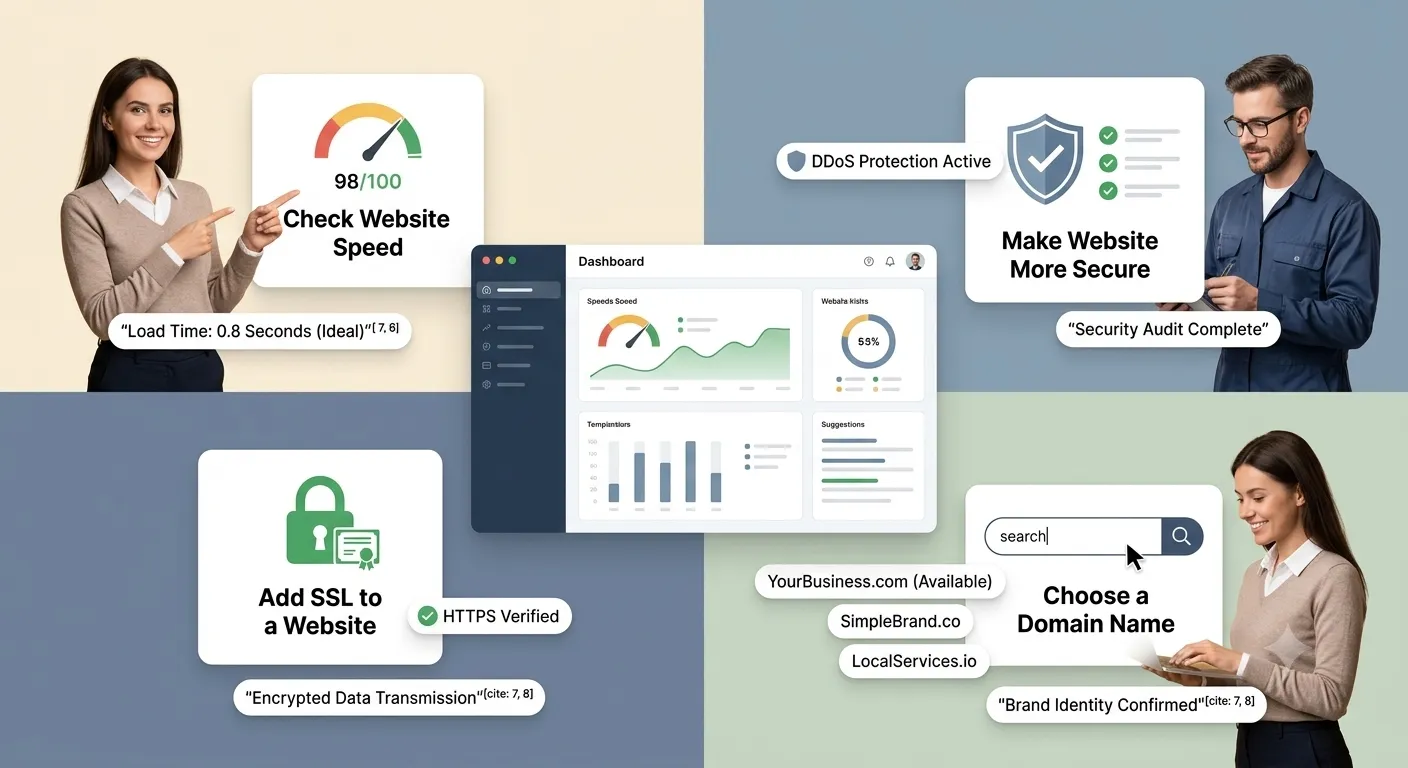
What to Give an AI Website Builder: 12 FAQs for Local Business Owners
1. What core business details do I need to prepare before using an AI website builder?
Here’s the deal:
Giving an AI vague inputs guarantees a generic, uninspired website that sounds like every competitor in town. To get a high-converting storefront on the first draft, you need a quick checklist of concrete facts ready: your official business name, exact phone number, physical address or service territory, operating hours, active license numbers, and primary service offerings. Feeding these precise operational details into BoltWeb allows the platform to weave real business authority into every headline, button, and footer link automatically.
2. How specific should I be about my target audience and service area?
Think about how local customers search online:
A homeowner dealing with an active roof leak in a specific suburb isn't searching for a general contractor—they are searching for immediate local help in their exact neighborhood. When prompting an AI website builder, state your exact coverage zones, target zip codes, surrounding cities, and ideal customer profiles. Providing explicit geographic boundaries ensures your site generates location-targeted text and local search signals that help nearby property owners find your business effortlessly.
3. What is the best way to define my primary website goal so the AI builds the right layout?
A website without a clear conversion goal is just a digital brochure that bleeds marketing dollars.
Before hitting generate, decide the single most important action you want visitors to take within 10 seconds of landing on your page. Tell the AI whether your primary target is immediate tap-to-call phone inquiries, structured quote requests, or direct calendar bookings. Defining this clear business objective upfront guarantees your primary call-to-action button takes prime real estate on every screen, driving visitors smoothly toward becoming paying clients.
4. Should I provide my own service pricing, or can I let the AI generate package rates?
Here is the hard truth:
Never let an AI guess or invent flat-rate prices, estimate ranges, or service packages for your business. Supplying explicit pricing guidelines or explicitly instructing the AI to display "Contact us for a custom quote" prevents misleading claims and protects your brand reputation. Giving the builder your exact starting rates, diagnostic policies, or free estimate terms keeps your digital storefront 100% accurate and trustworthy.
5. What visual brand assets should I give the AI website builder to avoid a cookie-cutter look?
Generic stock photos of smiling models in crisp hardhats carry zero authenticity—and local property owners spot fake media instantly.
To make your site look completely unique, supply your high-resolution PNG logo, exact brand color hex codes, and genuine high-resolution field photos of your team, branded trucks, and active job sites. Incorporating your authentic visual evidence into BoltWeb transforms your digital layout into an undeniable showcase of local craftsmanship that converts cautious browsers into scheduled appointments.
6. Do I need to write my own service descriptions, or will the AI draft them for me?
You don't need to spend hours struggling with writer's block or drafting long-winded paragraphs.
Simply provide a bulleted list of your specific service offerings, key material warranties, and unique process steps. The AI website builder takes those raw operational facts and crafts sharp, persuasive copy structured around clear customer benefits. You get professional, high-converting service pages without touching a blank document or paying expensive copywriting agencies.
7. How do I give the AI customer reviews and social proof to build trust?
Vague statements like "we do great work" carry zero weight with prospective clients who are ready to hire.
Before generating your site, gather three to five authentic customer reviews from your Google Business Profile listing along with any trade association badges or state license details. Supplying real customer feedback allows the AI builder to construct dedicated trust sections, review sliders, and verification blocks that dissolve buyer hesitation the moment a visitor lands on your page.
8. What functional features should I request during the initial website build?
A visual design is completely useless if interactive elements fail when a customer attempts to book an appointment or send a payment.
Tell the AI builder explicitly what interactive tools your business requires to operate smoothly:
- Lead Intake Forms: Short intake forms collecting project addresses, service needs, and optional photo attachments.
- Direct Mobile Communication: Persistent, tap-to-call phone headers fixed to mobile touchscreens.
- Interactive Schedulers: Direct integrations for live appointment booking or service deposit collection.
Specifying these functional needs upfront ensures your digital storefront handles real-world customer inquiries from day one.
9. How do I explain my design preferences to the AI without using vague words like "modern"?
Vague design instructions like "make it look nice and modern" leave far too much open to interpretation.
Instead, give the AI concrete visual parameters: specify your exact brand hex codes, request generous whitespace with high-contrast text, select a visual tone (like High-Contrast Industrial or Clean Minimalist), and explicitly list elements to avoid—such as auto-playing video banners or crowded multi-column text blocks. Translating abstract preferences into clear instructions ensures the generated layout matches your physical brand identity.
10. Should I include FAQs and customer questions in my initial website brief?
Yes, absolutely.
Including common customer questions—such as "How long does an inspection take?", "Are your treatments pet-safe?", or "Do you offer emergency dispatch?"—gives the AI builder high-value Voice of Customer material. The AI structures these real-world concerns into dedicated FAQ sections, resolving objections upfront and building organic search relevance for high-intent local queries.
11. What constraints or guardrails should I give the AI to prevent embarrassing mistakes?
The biggest risk with unconstrained AI generators is hallucination—creating fictional pricing, fake warranties, or unverified trade credentials.
Set strict boundaries in your master brief: explicitly instruct the builder not to invent flat-rate prices, manufacture customer reviews, or claim unverified trade certifications. Setting these guardrails enforces strict factual accuracy across every subpage, protecting your business reputation while delivering a polished draft.
12. How do I combine all my business information into one clear brief for the AI website builder?
Trying to feed disconnected instructions to a builder leads to fragmented page layouts and missed details.
Consolidate your business facts, target locations, conversion targets, visual preferences, brand assets, and functional specs into a single master text brief before generating your site. Providing a unified master brief allows BoltWeb to interpret your complete brand identity in a single pass, delivering a production-ready, lead-generating website in minutes.