

You log into your search reports on a Tuesday morning, filter by your top commercial category, and stare at a frustrating indexing mismatch:
Here is the plain truth:
When search engines crawl your digital storefront, they encounter dozens of URL variations, tracking parameters, and parameter strings that all display the exact same products or blog articles. Without clear instructions, search algorithms guess which version deserves to rank—frequently choosing the wrong address and leaving your main landing pages unindexed.
Learning how to Fix Canonical URL Errors clarifies your site architecture, ensures search bots index your preferred pages, and protects your organic search visibility.
Historically, tracking down conflicting canonical tags meant wrestling with raw server logs or digging through complicated content management system settings. Modern platform architecture removes that friction entirely.
When you build your business on BoltWeb, you can Fix Canonical URL Errors quickly without needing complicated developer tools or rigid third-party software that makes technical maintenance harder. Inside your BoltWeb dashboard, advanced structured routing and clean canonical tags are handled automatically right out of the box—giving you the exact solution you need right away so you can focus on growing your business.
Here is your master operational blueprint to uncover canonical conflicts, align your search signals, and master technical indexation.
1. What Are Canonical URL Errors and How Can They Affect Indexing?
Let's clear up a major technical misconception right from the start:
A canonical URL (rel="canonical") is an HTML snippet placed in a webpage header that tells search engines which version of a duplicate or substantially similar page is the preferred master copy.
However, canonicalization is a strong signal, not an absolute command. If your site sends mixed instructions—such as pointing a canonical tag to a redirected URL or contradicting your internal sitemap links—Google may choose an entirely different URL to index, ignoring your intended setup entirely. Mastering how to fix canonical URL errors resolves canonical URL errors and strengthens your core canonical tag SEO strategy.
Practical Canonical Tag Examples
To understand how these signals work in practice, examine these common implementations:
<link rel="canonical" href="https://www.example.com/services/" />
<link rel="canonical" href="https://www.example.com/products/shoes/" />
<link rel="canonical" href="https://www.example.com/" />
<link rel="canonical" href="https://www.example.com/deleted-page/" />
Mastering how to fix canonical URL errors resolves canonical URL errors and strengthens your core canonical tag SEO strategy (also see how to identify duplicate URLs across your website that compete with your preferred master page).
2. How to Find Canonical URL Errors Across Your Website
Trying to inspect thousands of individual webpage headers manually is an impossible waste of your operational focus.
Running a structured audit using a desktop crawler like Screaming Frog SEO Spider or Sitebulb automates discovery across your entire site structure:
- Export Your URL Inventory: Ingest every live page into your crawler tool to extract rendered HTML headers.
- Filter Canonical Anomalies: Sort your report by missing canonicals, non-indexable targets, conflicting declarations, and multi-hop canonical chains.
- Group Affected Pages: Export the filtered report into a spreadsheet so you can fix systemic template errors batch by batch.
Running a dedicated canonical URL checker makes it straightforward to find canonical URL errors and execute a clean canonical tag audit (see the small business SEO readiness checklist that catches canonical conflicts before they damage indexation).
3. Use Google Search Console to Compare User-Declared and Google-Selected Canonicals
You do not need to guess how search crawlers interpret your metadata when Google provides direct feedback inside your search management portal.
Open the Page Indexing report inside Google Search Console and inspect individual URLs using the URL Inspection bar:
- User-Declared Canonical: The exact canonical URL you coded into your HTML header.
- Google-Selected Canonical: The web address Google actually chose to index based on internal links, sitemaps, and content similarity.
When these two values mismatch, investigate your internal linking structure to see if navigation menus point to a non-canonical version (review official troubleshooting guides in the Google Search Console Page Indexing Report documentation). Analyzing the Google-selected canonical versus your user-declared canonical resolves discrepancies on your Search Console canonical URL reports (also see how to surface hidden indexing problems inside Search Console reports).
4. Fix Missing, Incorrect, and Self-Referencing Canonical Tags
Knowing when to apply a self-referencing canonical tag versus a cross-page canonical directive prevents widespread indexing confusion.
Apply these rules across your core templates:
- Self-Referencing Canonicals: Every unique, indexable page on your site should include a canonical tag pointing cleanly to its own absolute URL.
- Absolute URL Formatting: Always use complete absolute paths (https://yourdomain.com/page) rather than messy relative paths (/page).
- Essential Coverage: Ensure high-impression landing pages never publish without a valid canonical declaration (explore on-page metadata fixes in our guide to the on-page SEO checklist that resolves repeated metadata conflicts across templates).
Correcting a missing canonical tag, fixing an incorrect canonical URL, and mastering self-referencing canonical best practices ensures clean rel canonical formatting.
5. Resolve Conflicting Canonical Signals from HTTP Headers, HTML, and CMS Settings
If you update your HTML header canonical tag but search crawlers continue reporting an incorrect address, your site is likely sending competing signals from multiple sources.
Investigate hidden conflict sources:
- HTTP Response Headers: Check if your web server injects an conflicting Link: <url>; rel="canonical" HTTP header that overrides your HTML body.
- Competing SEO Plugins: Ensure multiple CMS plugins aren't injecting opposing canonical scripts into your page templates.
- Template Logic Errors: Inspect custom theme code to ensure dynamic variables populate correct URL strings.
Rooting out conflicting canonical tags, checking your canonical HTTP header setup, fixing CMS canonical URL bugs, and resolving canonical tag errors restores signal unity (see how to structure your website so canonical signals stay consistent across every template and plugin).
Automate Technical SEO and Protect Your Indexing Signals Instantly
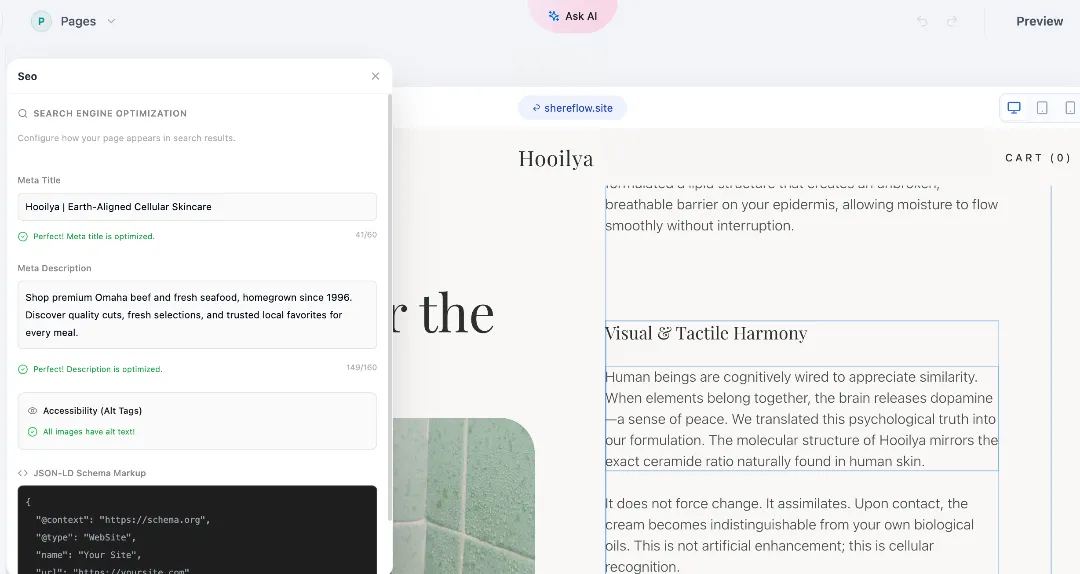
Stop losing valuable organic search traffic to hidden canonical conflicts, misconfigured CMS templates, and messy server headers. Build your digital storefront on BoltWeb, attach your custom domain, and let AI Foundry automatically scan your complete site structure, detect indexing discrepancies, and configure precise canonical rules so your business stays fully optimized for maximum search visibility without manual coding.
Get Started On Your Journey →6. Fix Canonical URL Problems Caused by HTTP, HTTPS, WWW, and Trailing Slashes
Protocol inconsistencies are among the leading triggers of unintended duplicate indexing across modern websites.
If your domain allows visitors to load pages across four distinct variations (http://, https://, www., and non-www) without forced redirection, search engines may index a fractured mix of URLs.
- Establish Preferred Protocols: Force all traffic to resolve exclusively to your secure https://www.yourdomain.com (or non-www) standard.
- Align Internal Signals: Ensure internal links, XML sitemaps, server redirects, and canonical tags all use your preferred URL format identically.
Solving HTTP HTTPS canonical issues, standardizing your www canonical URL, managing trailing slash canonical requirements, and enforcing URL normalization stops duplicate index bloat (also see how to verify which version of each URL Google actually indexed after you enforce protocol normalization).
7. Fix Duplicate Canonical URLs on Ecommerce, Filters, and Paginated Pages
Online stores and large content libraries generate endless URL permutations through sorting parameters, color filters, and multi-page pagination lists.
Handle complex parameters with precision:
- Filtered Product Lists: If sorting filters (?sort=price-asc) display nearly identical inventory, canonicalize them back to the primary category master URL.
- Paginated Archives: Never canonicalize page 2 or page 3 back to page one (/blog/page/2/ pointing to /blog/), as paginated pages contain unique content articles that deserve individual indexing (learn more about building a sitemap that exposes each paginated URL cleanly to search crawlers).
Refining your ecommerce canonical URL, handling filtered URL canonical rules, and structuring pagination canonical pathways protects complex duplicate URL canonical architectures.
8. Fix Canonical Tags That Point to Redirected, Broken, or Non-Indexable URLs
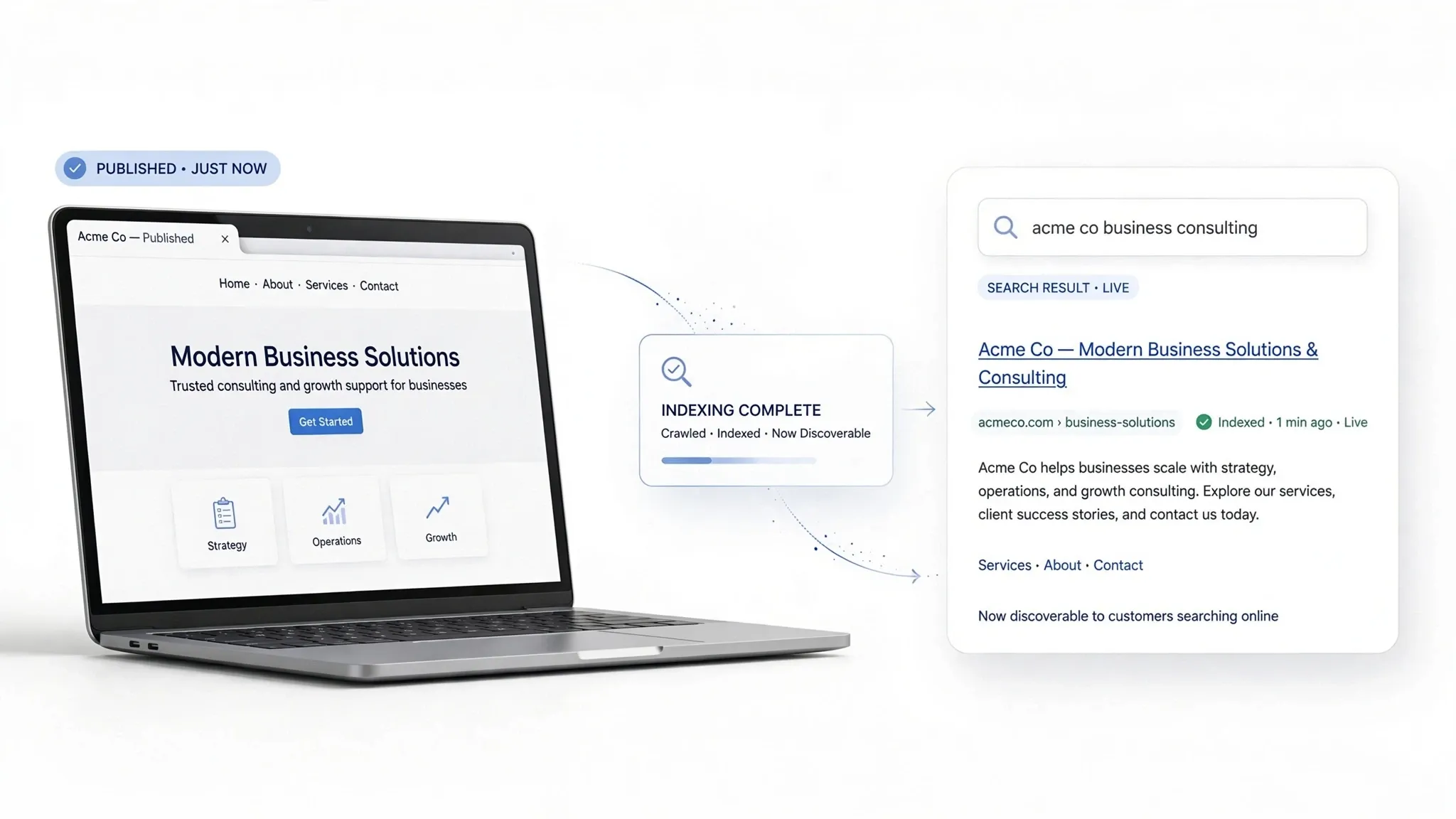
Pointing a canonical tag toward an unhealthy destination completely breaks its intended purpose, sending mixed signals that confuse search crawlers.
Avoid these four dangerous canonical destinations:
- Redirected URLs: Never point a canonical tag to a URL that redirects elsewhere; always point directly to the final live 200 OK destination.
- Broken 404 Pages: Ensure your canonical tag never targets a deleted page error (learn how to find and resolve broken 404 pages that hijack your canonical signals).
- Noindex Directives: Avoid pairing a canonical tag with a noindex tag, as conflicting indexing instructions undermine your goals.
Resolving canonical redirect errors, fixing a canonical 404 URL, clearing up canonical noindex conflict flags, and breaking canonical chains keeps technical health pristine (also see how to untangle redirect chains that break canonical authority flow).
Common Canonical Errors and Their Fixes
| Problem | Why It Matters | Recommended Fix |
|---|---|---|
| Missing canonical tag | The preferred URL may not be explicitly declared. | Add an appropriate canonical where useful, especially for duplicate or substantially similar pages. |
| Canonical points to the wrong page | Search engines receive an unintended preferred URL signal. | Correct the target to the relevant preferred page. |
| Multiple canonical tags | Conflicting declarations can make the intended signal unclear. | Identify the source and retain one consistent canonical declaration. |
| Canonical points to a 404 | The preferred destination is unavailable. | Update the canonical to an appropriate working URL. |
| Canonical points to a redirect | Adds unnecessary steps and conflicting signals. | Usually point directly to the final preferred URL. |
| HTTP canonical on an HTTPS website | Protocol signals conflict. | Use the preferred HTTPS URL consistently. |
| Canonical points to a noindex page | Conflicting indexing signals may undermine the intended setup. | Review both directives and align them with the desired indexing outcome. |
| All paginated pages canonicalize to page one | Distinct page content may be excluded from canonical consideration. | Give distinct paginated pages appropriate canonical URLs. |
| Sitemap and internal links use different URLs | Signals about the preferred URL become inconsistent. | Align internal links and sitemap entries with the preferred URLs. |
9. Understand Canonical Tags, Redirects, Noindex, and Robots.txt Differences
Choosing the wrong directive can accidentally wipe out your search visibility. Match your technical tool to the exact user scenario:
| Situation | Appropriate Approach |
|---|---|
| Two URLs display duplicate content | Use a canonical pointing to the preferred URL, or redirect if the duplicate URL should no longer be accessible. |
| A page has a preferred HTTPS version | Use HTTPS consistently in canonicals, internal links, and redirects. |
| A page has unique search intent | Usually use a self-referencing canonical. |
| A page has permanently moved | Use a 301 redirect where appropriate. |
| A page shouldn't appear in search | Consider a noindex directive rather than using canonical as a substitute. |
| A URL should not be crawled | Use robots.txt only when crawl blocking is genuinely intended; it does not remove indexed URLs by itself. |
Distinguishing canonical vs redirect uses, evaluating canonical vs noindex choices, understanding canonical vs robots.txt limits, and managing duplicate content SEO prevents technical errors.
Canonicalization Decision Table
Review these quick decision rules when structuring your page templates:
- Substantially Similar Content: Use a canonical pointing to the preferred URL, or redirect if the duplicate URL should no longer be accessible.
- Preferred HTTPS Version: Use HTTPS consistently in canonicals, internal links, and redirects.
- Unique Content & Intent: Usually use a self-referencing canonical.
- Permanently Moved Page: Use a 301 redirect where appropriate.
- Hidden Accessible Page: Consider a noindex directive rather than using canonical as a substitute.
Distinguishing canonical vs redirect uses, evaluating canonical vs noindex choices, understanding canonical vs robots.txt limits, and managing duplicate content SEO prevents technical errors.
10. Fix Canonical URL Issues in WordPress and Other Website Platforms
Modern content management systems and ecommerce platforms usually automate canonical tag generation through built-in framework settings or plugins.
Troubleshoot platform settings:
- WordPress Platforms: Configure SEO plugins (like Rank Math or Yoast) to ensure default output generates clean, self-referencing absolute canonical URLs.
- Ecommerce Storefronts: Verify your e-commerce platform doesn't strip canonical tags from product variant views or filtered catalog grids.
- Custom Code Blocks: Inspect theme header files to remove hardcoded static canonical overrides that break dynamic category pages.
Fixing WordPress canonical URL errors, adjusting your Shopify canonical tag, managing CMS canonical settings, and updating website builder canonical URL options keeps your platform stable (also see how to improve your website SEO without touching raw template code).
11. Test Canonical URL Fixes and Verify Google's Selected URL
Publishing updated code is only the first step—you must verify that search engine crawlers successfully ingest and respect your new canonical signals.
Execute your post-fix testing routine:
- Inspect Source Code: View rendered page source to confirm absolute canonical paths match your intended master URL.
- Run Crawler Audits: Rescan your domain with tools like Screaming Frog SEO Spider or Semrush to ensure zero validation warnings remain.
- Request Re-indexing: Paste updated URLs into Google Search Console's URL Inspection bar and click Request Indexing to accelerate crawler processing (review performance trends in why canonical mismatches leave your pages with high impressions but no clicks).
Running a test canonical URL check, verifying your canonical tag status, checking the Google-selected canonical, and completing a canonical URL inspection ensures long-term accuracy.
12. Prevent Canonical URL Errors with a Repeatable SEO Audit Process
The ultimate secret to maintaining a flawless index is building preventative checks directly into your publishing workflow.
Lock in these permanent maintenance standards:
- Enforce Pre-Publish Standards: Require new landing page templates to pass an automated canonical validation check before going live.
- Maintain Sitemap Consistency: Ensure XML sitemap entries align perfectly with your declared canonical URLs.
- Run Periodic Audits: Schedule quarterly technical crawls to catch newly introduced parameter bloat or template bugs early.
Building a routine to prevent canonical URL errors, following strict canonical tag best practices, and executing a recurring canonical URL audit protects your digital storefront permanently (also see redesigning your internal linking strategy so menu signals stay aligned with your canonical master URLs).
Recommended Tools for Canonical Audits
Leverage these industry-standard tools to keep your site architecture healthy:
| Tool | Purpose |
|---|---|
| Google Search Console | Compare user-declared and Google-selected canonical URLs using URL Inspection. |
| Screaming Frog SEO Spider | Crawl websites to find missing, conflicting, and incorrect canonical tags. |
| Sitebulb | Investigate technical SEO and canonicalization issues. |
| Ahrefs | Review site health and identify URL and indexing problems. |
| Semrush | Audit technical SEO issues and investigate canonical tags. |

Scale Your Technical SEO Effortlessly with BoltWeb
Managing complex canonical tags, untangling conflicting CMS metadata, and manually verifying search console index reports across hundreds of pages shouldn't steal hours away from running your company.
When you build your online storefront on BoltWeb, clean canonical hierarchy, automated sitemap generation, and streamlined URL routing come built-in from the very first page you publish—while AI Foundry keeps watch behind the scenes to help you Fix Canonical URL Errors easily, get problems solved instantly, and protect your search visibility without manual technical maintenance.
Deploy your next high-converting page on BoltWeb, connect your custom domain, and create a business website engineered to turn search visibility into lasting revenue today!
Get Started On Your Journey →Frequently Asked Questions: Fix Canonical URL Errors
1. Why is Google indexing a completely different web address from the one I actually want my buyers to find?
Here is the plain truth: When search engines crawl your digital storefront, they encounter dozens of URL variations, tracking parameters, and parameter strings that all display the exact same products or blog articles. Without clear instructions, search algorithms guess which version deserves to rank—frequently choosing the wrong address and leaving your main landing pages unindexed while duplicate URLs steal your visibility. Learning how to fix canonical URL errors clarifies your site architecture, ensures search bots index your preferred pages, and protects your organic search visibility. When you build your business on BoltWeb, fixing canonical URL errors is remarkably straightforward without requiring complicated developer tools or rigid third-party software that makes technical maintenance harder. Inside your BoltWeb dashboard, advanced structured routing and clean canonical tags are handled automatically right out of the box—giving you the exact solution you need right away so you can focus on growing your business.
2. What is a canonical URL, and why do conflicting signals cause search engines to ignore my preferred page setup?
A canonical tag is an HTML snippet placed in a webpage header that tells search engines which version of a duplicate or substantially similar page is the preferred master copy. However, canonicalization is a strong signal rather than an absolute command. If your site sends mixed instructions—such as pointing a canonical tag to a redirected URL or contradicting your internal sitemap links—Google may choose an entirely different URL to index, ignoring your intended setup entirely (also see why conflicting signals push your preferred pages out of Google entirely).
3. How can I systematically find every page across my website carrying an incorrect or broken canonical tag?
Trying to inspect thousands of individual webpage headers manually is an impossible waste of your operational focus. Running a structured audit using a professional desktop crawler automates discovery across your entire site structure, allowing you to ingest your live URL inventory, filter report columns by missing canonicals or non-indexable targets, and export affected pages into a spreadsheet to fix systemic template errors batch by batch (also see how to spot duplicate URLs that compete with your preferred canonical master page).
4. Why does Google Search Console report that Google selected a different canonical URL than the one I declared in my HTML?
You do not need to guess how search crawlers interpret your metadata when Google provides direct feedback inside your search management portal. By inspecting individual URLs in your search reports, you can compare your user-declared canonical against Google's selected version, investigating internal linking structures to see if navigation menus point to non-canonical addresses that confuse search algorithms (also see how to surface hidden canonical mismatches inside Search Console reports).
5. Should every single indexable page on my website include a canonical tag, and should it point to itself?
Every unique, indexable page on your site should include a canonical tag pointing cleanly to its own absolute URL using complete absolute paths rather than messy relative paths. Ensuring high-impression landing pages never publish without a valid self-referencing canonical declaration prevents widespread indexing confusion and establishes clear on-page hierarchy (also see the readiness checklist that confirms every indexable page carries a valid self-referencing canonical).
6. I updated my HTML header canonical tag, but why does an incorrect canonical URL keep reappearing during crawls?
If you update your HTML header canonical tag but search crawlers continue reporting an incorrect address, your site is likely sending competing signals from multiple sources. You must investigate hidden conflict sources like server-injected HTTP response headers, competing CMS SEO plugins, or custom theme template logic that overrides your visible HTML body.
7. How do I establish a preferred URL format to stop protocol, www, and trailing slash variations from creating duplicate content?
Protocol inconsistencies and trailing slash variations are among the leading triggers of unintended duplicate indexing across modern websites. You must enforce secure https protocols, eliminate unforced www variations, and ensure your internal links, XML sitemaps, server redirects, and canonical tags all use your preferred URL format identically to stop duplicate index bloat (also see how to verify which protocol version of each URL Google actually indexed).
8. My online store generates hundreds of filter and parameter URLs—should they all point to one single canonical page?
Online stores and large content libraries generate endless URL permutations through sorting parameters, color filters, and multi-page pagination lists. While filtered product lists displaying nearly identical inventory should canonicalize back to the primary category master URL, paginated archive pages must never canonicalize back to page one because they contain unique content articles that deserve individual indexing (also see how to build a sitemap that exposes every paginated URL cleanly to search crawlers).
9. Why does it create severe technical problems when my canonical tag points to a redirected, broken, or non-indexable URL?
Pointing a canonical tag toward an unhealthy destination completely breaks its intended purpose, sending mixed signals that confuse search crawlers. You must ensure your canonical tags never target URLs that redirect elsewhere, broken 404 deleted page errors, or conflicting noindex directives that undermine your overarching search optimization goals (also see how to untangle redirect chains before they break your canonical authority flow and how to clear broken 404 pages that hijack your canonical destination).
10. How do I choose between using a canonical tag, a 301 redirect, a noindex directive, or a robots.txt block for duplicate pages?
Choosing the wrong technical directive can accidentally wipe out your search visibility, making it vital to match your technical tool to the exact user scenario. While substantially similar content requires canonical tags or redirects, unique search intent deserves self-referencing tags, permanent moves require 301 redirects, and hidden pages require noindex directives rather than misapplied canonical workarounds.
11. How can I confirm with absolute certainty that Google has successfully processed and accepted my corrected canonical URLs?
Publishing updated code is only the first step—you must verify that search engine crawlers successfully ingest and respect your new canonical signals. Inspecting rendered source code, rescaning your domain with technical SEO crawlers to ensure zero validation warnings remain, and requesting re-indexing via search console tools accelerates crawler processing and confirms long-term accuracy (also see why canonical mismatches leave your pages with high impressions but no clicks).
12. How do I stop canonical errors and duplicate indexing problems from returning permanently after every website update?
The ultimate secret to maintaining a flawless index is building preventative checks directly into your publishing workflow rather than treating technical SEO as a one-time chore. Requiring new landing page templates to pass automated canonical validation checks before going live, maintaining sitemap consistency, and scheduling quarterly technical crawls protects your digital storefront permanently (also see redesigning your internal linking strategy so menu signals stay aligned with your canonical master URLs).