Imagine walking down a busy street looking for a place to eat. You spot two restaurants standing right next to each other. One is completely empty with silent staff standing near the door; the other has a line of customers waiting to get in. You do not need to look at a menu to decide which one serves better food—other people's actions made the decision for you. This psychological drive is social proof. On a website, prospective customers face the exact same situation. When cold traffic lands on your page, their natural impulse is skepticism. If your website lacks clear indicators that real human beings trust you, visitors will leave for a competitor who looks more established. Adding digital proof turns your website into a self-selling asset that earns buyer confidence, lowers purchase anxiety, and converts browsers into paying customers.

How to Add Social Proof to a Website That Builds Confidence
Most online business owners focus heavily on writing aggressive sales copy or spending money on paid ads, only to wonder why visitors drop off without converting. Learning how to add social proof to a website starts with recognizing its true function: it eliminates buyer hesitation right at the point of decision. When potential clients evaluate your offer, they look for validation from peers who faced the same problem. Strategic website trust signals serve as objective evidence that real people have spent money with you, achieved results, and walked away satisfied. Adding clear social proof throughout your pages bridges the gap between customer skepticism and immediate action.

Choose Social Proof That Matches What You Want Visitors to Believe
Not all proof carries equal weight. Throwing random quotes or badges at your visitors without a clear strategy feels disconnected and fails to build real confidence. Effective evidence directly counters the exact doubt holding your buyer back.
- If visitors doubt whether your service delivers real results, show detailed case studies and before-and-after metrics.
- If prospects question whether your company is legitimate, display recognized client logos and media badges.
- If buyers wonder if people actively use your product today, feature live review feeds or recent transaction activity.
Aligning your social proof with explicit customer hesitations creates a clear feeling of safety for potential buyers.
Add Customer Testimonials That Tell a Specific Story
Generic quotes like "Great service, highly recommend!" do nothing to move a hesitant visitor toward booking a call or making a purchase. High-impact customer feedback tells a concrete story about a real transformation.
- Highlight the initial problem or frustration the customer faced before working with you.
- Explain why they chose your specific approach over competing options.
- Detail the tangible, measurable result they achieved after hiring your team.
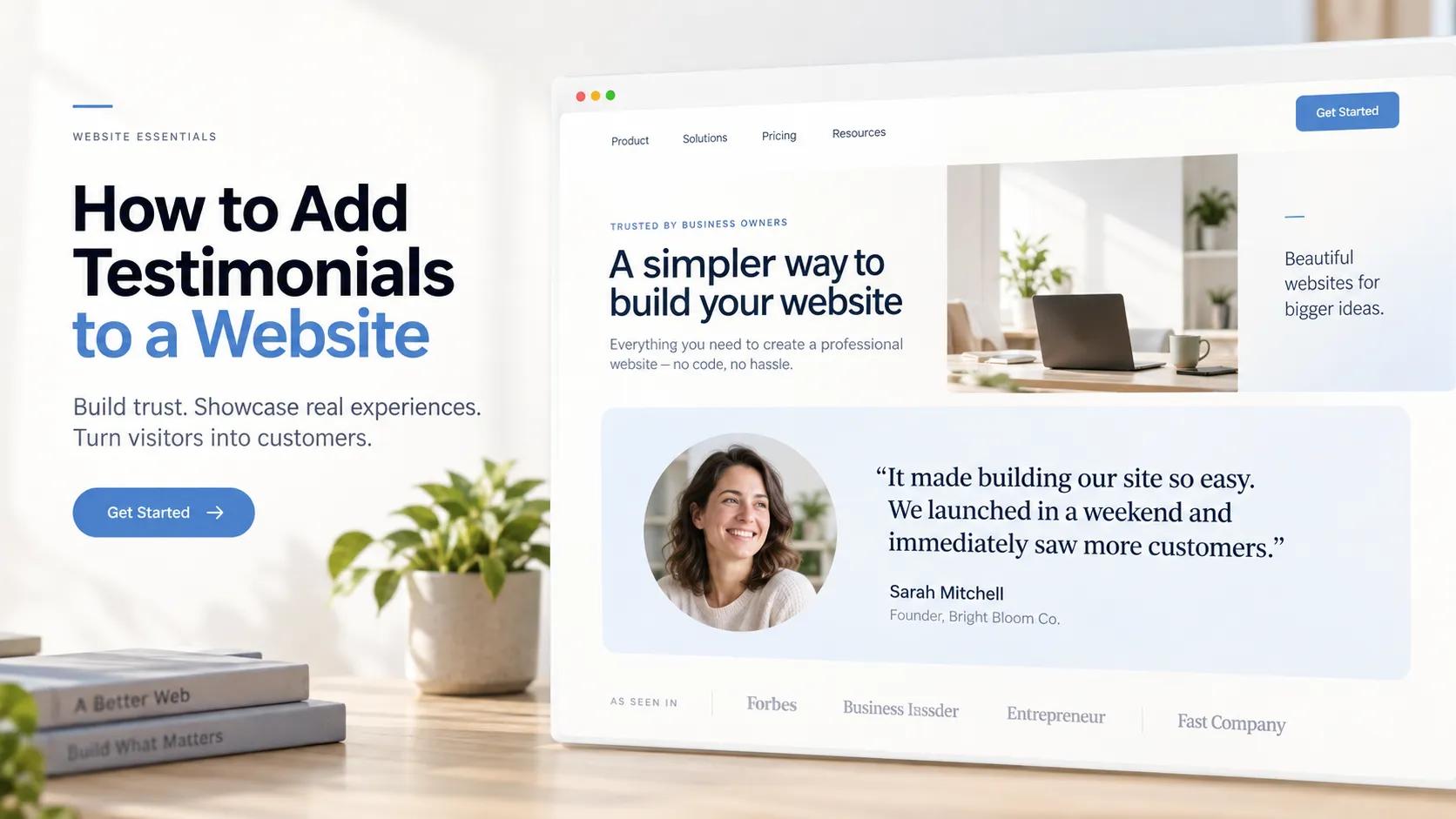
Structuring customer testimonials on your site around actual problem-solving gives prospective buyers the exact validation they need before taking action.

Show Ratings and Reviews Where People Make Decisions
Burying your star ratings on a dedicated, obscure review page means your best evidence goes unseen by high-intent decision-makers. Reviews work best when placed directly along the buying path.
- Position average star ratings right next to primary service pricing options or checkout buttons.
- Insert short review snippets right inside intake form headers to reduce friction.
- Feature embedded review widgets near your secondary call-to-action blocks.
Placing customer feedback adjacent to conversion elements answers last-minute hesitations at the exact moment a buyer is deciding whether to click.

Show Real Customer Results and Success Stories
Making bold claims in your headline is easy, but backing up those claims with verifiable data is what closes high-ticket deals. Instead of relying purely on surface-level promises, showcase real customer success stories across your core sales pages.
- Quantify project impact using exact percentages, dollar amounts, or hours saved.
- Include visual proof like unedited analytics screenshots, campaign growth charts, or structural transformations.
- Embed short video walkthroughs where clients describe their experience in their own words.
Showcasing verifiable results proves your business delivers consistent, real-world value.
Show Businesses, Clients, or Organizations You've Worked With
For service businesses, agencies, and B2B platforms, displaying recognizable client logos gives your site instant authority. When prospective buyers recognize established brands you have served, their mind automatically transfers that brand's trust over to your business. Place a clean logo grid directly below your main hero section to establish immediate credibility the moment your page finishes loading.
Use Numbers When They Actually Mean Something
Data carries enormous persuasive weight, provided the numbers represent meaningful scale rather than vague marketing fluff. Avoid empty stat counters like "100% Quality Guaranteed."
- Highlight volume metrics such as "Over 1,200+ projects completed across 20 industries."
- Share audience numbers like "Joined by 15,000+ weekly newsletter subscribers."
- Feature financial outcomes like "Over $4M in client revenue generated to date."
Presenting precise customer metrics grounds your market position in hard, verifiable facts.

Show Awards, Certifications, and Professional Recognition
Third-party accreditations act as an objective seal of approval, proving your business operates at verified industry standards. Incorporating official credentials helps reassure first-time visitors who have never heard of your brand before.
- Feature industry-standard security badges and platform partnership awards.
- Include media logos under a clean "As Featured In" section header.
- Display local chamber of commerce badges or official trade organization certifications.
Adding official credentials eliminates lingering legitimacy doubts for hesitant prospects.

Show Real People Instead of Making Your Website Feel Anonymous
Faceless, corporate websites feel cold and transactional. Online buyers prefer dealing with real people who take visible accountability for their work.
- Replace generic stock photography with crisp images of your actual team and workspace.
- Include verified headshots alongside written customer quotes.
- Share a straightforward founder background statement on your About page.
Featuring real team photos and genuine customer profiles establishes a natural human connection with every visitor who lands on your site.

Place Social Proof Where Visitors Need Reassurance
Social proof belongs along every stage of your user journey rather than being isolated on your homepage.
- Top-of-Funnel Pages: Feature client logo bars and total customer count badges on high-traffic blog posts and primary landing pages.
- Middle-of-Funnel Pages: Display deep-dive case studies and outcome-focused reviews on detailed service pages.
- Bottom-of-Funnel Pages: Position money-back guarantees, secure payment badges, and short quote snippets right next to purchase or contact buttons.
Strategic placement ensures visitors encounter constant reassurance whenever decision anxiety occurs.

Keep Your Social Proof Genuine, Relevant, and Up to Date
Displaying client feedback from five years ago signals to prospective buyers that your business might be stagnant or declining. Furthermore, using manufactured quotes or overly polished marketing language ruins your credibility instantly.
- Refresh your featured reviews every quarter with recent customer wins.
- Keep client spelling and phrasing natural rather than editing quotes into corporate jargon.
- Remove references to old service tiers or discontinued product lines.
Maintaining fresh, authentic customer reviews protects your reputation and keeps your social proof persuasive.

Add Social Proof Without Turning Your Website Into a Wall of Reviews
The biggest trap when integrating social proof is creating visual clutter. Overloading your pages with endless popups, misaligned review cards, and heavy media widgets slows down page load speeds and distracts visitors from taking action. Designing a balanced, high-converting digital presence requires clean layouts where trust elements integrate naturally into the user experience.
If you want to build a fast, credible business site without spending weeks battling manual code or clunky page-builder templates, BoltWeb provides an all-in-one platform built specifically for high conversions. Using an advanced AI web creation engine allows you to launch rank-ready pages designed with clear social proof sections, crisp hero areas, and responsive mobile layouts right out of the box.
Building a trustworthy website with BoltWeb is straightforward:
- Select the AI site builder and describe your main offer, target audience, and required pages in a brief prompt
- Choose layout styles from the template library to match your brand vision
- Let the engine generate your complete multi-page site structure complete with integrated social proof sections
- Review your pages, update your customer feedback, and hit publish to bring your complete site live instantly
Having a streamlined business website platform handles design layout and mobile responsiveness automatically, allowing your digital proof to drive sales while you focus on serving your clients.

Frequently Asked Questions: How to Add Social Proof to a Website
What is social proof, and why is it essential for my website?
Short answer: Social proof is psychological evidence that other people trust your business. When prospective clients land on your site, they arrive with natural buying skepticism. They wonder if your product or service will actually deliver on its promises. By adding social proof—such as verified customer reviews, expert endorsements, trust badges, or user numbers—you leverage normative social influence. Seeing that others have had positive experiences reduces buyer anxiety instantly and drives higher conversion rates.
What are the different types of social proof I can add to my website?
Not all social proof serves the same purpose. To build maximum credibility, mix and match across six core categories:
- Customer Reviews & Testimonials: Written quotes or video interviews from happy clients.
- Client Logos: Standardized logo bars showing recognizable brands or businesses you've worked with.
- Case Studies: In-depth, outcome-focused breakdowns showing real transformation metrics.
- Real-Time Activity Alerts: Small popup notifications showing recent purchases or signups.
- Trust Badges & Certifications: Security seals, industry awards, and official partner credentials.
- Media & Press Mentions: "As featured in" logos highlighting news or publication coverage.
Where is the best place to position social proof on a website?
Position your proof directly along primary decision pathways where visitors start to feel doubt:
- Hero Section: Place a high-impact rating snippet or client logo bar right under your main headline to establish instant credibility within 5 seconds.
- Near Pricing Tables: Direct verified quotes or money-back guarantee badges right to the point of financial commitment.
- Adjacent to Forms and CTAs: Reassure prospective clients right before they click to register, submit a form, or complete a purchase.
How do I make social proof look authentic and trustworthy?
Anonymous quotes attributed to "John S." or "Satisfied Client" look manufactured and raise immediate red flags. To establish maximum credibility, layer verifiable detail alongside every element:
- Include full customer names, official job titles, and company names.
- Display genuine headshots or unedited photos of the customer using your product/service.
- Include direct links to the customer's social profiles or business websites where appropriate.
- Feature video testimonials alongside written text so visitors can see real people speaking.
How many testimonials or social proof elements should I include on my homepage?
Quality always beats quantity. Overloading your homepage with dozens of long reviews creates visual clutter and distracts from your primary offer. A focused setup works best: aim for a streamlined client logo bar featuring 3 to 5 recognizable brands, paired with a curated grid or carousel of 2 or 3 high-impact quotes. This keeps your homepage layout clean while reassuring first-time visitors that your business is legitimate.
Can I use social proof if I am a brand new business with no customers yet?
Yes, absolutely. If you don't have a large base of paid clients yet, gather foundational proof before launching full campaigns:
- Offer Beta Access: Provide your product or service to a select group of ideal users in exchange for detailed, honest feedback.
- Highlight Founder Credentials: Display relevant certifications, past work milestones, or individual achievements.
- Showcase Product Usage Metrics: Display early traction stats, such as hours saved during beta testing or prototype results.
- Display Security & Partner Badges: Show SSL encryption seals, payment gateway icons, or official technology partner badges.
How does live activity social proof work, and does it really boost conversions?
Live activity notifications are small popup toasts that display recent site activity (e.g., "Sarah from Austin just purchased Plan A 5 minutes ago"). These popups leverage the psychological trigger known as FOMO (Fear of Missing Out). They demonstrate active community demand in real time, showing visitors that your site is busy and trusted right now. When configured tastefully so they don't block mobile navigation, live activity widgets can lift conversion rates by 10% to 15%.
What is the difference between social proof on service pages vs. product pages?
Displaying a generic company review on a specialized service page creates a structural mismatch that weakens your pitch. Match your proof directly to page intent:
- Service Pages: Showcase specific client feedback detailing project timelines, communication quality, and ROI metrics achieved.
- Product Pages: Highlight star ratings, product durability, shipping speed, and unedited user-generated photos (UGC).
- Landing Pages: Align social proof tightly with the specific ad campaign or search term driving that traffic.
How do I optimize social proof display for mobile screens?
With over half of all web traffic originating on mobile devices, responsive proof formatting is non-negotiable. To keep mobile pages clean and scannable:
- Use touch-friendly carousels or compact vertical stacks instead of wide multi-column grids.
- Limit mobile quote blocks to 2 or 3 lines of text with an optional "Read More" expansion toggle.
- Ensure popups and notification toasts do not overlap primary CTA buttons or fixed mobile footer menus.
How can I combine live chat with social proof to capture more leads?
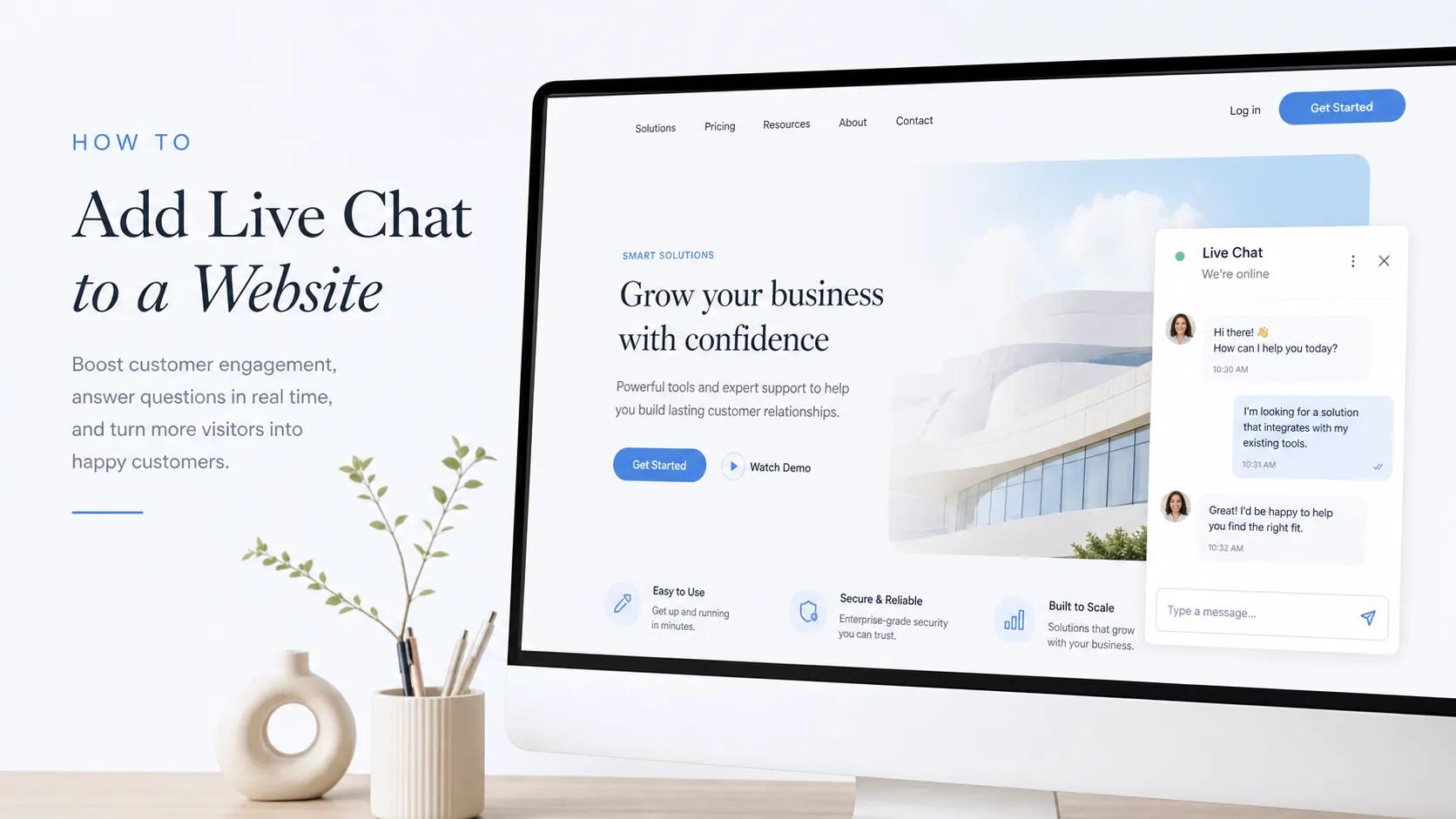
Real-time interaction acts as a dynamic form of social proof. Integrating a website live chat widget lets visitors see that real people are available to support them immediately. You can set up automated chat greetings that highlight social proof—such as "Have questions about our plans? Join over 1,000+ businesses using our platform today!"—bridging the gap between initial trust and active conversation.
How often should I update the social proof elements on my website?
Displaying reviews or case studies from several years ago signals to prospective buyers that your business may be inactive or declining. Cycle fresh customer wins, updated star ratings, and recent client logos onto your main sales pages every few months. Keeping your social proof fresh maintains buyer confidence, signals ongoing momentum, and reinforces your market standing. Follow a regular website maintenance routine to keep your trust elements current.
What is the easiest way to add custom social proof sections to my website?
Hand-coding responsive review cards, styling quote sliders, and setting up media grids across devices can quickly turn into a frustrating technical hassle. If you want to avoid complex development entirely, using an all-in-one platform like BoltWeb makes adding social proof effortless. Powered by an advanced AI website generator, you can test up to 3 distinct social proof section layouts—from rich media cards to sleek text grids—and publish a rank-ready site complete with social proof in just a few clicks.