Getting people to visit your page is only half the battle. If visitors arrive, browse for twenty seconds, and close the tab without reaching out, your digital presence is leaking revenue. Learning how to sell services from a website means shifting away from decorative portfolios and building an environment structured around the buyer's decision-making process. Every headline, layout choice, and button must guide a hesitant prospect toward hiring you. By framing your expertise around concrete client problems, eliminating navigation hurdles, and displaying total operational transparency, you turn passive site traffic into predictable revenue for your online service business.

Turn Your Service Into an Offer People Can Understand
Listing vague tasks like "consulting," "design," or "maintenance" forces prospective clients to guess what you actually deliver. When visitors are forced to infer value, they leave. To successfully sell services online, you must transform abstract skills into tangible packages defined by clear outcomes.
Focus on the exact transformation your client experiences rather than the hours you spend working. Instead of selling "HVAC servicing," sell "Zero-Breakdown AC Performance with Guaranteed 24-Hour Emergency Support." Detail the precise scope, final deliverables, and expected turnaround times so buyers recognize immediate utility. Clear, outcome-focused messaging turns a passive layout into a dedicated service business website that converts. Learn how to choose what your website should say to sharpen your core value message.

Show Who Your Service Is For
Vague, blanket messaging dilutes your authority. When a layout tries to appeal to every conceivable buyer, serious clients assume your solution isn't specialized enough for their specific challenges.
Qualified prospects must recognize themselves immediately when they land on your service website. Declare your target niche directly inside the primary hero section—whether you serve residential homeowners, scaling SaaS founders, or local medical clinics. Highlight the specific operational headaches your ideal clients deal with every day. When visitors see their exact situation articulated on screen, they stop shopping around and begin reading your proposal as the default solution.

Explain What Customers Get for Their Money
Uncertainty creates purchasing friction. If buyers cannot visualize what happens after they sign a contract or submit a deposit, they naturally stall.
Remove the black box surrounding your operations by laying out your delivery process step by step.
| Onboarding Phase | Operational Action | Client Outcome |
|---|---|---|
| Phase 1: Discovery | 30-minute intake call to review project parameters | Clear project roadmap and baseline alignment |
| Phase 2: Execution | Scheduled service delivery with milestone tracking | Real-time progress visibility without micromanagement |
| Phase 3: Hand-Off | Final walkthrough, testing, and sign-off | Complete resolution and ongoing operational support |
Detailing your process sets explicit expectations, establishes professional boundaries, and proves you operate an established enterprise.

Price Your Services Without Creating Confusion
Hiding rates completely forces buyers through tedious sales calls, while dumping overly complex tier matrices onto a page triggers immediate choice paralysis.
Give prospects enough financial context to take the next logical step. If custom variables prevent fixed pricing, display clear "Starting From" baselines or typical project ranges. Limit your main service pricing page layout to two or three distinct packages so comparison remains effortless. Providing clear financial indicators qualifies incoming leads automatically, ensuring you spend time speaking only with prospects who can afford your work.

Show Proof That Your Service Works
Self-promotional copy carries very little weight with skeptical buyers. High-value clients demand verified evidence of past performance before taking a financial risk.
Anchor your claims with concrete proof indicators positioned directly alongside key conversion points:
- Detailed Case Studies: Walk through the initial problem, the strategy applied, and the verified metrics achieved.
- Authentic Testimonials: Showcase quotes from real clients alongside full names, headshots, and company logos.
- Authority Indicators: Display industry certifications, trade badges, and press mentions prominently across your service landing page.
Solid proof eliminates doubt, making it safe for risk-averse visitors to move forward. Discover what makes a website trustworthy to maximize your site's conversion authority.

Create Service Pages That Make Buying Easier
Piling every offering onto a single crowded page dilutes your focus and degrades search relevance. Prospective buyers seeking a specific fix do not want to wade through irrelevant details to find what they need.
Give every core offering its own dedicated service page. A focused layout allows you to write specific headlines, present targeted case studies, and align every element with a single conversion decision. Isolated service pages perform far better in organic search results, bringing qualified traffic directly to pages optimized to turn searches into paid bookings.

Give Visitors One Clear Next Step
Distracting interested visitors with multiple competing prompts—asking them to read a blog, follow social channels, and fill out a form all at once—destroys sales momentum.
Focus every page on a single master conversion objective. Whether your goal is booking a consultation call, requesting a written estimate, or placing a direct deposit, make that primary action obvious. Use sharp visual contrast for your service website CTA buttons so the immediate path forward remains impossible to miss as users scroll through your content.

Make It Easy to Book, Call, or Request a Quote
Forcing clients through long intake forms or requiring them to copy and paste email addresses creates severe drop-off right at the finish line.
Streamline lead capture by offering direct, low-friction intake channels:
- Embed self-scheduling calendar tools for direct intake calls on an online booking website.
- Keep intake forms brief—limiting questions to essential contact details and project scope.
- Deploy click-to-call links for instant phone connections on mobile screens.
Removing mechanical barriers turns casual reading into live inquiries. See our step-by-step guide on how to add a lead form to a website for optimal form structure.

Build Trust Before Asking for the Sale
Clients buying professional services online need complete confidence in your legitimacy before transferring funds or sharing sensitive business details.
Humanize your operations by replacing stock visuals with real photography of your team, office, or active work sites. Display physical business addresses, direct contact numbers, and clear privacy policies. Feature comprehensive FAQs that address common buyer anxieties regarding guarantees, scope changes, and refund terms upfront. Establishing full operational transparency builds the foundation for a professional service website.

Bring More Potential Customers to Your Service Website
Even a site optimized for conversions requires a consistent stream of qualified prospects searching for your exact expertise.
Target active buyers through high-intent search channels. Optimize your pages for local and commercial search terms so people looking for immediate solutions find your domain first. Claim and optimize your Google Business Profile, publish decision-focused content that answers common buying questions, and maintain consistent NAP (Name, Address, Phone) details across directories. Combining targeted service SEO with clear page messaging ensures a reliable pipeline of pre-sold clients. Read our breakdown on how to get more website inquiries to streamline inbound traffic paths.

Sell Your Services Online Without Building Everything From Scratch
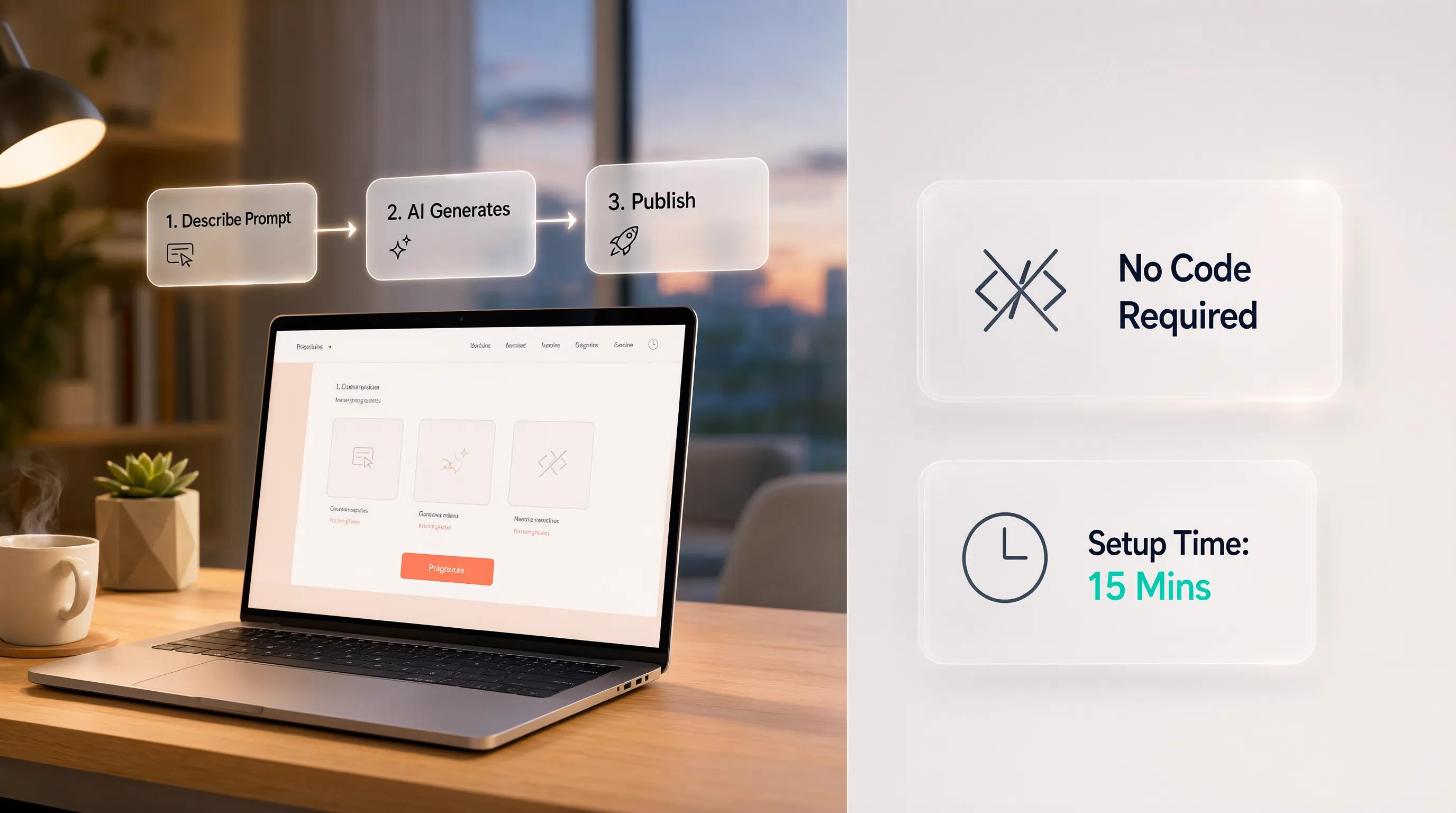
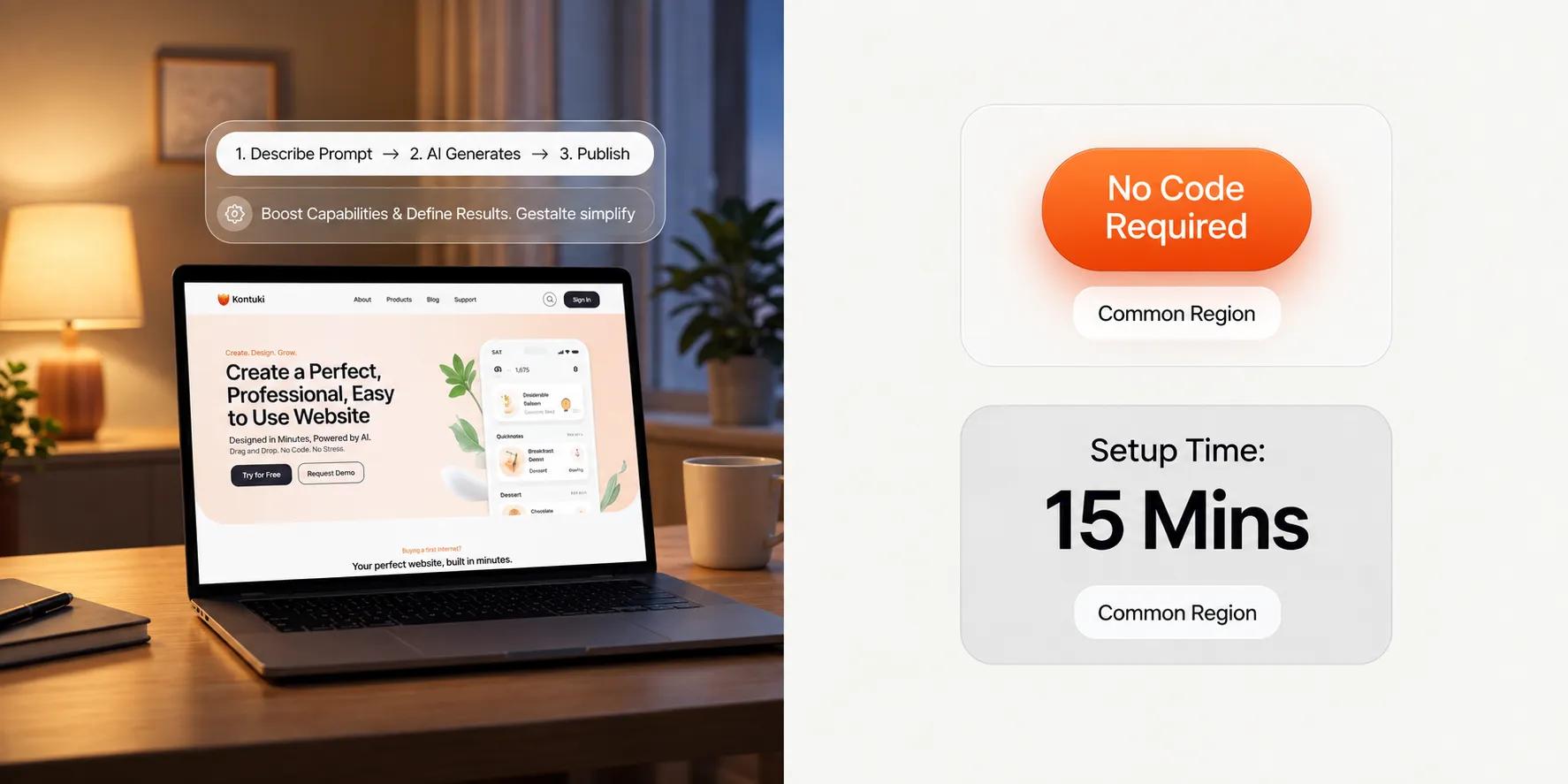
We understand how exhausting it has traditionally been to sell services online. Building a site used to demand extensive custom coding, complex asset sourcing, and weeks of copywriting just to get a single offer live. Today, platforms like BoltWeb eliminate technical friction so you can launch a site designed to capture leads and process client payments fast.
Step-by-Step Guide to Selling Your Services With BoltWeb:
1. Describe Your Service
State what you offer in plain text—whether you run an AC repair company, residential cleaning business, or specialized consulting firm.
2. Define Audience & Structure
Specify your target clientele and select your ideal page depth (2, 3, or 4 pages).
3. Generate Your Platform
Hit generate to instantly build an SEO-optimized site engineered for both local search visibility and global reach.
4. Customize Pricing & Details
Use the intuitive drag-and-drop editor to refine custom service rates, update team credentials, and fine-tune your messaging.
5. Connect Payments & Publish
Link your payment processor, attach your domain, and go live immediately to start accepting client payments globally without limits.
Stop wrestling with legacy site builders. Launch a platform using an advanced service business website builder on BoltWeb and start taking client bookings today.

Frequently Asked Questions: How to Sell Services From a Website
What is the single most important element on a service website to get clients?
A clear, outcome-focused value proposition above the fold. Visitors should understand within three seconds what service you offer, who it is for, and the specific result or benefit they get by hiring you.
Should I list exact prices on my service website or ask visitors to "Request a Quote"?
Publishing at least a "starting at" baseline or price range is best practice. It filters out unqualified leads who lack the budget and builds immediate trust with serious buyers who dislike hidden costs.
How many pages should my service website have?
A standard service site usually needs 3 to 5 pages: a Home page, dedicated individual Service pages for each core offering, an About/Trust page, and a Contact or Booking page.
How do I turn casual website visitors into paying clients faster?
Eliminate choice paralysis by providing a single, obvious Call to Action (CTA) on every page—such as "Book a Free Consultation" or "Request an Estimate"—and embedding a direct calendar link or short intake form.
Do I need custom photography, or can I use stock images?
Authentic photos perform significantly better than stock imagery. Showing real photos of yourself, your team, past projects, or your workspace dramatically increases credibility and website conversions.
What is the best way to showcase social proof if I don't have many reviews yet?
Start by collecting detailed written feedback or video testimonials from 2 to 3 past clients. Detail the specific problem they had and the concrete result you delivered rather than displaying generic praise.
Should each service I offer have its own separate page?
Yes. Creating individual sub-pages for each major service allows you to write targeted sales copy for specific buyer needs and dramatically improves your search engine optimization (SEO) for specific search terms.
How do I get local customers to find my service website on Google?
Optimize your site for local keywords (e.g., "AC repair in [City]"), claim and link a Google Business Profile, make sure your address and phone number are visible, and build client reviews on Google.
How long should my online lead capture form be?
Keep initial intake forms as short as possible—asking only for 3 to 4 essential fields like Name, Email/Phone, and a brief note about their project. Every extra field decreases submission rates.
What can I do if visitors are coming to my website but nobody is booking?
Analyze where users drop off using heatmaps or session recordings. Usually, high bounce rates happen due to confusing offer copy, lack of visible pricing/proof, weak call-to-action buttons, or slow page load speeds.
How do I take payments or deposits directly through my service website?
Integrate standard payment gateways like Stripe or PayPal directly into your booking or invoicing software, allowing clients to pay retaining fees, initial deposits, or fixed package prices immediately upon booking.
What is the fastest way to build a service website without coding or design experience?
Using a specialized AI platform like BoltWeb allows you to generate a fully structured, SEO-optimized service website complete with custom copy, intake features, and payment capabilities in minutes.