Choosing the wrong platform to build your business website is a costly mistake.
You spend weeks customizing page sections, uploading field photography, and tweaking layouts—only to discover that your forms fail on smartphones, your pages load at a crawl, or your site remains totally invisible on Google.
Switching platforms later means starting from scratch, migrating domain records, and risking lost search rankings.
To build a digital storefront that competes with established local players, you need a platform that integrates speed, mobile responsiveness, on-page SEO controls, and conversion-focused layouts right out of the box.
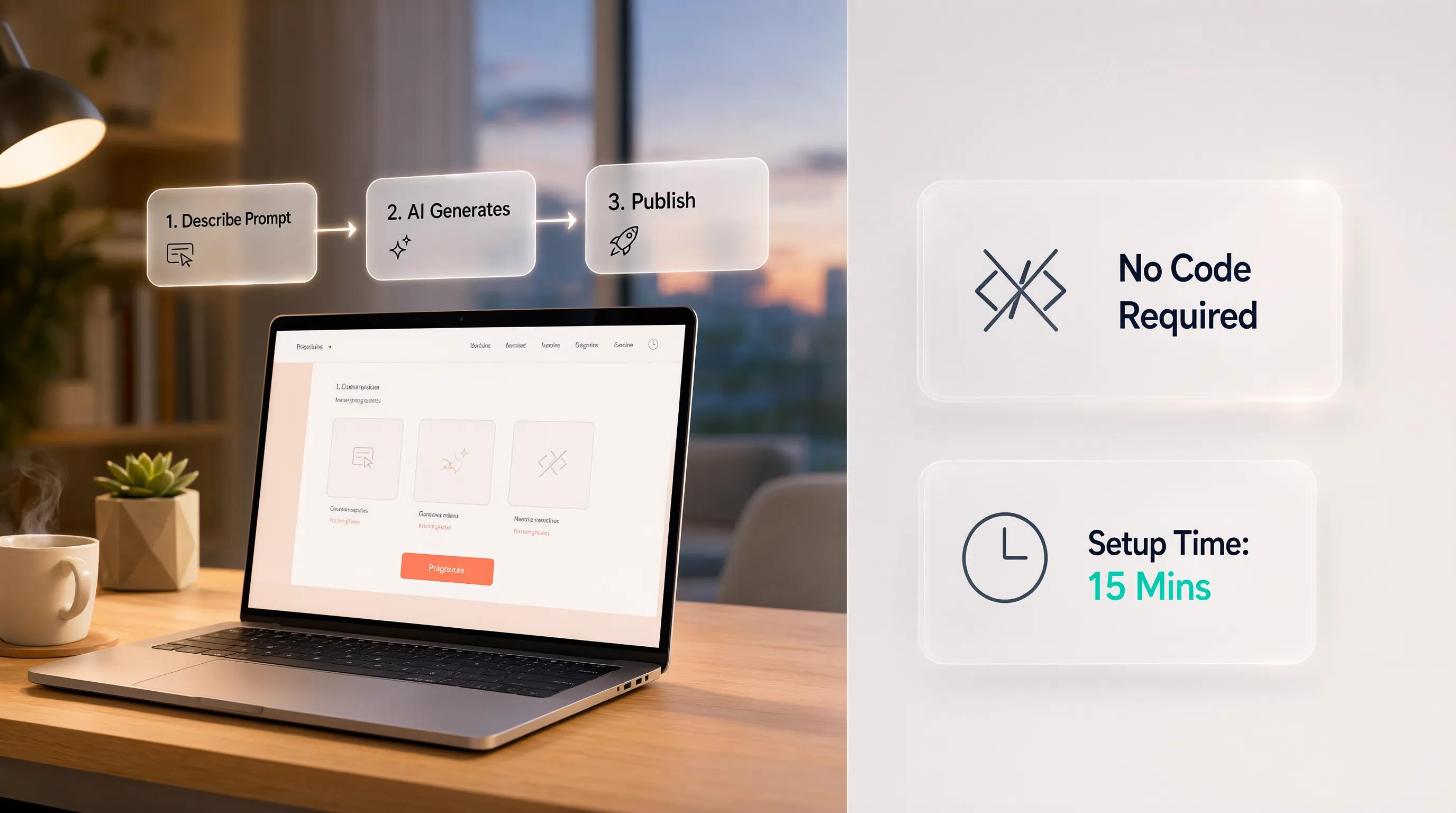
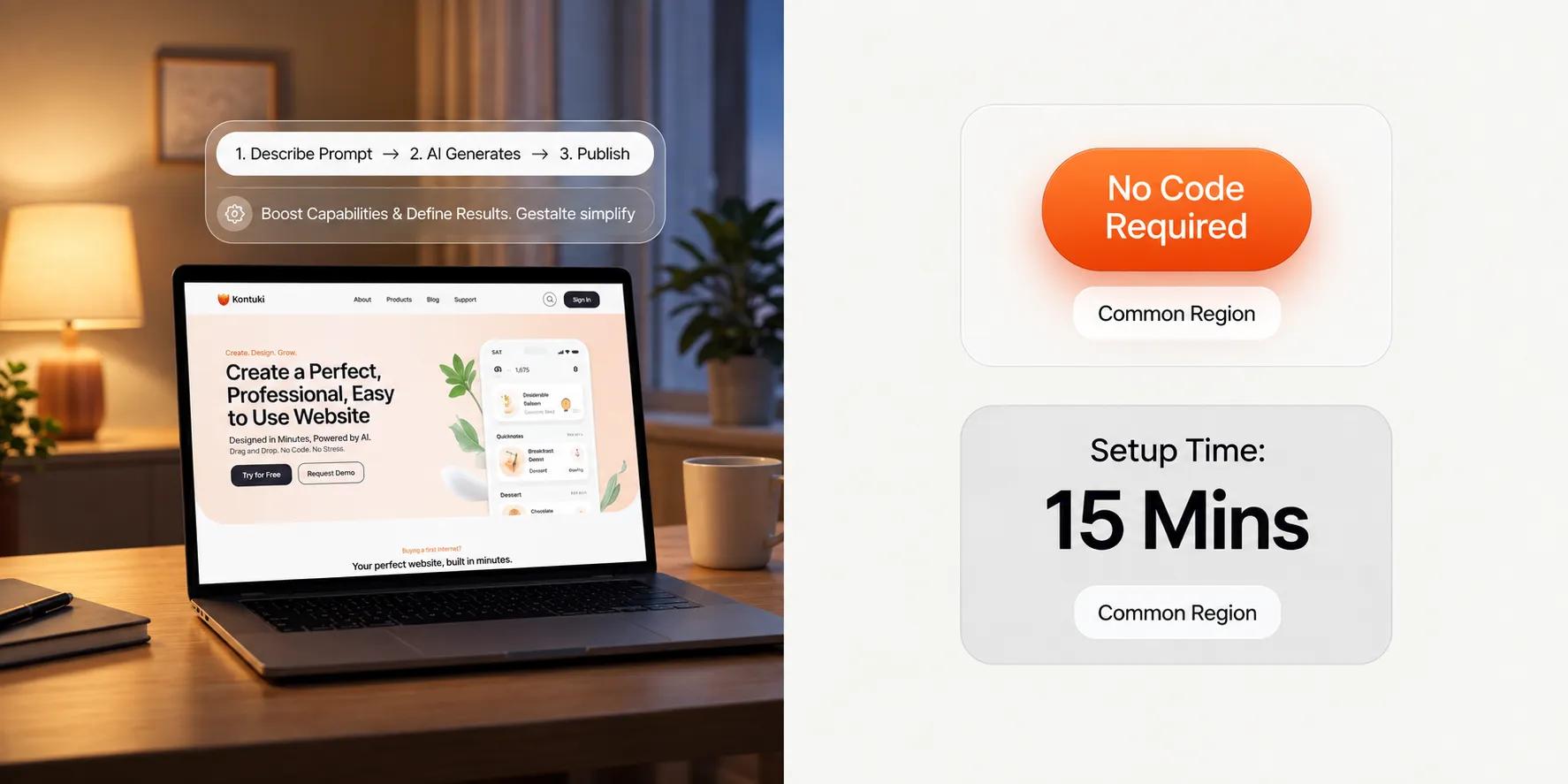
That is precisely why smart founders choose BoltWeb. Rather than forcing you to plug together fragmented plugins, BoltWeb serves as a comprehensive business website builder that writes search-optimized copy, structures high-converting layouts, and deploys lead-ready pages in seconds.
Here is your complete guide on what to look for in a website builder so you can pick the right tool for your business with zero regrets.
The Website Builder Evaluation Framework
| Evaluation Layer | Core Requirement | Common Platform Trap |
|---|---|---|
| 1. Functional Speed | Intuitive visual editor, rapid section controls | Complex drag-and-drop systems with steep learning curves |
| 2. Search Engine Power | Automated schema, customizable URLs, meta tags | Rigid page structures that block search engine indexing |
| 3. Lead Infrastructure | Native forms, one-tap mobile headers, instant alerts | Heavy third-party form plugins that break mobile layouts |
| 4. Cost Transparency | Bundled cloud hosting, SSL, and domain integration | Hidden renewal price hikes and paid add-on features |
1. What to Look for in a Website Builder Before You Commit
When business owners evaluate platforms, they often get lured in by shiny demo templates and flashy homepage animations.
Here's the deal:
An attractive demo site means nothing if the underlying platform makes basic page edits frustrating or fails to generate local client inquiries.
When choosing a website builder, you must look beyond surface aesthetics and evaluate whether the tool supports long-term commercial performance, search engine visibility, and seamless lead management.

2. List What Your Website Must Help Customers Do
Before browsing software options, define what an effective visit actually looks like for your business.
Do your prospects need to tap a header button to dial your phone line immediately? Do they need to submit an emergency quote request, book an open calendar slot, or buy products directly online?
Establish your business website requirements early:
- Primary Lead Actions: Fast intake forms, sticky tap-to-call mobile buttons, and direct scheduling tools.
- Essential Content Pages: Dedicated subpages for core services, coverage maps, team credentials, and verified client reviews.
Selecting a website builder for small business that supports your specific sales workflow ensures your finished site functions as a revenue generator rather than an ornamental expense.
3. Try the Editor Before Judging the Templates
A platform might display hundreds of beautiful templates, but if making a simple text update requires navigating confusing menus, you will grow to hate using it.
Evaluating a website builder with visual editor capabilities comes down to two factors: ease of use and editing speed.
Test how the tool handles essential maintenance tasks:
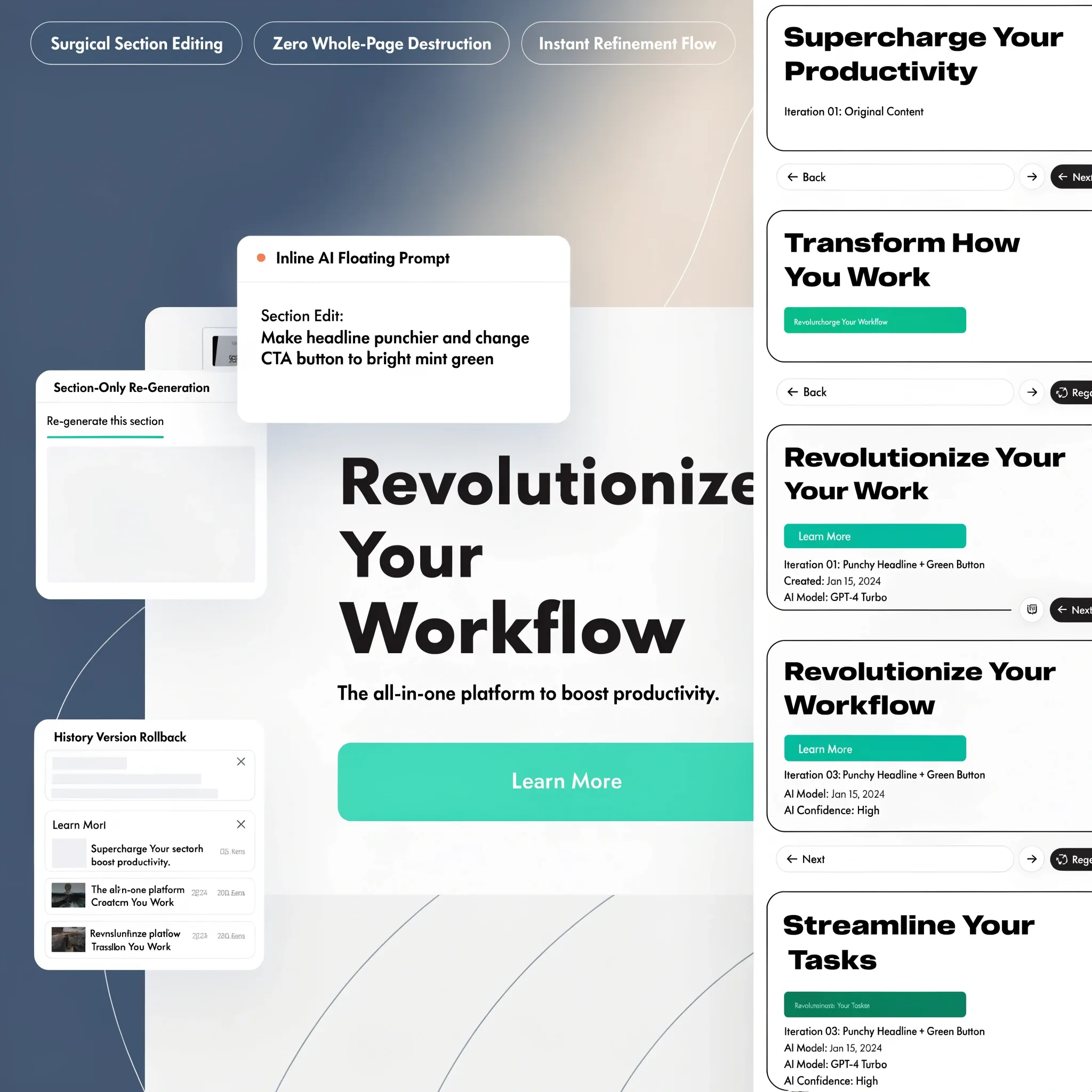
- Can you update headlines, change section colors, and reorder page blocks effortlessly?
- Does the interface offer a responsive drag-and-drop website builder flow that lets you publish edits in seconds?
Choosing an easy website builder reduces technical friction, allowing you to update pricing, add special offers, and publish fresh content without paying outside developers. For a deeper look at visual editing, read our guide on choosing a drag and drop website builder.
4. Check How Much Control You Have Over the Finished Design
Nothing hurts your authority faster than launching a website that looks identical to three other local competitors using the exact same generic template.
You need a customizable website builder that delivers design flexibility while maintaining visual structure:
- • Locked column layouts
- • Fixed color palettes
- • Generic corporate looks
- • Customizable font pairs
- • Adaptable section grids
- • Distinct brand styling
Evaluating website design flexibility ensures you can align your color schemes, typography, and button styles with your unique brand identity.
5. Make Sure You Can Build the Pages Your Business Actually Needs
A platform that lets you build a strong homepage but makes it difficult to add custom subpages will severely limit your growth.
To capture search engine traffic, you need a website builder with multiple pages that supports a logical site structure:
- Localized Service Subpages: Separate pages for each major service you provide, targeted directly to local search intent.
- Case Studies & Portfolios: Image galleries showcasing completed local projects and verified work.
- Information Hubs: A website builder with blog capabilities that allows you to publish helpful guides and build industry authority.
Verifying full-site support guarantees your platform can scale alongside your expanding service offerings (explore layout strategies in our guide on business website pages).
6. Inspect the SEO Controls Before Your Website Goes Live
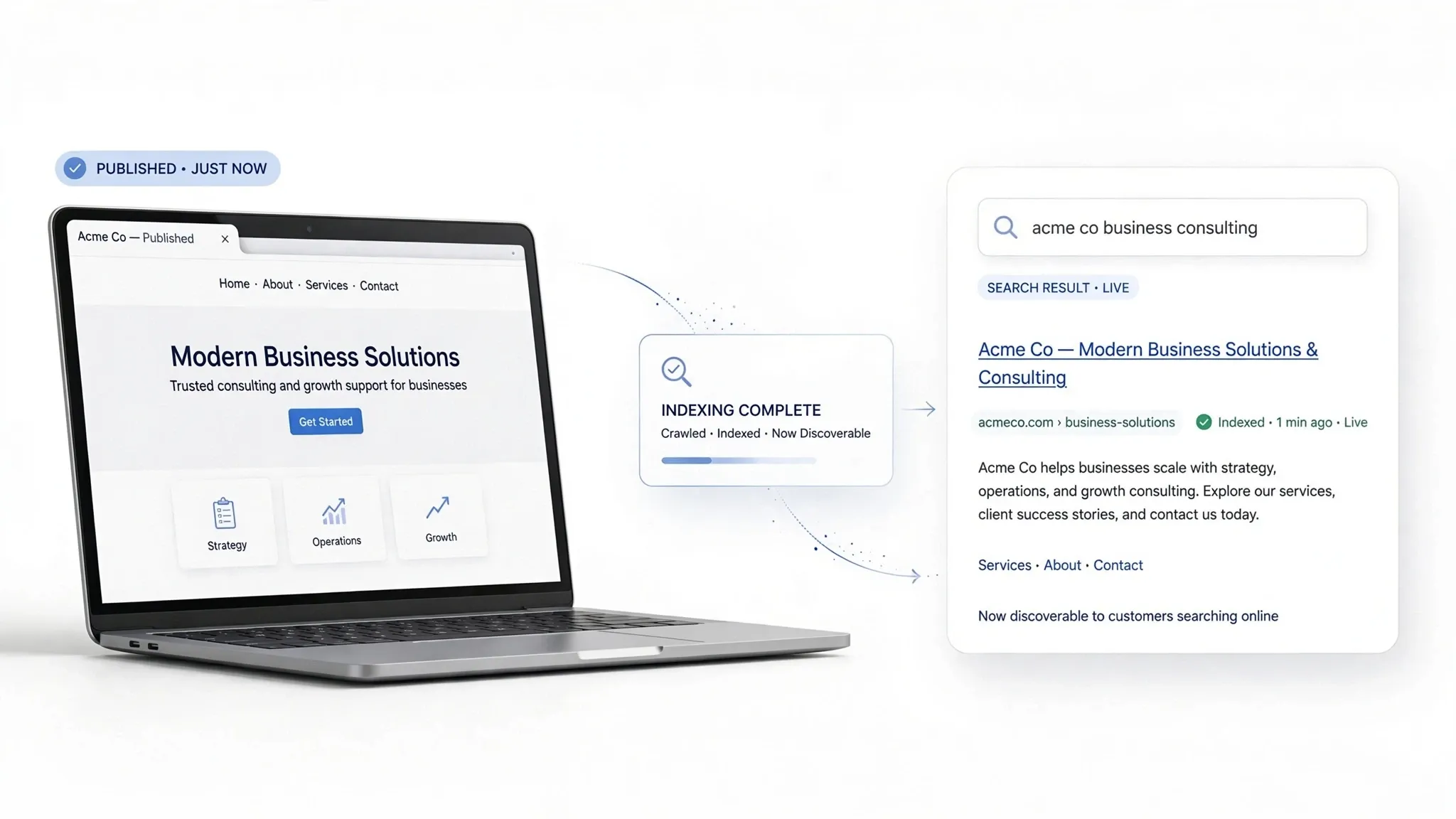
If your website builder lacks built-in search engine optimization controls, your site will sit in organic obscurity while competitors take all the search traffic.
To dominate local search results, you must choose an SEO-friendly website builder that gives you direct control over key technical features:
- On-Page SEO Tags: Customizable page titles, H1/H2 heading hierarchies, and custom meta descriptions.
- Clean URL Structures: A website builder with custom URLs that lets you create clean subpage paths (e.g., /emergency-plumbing-dallas).
- Automated Search Infrastructure: Built-in XML sitemap generation, structured schema markup, and automatic Google indexing support.
Checking website builder SEO features before committing prevents indexing nightmares and ensures your site ranks high on search engine results pages (learn key setup steps in our guide on how to do SEO for a new website).
7. Test the Website on a Phone, Not Just a Desktop
Over 70% of local service inquiries happen on mobile devices. If a platform renders broken layouts, overlapping text, or slow mobile loading times on smartphones, your business loses clients instantly.
Test a responsive website builder across real mobile viewports:
- • Tap Target Size ➔ Buttons are large enough for thumb taps
- • Header Navigation ➔ Sticky phone call button fixed on top
- • Loading Velocity ➔ Pages load in under 2 seconds on mobile data
Choosing a fast website builder that prioritizes mobile performance ensures every smartphone visitor enjoys an effortless browsing experience. For more on mobile layout quality, read our guide on website user experience best practices.
8. Check Whether Forms, Bookings, and Payments Work the Way You Need
Discovering after launch that an essential business function requires paying for expensive third-party plugins is an annoying, costly surprise.
Verify core commercial tools inside your platform plan:
- Lead Capture Forms: A website builder with forms that sends instant notification alerts directly to your email inbox.
- Scheduling Systems: A website builder with booking features that allows clients to reserve appointments online.
- Payment Gateways: A website builder with payments or an ecommerce website builder setup that handles credit card transactions securely.
Integrated functional features eliminate plugin dependency issues and keep your software costs predictable. For setup guidance, read our guides on adding lead forms and adding booking forms to your site.
9. Find Out What the Advertised Price Leaves Out
Beware of promotional pricing tricks. A tool advertising a $2.99 monthly rate often hides steep renewal rate jumps, expensive domain connection fees, and added charges for basic security.
Calculate your true total cost when evaluating website builder pricing:
Comparing the complete renewal structure protects your cash flow and ensures you pick an affordable website builder that aligns with your operating budget.
10. Check Who Owns Your Domain, Content, and Website Data
What happens if you decide to switch hosting providers two years down the road? Will the platform let you take your content and domain with you, or will it hold your assets hostage?
Protect your business against platform lock-in:
- Domain Control: Ensure you maintain full legal ownership of your custom domain name.
- Data Portability: Look for clear website builder export controls or data access options so you retain full control over your text, image galleries, and customer leads.
Understanding website builder ownership rules before signing up protects your digital assets as your company grows. For domain guidance, read our article on choosing the right domain name.

11. Compare Support, Security, and Maintenance Before You Need Them
Assuming your site will never face a technical issue, a broken form, or a server outage is a risky gamble.
Evaluate platform support and infrastructure reliability:
- SSL Security: An active secure website builder environment that includes free SSL certificates automatically.
- Cloud Maintenance: Automated platform updates and daily cloud backups so your site stays safe without manual work.
- Customer Care: Responsive website builder support channels to resolve technical issues quickly.
Prioritizing platform reliability ensures your storefront stays online, secure, and ready to serve clients 24/7. For more on site protection, read our guide on making your website more secure.
12. Choose the Website Builder That Fits Your Business Today and as It Grows
When making your final decision on how to choose a website builder, select a tool that meets your immediate needs while giving you room to expand.
- [ ] Are on-page SEO tags and custom URLs fully customizable?
- [ ] Do mobile viewports load fast with sticky tap-to-call headers?
- [ ] Are quote intake forms, SSL encryption, and hosting bundled in?
- [ ] Can you publish new localized service pages in under 60 seconds?
You don't have to settle for clumsy visual editors, hidden renewal fees, or poor search visibility. Deploying your storefront on BoltWeb gives you the best website builder for small business—combining AI-driven sales copy, localized SEO architecture, responsive layouts, and cloud hosting into one seamless platform. Build your search-optimized storefront today and start capturing qualified local leads instantly!

12 High-Converting FAQs: What to Look for in a Website Builder
1. What to look for in a website builder so my business site actually gets results?
Here's the plain truth:
Choosing a website builder isn't about getting lured in by shiny demo templates or fancy homepage animations—it is about finding a tool that turns casual clicks into direct phone calls, quote requests, and real revenue.
If your website builder lacks built-in search controls, renders broken mobile viewports, or makes basic page edits frustrating, your digital storefront will fail. Building your site on BoltWeb eliminates these technical hurdles entirely. As an all-in-one business website builder, BoltWeb automatically writes search-optimized copy, structures responsive layouts, and deploys lead-ready pages in under 60 seconds.
2. How do I list my business website requirements before choosing a website builder?
A common trap business owners fall into is picking software based on an attractive template rather than functional business needs.
Apply the Job-to-Be-Done (JTBD) framework to define your mandatory features:
- Primary Lead Drivers: Native lead intake forms, sticky tap-to-call mobile headers, and online calendar booking tools.
- Essential Content Pages: Dedicated subpages for core services, coverage maps, team credentials, and verified client reviews.
Selecting a website builder for small business that supports your specific sales workflow ensures your finished site operates as a reliable revenue engine.
3. Why should I test the editor in an easy website builder before committing?
A software platform might display dozens of beautiful templates, but if making a simple headline update requires navigating confusing sub-menus, you will grow to hate using it.
Evaluate a website builder with visual editor controls based on two core criteria:
- Drag-and-Drop Editing Speed: Can you update text, swap images, and reorder page blocks in seconds without layout breakage?
- Zero-Code Freedom: Can you publish fresh promotional offers and new service pages without paying outside developers?
Testing editor usability upfront protects your time and reduces ongoing maintenance friction.
4. How much website design flexibility do I need in a customizable website builder?
Nothing destroys local authority faster than launching a site that looks identical to three competitors in your neighborhood using the exact same generic template.
Look for a customizable website builder that offers deep styling controls:
- Brand Styling Integration: Flexible typography pairings, adaptable color schemes, and custom button radiuses.
- Responsive Visual Grids: Layout frameworks that maintain clean visual structure while giving you room to stand out.
Prioritizing design flexibility guarantees your digital storefront reflects your unique brand identity.
5. Why is choosing a website builder with multiple pages essential for local SEO?
A platform that lets you build a sleek homepage but makes it difficult to add custom subpages will severely restrict your search engine rankings.
To capture high-intent search traffic, verify that your platform supports a multi-page site structure:
- Targeted Service Subpages: Separate landing pages for each trade offering, optimized for specific local search queries.
- Content Hubs: A website builder with blog capability that enables you to publish helpful guides, establish industry authority, and target long-tail keywords.
Ensuring full-site expansion capabilities allows your storefront to grow alongside your expanding business offerings (explore page structure rules in our guide on business website pages).
6. What website builder SEO features must be included before going live?
If your platform lacks built-in search engine optimization controls, your business will remain buried on page five of search results while competitors take all the local leads.
Partner with an SEO-friendly website builder that grants full control over key technical settings:
- On-Page SEO Tags: Customizable page titles, H1/H2 heading hierarchies, meta descriptions, and image alt text.
- Clean URL Control: A website builder with custom URLs that allows you to craft clean, keyword-rich subpage paths.
- Automated Technical Infrastructure: Built-in XML sitemap generation, structured local schema markup, and automatic Google indexing support.
7. Why is a mobile-friendly website builder critical for converting smartphone traffic?
Over 70% of local service inquiries occur on mobile devices while buyers are seeking immediate solutions. If a platform renders awkward mobile layouts or slow loading speeds, you lose qualified leads instantly.
Audit a responsive website builder across real smartphone viewports:
- Thumb-Zone Usability: Tap-to-call buttons and quote links placed comfortably within easy thumb reach.
- Sub-2-Second Velocity: A fast website builder architecture that compresses field imagery for fast loading over cellular data.
Prioritizing mobile performance guarantees an effortless experience for every smartphone visitor. For more on page speed, read our guide on why your website might be slow.
8. What core tools should be integrated inside a website builder with forms?
Discovering after launch that an essential business tool requires paying for expensive third-party software plugins is an annoying financial surprise.
Verify native operational tools directly inside your platform plan:
- Lead Capture: A website builder with forms that delivers instant lead notifications straight to your email or smartphone.
- Online Scheduling: A website builder with booking feature that lets clients reserve calendar slots automatically.
- Payment Gateways: A website builder with payments or ecommerce website builder setup that processes credit card deposits securely.
9. How do I evaluate total website builder cost without falling for hidden pricing traps?
Beware of promotional pricing gimmicks. Software tools advertising $3 monthly rates often hide steep renewal price spikes, domain connection charges, and mandatory add-on fees for basic security.
Calculate your true total operational expenditure when reviewing website builder pricing:
Choosing an affordable website builder with bundled hosting and security keeps your software budget predictable.
10. How do I verify website builder ownership and data export rules?
What happens if you decide to switch hosting providers two years down the road? Will the platform allow you to take your content, lead records, and domain with you, or will it hold your digital assets hostage?
Protect your business against platform lock-in:
- Domain Legal Control: Confirm that you maintain full legal ownership of your custom domain name.
- Data Portability: Look for clear website builder export features so you retain complete control over your sales text, job galleries, and customer lead lists.
11. What security, maintenance, and support features should a secure website builder provide?
Assuming your website will never face a technical glitch, broken form, or server outage is a risky operational gamble.
Inspect platform infrastructure and support channels:
- SSL Security: A secure website builder environment that provides automated SSL certificate updates.
- Automated Maintenance: Managed cloud hosting, server updates, and daily automated backups that keep your site live 24/7.
- Direct Support Channels: Responsive website builder support to fix technical issues immediately.
12. How do I make the final choice when choosing a website builder for my business?
When making your final decision on how to choose a website builder, pick a tool that solves today's immediate needs while giving you full room to expand.
- [ ] Are on-page local SEO tags and custom URLs fully editable?
- [ ] Do mobile viewports load fast with sticky tap-to-call buttons?
- [ ] Are lead forms, SSL encryption, and hosting bundled natively?
- [ ] Can you publish new localized service pages in under 60 seconds?
Stop settling for clunky visual editors, hidden renewal fees, or poor search visibility. Deploying your storefront on BoltWeb delivers the best website builder for small business—combining AI sales copy, localized SEO architecture, responsive layouts, and cloud hosting into one seamless platform. Build your search-optimized storefront today and capture qualified local leads instantly!