
Here is a hard truth: every published website operates on a strict timeline for growth. If your site was built using generic templates that lack native, built-in search engine optimization, it will plateau. When your digital presence stops expanding your market reach, continuing to wait isn't a strategy—it's a liability. You need an immediate, strategic overhaul.
Redesigning your business website is the single most effective step you can take to reclaim search visibility, modernise your brand, and turn lost visitors into paying clients. Below is a 12-step framework detailing how to audit, restructure, and launch a high-converting website redesign without wasting time on custom code or complex development projects.
How to Redesign a Business Website Without Starting From Scratch
Many business owners delay a necessary site refresh because they fear losing their existing content, breaking their search positions, or spending months in development limbo.
Learning how to redesign a business website isn't about throwing away what already works—it's about strategic evolution. A successful business website redesign identifies structural bottlenecks, preserves high-performing assets, and modernises your user experience. Executing a calculated plan to redesign a business website ensures your online presence evolves alongside your business goals.
Figure Out Why Your Current Website Isn't Working
Before making visual updates, you must diagnose why your existing site is failing to generate results. Is the issue a lack of search traffic, poor mobile usability, confusing navigation, or weak call-to-action triggers?
Conduct a comprehensive website audit to uncover systemic website problems:
- Technical Flaws: Slow page speeds, broken internal links, or non-responsive mobile elements.
- Conversion Barriers: Hidden contact forms, vague service descriptions, or missing trust signals.
- Outdated Architecture: Rigid page structures that cannot adapt to modern search engine algorithms.
Identifying these friction points prevents you from carrying old flaws over into your refreshed layout.

Look at What Your Existing Website Already Does Well
The biggest danger during a site refresh is blindly deleting pages that currently bring you search traffic or client inquiries.
Analyze your website analytics data to protect core assets:
| Asset Category | What to Evaluate | Redesign Strategy |
|---|---|---|
| High-Traffic Pages | Identify top organic landing pages. | Preserve URL paths, primary target keywords, and core heading structures. |
| Backlink Targets | Locate pages with high authority backlinks. | Map old URLs directly to new pages using 301 redirects. |
| Converting Content | Review top inquiry sources and form submissions. | Retain high-converting copy and prominent trust triggers. |
Evaluating existing website performance guarantees that your new build builds upon past success rather than wiping out hard-earned authority.

Redesign Your Website Around Your Customers
A common mistake in web design is prioritizing subjective visual trends over customer intent. A beautiful page that fails to answer buyer questions will not generate sales.
Develop a customer-focused website built around clear buyer personas:
- Address the primary pain points your ideal client experiences daily.
- Present direct, scannable solutions right above the fold.
- Use authentic project photography, video social proof, and clear deliverables.
Aligning your business website design with real visitor intent creates a high-converting website strategy.

Simplify Your Website Navigation and Page Structure
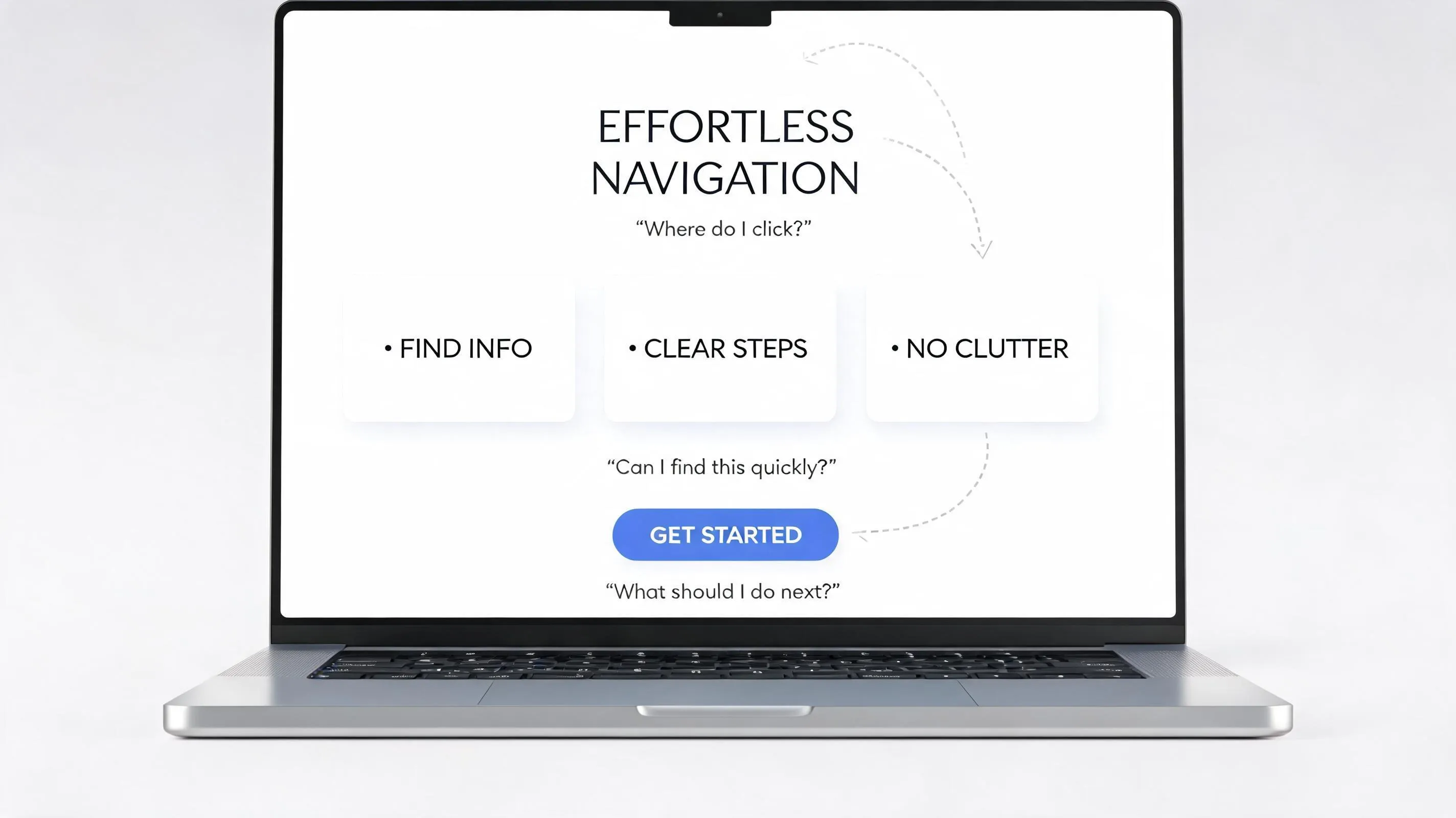
When site visitors feel confused, they leave. Complex drop-down menus, deeply nested subpages, and vague menu labels cause immediate user frustration.
Streamline your website structure and UX:
- Limit your main navigation bar to 5–7 core items (e.g., Services, About, Case Studies, Pricing, Contact).
- Group related sub-services under logical main categories.
- Implement a clear website hierarchy that allows users to reach any critical page within two clicks.
Creating intuitive website navigation keeps visitors on your site longer and guides them naturally toward your conversion goals.
Rewrite Your Homepage So Visitors Understand Your Business Faster
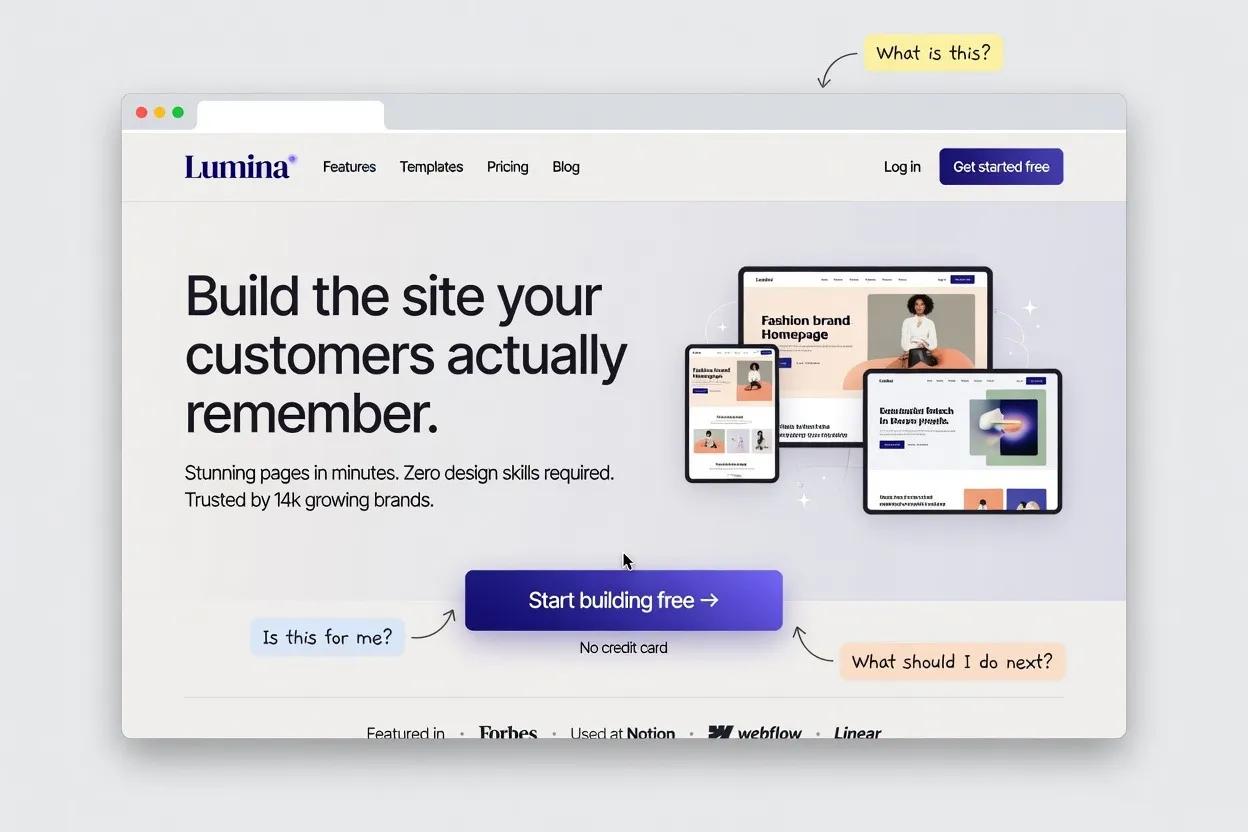
Your homepage is your digital storefront. If a first-time visitor cannot determine what you offer, who you serve, and how to get started within three seconds, they will bounce back to search results.
Transform your business website homepage with a focused homepage redesign and sharp homepage copy structure:
- Hero Headline: Direct outcome-focused value statement.
- Subheadline: Concise description of your core service and target audience.
- Primary CTA: High-contrast button (e.g., "Get a Free Quote" or "Schedule a Consultation").
- Social Proof Banner: Client logos, rating badges, or review metrics.
Executing a focused homepage redesign turns passive page views into qualified leads.

Refresh Your Design Without Following Every New Trend
Chasing short-lived design gimmicks often results in slow load times and illegible layouts. A professional business site needs timeless visual clarity.
Explore website redesign ideas that balance modern aesthetics with functional performance:
- Use high-contrast typography for effortless readability across all devices.
- Maintain consistent brand colors, button styles, and spatial margins.
- Incorporate clean white space to draw attention to value statements and conversion forms.
Investing in modern website design principles yields a polished, professional website design that builds immediate brand authority.
Make Your Website Work Better on Mobile
Over 60% of web traffic originates on mobile devices. If your site features overlapping text, tiny tap targets, or horizontal scrolling on smartphones, you are actively losing revenue.
Optimize your responsive website for mobile users:
- Ensure text font sizes are readable without pinching or zooming (minimum 16px).
- Make CTA buttons large enough for easy thumb-tapping.
- Simplify mobile forms to minimal input fields.
Delivering a mobile-friendly website experience satisfies user expectations and protects your rankings under mobile-first indexing.

Improve Your Website's SEO During the Redesign
Careless site launches often break URL paths and destroy search visibility overnight. A proper redesign should increase, not decrease, your search footprint.
Safeguard your search rank with strict website redesign SEO practices and a migration plan:
- Maintain identical URL structures whenever possible.
- Set up mandatory 301 redirects from old URLs to new counterparts if paths change.
- Update your internal linking network to pass page authority to high-value service pages.
Integrating systematic website redesign SEO practices protects your organic foundation throughout the transition.
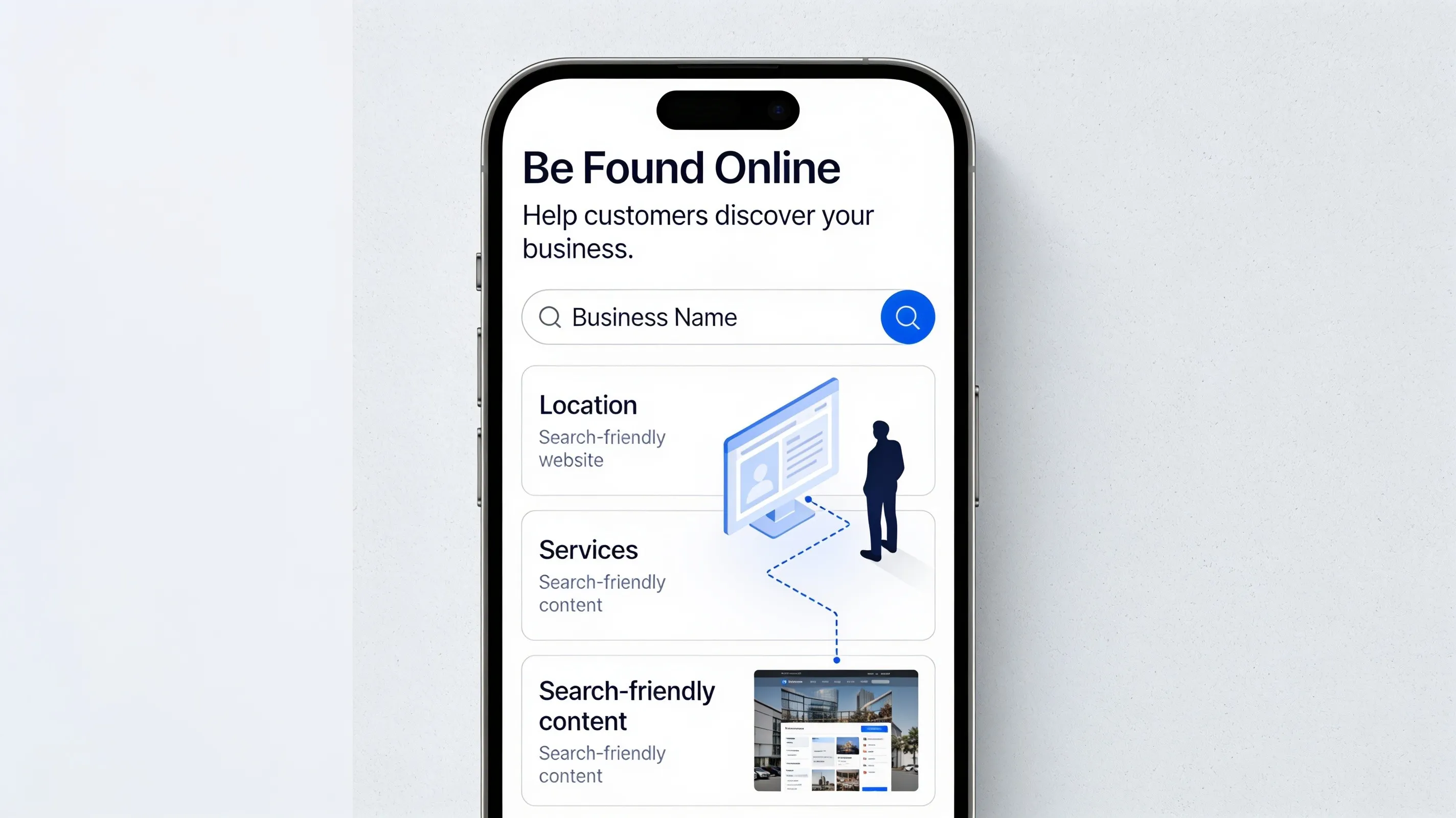
Improve Speed, Forms, and Other Things Visitors Notice
Visual upgrades mean nothing if your site takes five seconds to load or if your contact forms throw error messages. Technical performance directly drives conversions.
Optimize practical conversion factors alongside your design refresh:
- Compress large images to keep file sizes under 150KB.
- Streamline website forms to 3–4 essential fields to boost submission rates.
- Minify scripts and eliminate bloated third-party widgets to maximize website speed.
Focusing on conversion optimization ensures that your updated design translates into measurable performance improvements.
Test the Redesigned Website Before You Publish It
"What if something breaks after launch?"
Launching an untested site risks broken links, failed payment processing, and lost lead submissions. Rigorous pre-launch validation is non-negotiable.
Complete a strict website launch checklist before going live:
- ✔ Test every contact form and calendar booking integration across desktop and mobile.
- ✔ Verify all 301 redirects are firing cleanly without redirect loops.
- ✔ Check page speeds on Google PageSpeed Insights.
- ✔ Confirm analytics tracking codes and goal events are recording properly.
Systematic website testing ensures a flawless user experience from the moment your new site goes live.
Redesign Your Business Website Without Making the Process Complicated
Over 90% of traditional website builders trap business owners in rigid, outdated templates. These legacy template engines rarely update their core frameworks, leaving your site trapped with slow loading speeds, poor mobile responsiveness, and weak search performance.
You do not need to learn complex coding, master UI/UX design, or spend months managing custom development work to launch a modern, high-converting digital platform. Modern artificial intelligence platforms build, structure, and optimize entire multi-page websites automatically.
Redesign Your Business Website Effortlessly with BoltWeb
BoltWeb removes the stress, complexity, and technical friction of redesigning your website. Functioning as an advanced AI website builder, BoltWeb uses artificial intelligence to craft fresh, search-optimized, high-converting websites from scratch—whether you need a targeted 9-page site or an extensive 16-page business engine.
Why Growing Businesses Choose BoltWeb for Site Redesigns:
Complete AI-Driven Generation
Forget about struggling with rigid, outdated templates. Simply input your business details, target audience, and required service pages. BoltWeb automatically constructs structured, search-ready semantic pages designed to dominate your market.
Continuous Platform Updates
Unlike legacy site builders that leave you stuck on old framework versions, BoltWeb continually updates its underlying code standards, page speed parameters, and SEO architecture automatically.
Native Ecosystem Integrations
Connect essential marketing platforms, payment gateways (Stripe, PayPal, Paddle), and lead tracking tools seamlessly to make your business visible and accessible to target clients.
Full Design & Copy Control
Fine-tune messaging, adjust layout blocks, add custom forms, or scale your page count effortlessly using simple tools—no coding required.
FAQs: How to Redesign a Business Website
How do I redesign my business website without destroying my current SEO rankings?
Maintain your existing URL structures wherever possible. If URL paths must change, implement 1:1 301 redirects from every old page to its exact new equivalent. Preserve existing high-performing title tags, metadata, and body copy during the migration to protect accrued domain authority.
How do I know if my website actually needs a full redesign or just a few updates?
Choose targeted updates if your site is fast, easy to edit, and mobile-friendly, but requires updated service pricing, new photos, or refreshed copy. Execute a full redesign if your underlying code is slow, your layout fails on mobile devices, or your current platform cannot support modern conversion tools and SEO requirements.
What should I focus on first when planning a website redesign?
Start with a comprehensive audit of your current site analytics. Identify your highest-trafficked pages, top lead generation paths, and highest bounce rates before drafting new wireframes. Redesign around buyer intent and conversion bottlenecks rather than visual preferences alone.
How do I make sure the redesigned site actually converts more visitors into clients?
Simplify your user journey. Place a direct, outcome-focused value proposition above the fold in the hero section, reduce contact forms and calendar booking integration to 3–4 essential fields, display clear social proof adjacent to primary offers, and place prominent call-to-action buttons across every page.
How do I optimize my redesigned website for AI search engines like ChatGPT and Google AI Overviews?
Structure your core service pages using Generative Engine Optimization (GEO) principles. Incorporate clear Q&A sections, concise summary paragraphs, bulleted technical specs, and schema markup that AI language models can easily parse, extract, and cite as authoritative sources.
How long does a business website redesign usually take?
Traditional agency redesigns take 8 to 16 weeks due to manual coding, design revisions, and content bottlenecks. Modern AI website platforms cut this timeline down to hours or days by automatically structuring rank-ready pages, layout architecture, and mobile responsiveness out of the box.
How do I fix mobile usability issues during a website redesign?
Design with a mobile-first framework. Ensure all interactive buttons have sufficient spacing for thumb tapping, set native typography scaling to prevent awkward zooming, eliminate horizontal scrolling, and keep primary contact action bars fixed to the screen for quick navigation.
What common mistakes should I avoid during a website redesign?
Avoid deleting legacy pages without setting up 301 redirects, launching without testing contact form notifications, hiding key business details behind complex navigation menus, and choosing style trends over fast page load speeds and clear messaging.
Should I rewrite all the copy on my website during a redesign?
Keep and refine copy from pages that already rank well and drive conversions. Rewrite pages that use complex industry jargon, lack clear calls to action, or no longer match your modern service offerings, positioning them around explicit customer pain points and outcomes.
How do I test my redesigned website before taking it live?
Audit the staging site using a systematic pre-launch checklist: submit test entries through all contact forms, inspect layout responsiveness across multiple physical phone screens, test page load speeds using Google PageSpeed Insights, and verify that analytics conversion tags are firing.
What technical steps should I take right after launching the redesigned site?
Submit your updated XML sitemap directly inside Google Search Console, request manual indexing for your top revenue-generating pages, check Search Console crawl error logs for broken 404 links, and update your site address on your Google Business Profile.
What is the easiest way to execute a website redesign without spending months on development?
Skip manual development delays and rigid legacy platforms by choosing an AI-driven website builder designed for speed and technical SEO authority. Platforms like BoltWeb allow business owners to describe their business goals and generate complete 9 to 16-page, search-optimized websites automatically—complete with clean URL structures, high-converting website strategy layouts, and single-click dashboard editing features.