When you first open a private dental practice, you quickly realize how much anxiety sits behind every incoming phone call. You can decorate a welcoming waiting room, invest in gentle diagnostic tools, and hire the friendliest front-desk staff in town, but none of that matters if prospective patients panic before they even dial your number. When someone experiences a sudden toothache or searches for family dentistry options online, they aren't looking for cold clinical jargon. They want to see a welcoming doctor, confirm that their insurance is accepted, and book an appointment without stress. If your current site feels cold, confusing, or hard to navigate on a phone, anxious patients will close the browser tab and pick a different office.
Website Builder for a Dentist: Create a Website That Makes Patients Feel Comfortable Choosing You
A well-designed dental practice website should immediately replace that anxiety with a deep sense of relief. It needs to signal safety, cleanliness, and human warmth from the very first second the page loads.
If a mother searching for pediatric care or a professional needing emergency dentistry has to hunt through five drop-down menus just to find your office phone number, you lose that patient forever. Choosing a specialized website builder for a dentist lets you showcase your clinical team, outline your treatments in plain language, and offer effortless scheduling right where patients need it most.
Let Patients Meet the Dentist Before They Walk Into the Practice
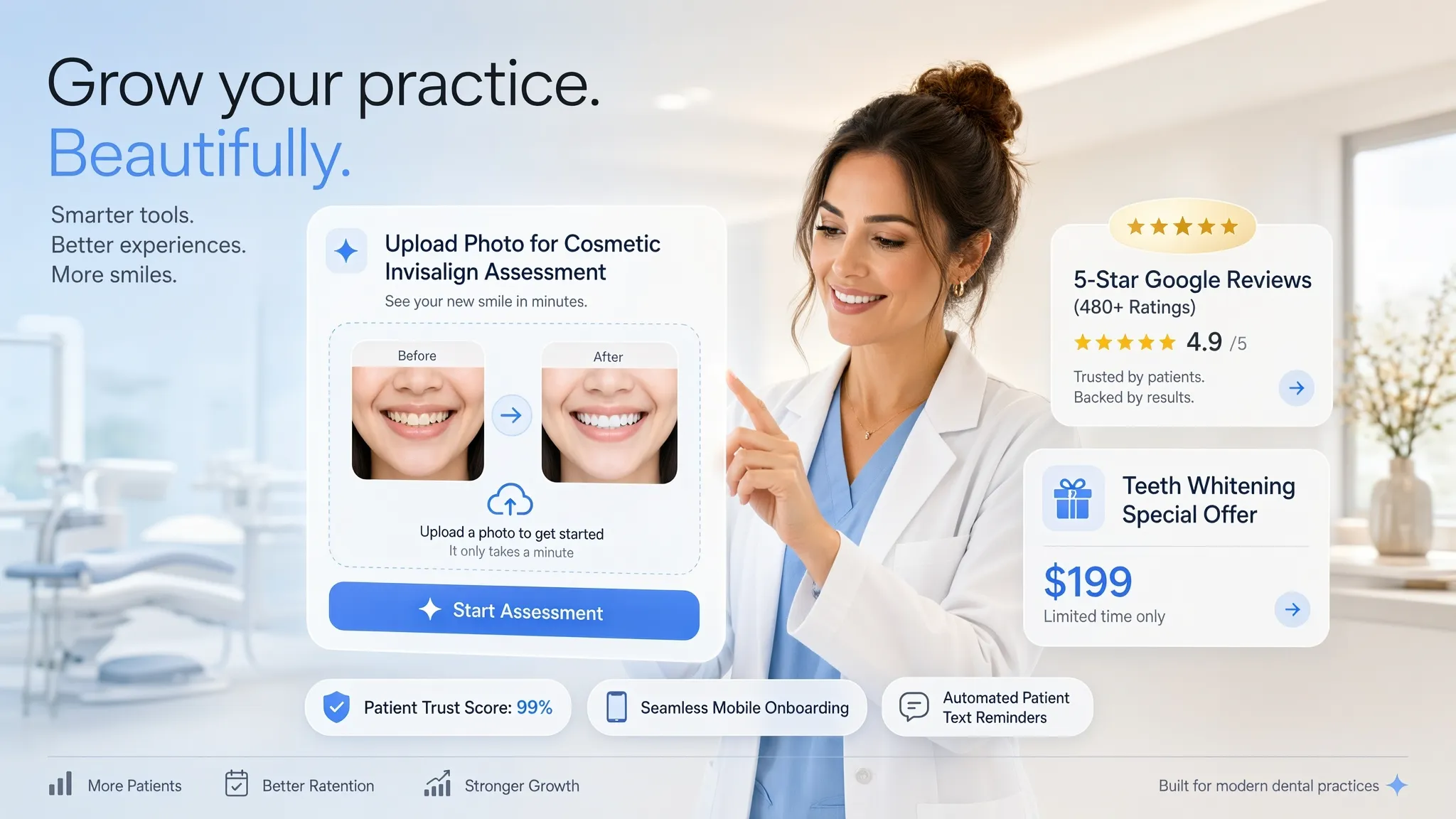
Cold stock photos of smiling strangers don't build trust—real human connection does. Patients want to see the doctor who will be looking after their family's health before they ever step foot into a treatment room.
When someone lands on your dentist website, put real faces front and center:
- Warm Practitioner Profiles: Show high-quality portraits of your lead dentist, hygienists, and front-desk team smiling naturally in your actual clinic.
- Personal Introductions: Include a brief, friendly note from the doctor explaining their care philosophy and commitment to gentle treatment.
- Virtual Office Look: Feature crisp photos of your comfortable waiting area, modern treatment bays, and calming environment.
Explain Your Treatments in the Language Patients Actually Use
Using heavy clinical terms like "endodontic therapy" or "guided osseointegration" confuses patients and makes them feel out of their depth.
A patient-focused dental website design translates complex procedures into clear, everyday language:
| Clinical Terminology | Plain-Language Patient Explanation |
|---|---|
| Endodontic Procedure | Root Canal Treatment — Gentle care to relieve deep tooth pain and save your natural tooth. |
| Fixed Prosthodontics | Dental Crowns & Bridges — Custom-fitted porcelain covers to protect cracked or weak teeth. |
| Clear Aligner Therapy | Invisalign & Braces — Straighten your smile discreetly without metal wires or brackets. |
| Surgical Extraction | Gentle Tooth Removal — Safe removal of damaged teeth or painful wisdom teeth. |
If you are mapping out your clinical pages and service categories, take a look at our step-by-step guide on how to plan a website.
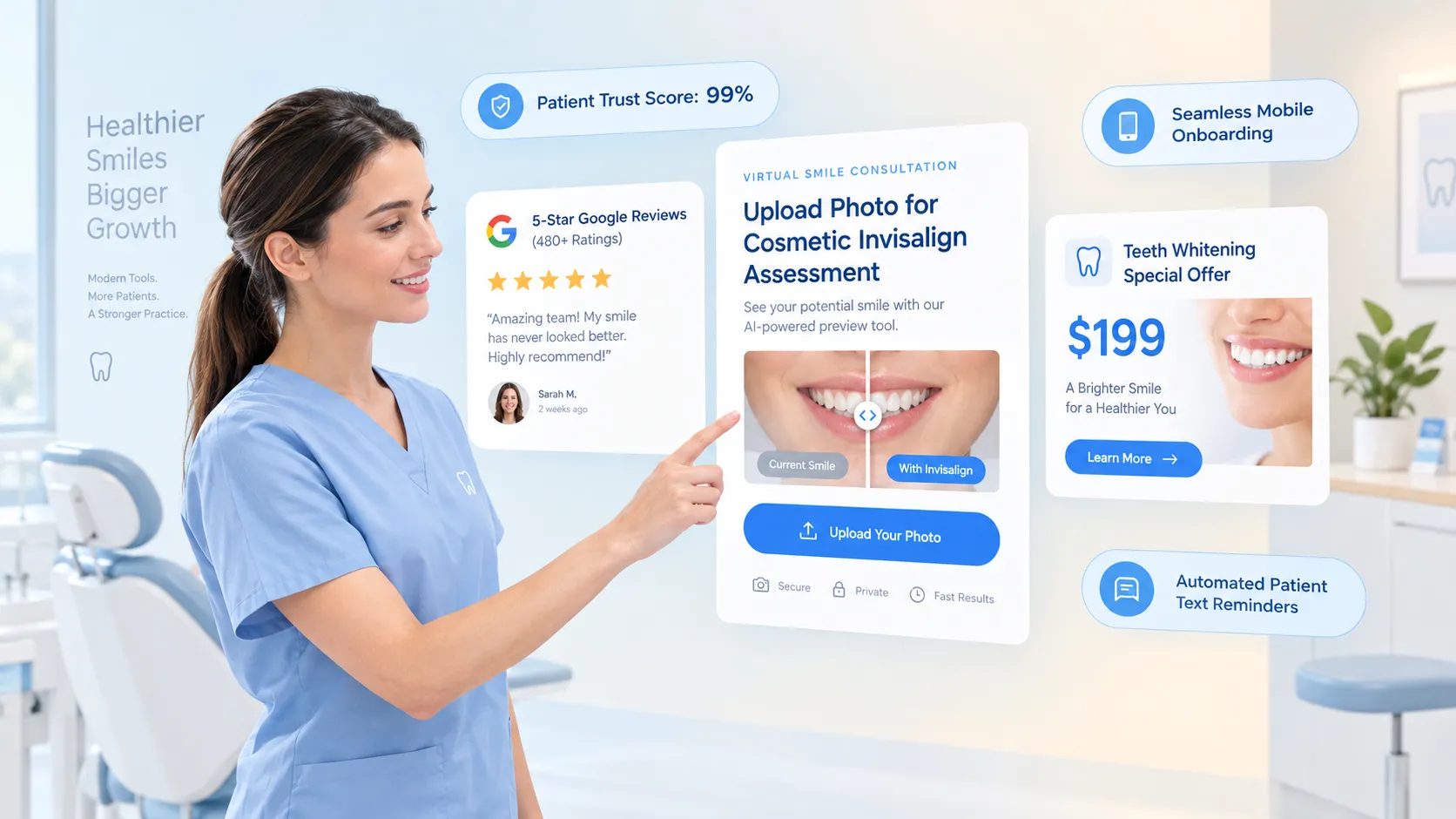
Show Patients What They Can Expect Before They Book
Fear of the unknown is the single biggest reason people delay routine checkups and dental cleanings. When patients don't know what to expect, procrastination takes over.
Walk your visitors through the entire visit step-by-step to melt away that hesitation:
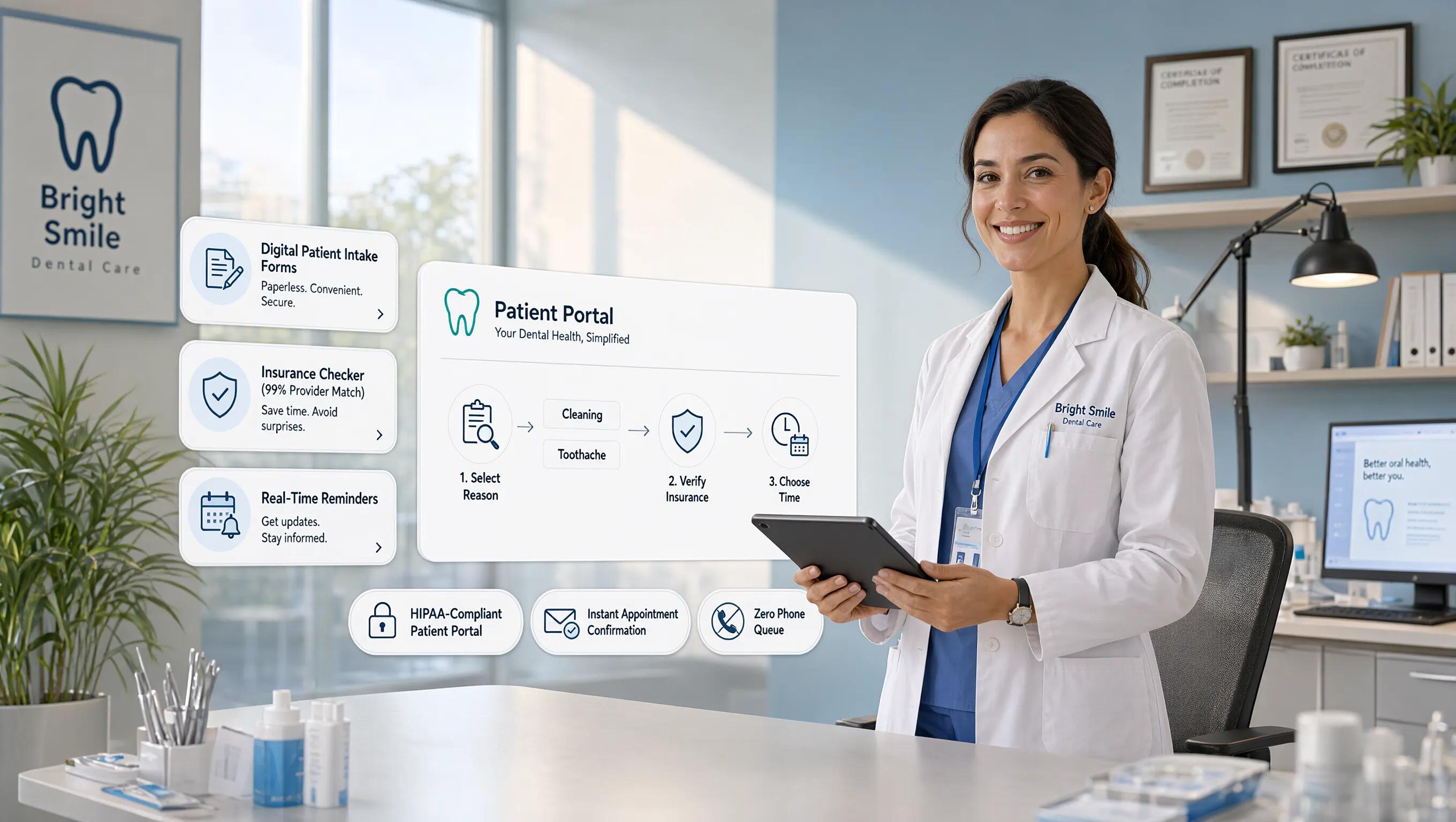
- Simple Online Setup: Fill out a quick digital intake form from the comfort of your home.
- Warm Greeting: Arrive at our quiet clinic, enjoy a complimentary beverage, and meet your care coordinator.
- Gentle Examination: Our dentist completes low-radiation digital X-rays and performs a painless visual evaluation.
- Transparent Plan: We review all findings together, explain your care options, and outline exact costs before any treatment begins.
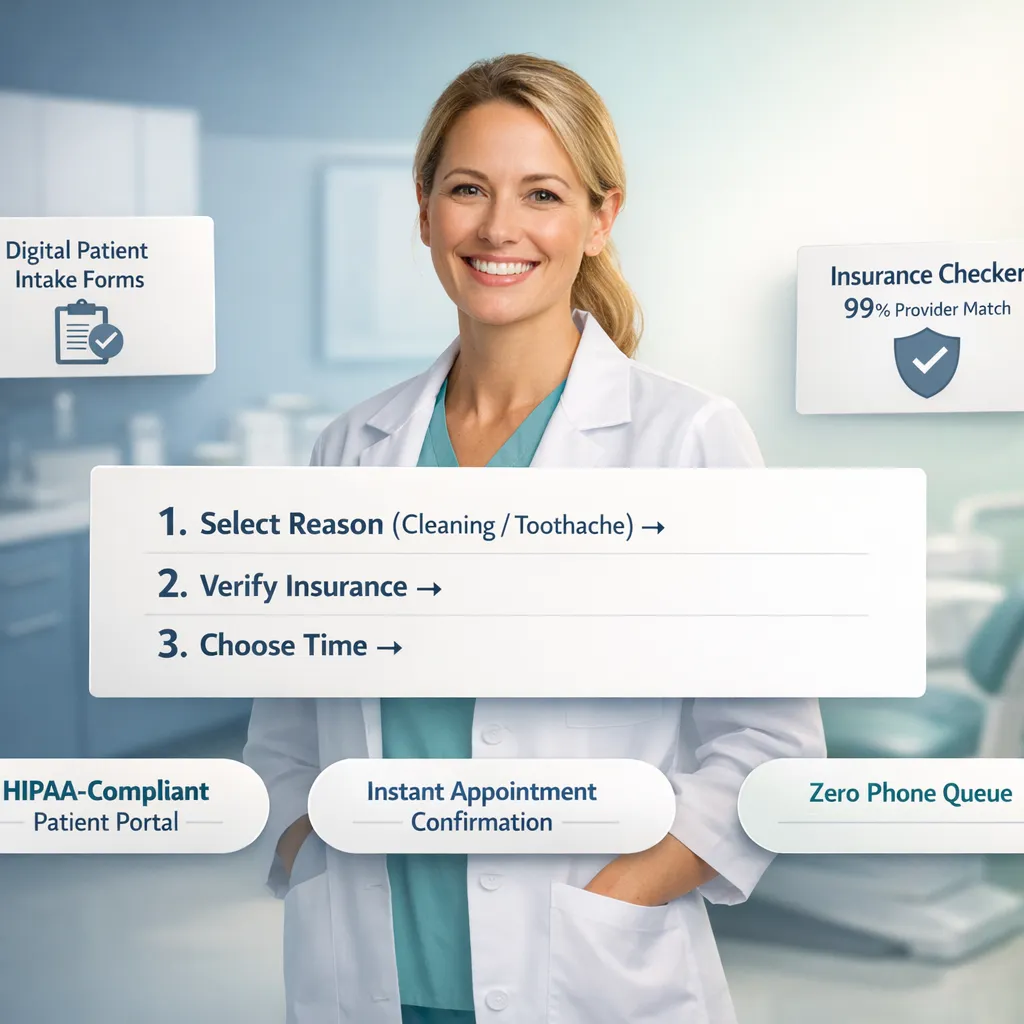
Use Real Patient Experiences to Make Your Practice Easier to Trust
Self-proclaimed claims of "the best care in town" carry little weight. Authentic stories from real people in your neighborhood provide the proof nervous patients need.
Integrate compelling social proof directly into your dental clinic website:
- Verified Patient Reviews: Embed live ratings and quotes directly from Google reviews praising your gentle approach, clean facilities, and punctual appointment times.
- In-Depth Video Testimonials: Share short, authentic clips of long-term patients talking about how your team cured their fear of the dentist chair.
- Before-and-After Smile Portfolios: Feature clear, tasteful photos of cosmetic dentistry, teeth whitening, and dental implants outcomes.
Make Your Expertise Visible Without Turning Your Website Into a Résumé
While your clinical credentials prove your competence, dumping a 10-page CV on your homepage bores visitors and overwhelms them with unnecessary details.
Highlight your qualifications using crisp, digestible badges on your dental practice website:
- Core Accreditations: Display logos from trusted bodies like the American Dental Association or local dental boards.
- Specialized Training Highlights: Call out key certifications in sedation dentistry, pediatric care, or advanced implant techniques.
- Modern Equipment Mention: Point out comfort-enhancing technology like silent electric handpieces, digital 3D scanners, and painless laser dentistry.
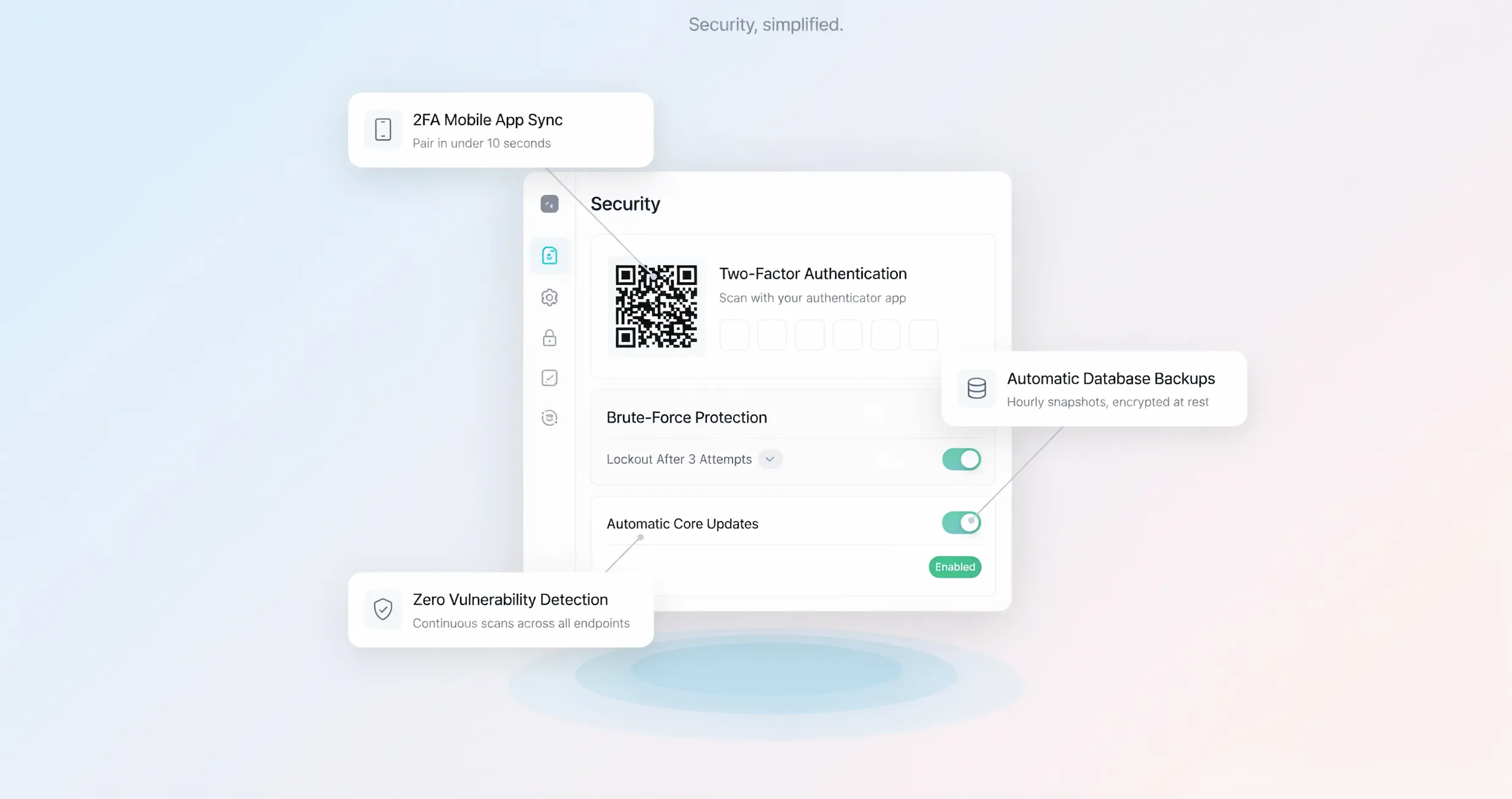
Answer the Questions Patients Search Before They're Ready to Call
When patients have unanswered practical questions, they freeze up and hesitate to book. Address common concerns head-on with a structured dental FAQ section:
Address these common questions clearly:
- Insurance Coverage: List every major insurance provider you accept, alongside payment plans and financing options for uninsured patients.
- Emergency Care Options: Explain how your office handles urgent situations like broken crowns or severe toothaches with same-day emergency dentistry slots.
- Family Accommodations: Clarify whether you offer pediatric care and family scheduling so parents can book children together.
Give Nervous Patients a Gentler Way to Take the First Step
For someone who hasn't seen a dentist in years, committing to an intensive treatment plan on day one feels terrifying. Give them a soft entry point to initiate contact without feeling overwhelmed.
Provide flexible communication options on your dentist appointment website:
- Low-Stress Consultation Form: Allow patients to request a brief chat or ask a question before scheduling a full exam.
- Direct Digital Chat: Offer a quick message window for simple questions about appointment availability or insurance acceptance.
- Direct Phone Contact: Keep your phone number visible at the top of every page with a clear invitation to speak with a friendly team member.
Make It Easy to Know Where You Are, When You're Open, and How to Reach You
High-intent local searches come from patients who are ready to visit your clinic today. If they can't locate your office address, business hours, or parking instructions immediately, they will head elsewhere.
Strengthen your local dentist website with clear location details:
- Interactive Google Map: Embed a live map showing your exact office location within the community.
- Parking & Transit Directions: Tell patients where to park (e.g., "Free patient parking spaces located behind the medical building").
- Clear Hours Breakdown: List daily operating hours clearly, emphasizing early morning or evening availability for working professionals.
To learn how search engines evaluate location data to rank local clinics, check out our guide on how to write SEO-friendly website content.

Keep Your Dental Website Current When Your Practice Changes
Your practice is dynamic. You hire new hygienists, add advanced treatment tools, and update accepted insurance lists. You shouldn't have to pay expensive web agency fees every time you need to make a quick change.
Choose an easy-to-use dentist website builder that gives your front-office staff total control:
- Instant Text Editing: Change office hours, update staff bios, or announce holiday closures in seconds.
- Simple Media Uploads: Add fresh photos of your renovated lobby or new patient reviews with simple drag-and-drop actions.
- No Coding Skills Required: Keep your site updated without ever touching HTML or waiting on a web designer.
What to Look for in a Dentist Website Builder Before You Choose One
"There are plenty of website builders, but which one actually fits a dental practice?"
Not all platforms are built for healthcare practices. Generic software lacks the local search optimization, patient booking features, and fast page speeds required to run a successful clinic site.
Use this decision checklist when evaluating the best website builder for dentists:
- AI-Powered Layout Builder: Constructs complete multi-page sites with patient-friendly copy, treatment grids, and contact forms automatically.
- Mobile-First Appointment Buttons: Keeps scheduling tools and click-to-call buttons anchored to the phone screen for easy tapping.
- Built-in Local SEO Schema: Automatically formats clinic details so Google recognizes your local practice location and services.
- Blazing-Fast Mobile Performance: Ensures pages open instantly even when patients check details on weak mobile connections.
- Intuitive Visual Editing: Simple visual tools allow anyone on your staff to update text, photos, and FAQs without technical training.
To compare intuitive visual design software options, read our review on selecting a website drag and drop builder.
Build Your Dental Website Without Adding Another Job to Your Practice
Your days should be spent treating patients, managing clinical staff, and growing your practice revenue—not struggling with web software late into the evening.
That is why healthcare providers build with BoltWeb.
As a specialized dental website creator, BoltWeb removes technical hurdles so you can launch a quiet, reassuring, and high-converting online practice in record time.
Using our AI website creator, you simply enter your practice name, primary specialties (like family care, cosmetic dentistry, or orthodontics), and clinic address. The platform immediately drafts a complete multi-page site featuring welcoming copy, organized treatment guides, trust sections, and effortless booking forms.
From there, customize your site in real time. Upload real photos of your team, add your trade credentials, paste in top Google reviews, and adjust accepted insurance lists with simple visual controls.
Once you are ready, launch on ultra-fast cloud infrastructure complete with SSL security, full mobile responsiveness, and search optimization—giving your practice a polished digital home that turns anxious visitors into confident lifelong patients.
Ready to turn online searches into a steady stream of happy, loyal patients? Visit BoltWeb, enter your practice details, and launch your site today.
Frequently Asked Questions: Website Builder for a Dentist
1. Why do I need a specialized dentist website builder instead of a generic platform?
A generic site tool treats a dental clinic like a online store or a personal blog. But prospective patients arrive at a dental practice website feeling anxious, vulnerable, or in pain. They aren't browsing casually—they need instant clarity on treatments, insurance acceptance, doctor credentials, and office location. A dedicated website builder for a dentist comes pre-structured with patient-friendly treatment grids, clear insurance badges, and mobile-first scheduling paths. This specialized layout reduces emotional hesitation immediately, turning panicked local searches into booked consultations far better than a basic template ever could.
2. Can an AI dental website creator write accurate, patient-friendly copy for my treatments?
Yes. Patients rarely search using complex clinical terminology like "endodontic therapy" or "osseointegration." They search for solutions to everyday problems like "how to fix a cracked tooth" or "painless root canal." Our AI website creator translates complex procedures into plain, comforting language that answers the exact questions behind a patient's search. It structures your pages so visitors instantly understand what to expect during a procedure, removing the fear of the unknown before they even pick up the phone.
3. Will my new dentist website work well for patients booking on their mobile phones?
Absolutely. Over 70% of local health searches—especially emergency requests for a local dentist website or "dentist near me"—happen on mobile devices. Every site created with our dental website builder features a responsive layout with a sticky call bar anchored to the screen. Whether a patient needs to tap-to-call for emergency dentistry or submit a quick form to book dentist appointment online, the process takes seconds with zero pinching or zooming required.
4. How does the website builder help my dental clinic rank higher on Google local search?
Search engines prioritize dental offices that provide structured, location-specific information. Our best website builder for dentists automatically embeds local schema markup, mapping your exact business Name, Address, and Phone number (NAP) across your entire site. By creating dedicated sections for your target neighborhoods, office hours, and embedded directions, your dental clinic website sends strong geographical signals to Google—helping you dominate the local map pack when nearby families search for care.
5. Can my office staff make quick site updates without paying a web designer?
Yes. You shouldn't have to pay expensive agency fees or wait days for a developer just to change your holiday hours, update accepted insurance plans, or announce a new hygienist. With our intuitive visual editor, any front-desk team member can update text, add new photos of your clinic, or post fresh dentist reviews in just a few clicks. It gives your practice total autonomy over your online presence without touching a single line of code.
6. How can my website make anxious or nervous patients feel comfortable booking an appointment?
Dental anxiety keeps millions of people from getting the care they need. To break through that resistance, your dentist website design must prioritize human connection over cold clinical imagery. By featuring warm photos of your actual team, virtual tours of your quiet treatment rooms, and step-by-step walkthroughs of what happens during a first visit, you remove the fear of the unknown. Offering a gentle, low-pressure option like a 15-minute consultation request gives nervous visitors a comfortable first step toward care.
7. How do I display patient reviews and testimonials on my dental practice website?
Social proof is the single most powerful tool for converting hesitant visitors into loyal patients. Our dental practice website templates let you embed verified Google reviews, star ratings, and video testimonials directly onto your homepage and treatment pages. Pointing out specific feedback about punctual start times, clean facilities, and gentle bedside manner provides the exact evidence prospective clients need to trust your clinical team.
8. What is the fastest way to showcase accepted insurance plans and payment options?
Hidden pricing and unclear insurance policies are major reasons patients abandon a site. Your dentist website should feature a prominent insurance and financing block. You can list all primary PPO networks, clear out-of-pocket diagnostic fees, and flexible payment plans or healthcare credit options directly on your booking pages. Resolving financial uncertainty upfront gives families the confidence to move forward with necessary treatment plans.
9. Can I easily add specialty services like cosmetic dentistry, Invisalign, or dental implants later?
Yes. As your practice grows and expands its clinical offerings, your digital storefront should grow with you. Our dental website creator lets you add new treatment pages, before-and-after smile transformation galleries, and dedicated FAQs in minutes. Whether you are launching a professional teeth whitening promotion or introducing clear aligner therapy, you can update your service offerings instantly to capture high-margin elective care searches.
10. How long does it take to build and launch a professional dental website with BoltWeb?
You can build, customize, and launch a complete multi-page site in under a day. By using BoltWeb, you simply enter your practice name, primary dental specialties, and office address. The AI website creator immediately generates your tailored site structure complete with patient-focused copy, localized SEO signals, and clear scheduling paths. After a quick review to upload your team photos and trade details, you go live on fast, secure cloud hosting with automatic SSL protection included.